Greyboard thickness
Thickness of the greyboard around which the wrap is folded; the assembly sets it from the greyboard material.
 JetDieline
Rigid boxes / JETDIELINE
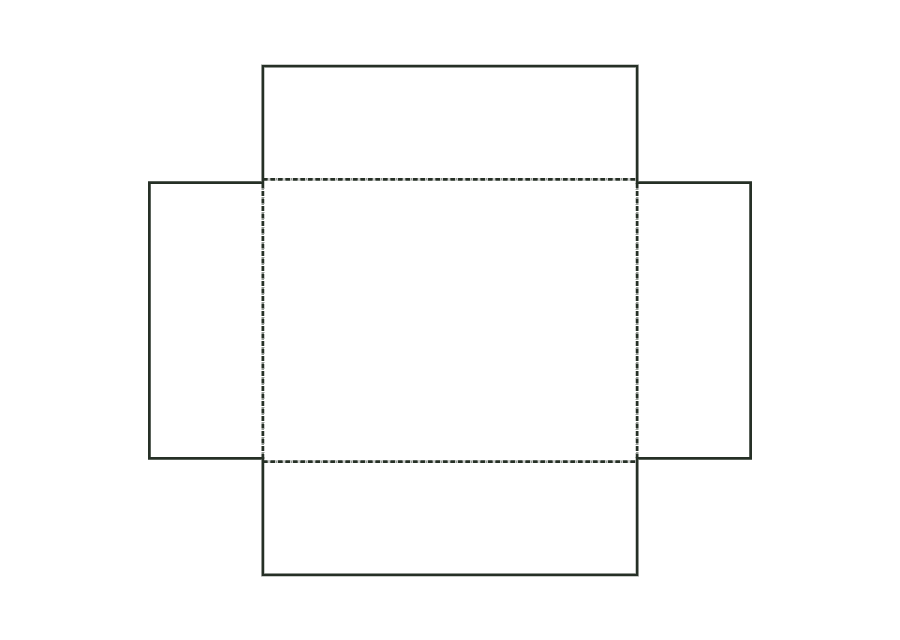
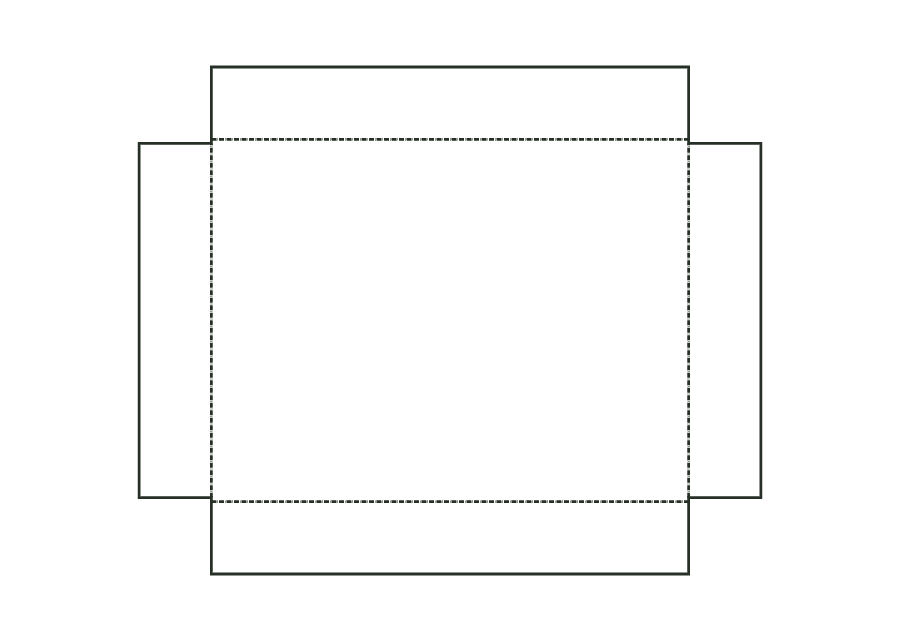
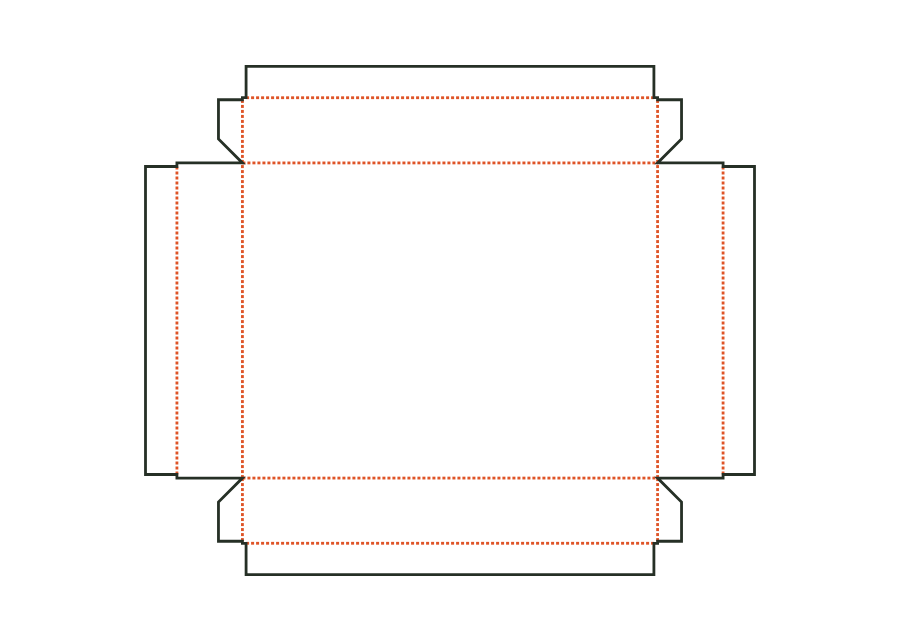
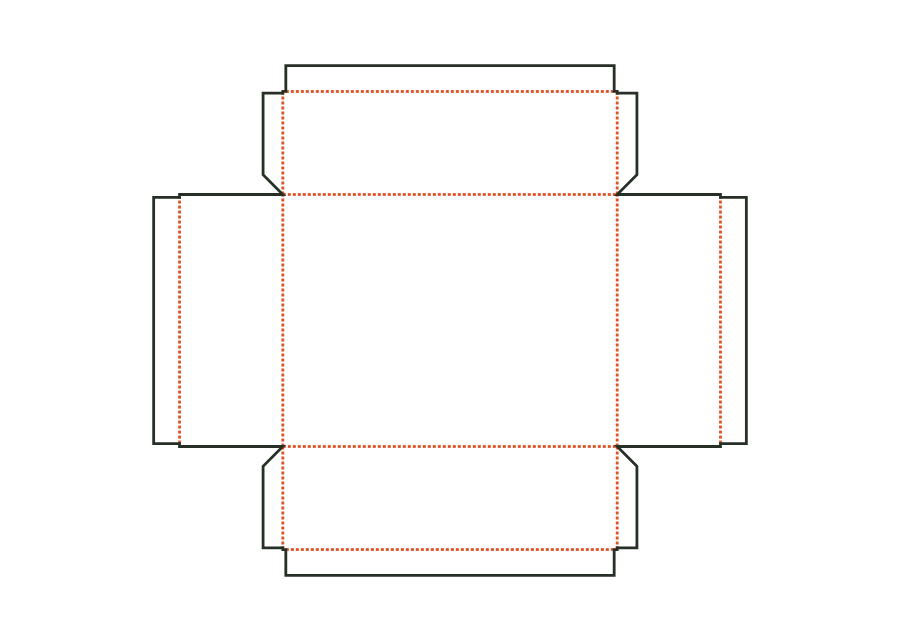
Wrapping paper for the base: cross-shaped blank with corner tabs on the front and back walls and turn-ins over the top edge to the inside.

Drag to rotate
03 / BOX
Simplified display model without material thickness, not to scale.
The 3D view is not available in this browser. The image shows the folded shape.
rigid.lidbase.base.wrapThis template is a component of a packaging assembly. Match its dimensions to the other parts; lids, bases, wraps and linings serve different purposes.
Apply glue over the entire wrap and centre the shell on the base area. Fold up the front and back walls, wrap the corner tabs around the edges onto the end faces and glue the end walls over them. Finally fold all turn-ins over the top edge to the inside.
Grain direction of greyboard and wrapping paper parallel to the blank's x-axis: the long grooves fold cleanly, and board and paper do not warp against each other during lamination (check with the box manufacturer).
Test fit, folding and closure on a sample made from the intended material. Confirm material thickness, grain direction and production steps with your printer.
Compare opening and presentation: pillow shapes, bands, drawers or lift-off lids. Plan the fit of contents and inserts and allow clearance between moving parts.
Inside dimension
These dimensions describe the preview, not a fixed packaging size. The app recalculates the dieline for your own dimensions.
Thickness of the greyboard around which the wrap is folded; the assembly sets it from the greyboard material.
Depth to which the wrap is turned inwards over the top edge, measured from the inside edge.
Width of the tabs that wrap around the vertical edges and are covered by the neighbouring wall's wrap.
The lid must fit over the already wrapped base. The model adds twice the clearance and four times the paper thickness to the base outside dimensions. The greyboard lid inside dimensions therefore differ from the product space. If you change paper or greyboard, recalculate the assembly and confirm fit using a sample.
No. The base starts with an inside height of 60 mm, the lid with 30 mm. ASM-002 warns if the lid walls are taller than the base. The lid may then rest on the supporting surface. Decide how far the lid should overlap the base with the manufacturer using the wrapped sample.
Base wrap and lid wrap surround different shells. Both use the dimensions of their respective greyboard and its thickness as the boardCaliper parameter. Turn-in and corner tab change the paper contour. Do not transfer changes by simply scaling: the shell, its wall height and the wrapping paper thickness limit the possible turn-in.
Find the right packaging shape and fit it to your product
Design the artwork directly on the real dieline
Spot problems before you pass on files
Files your printer can trace
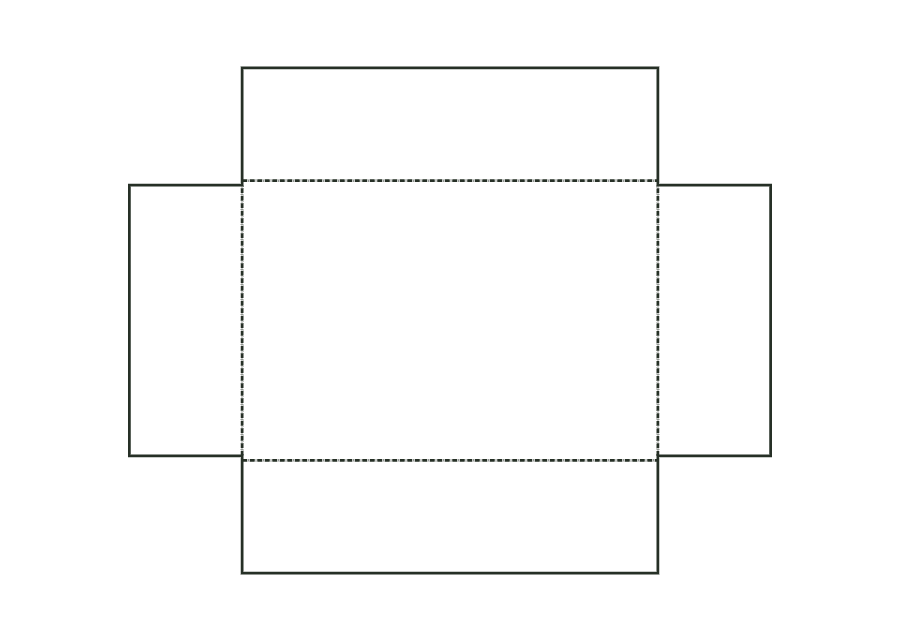
Greyboard shell for the base of a rigid box: base with four walls, V-grooves and butt-jointed corners.
rigid.lidbase.baseView templateGreyboard shell for the lid, constructed in the same way as the base; dimensions from the base outside dimensions plus clearance and paper.
rigid.lidbase.lidView templateWrapping paper for the lid, constructed in the same way as the base wrap.
rigid.lidbase.lid.wrapView templateGreyboard tray: tray with V-grooves and butt-jointed corners, optionally with a slot for a ribbon handle in the right end wall.
rigid.drawer.trayView templateWith JetDieline, choose a suitable template, adjust its size, and place text, logos, and images directly on your packaging.
Try your dimensions Download on the Mac App Store