Clearance
Allowance on each side and at the bottom so the disc slides in easily; includes material thickness.
 JetDieline
Envelopes and cards / JETDIELINE
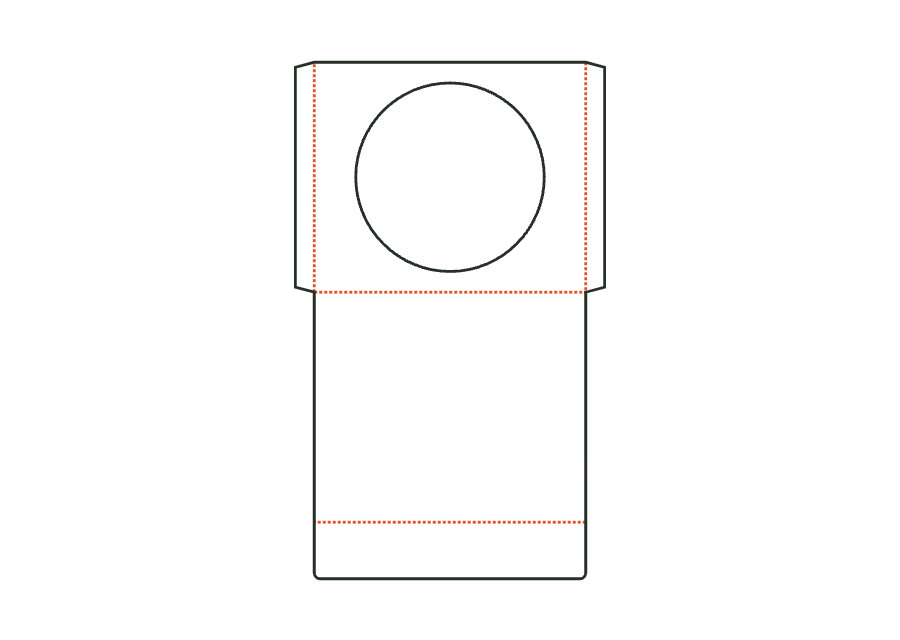
Flat sleeve for a CD or DVD with a round window (optionally without), side seams formed by glue flaps, a closure flap on the back, and an optional thumb notch. Dimensions refer to the insert; clearance and flaps make the sleeve larger.
Drag to rotate
03 / BOX
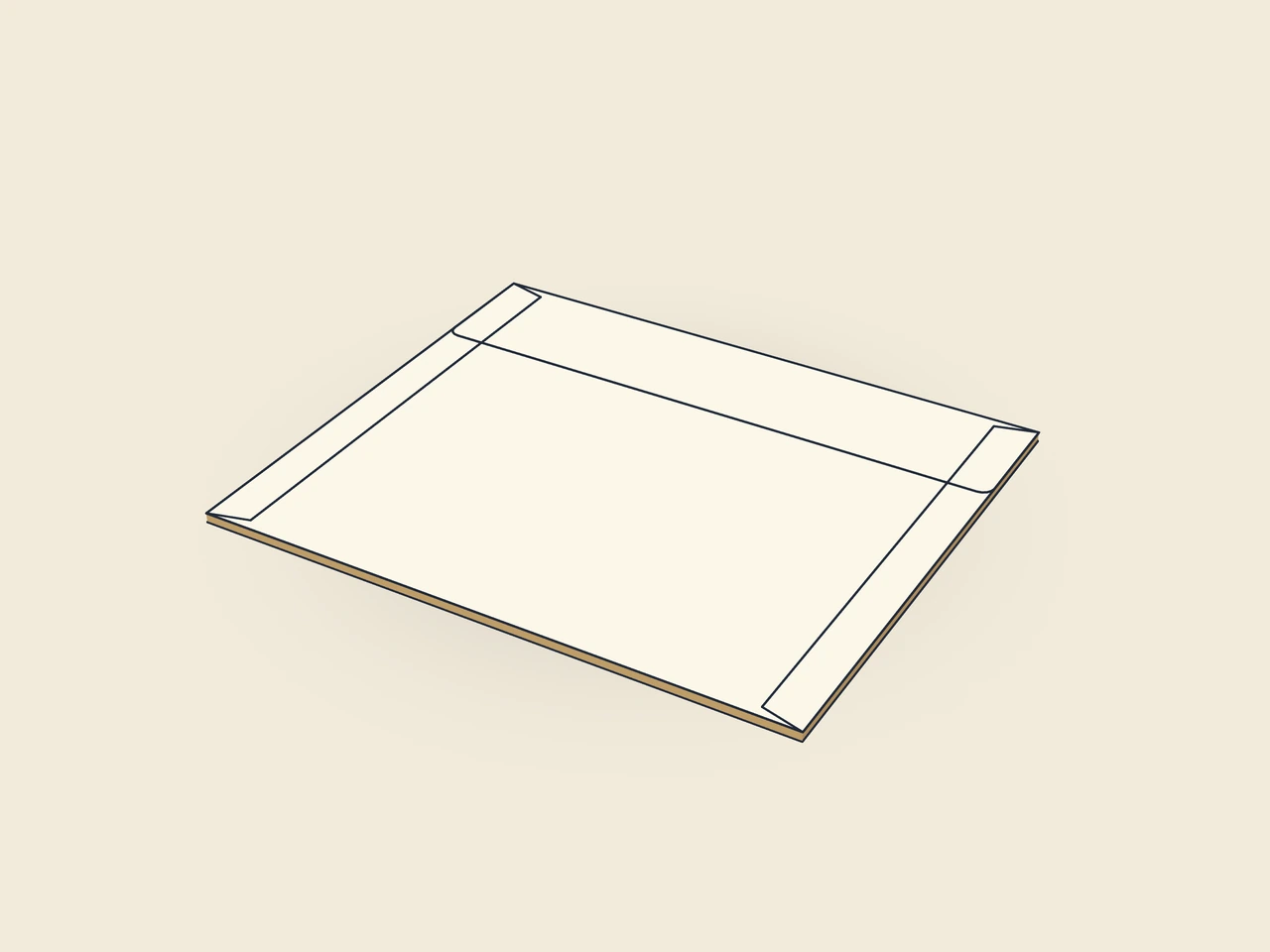
Simplified display model without material thickness, not to scale.
The 3D view is not available in this browser. The image shows the folded shape.
envelope.cdFront and back are connected at a bottom crease. After closing, the side flaps lie inside against the front. The starting example has a round window and a closure flap on the back. Clearance and flaps enlarge the pocket relative to the insert dimensions.
Glue window film to the film margin on the inside. Fold the side flaps inward and apply glue to their outer surfaces, fold the back over them at the bottom crease, and press together. Insert the disc and fold the closure flap over the opening.
Grain direction vertical on the blank (check)
Test fit, folding and closure on a sample made from the intended material. Confirm material thickness, grain direction and production steps with your printer.
Inside dimension
These dimensions describe the preview, not a fixed packaging size. The app recalculates the dieline for your own dimensions.
Allowance on each side and at the bottom so the disc slides in easily; includes material thickness.
Width of the glue flap used to glue the blank into a tube. The material requires a minimum width.
Bevel at the ends of the glue flap; aids folding and erection.
Round window in the centre of the front; window film is glued to the film margin on the inside.
Window diameter; with the film margin and a 3 mm bridge, it remains beside the side flaps, above the bottom crease, and below the thumb notch.
No. It is the insert size of the contents. Pocket width also includes clearance and the inside side flaps; pocket height increases by the clearance. The flat blank also contains the back and closure flap. Use the content dimensions and check the finished glued sleeve with the disc.
Window film is glued on the inside to the film margin around the round window before the pocket is closed. cdFilmMargin describes this margin. The template calculates the available geometry but specifies neither film material nor adhesive. You must check this combination with the manufacturer.
Yes. cdWindow turns the window on or off. Without a window, the round opening in the front is omitted. The stored window diameter then has no effect on the cut. Check the preview and new production sheet when switching between a solid front and a window sleeve.
Find the right packaging shape and fit it to your product
Design the artwork directly on the real dieline
Spot problems before you pass on files
Files your printer can trace
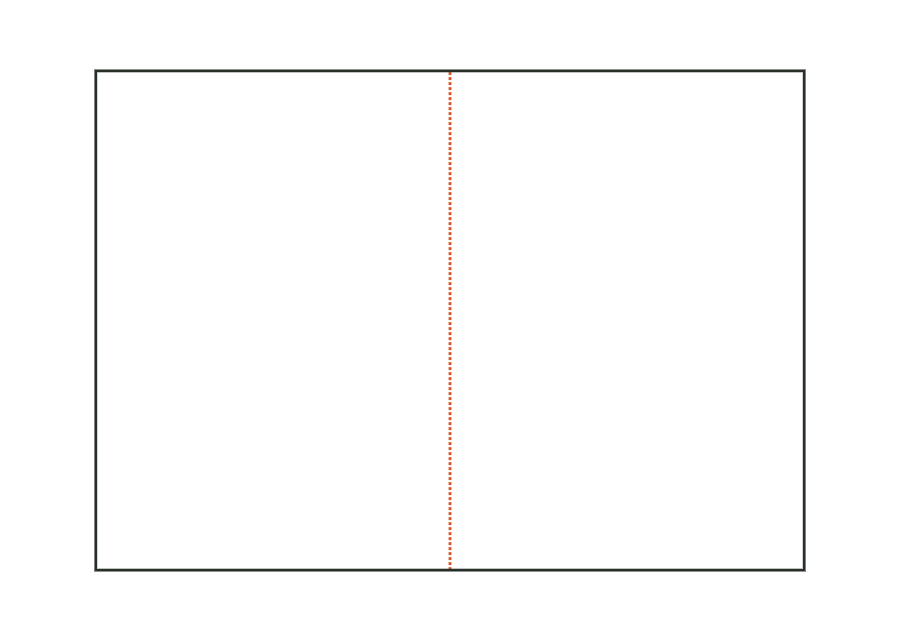
Folded card with a single fold (two panels), roll fold (three panels, with a slightly narrower inner flap) or gate fold (centre with two wings). Dimensions refer to the folded finished format.
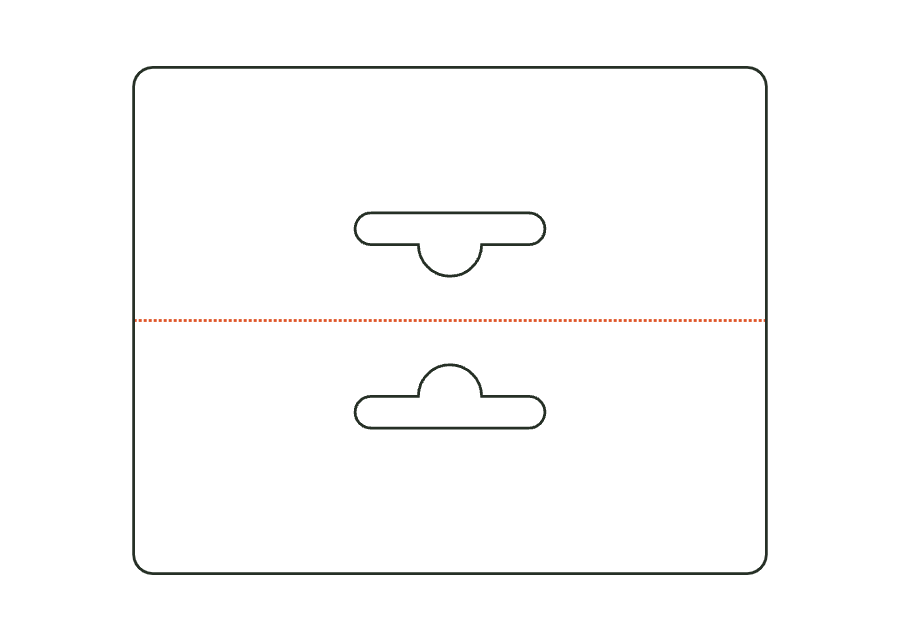
card.foldView templateHeader card folded over a bag edge and stapled or glued, with a hanging hole through both layers (Euro hole, round hole or slot). Dimensions are the folded finished format.
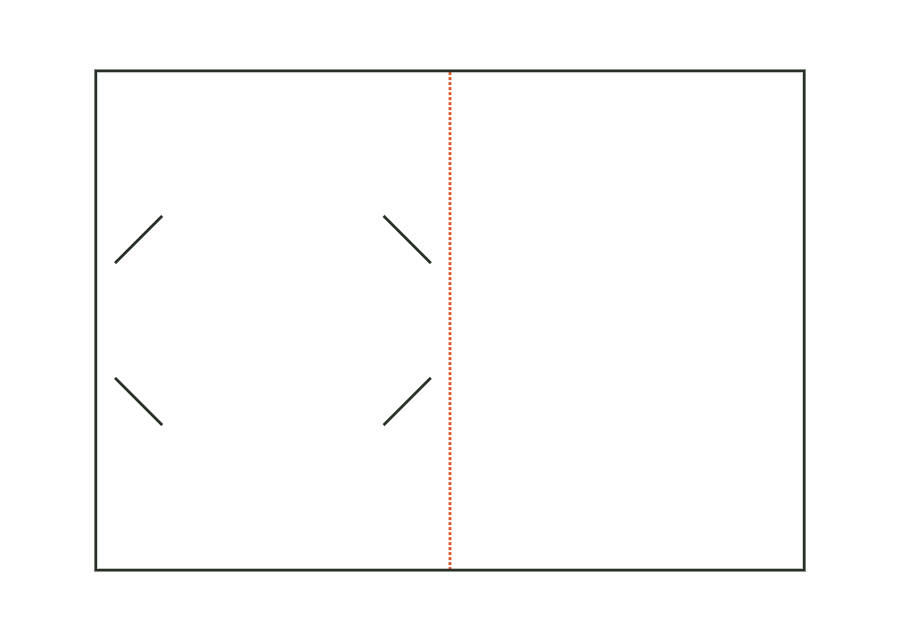
card.headerView templateFolded card or single card with four corner slots (corner pockets) or two side slots for a gift card in credit card format 85.6 × 54 mm; optional header with hanging hole.
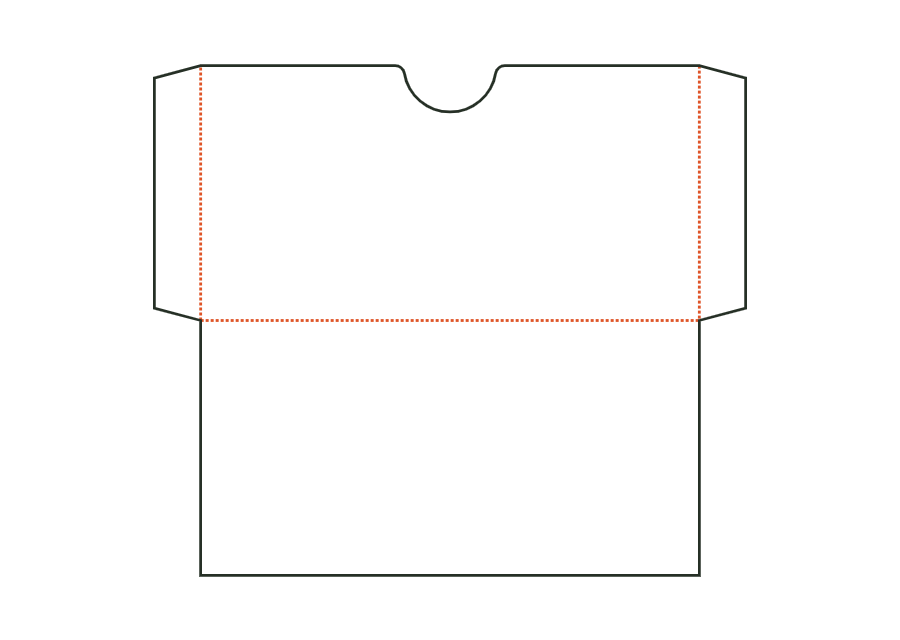
card.giftholderView templateFlat sleeve for gift, loyalty or greeting cards: front with a thumb cut-out at the opening, back at the bottom fold, side seams formed by glue flaps, optional closure flap. Dimensions are the card's insertion dimensions; clearance and flaps make the sleeve larger.
card.sleeveView templateWith JetDieline, choose a suitable template, adjust its size, and place text, logos, and images directly on your packaging.
Try your dimensions Download on the Mac App Store