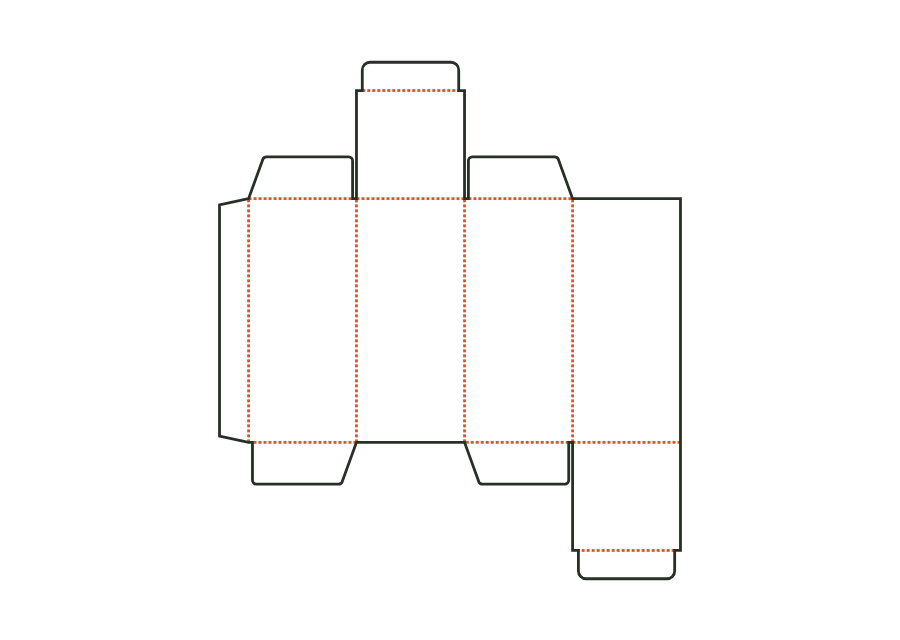
Straight tuck-end box
Blank, creases and flaps are calculated from inside dimensions. The results are artwork PDF, production dieline and production sheet for the printer.
carton.tuckend.straightView template JetDieline
JETDIELINE / Templates
Tuck flaps, snap-lock bottoms or crash-lock bottoms: compare folding order and filling steps. Straight and reverse closures differ in the position of their lid and bottom flaps.
Individual components are shown separately. Different sizes and stored template versions are not additional packaging shapes.
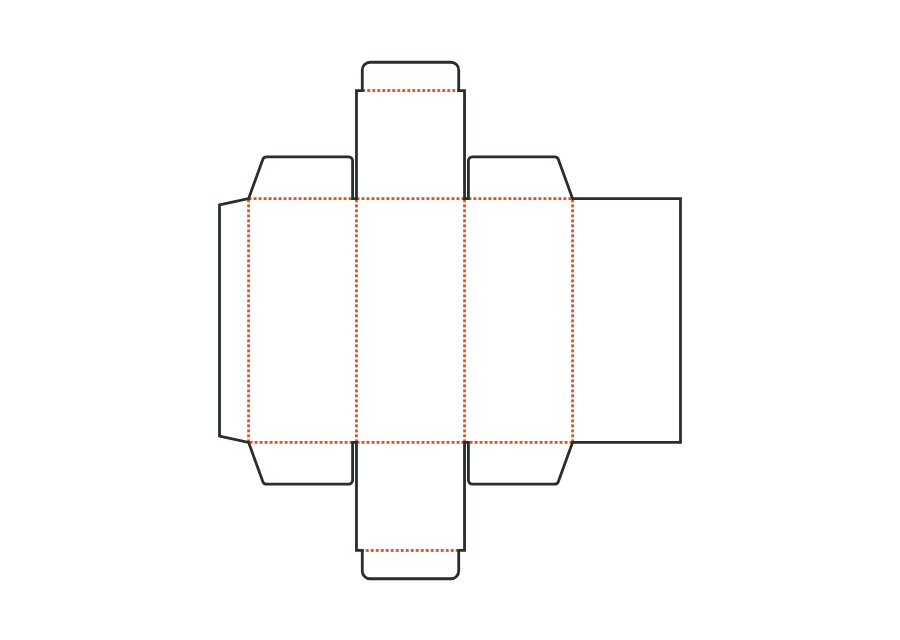 carton.tuckend.straight
Blank, creases and flaps are calculated from inside dimensions. The results are artwork PDF, production dieline and production sheet for the printer.
carton.tuckend.straightView templateThe top tuck flap sits on the front, the bottom one on the back. The reverse tuck-end carton calculates its walls, dust flaps and closures from the inside dimension. The dieline shown comes from version 3 with the hanging hole disabled; artwork, production dieline and production sheet can be exported together in the technical core.
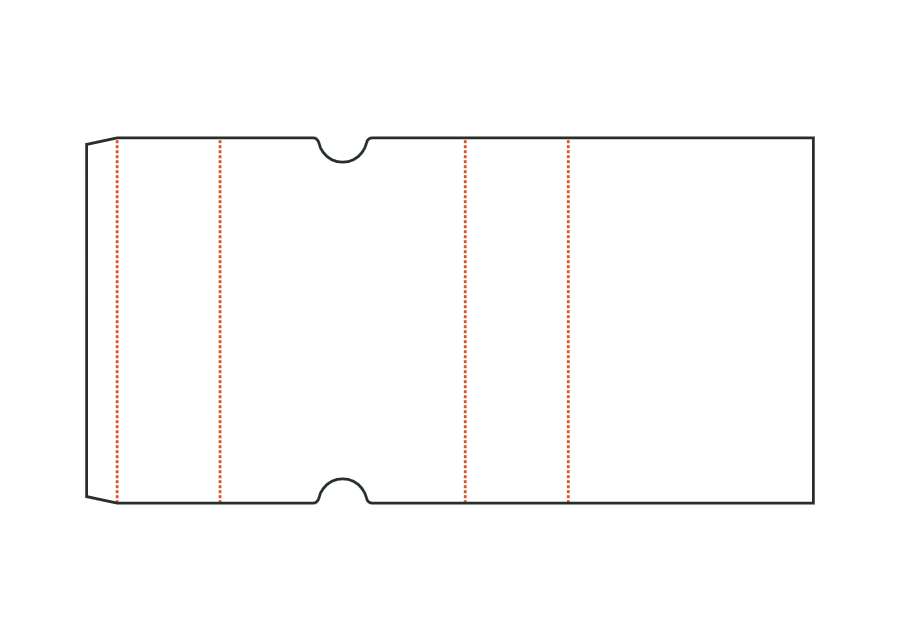
carton.tuckend.reverseView templateThe sleeve surrounds a product with four walls and remains open at both ends. Length and width describe the cross-section; height describes the sleeve length. The dieline shows version 1 with finger notches on the front. Material thickness, glue flap and notch position remain part of the calculation rather than simple scaling.
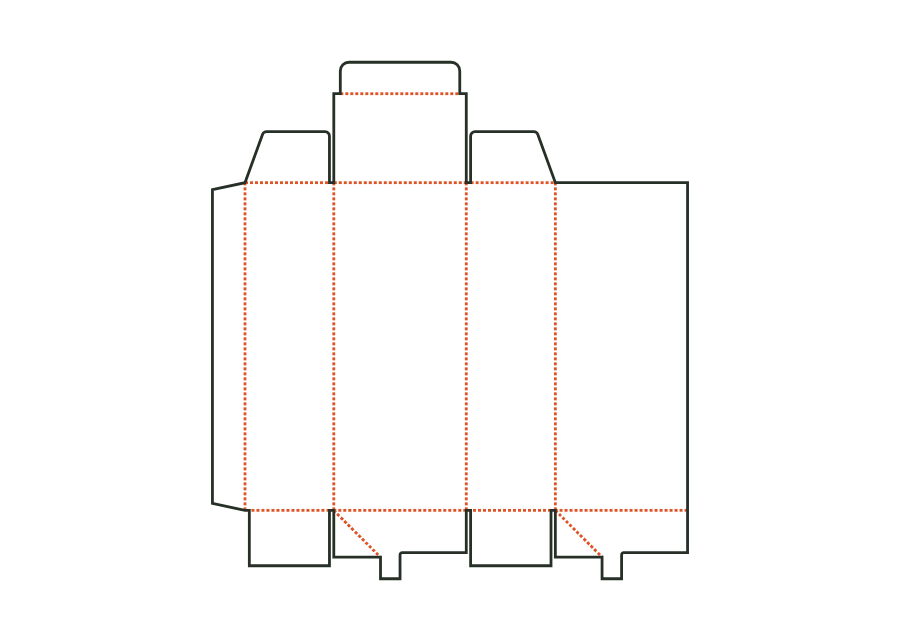
carton.sleeveView templateThe pre-glued crash-lock bottom closes when the body is erected. Dust flaps and a tuck flap close the folding carton at the top; bottom gluing belongs to the production workflow.
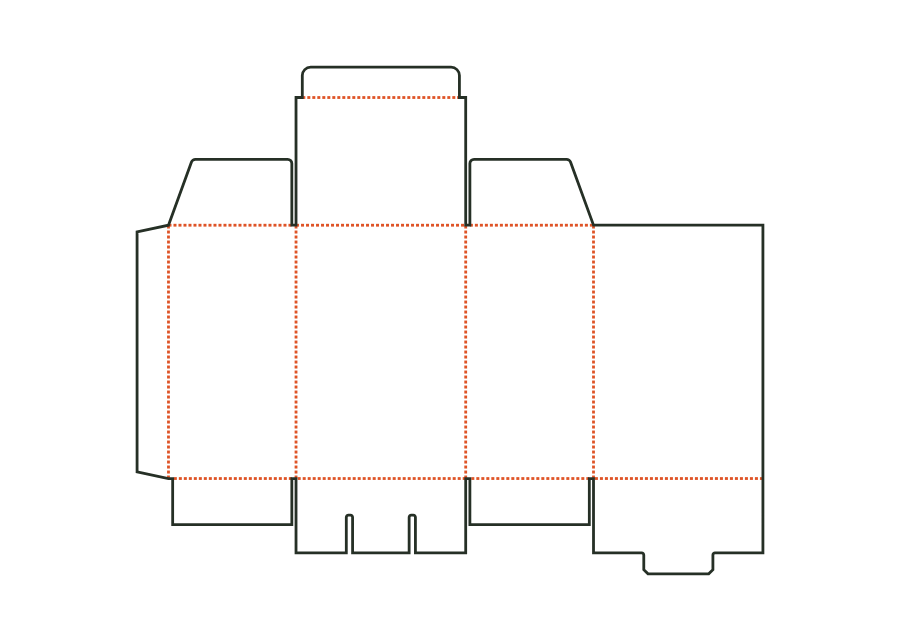
carton.crashlockView templateThe snap-lock bottom closes with four interlocking flaps. Two side flaps sit inside; a nose on the back tucks under the front flap's tongue. Version 1 combines this bottom with a tuck lid. The calculation example uses folding carton board 400 g/m² and shows the flat dieline with creases and bottom cuts.
carton.snaplockView templateNo matching template. Change the search or application.
With JetDieline, choose a suitable template, adjust its size, and place text, logos, and images directly on your packaging.
Try your dimensions