Glue flap
Width of the glue flap used to glue the blank into a tube. The material requires a minimum width.
 JetDieline
Special carton shapes / JETDIELINE
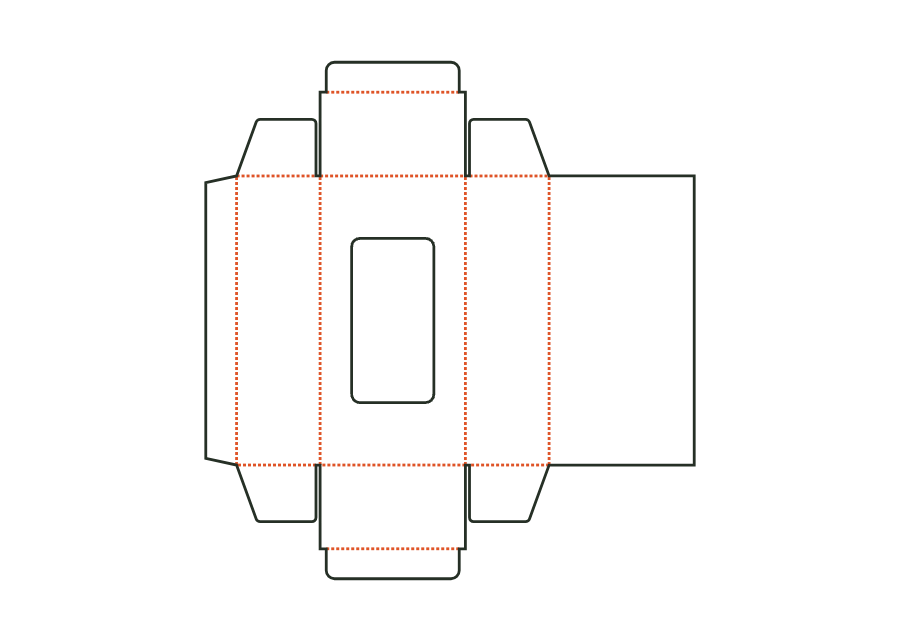
The window carton combines straight tuck closures with a cut-out in the front. Choose a rectangle with corner radius or an oval and leave room for the film margin and bridges. Version 2 shown here starts with a rectangular window and no hanging hole. The dieline provides the construction; window film is attached separately behind the window.
Drag to rotate
03 / BOX
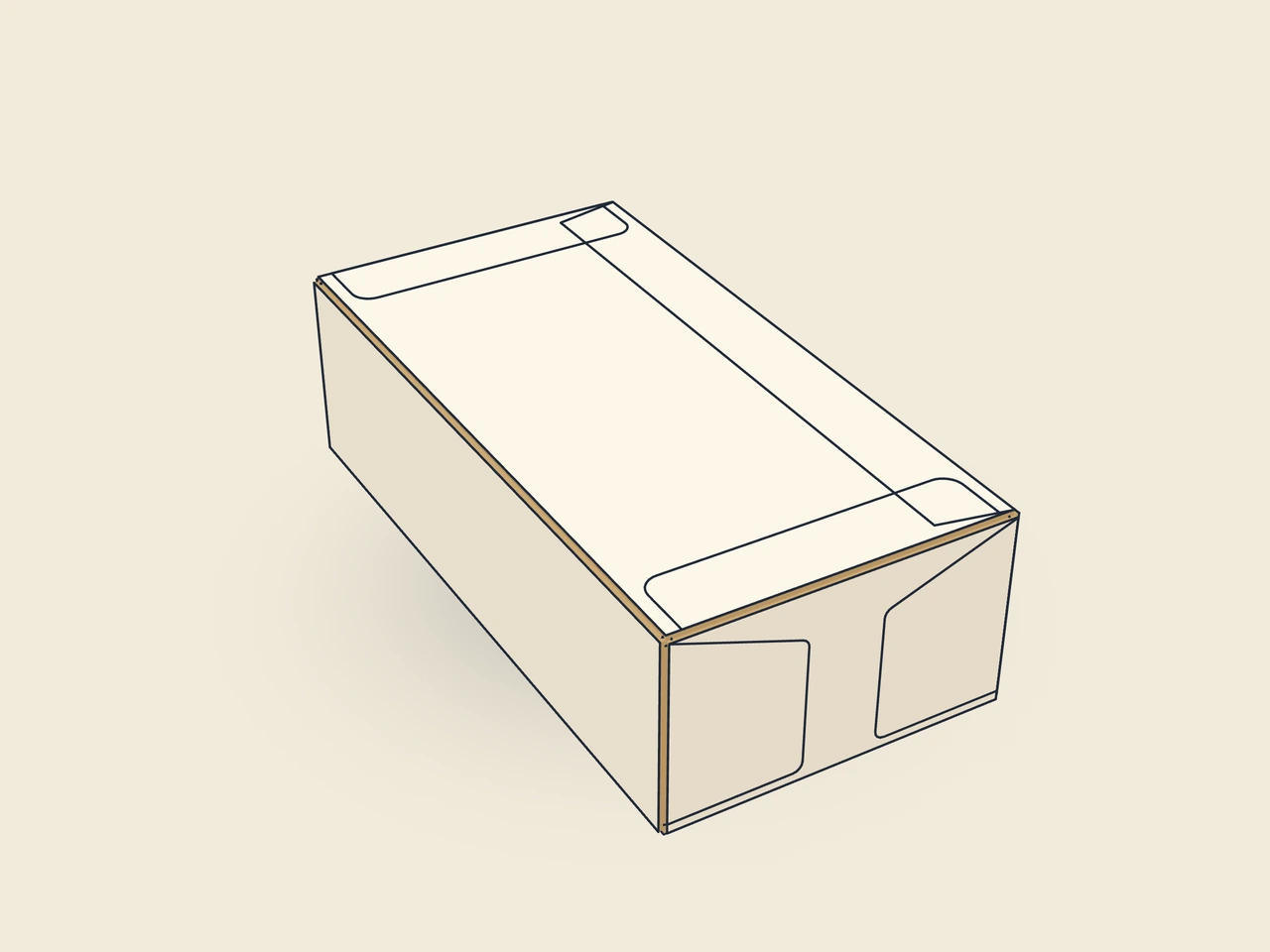
Simplified display model with indicative material thickness, not to scale.
The 3D view is not available in this browser. The image shows the folded shape.
carton.windowThe body has four walls, a side glue flap, dust flaps and tuck flaps. The window is exclusively in the front. A surrounding film margin marks the glue area on the inside. Window size and position, together with this margin, must fit between the wall, bottom and lid creases.
Glue window film onto the film margin around the window on the inside (window patching machine). Pre-break all creases in the blank, glue the glue flap to the inside of the rear wall and flatten the carton. Erect for filling, fold in the dust flaps and insert the tuck flaps.
Grain direction parallel to the height, as with the tuck end carton: wall creases fold cleanly and the front remains stiff over its height despite the window (check with the test printer).
Test fit, folding and closure on a sample made from the intended material. Confirm material thickness, grain direction and production steps with your printer.
Inside dimension
These dimensions describe the preview, not a fixed packaging size. The app recalculates the dieline for your own dimensions.
Width of the glue flap used to glue the blank into a tube. The material requires a minimum width.
Bevel at the ends of the glue flap; aids folding and erection.
How deeply the tuck flap enters the box; at most about half the width (height for a mailer).
Corner radius of the tuck flap; limited by half the flap width or tuck depth.
Side inset of the tuck flap relative to the lid for easy insertion.
carton.window is a separate template ID. The straight tuck end carton remains a separate construction version. This template adds a cut-out in the front with a film margin and geometric conditions. Choose it explicitly when the viewing window belongs to the construction; a cut-out drawn afterwards would not have this parameter validation.
Window width and height, together with the film margin and at least 3 mm of bridge, must fit between the creases. An off-centre position reduces the available clearance on one side. The table ranges therefore apply only together with the dimensional conditions. Reduce the window size or change its position and check the remaining bridges on the sample.
filmMargin is the glue area around the window cut-out on the inside. A larger margin does not change the visible window size but needs more space in the front panel. Clarify the required glue area with the converter applying the film. The calculated margin confirms neither adhesive adhesion nor the suitability of a particular film.
Find the right packaging shape and fit it to your product
Design the artwork directly on the real dieline
Spot problems before you pass on files
Files your printer can trace
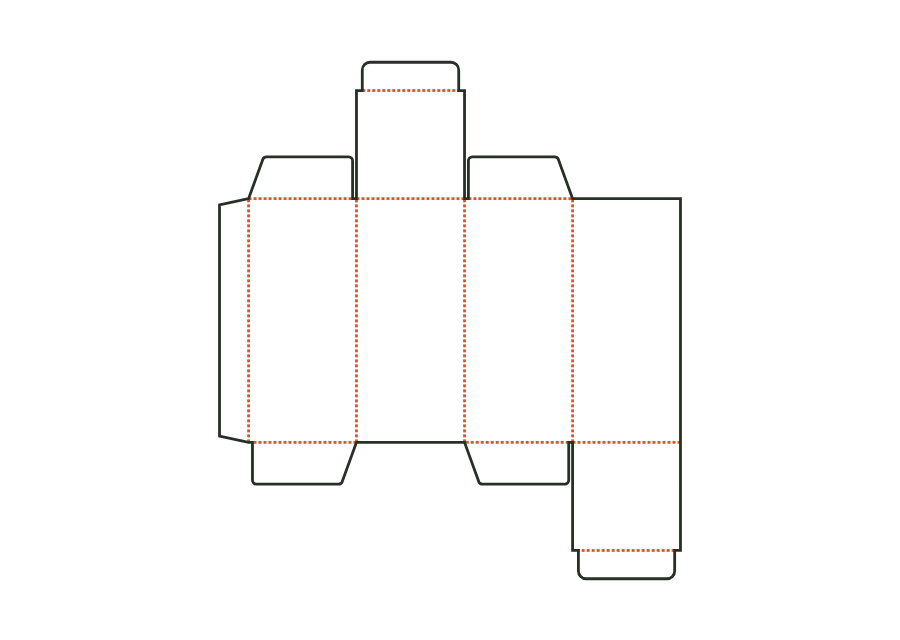
The top tuck flap sits on the front, the bottom one on the back. The reverse tuck-end carton calculates its walls, dust flaps and closures from the inside dimension. The dieline shown comes from version 3 with the hanging hole disabled; artwork, production dieline and production sheet can be exported together in the technical core.
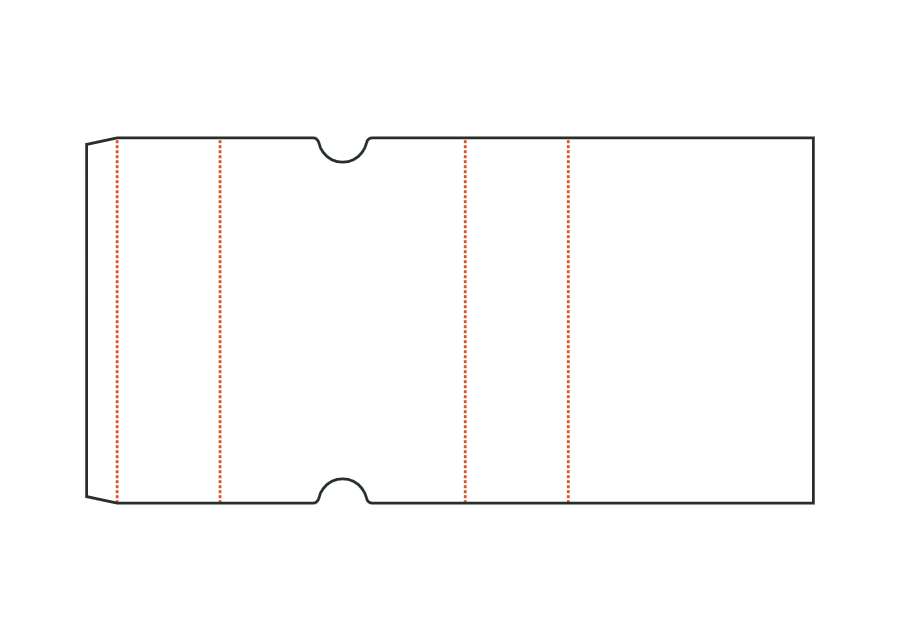
carton.tuckend.reverseView templateThe sleeve surrounds a product with four walls and remains open at both ends. Length and width describe the cross-section; height describes the sleeve length. The dieline shows version 1 with finger notches on the front. Material thickness, glue flap and notch position remain part of the calculation rather than simple scaling.
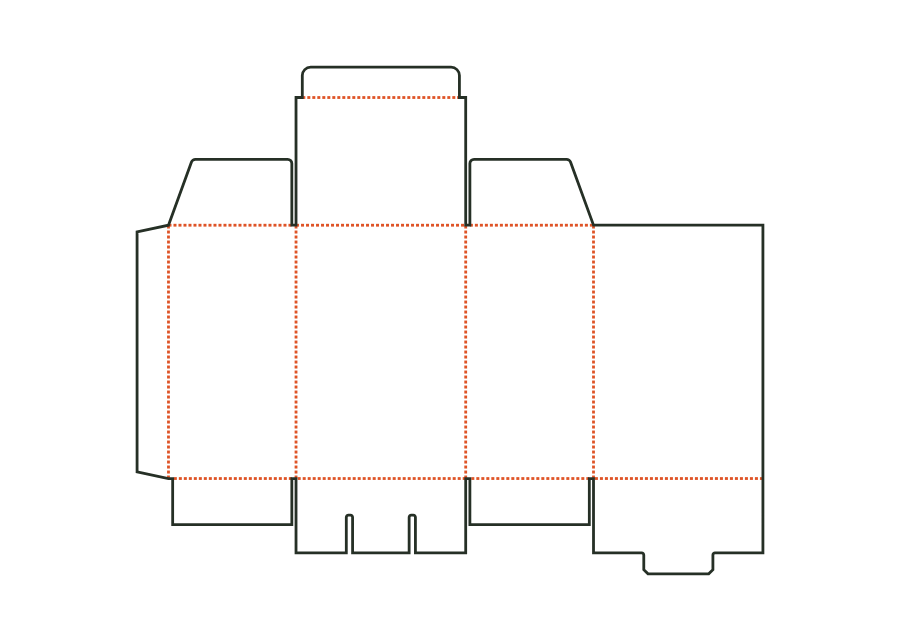
carton.sleeveView templateThe snap-lock bottom closes with four interlocking flaps. Two side flaps sit inside; a nose on the back tucks under the front flap's tongue. Version 1 combines this bottom with a tuck lid. The calculation example uses folding carton board 400 g/m² and shows the flat dieline with creases and bottom cuts.
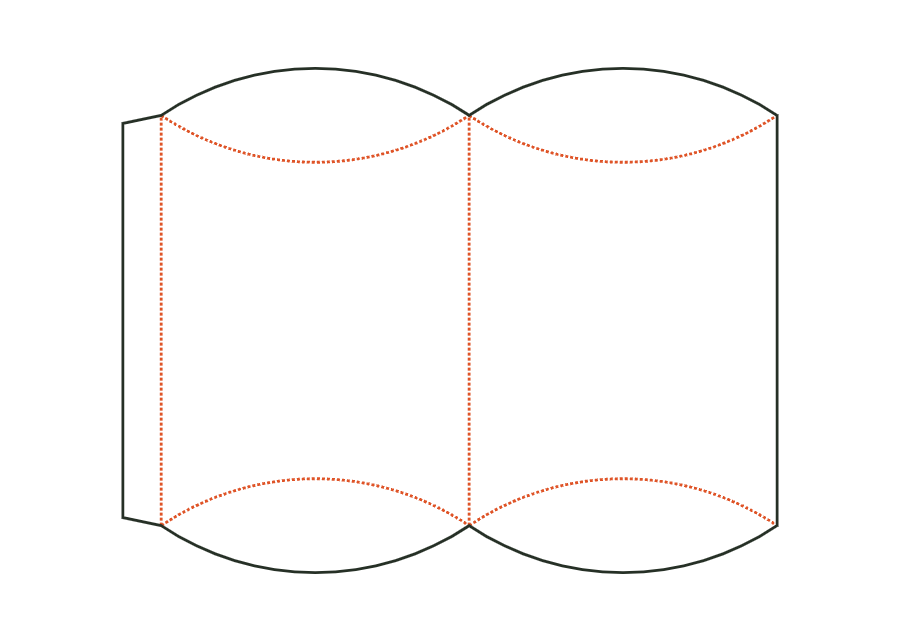
carton.snaplockView templateThe pillow box bows two wall panels between lens-shaped end flaps. Curved creases form the closure instead of straight lid creases. In version 1, the inputs mean width × thickness × length of the packaging. The dieline shown accounts for these proportions and the starting material; it does not define a rectangular box interior.
carton.pillowView templateWith JetDieline, choose a suitable template, adjust its size, and place text, logos, and images directly on your packaging.
Try your dimensions