Templates and dimensions
Find the right packaging shape and fit it to your product
 JetDieline
JETDIELINE / Features
JetDieline is a Mac app for packaging dielines. You choose a template, enter your dimensions, design directly on the dieline, check the result and pass on traceable files. Everything runs locally on your Mac.
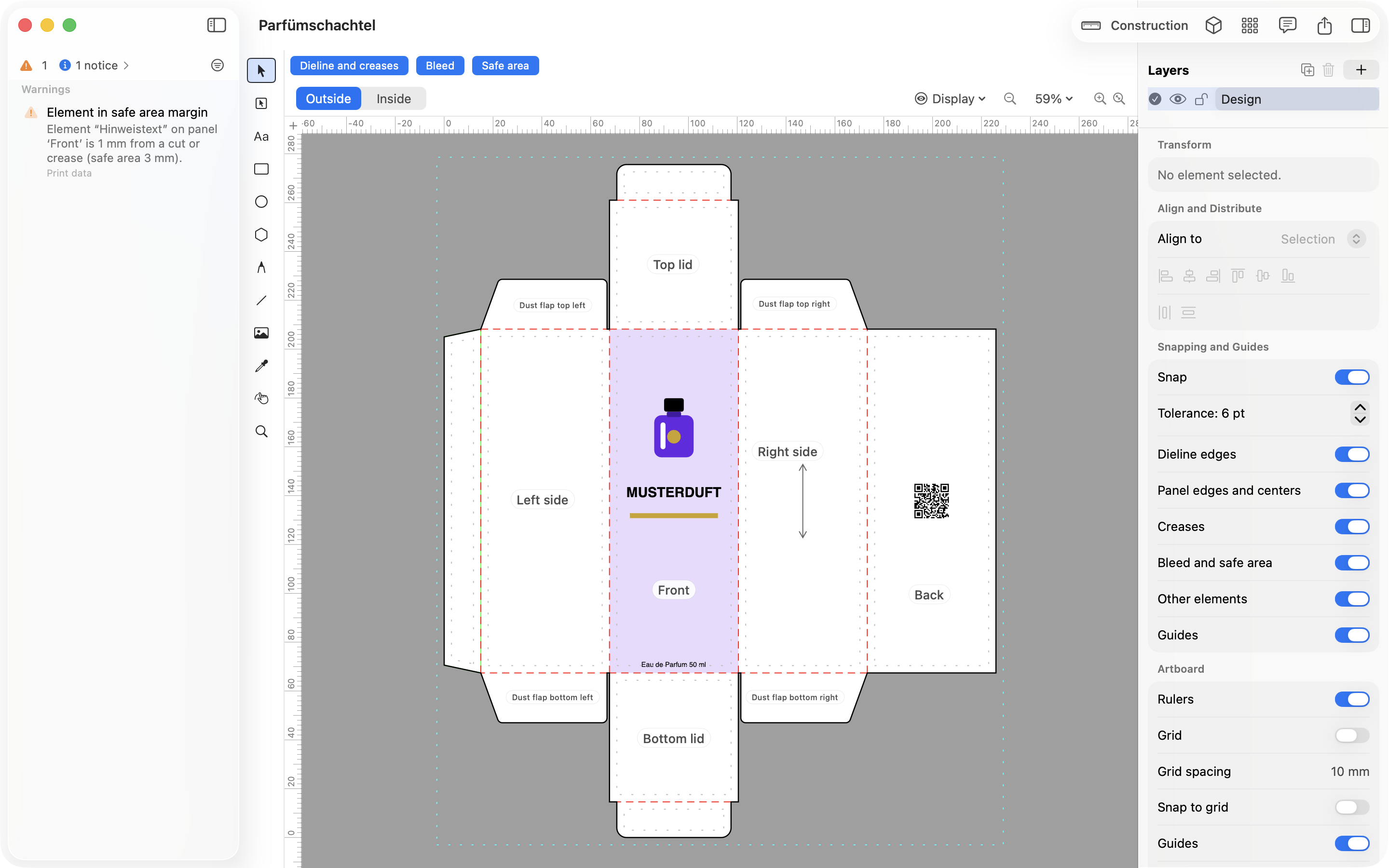
Find the right packaging shape and fit it to your product
Design the artwork directly on the real dieline
Spot problems before you pass on files
See and show the pack folded
Files your printer can trace
Create one pack in several sizes
See how many blanks fit on one sheet
Use your printer's dieline as the basis
Create QR codes and GS1 barcodes directly on the pack
Dielines in minutes, not hours
Verifiable data and fewer follow-up questions
Shipping boxes to product dimensions
Professional packaging without CAD know-how
Product packaging and shipping box for your FBA product
Your own packaging for small runs
Packaging for food, drinks and takeout
Folding cartons for jars, bottles and sets
Understand and practice packaging construction
The app works entirely on your Mac. It needs no account, uploads no drafts to a cloud and does not access the network.
JetDieline is a native Mac app and uses Apple frameworks only. Light and dark mode follow your system settings.
Project files show a preview in the Finder via Quick Look. You can recognize the draft without opening the app.
Common steps can be started via the Shortcuts app and Spotlight.
You can try JetDieline free for 7 days. The trial is available in all countries. The price and purchase model for the period after that have not been announced yet.
JetDieline supports you with construction, design and checks. It does not replace approval by your printer or a built sample. On-screen and 3D displays are not colour-accurate.
With JetDieline, choose a suitable template, adjust its size, and place text, logos, and images directly on your packaging.
Try your dimensions