Clearance
Allowance on each side and at the bottom for easy card insertion; also includes material thickness.
 JetDieline
Paper products and custom contours / JETDIELINE
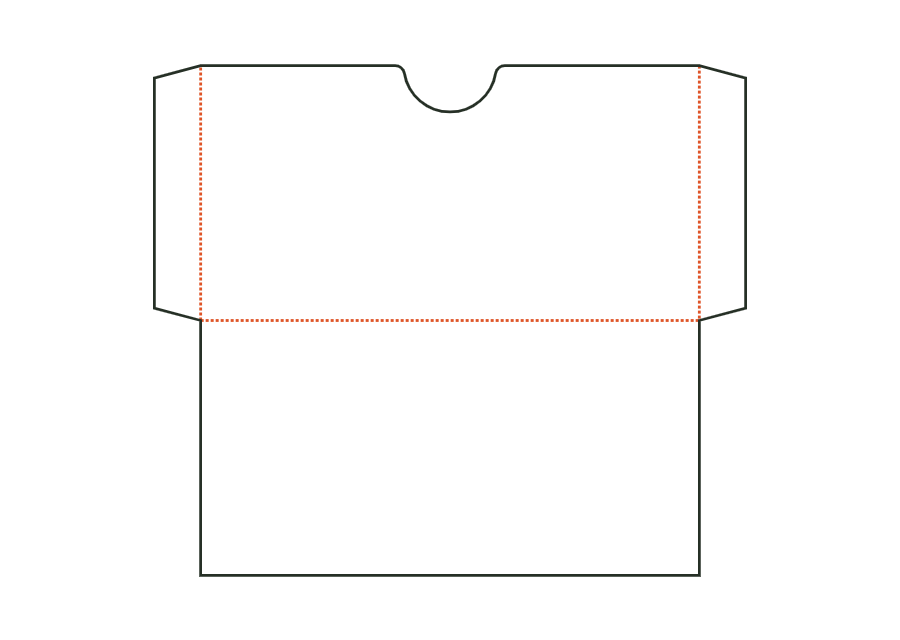
Flat sleeve for gift, loyalty or greeting cards: front with a thumb cut-out at the opening, back at the bottom fold, side seams formed by glue flaps, optional closure flap. Dimensions are the card's insertion dimensions; clearance and flaps make the sleeve larger.
Drag to rotate
03 / BOX
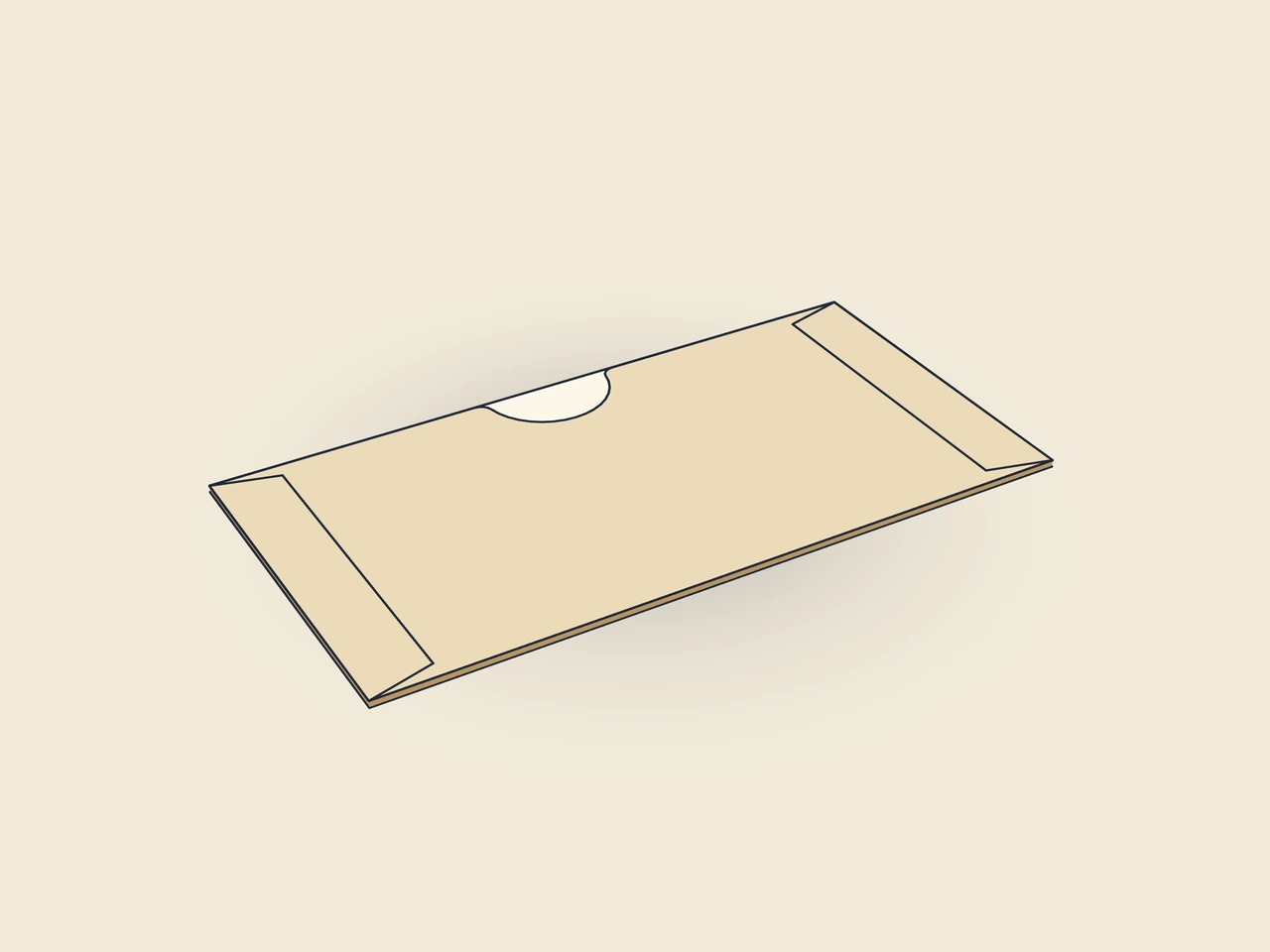
Simplified display model without material thickness, not to scale.
The 3D view is not available in this browser. The image shows the folded shape.
card.sleeveThe sleeve joins front and back with a bottom crease. Two glue flaps form the side seams and sit inside on the front after gluing. The starting example has a thumb cut-out but no closure flap. The input describes the card to be inserted.
Fold the side flaps inwards and apply adhesive to their outside, fold the back over them along the bottom fold and press down. Insert the card; fold the closure flap over the opening onto the front.
Grain direction vertical on the blank (check)
Test fit, folding and closure on a sample made from the intended material. Confirm material thickness, grain direction and production steps with your printer.
Inside dimension
These dimensions describe the preview, not a fixed packaging size. The app recalculates the dieline for your own dimensions.
Allowance on each side and at the bottom for easy card insertion; also includes material thickness.
Width of the glue flap used to glue the blank into a tube. The material requires a minimum width.
Bevel at the ends of the glue flap; aids folding and erection.
Semicircular cut-out centred at the front opening for gripping the card.
Radius and depth of the thumb cut-out; no more than 30 % of the card width and 40 % of the card height.
They describe the card's insertion dimensions, not the finished sleeve's outside outline. The template adds clearance and internal side flaps. The blank is 127.6 × 110 mm in the starting run. Use the actual card dimensions and check the glued sleeve with these contents.
After assembly, the side flaps sit inside on the front. The model keeps the usable card width plus clearance free between them. glueFlap therefore affects both the outer blank and sleeve width. Do not change the glue flap without recalculating and checking fit again.
Yes. cardThumbNotch switches the cut-out at the front opening. cardThumbNotchRadius applies when enabled and is also limited by the card dimensions. Without a cut-out, the opening remains straight. Then test removal with the actual card, especially if it extends only slightly beyond the sleeve edge.
Find the right packaging shape and fit it to your product
Design the artwork directly on the real dieline
Spot problems before you pass on files
Files your printer can trace
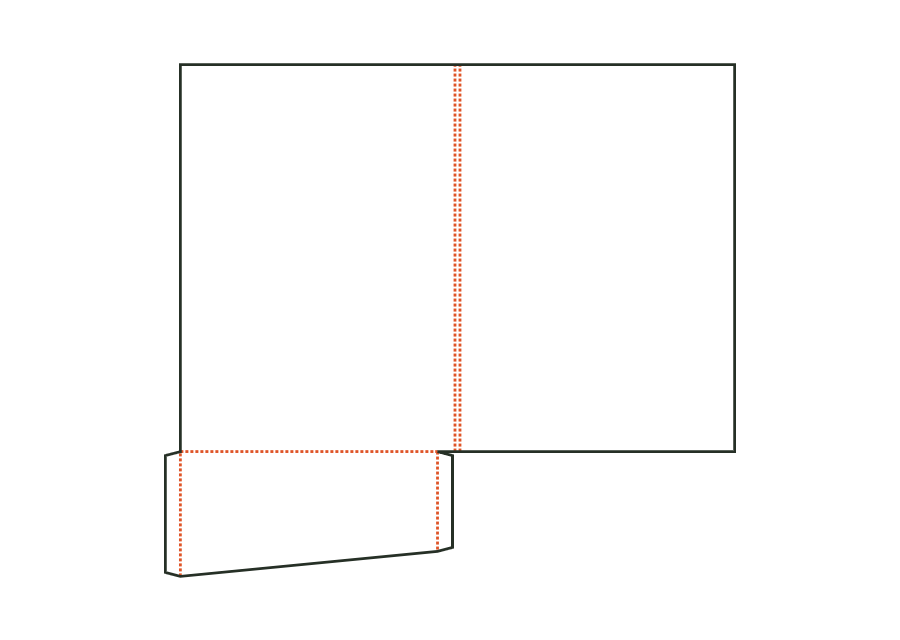
Folder with front and back covers, spine and pocket on the right, left or both sides; pockets have glue flaps on both sides and optional business card slots. Dimensions refer to the finished format of the closed folder.
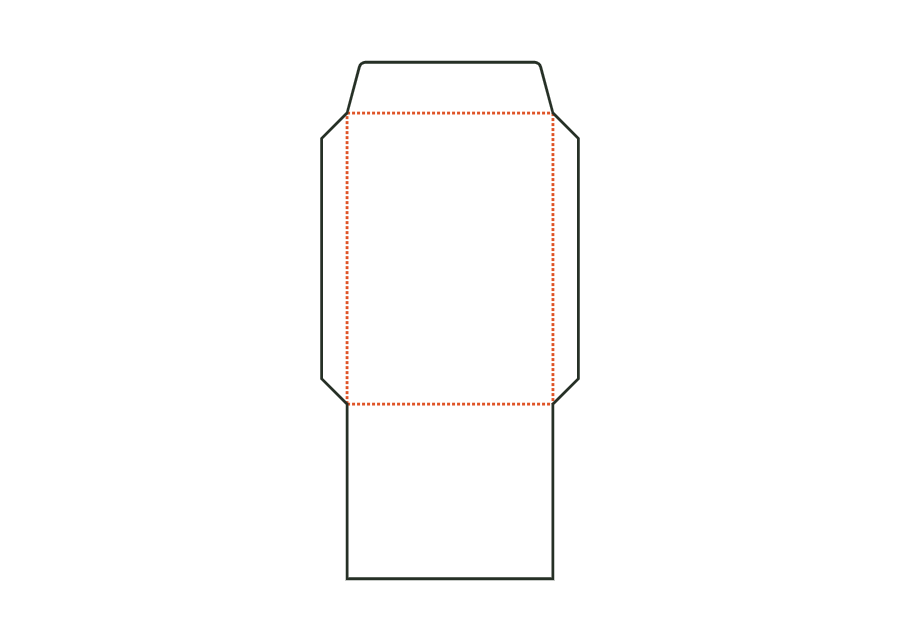
folder.pocketView templateEnvelope or pocket envelope comprising address panel, two side flaps, bottom flap as the back and closure flap. Dimensions are the finished format; the opening is at the top edge.
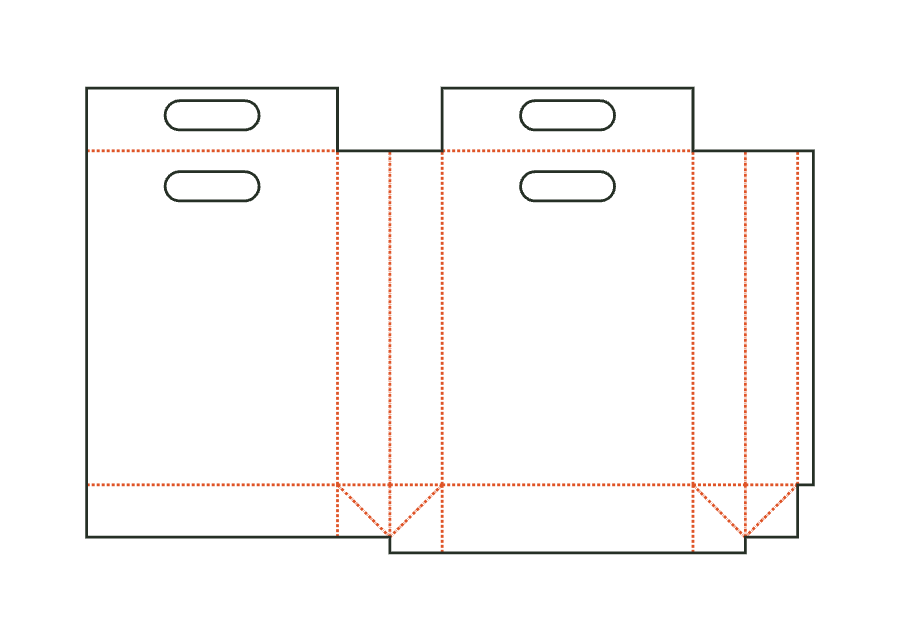
envelope.pocketView templatePaper carrier bag comprising front, back and two side gussets with longitudinal seam, block bottom, top turn-in as handle reinforcement and die-cut handle holes; dimensions bag width × gusset depth × height. Bottom insert and handles are separate parts.
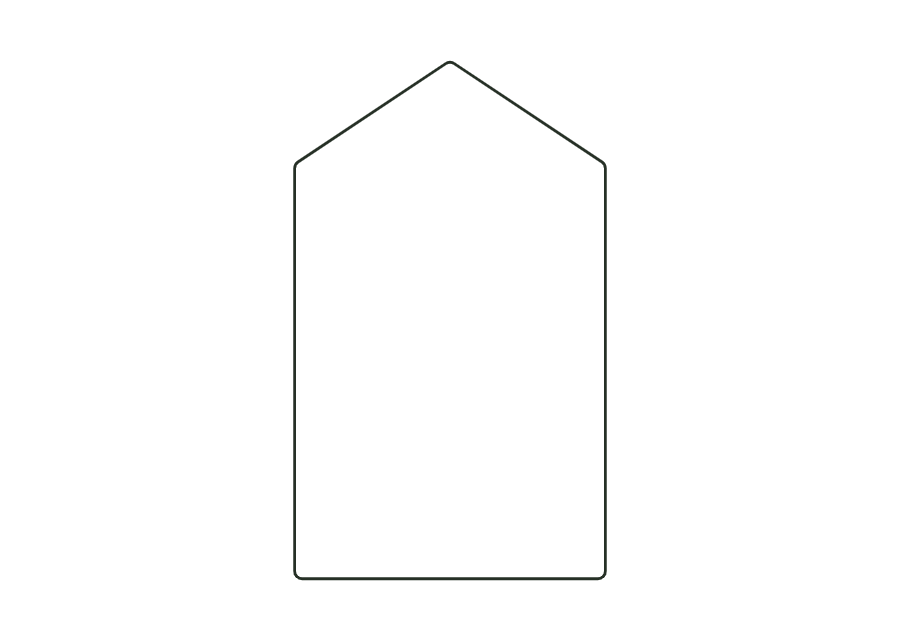
bag.carrierView templateBlank from your own closed contour (point list, e.g. from an SVG file) with a uniform corner radius and up to four crease lines between contour points; the panels are derived from the crease lines.
custom.polygonView templateWith JetDieline, choose a suitable template, adjust its size, and place text, logos, and images directly on your packaging.
Try your dimensions