Templates and dimensions
Find the right packaging shape and fit it to your product
 JetDieline
Carriers and pallet displays / JETDIELINE
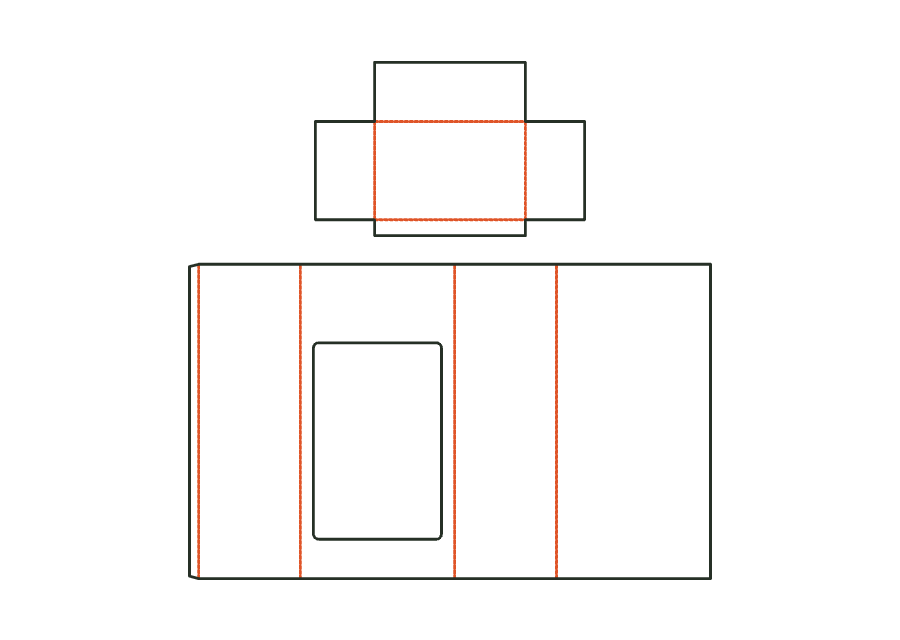
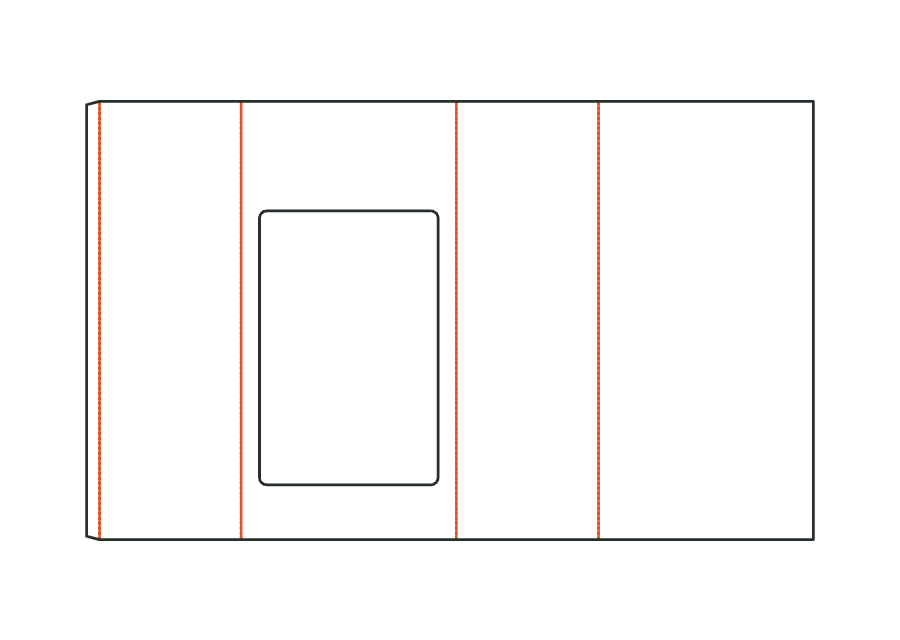
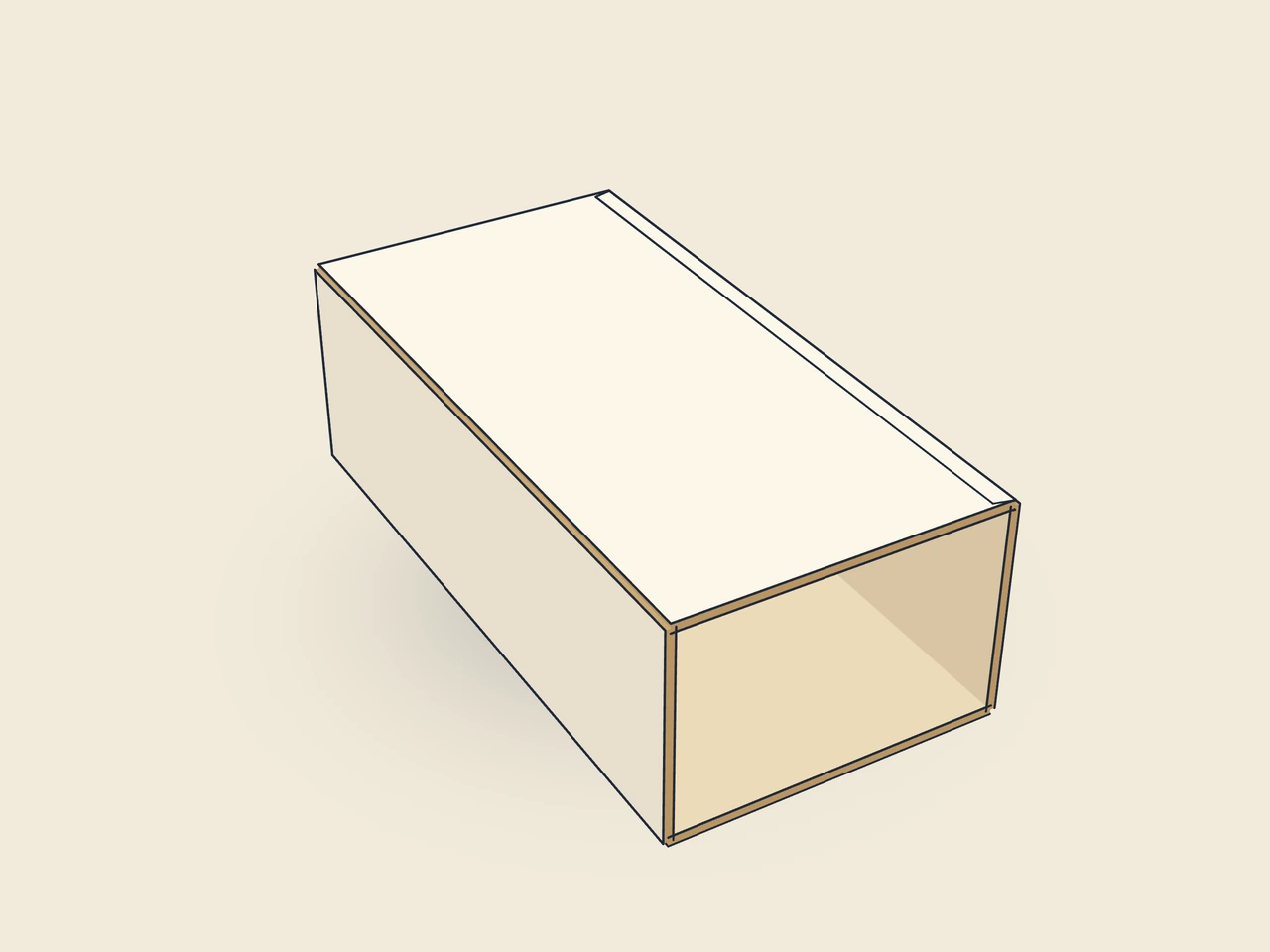
Shell of a corrugated pallet display for a quarter or half pallet: tube of four walls with glue flap, large shelf opening in the front between plinth and top header (advertising area). The shelves are stacked in from above.
Drag to rotate
03 / BOX
Simplified display model without material thickness, not to scale.
The 3D view is not available in this browser. The image shows the folded shape.
corrugated.display.palletGlue the glue flap to the back (at the factory). Erect the shell and place it on the pallet, insert the shelves from above so that each rests on the rims of the one below.
Flutes vertical (parallel to the height): the walls carry the stacking load of the shelves (verify with the display printer).
Test fit, folding and closure on a sample made from the intended material. Confirm material thickness, grain direction and production steps with your printer.
Compare packaging for shelves, counters and handover. Displays make products accessible and carrier bags aid transport. Test assembly, visibility and loads with the actual products.
Inside dimension
These dimensions describe the preview, not a fixed packaging size. The app recalculates the dieline for your own dimensions.
Find the right packaging shape and fit it to your product
Design the artwork directly on the real dieline
Spot problems before you pass on files
Files your printer can trace
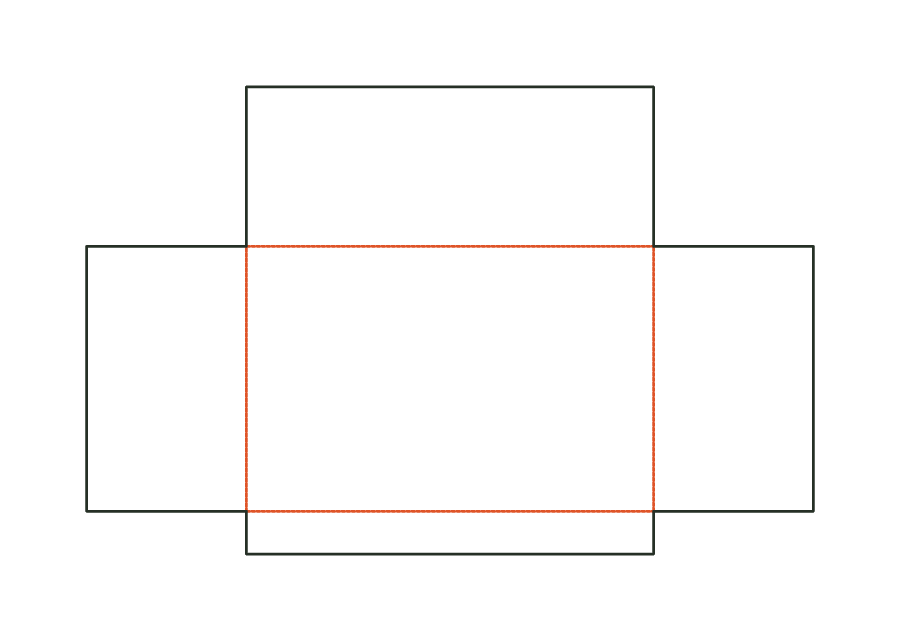
Corrugated shell with a shelf opening, plinth and header, plus matching shelves with price rails. The identical shelves stack in from above. The selected count and shell dimensions together determine the height and fit of the individual levels.
corrugated.display.pallet.shelvesView templateStackable corrugated shelf: base with raised rims, open corners and a low front lip as price rail. Dimensions: inside cross-section of the shell × shelf height.
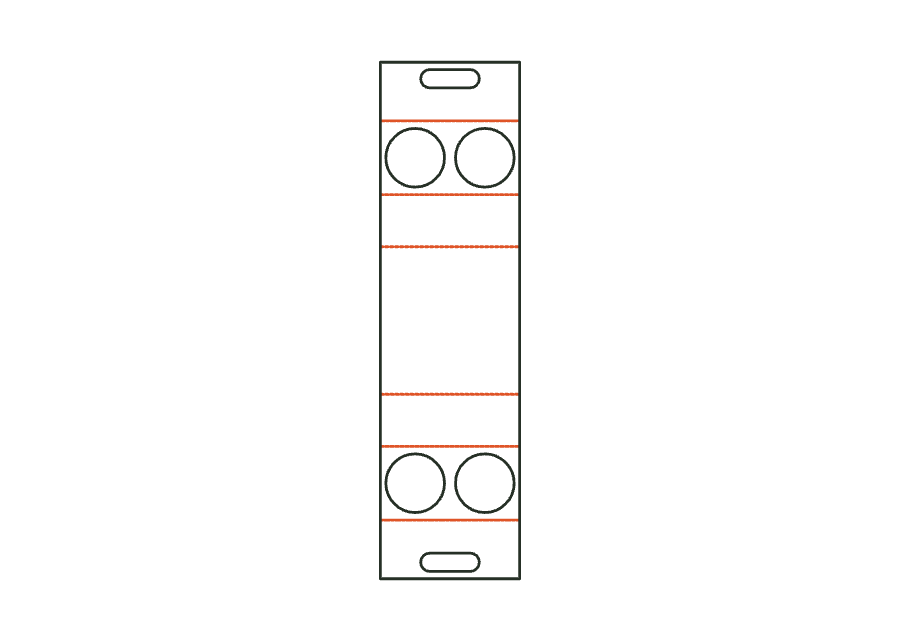
corrugated.display.pallet.shelfView templateOne-piece folding carton carrier for 2 or 4 cups: base, front and back wall, two hole decks holding the cups and a double handle from the blank. Ends open.
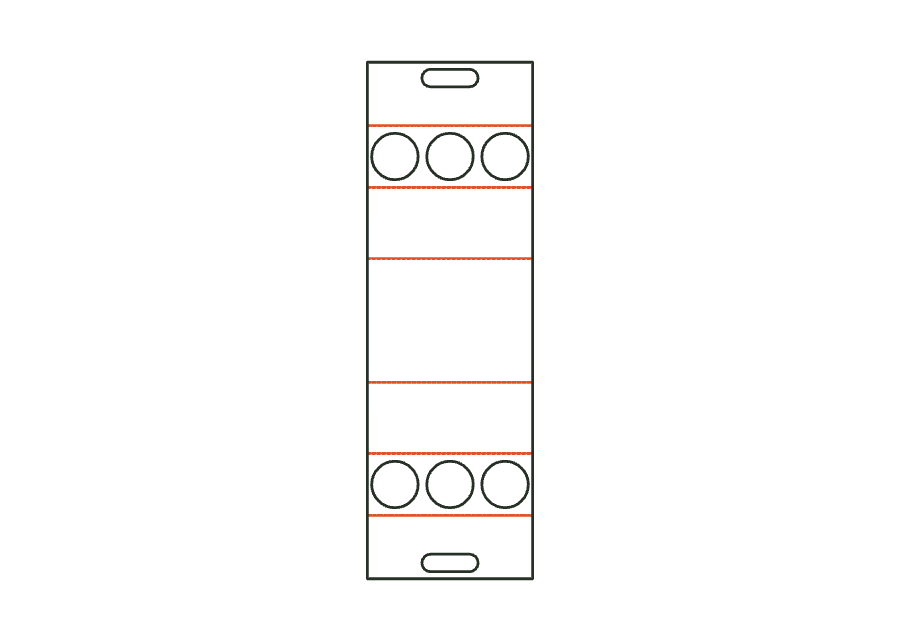
carrier.cupView templateOne-piece folding carton carrier for 4 or 6 bottles with two hole decks and a handle from the blank; with a divider as an assembly (carrier with divider), strips also separate the bottles below the deck.
carrier.bottleView templateWith JetDieline, choose a suitable template, adjust its size, and place text, logos, and images directly on your packaging.
Try your dimensions