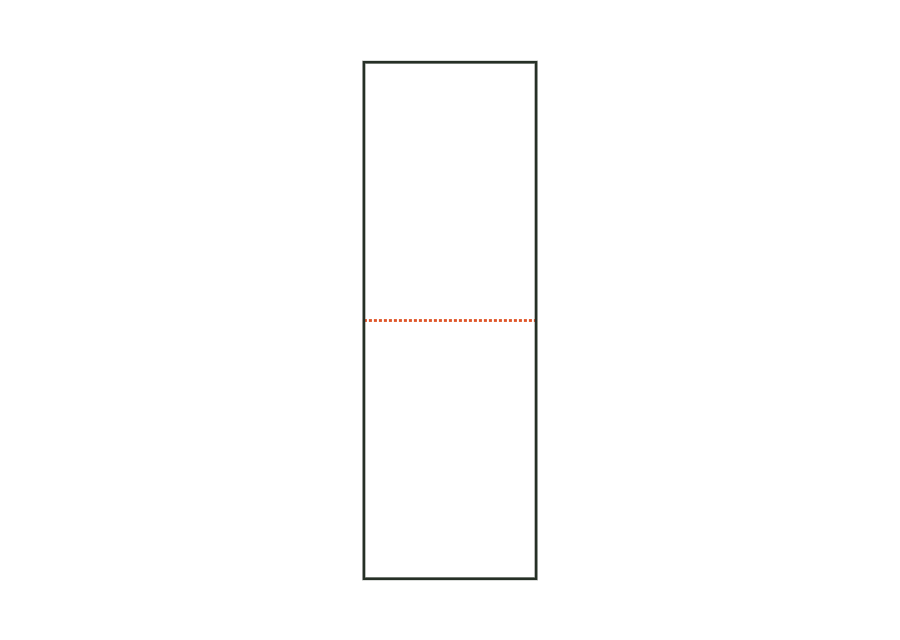
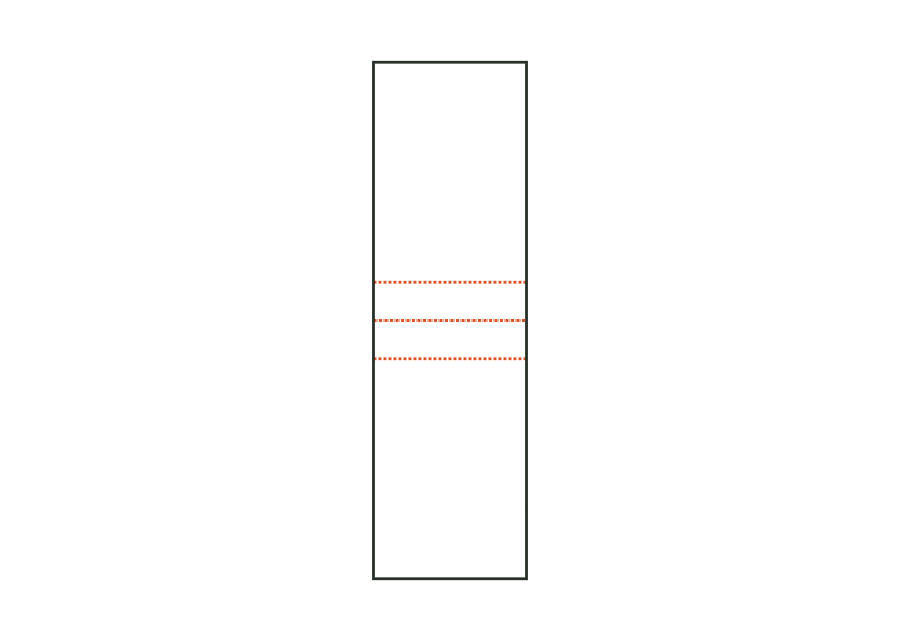
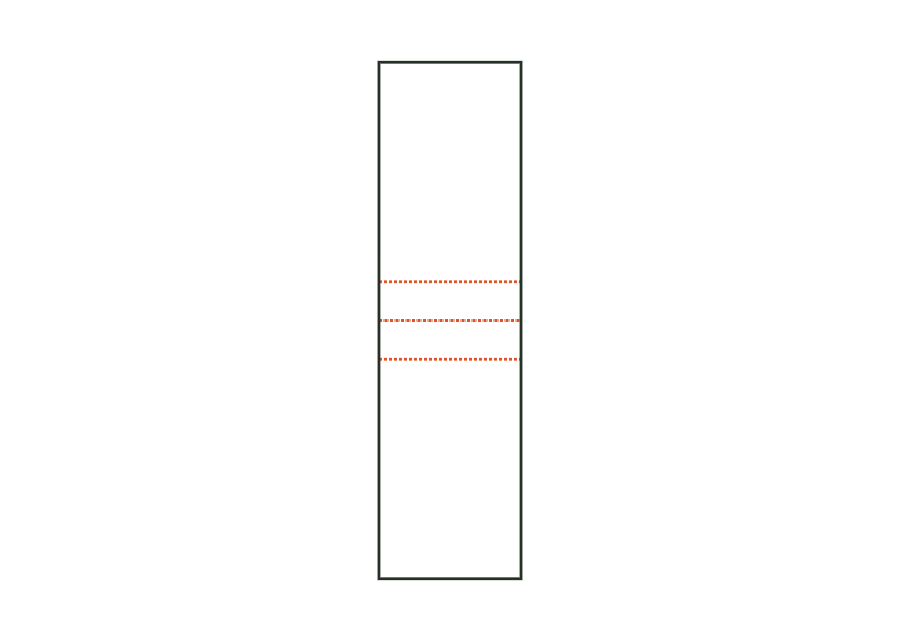
Side seal
Width of the seal on the left and right; it runs through all layers and stays clear of important print content.
 JetDieline
Pouches and print layouts / JETDIELINE
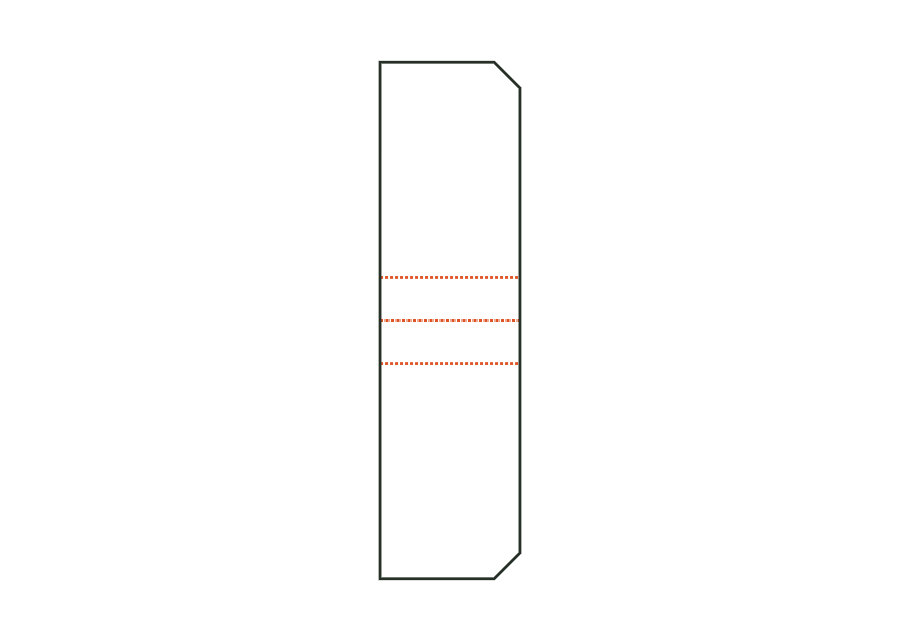
The spouted pouch print mask adds a sealed-in spout to the stand-up pouch. Choose the top right corner or the centre of the top edge and enter the inside diameter. The spout fitment is part of the seal zones; the drawing documents its position, not confirmed component fit.
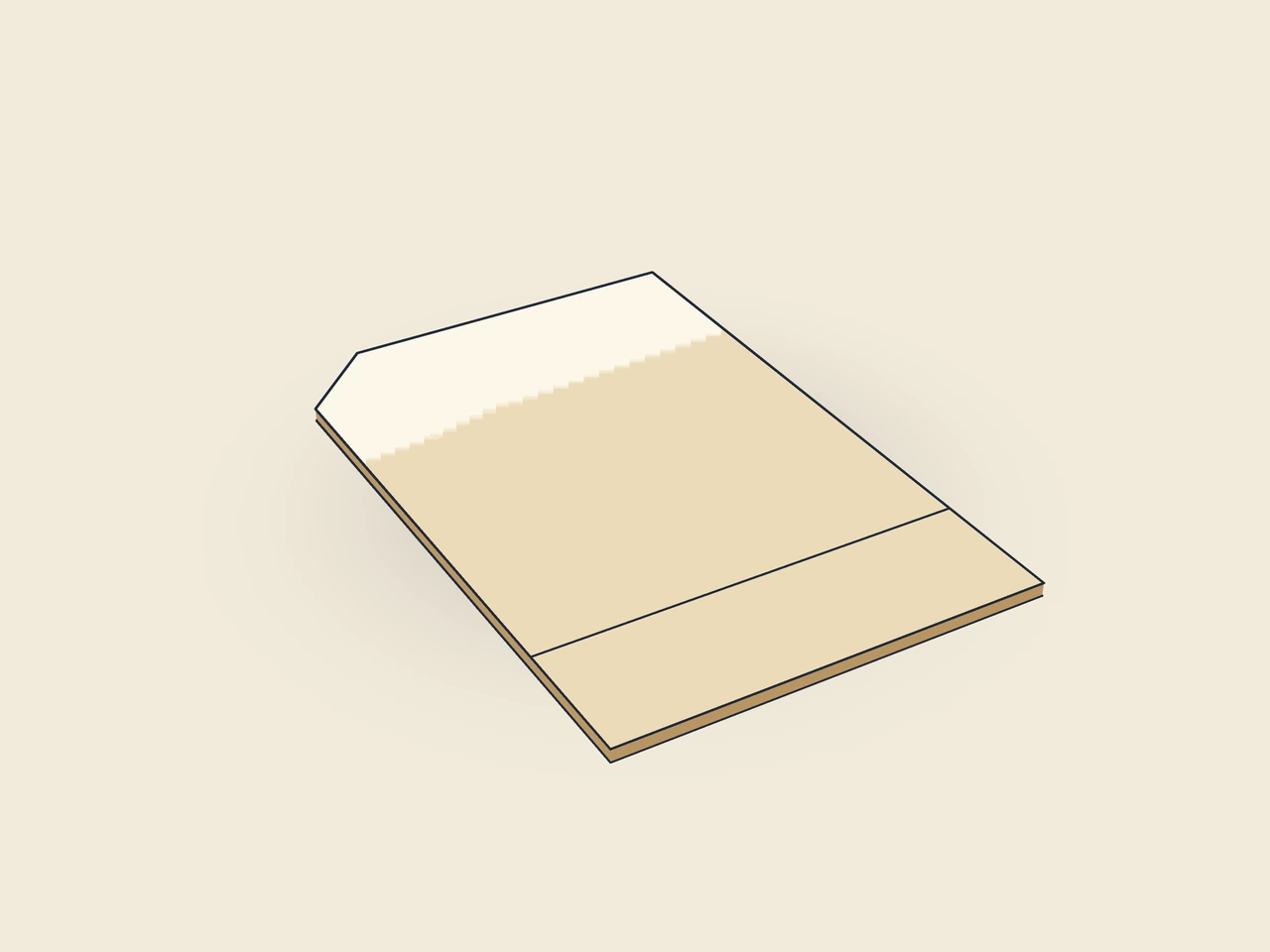
Drag to rotate
03 / BOX
Simplified display model without material thickness, not to scale.
The 3D view is not available in this browser. The image shows the folded shape.
pouch.spoutFront, W-shaped bottom gusset and back share a print sheet. For the corner position, the top right corner is angled; for the central position, the upper outline remains straight. The spout fitment comprises the spout and its sealing margin. Unlike the zipper template, this parameter set contains neither a press-to-close fastener nor a tear notch.
Print the film, insert and seal the bottom gusset, seal the side seams and top seam and seal in the spout fitment at the marked position. Filling is through the spout.
Test fit, folding and closure on a sample made from the intended material. Confirm material thickness, grain direction and production steps with your printer.
Compare labels, cup carriers and bottle packaging. Circumference and openings must fit the container. Print mockups of beverage cartons do not demonstrate liquid-tightness.
Outside dimension
These dimensions describe the preview, not a fixed packaging size. The app recalculates the dieline for your own dimensions.
Width of the seal on the left and right; it runs through all layers and stays clear of important print content.
Height of the top seal, sealed after filling; with a hanging hole, at least the hole height plus twice 3 mm.
Depth of the inserted bottom gusset (half the standing area); no more than one third of the height and half the width.
Spout angled in the top right corner or centred at the top.
Inside diameter of the spout; the fitment is 6 mm wider all around.
The options are the top right corner and the centre of the top edge. The corner position creates an angled outline; the central position uses a different fit check for the spout fitment. The starting value is top right corner. This parameter set does not provide a freely movable position. Check the selected component with the converter.
No. pouchSpoutDiameter describes the spout's inside diameter. The model adds a sealing margin of 6 mm on each side and further geometry for the corner position. The actual spout fitment may vary by manufacturer. Use the calculated mask as a basis for discussion and confirm component, tooling and sealing margin before approval.
The general range permits diameters from 8 to 33 mm. Available pouch width and, for a corner position, side seam and height may further restrict the permitted value. The rule pouchSpoutDiameter.fitsPouch checks this relationship. For narrower pouches, consider position, diameter and pouch dimensions together and recalculate.
Find the right packaging shape and fit it to your product
Design the artwork directly on the real dieline
Spot problems before you pass on files
Files your printer can trace
This template calculates the print mask for a flat pouch with a three-side seal. Front and back are on a shared print sheet with a bottom fold. Side and top seals are seal zones; zipper, tear notch and hanging hole are optional additions. The drawing is not an approved film die-cutting contour.
pouch.flatView templateThe stand-up pouch has a print mask comprising front, inserted W-shaped bottom gusset and back. Side seam, top seam, Doyen corners and zipper strip remain documented as seal zones. Pouch width and height are outside dimensions; the bottom gusset is a separate parameter. The calculated print sheet does not yet confirm standing stability.
pouch.standupView templateThe beverage pouch template shows a stand-up print mask with a marked straw puncture point on the front. The top seal in the starting profile is wider than in the simple stand-up variant. Width, height, bottom gusset and puncture point are set separately; a calculated fill volume is not part of the model.
pouch.drinkView templateWith JetDieline, choose a suitable template, adjust its size, and place text, logos, and images directly on your packaging.
Try your dimensions Download on the Mac App Store