Templates and dimensions
Find the right packaging shape and fit it to your product
 JetDieline
Carriers and pallet displays / JETDIELINE
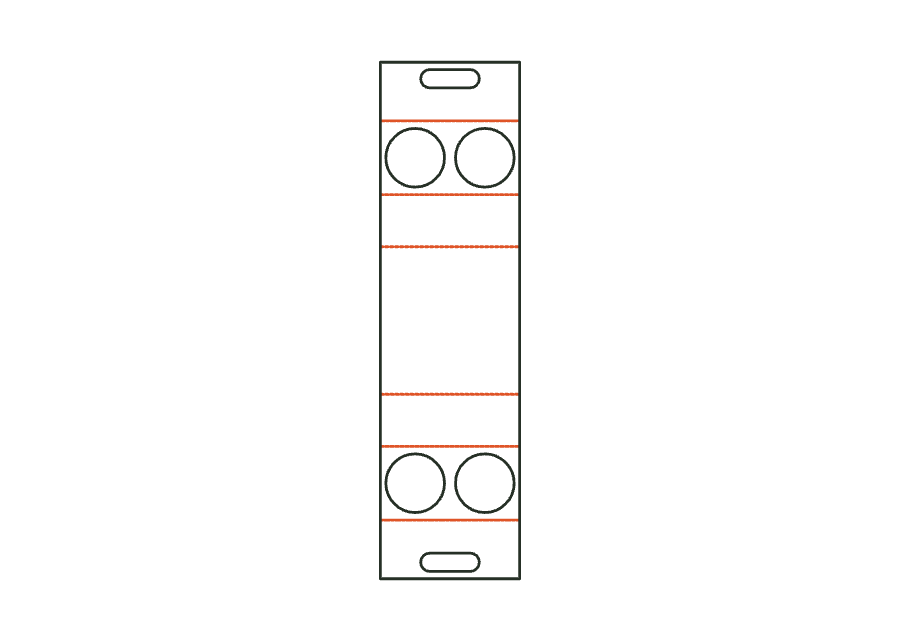
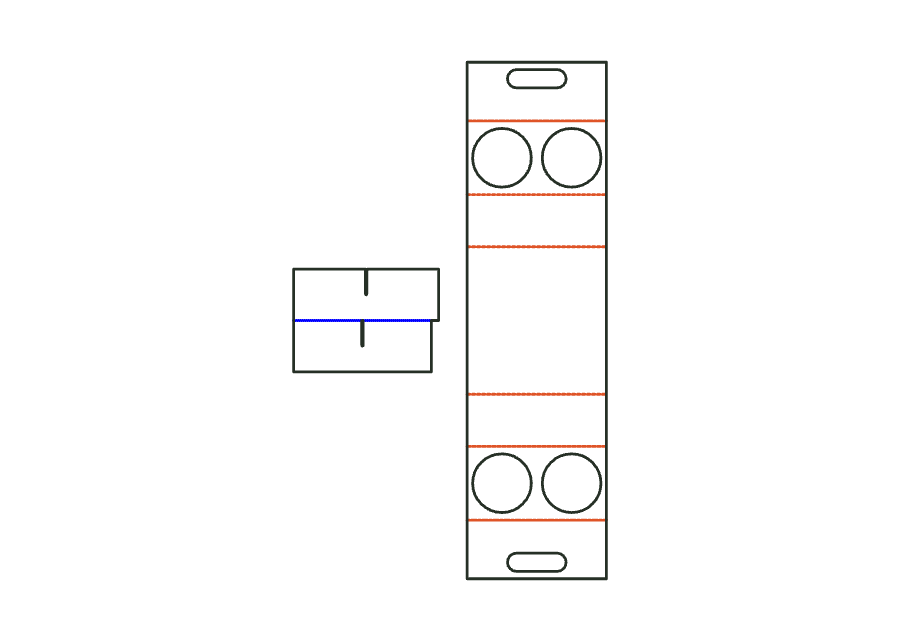
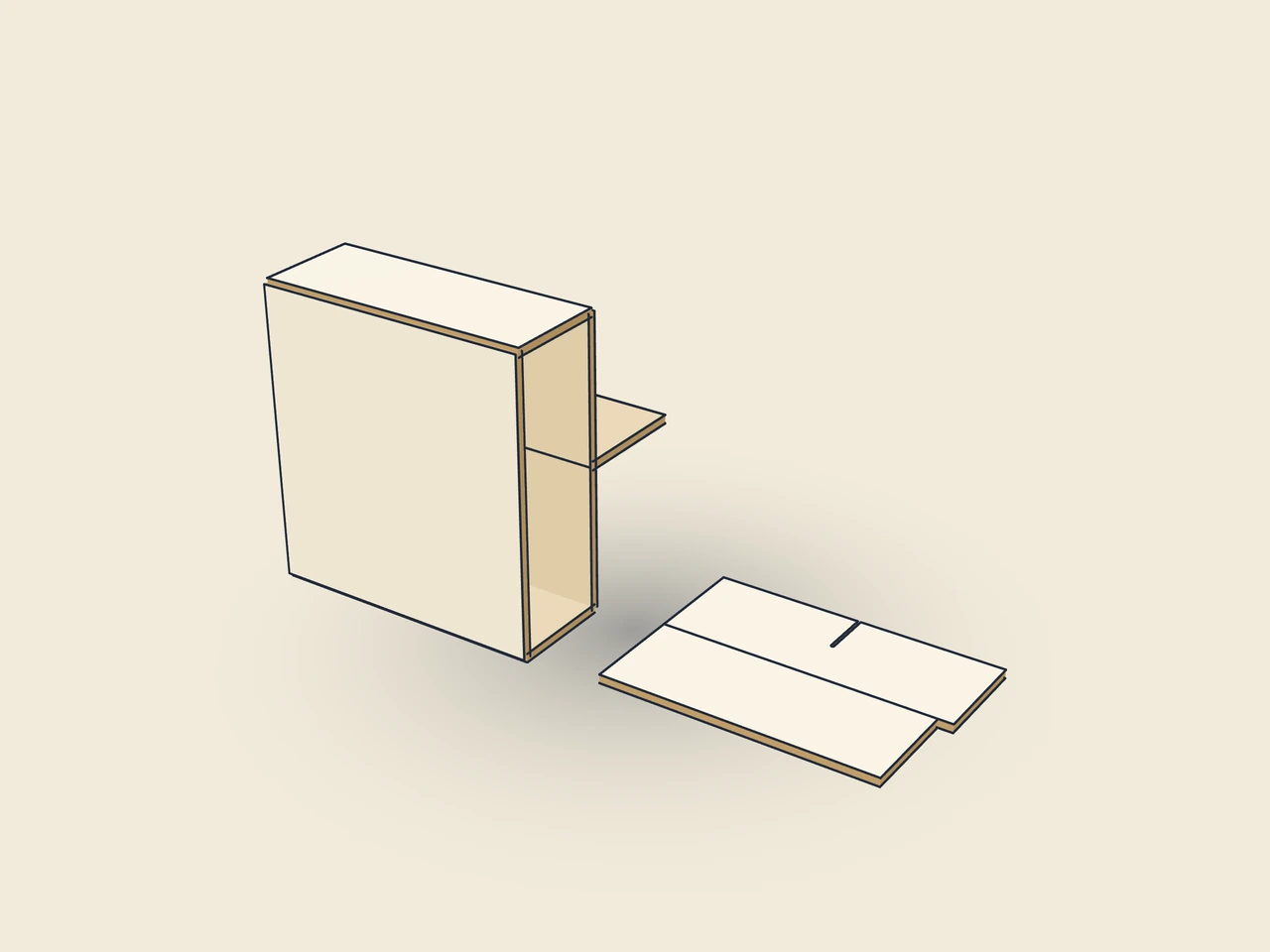
Cup carrier and slotted divider form one assembly. The carrier has two hole decks and a carrying handle; the crossed strips also separate cups below the decks. The divider follows the internal space and cell count of the carrier.
Drag to rotate
03 / BOX
Simplified display model without material thickness, not to scale.
The 3D view is not available in this browser. The image shows the folded shape.
carrier.cup.dividerFold and glue the carrier. Interlock the divider strips through their slots and insert them below the hole decks. Use the actual cups to check the openings, strip height and handle together; test load capacity on a material sample.
Grain across the creases (vertical on the blank): the handle is loaded along the fibers (verify with the test printer).
Test fit, folding and closure on a sample made from the intended material. Confirm material thickness, grain direction and production steps with your printer.
Compare labels, cup carriers and bottle packaging. Circumference and openings must fit the container. Print mockups of beverage cartons do not demonstrate liquid-tightness.
Inside dimension
These dimensions describe the preview, not a fixed packaging size. The app recalculates the dieline for your own dimensions.
Fold up the front and back wall, fold both hole decks inward to the middle, raise the handle halves and glue the back half onto the inside of the front half. Place the cups through the holes onto the base.
Separate the strips along the separation lines. Turn over the transverse strips (slots downwards) and slot them over the longitudinal strips until the slot bottoms meet; place the partition in the box.
Find the right packaging shape and fit it to your product
Design the artwork directly on the real dieline
Spot problems before you pass on files
Files your printer can trace
One-piece folding carton carrier for 2 or 4 cups: base, front and back wall, two hole decks holding the cups and a double handle from the blank. Ends open.
carrier.cupView templateDivider insert made from longitudinal and transverse strips with interlocking slots extending halfway down their height. All strips lie on a shared sheet and remain joined by holding nicks until separated.
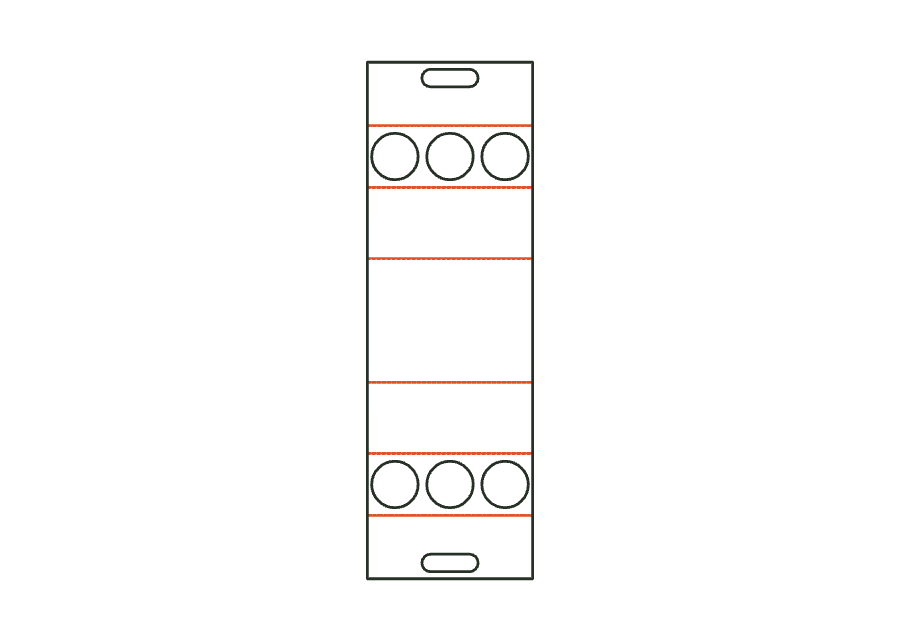
corrugated.dividerView templateOne-piece folding carton carrier for 4 or 6 bottles with two hole decks and a handle from the blank; with a divider as an assembly (carrier with divider), strips also separate the bottles below the deck.
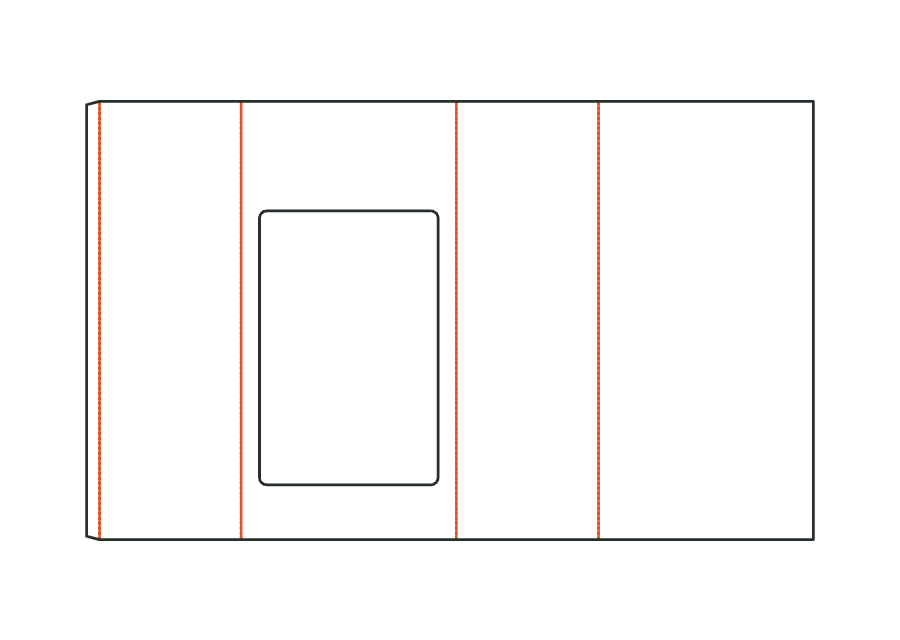
carrier.bottleView templateShell of a corrugated pallet display for a quarter or half pallet: tube of four walls with glue flap, large shelf opening in the front between plinth and top header (advertising area). The shelves are stacked in from above.
corrugated.display.palletView templateWith JetDieline, choose a suitable template, adjust its size, and place text, logos, and images directly on your packaging.
Try your dimensions