Templates and dimensions
Find the right packaging shape and fit it to your product
 JetDieline
Labels and bands / JETDIELINE
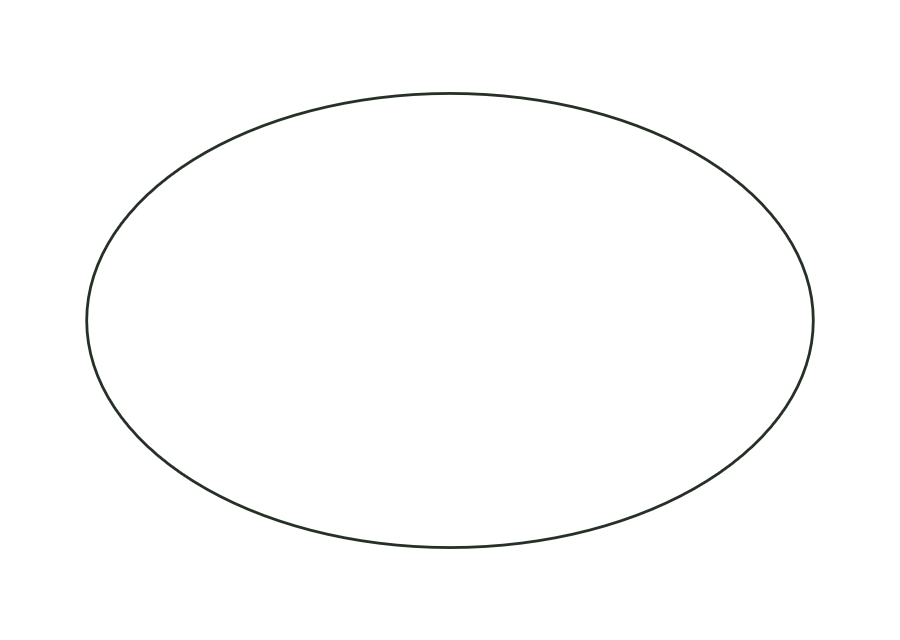
Circular label; diameter is both width and height.

label.roundThe circle consists of a closed cut contour and one panel. Width and height must have the same diameter. A separate corner radius is not permitted for the circle. The construction creates no crease; safe zone and bleed around the circle are derived from the production profile.
Remove the label from the backing material and apply from the centre outwards without bubbles.
No fixed grain direction; check parallel to the body axis on curved bodies
Test fit, folding and closure on a sample made from the intended material. Confirm material thickness, grain direction and production steps with your printer.
Outside dimension
These dimensions describe the preview, not a fixed packaging size. The app recalculates the dieline for your own dimensions.
Enter the diameter as width and height. Both values must be equal; in the example, each is 50 mm. Corner radius remains 0. Diameter describes the cut edge; bleed and safe zone are additional settings in the production profile.
No. The round template explicitly checks that width equals height and stops if values differ. Choose the oval label for an elliptical contour. This keeps template ID and geometric structure traceable in the report too.
Use the label sheet template with round label shape and equal label width and height. Rows, columns and spacing come from its sheet dimension model. The single circular label does not calculate an arrangement of multiple labels itself.
Find the right packaging shape and fit it to your product
Design the artwork directly on the real dieline
Spot problems before you pass on files
Files your printer can trace
Wraparound label for cylindrical bottles and cans: length from circumference (or diameter) plus overlap; the front viewing area and overlap are marked as annotation lines.
label.wrapView templateNeck label for a conical bottle neck as a cone development from top and bottom diameters and height; as a closed ring with overlap or a partial label.
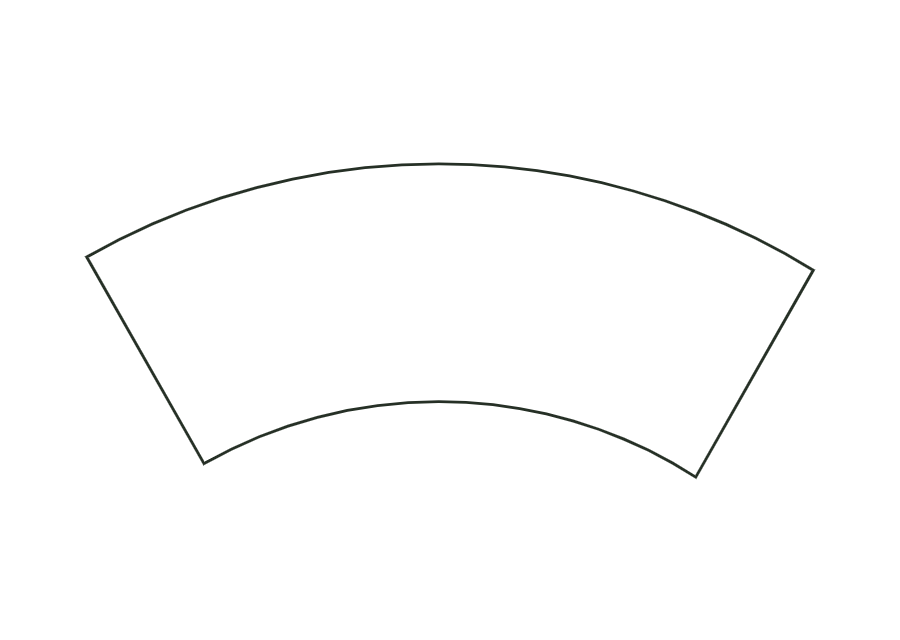
label.neckView templateWraparound label for tapered cups and cans as a cone blank (annular sector) with a glue strip of constant width.
label.tapered.wrapView templateWith JetDieline, choose a suitable template, adjust its size, and place text, logos, and images directly on your packaging.
Try your dimensions