Templates and dimensions
Find the right packaging shape and fit it to your product
 JetDieline
Trays and displays / JETDIELINE
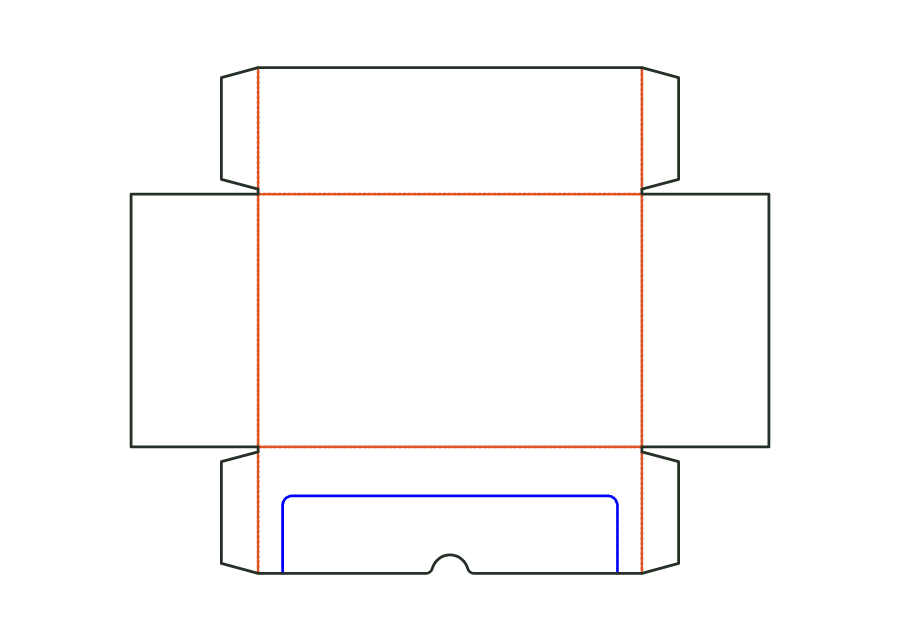
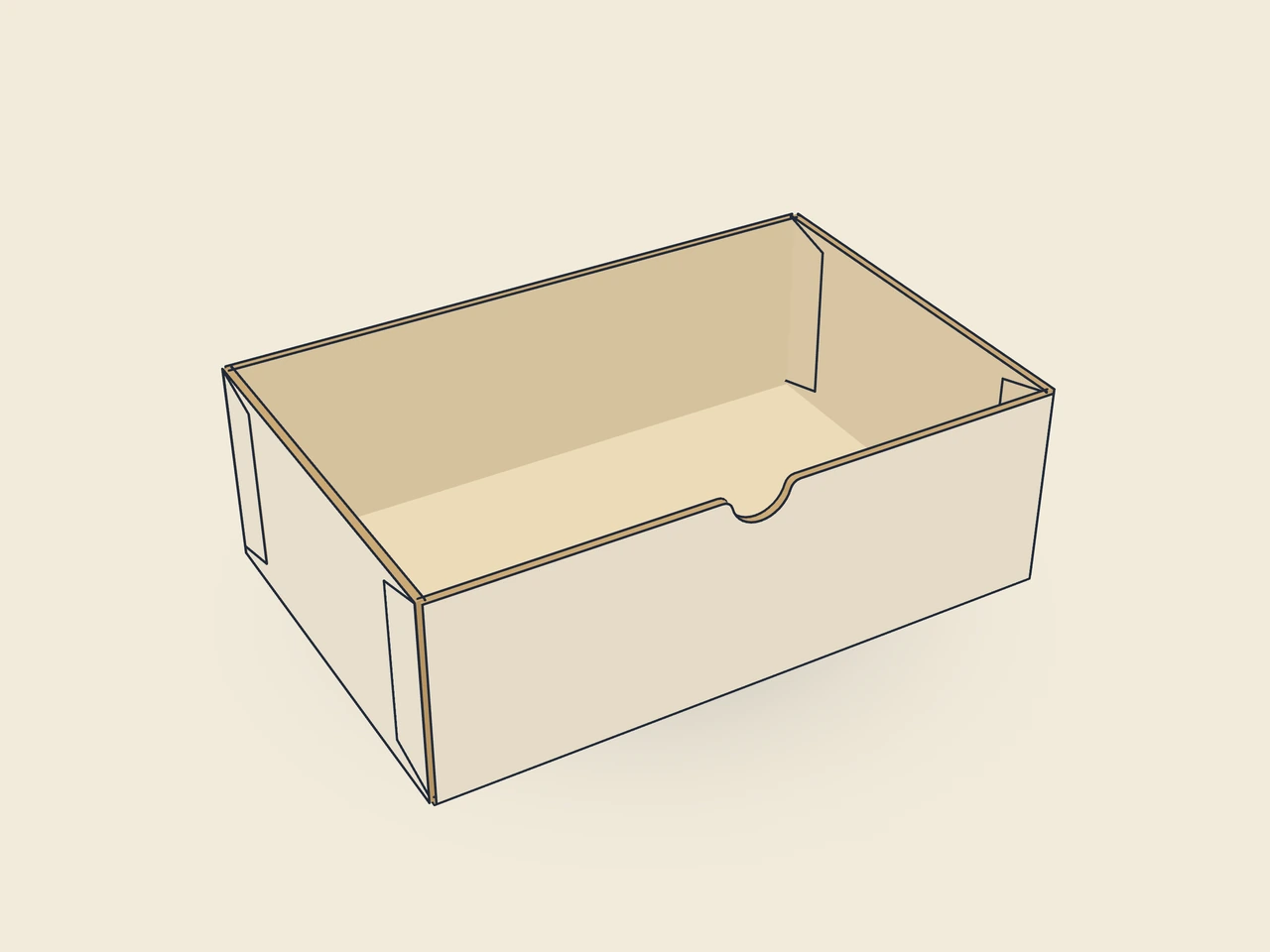
Shipping and shelf packaging in one: tray with four walls of equal height and glued corners, a U-shaped tear-off perforation with a thumb notch in the front wall. After tearing off, a low front and side lands remain; optional header on the back wall (straight, rounded or arched). Starting material B-flute.
Drag to rotate
03 / BOX
Simplified display model without material thickness, not to scale.
The 3D view is not available in this browser. The image shows the folded shape.
carton.display.shelfPre-break all creases, erect the walls and glue the corner glue flaps to the inside of the front and back walls. Insert the goods and ship with an outer case or lid. In store, grip the thumb notch and tear the strip off along the perforation.
Flute direction parallel to the length: the walls stay stiff, the perforation runs mostly across the flute (to be verified with a test printer).
Test fit, folding and closure on a sample made from the intended material. Confirm material thickness, grain direction and production steps with your printer.
Compare packaging for shelves, counters and handover. Displays make products accessible and carrier bags aid transport. Test assembly, visibility and loads with the actual products.
Inside dimension
These dimensions describe the preview, not a fixed packaging size. The app recalculates the dieline for your own dimensions.
Find the right packaging shape and fit it to your product
Design the artwork directly on the real dieline
Spot problems before you pass on files
Files your printer can trace
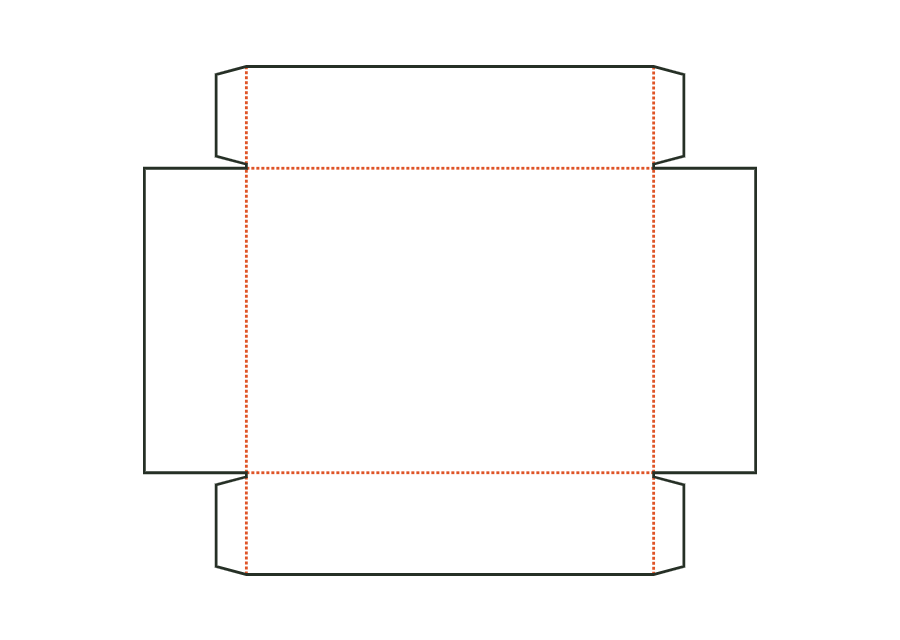
A base, four walls and glued corners form the open folding tray. The page shows V2 with an optional window; the starting example keeps the window disabled.
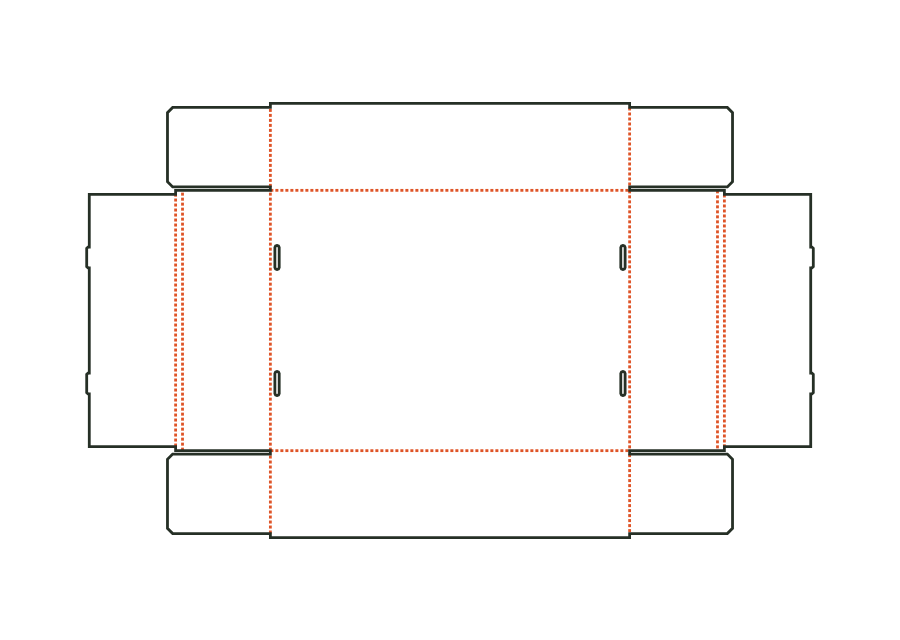
carton.tray.gluedView templateUnglued tray made from folding carton board: front and back walls with corner flaps, double end walls with a return; tabs on the inner wall tuck into slots in the bottom.
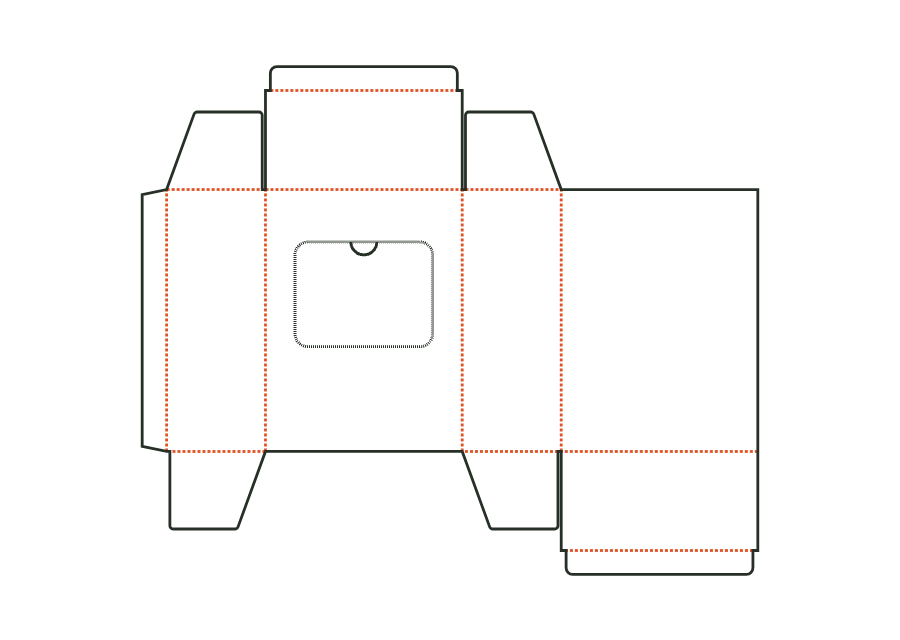
carton.tray.lockedView templateReverse tuck-end carton with a perforated tear-out window on the front and a thumb notch as a tear tab; after opening, the contents are removed individually.
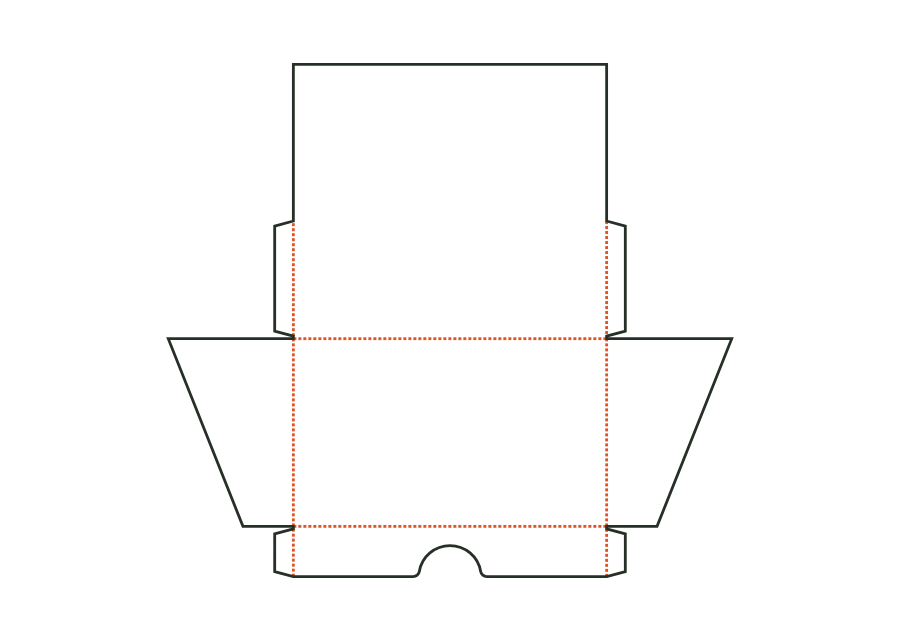
carton.dispenserView templateOpen display for the shop counter: low front wall with finger recess, tall back wall with advertising area, sloping side walls; corners are glued inside with corner glue flaps as on the tray.
carton.display.counterView templateWith JetDieline, choose a suitable template, adjust its size, and place text, logos, and images directly on your packaging.
Try your dimensions