Glue flap
Width of the glue flap used to glue the blank into a tube. The material requires a minimum width.
 JetDieline
Corrugated shipping boxes / JETDIELINE
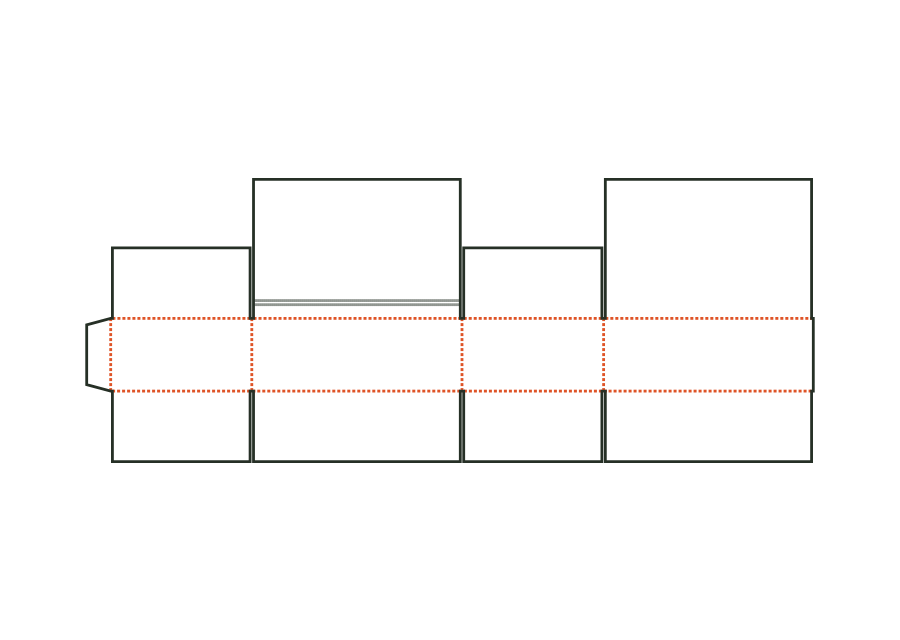
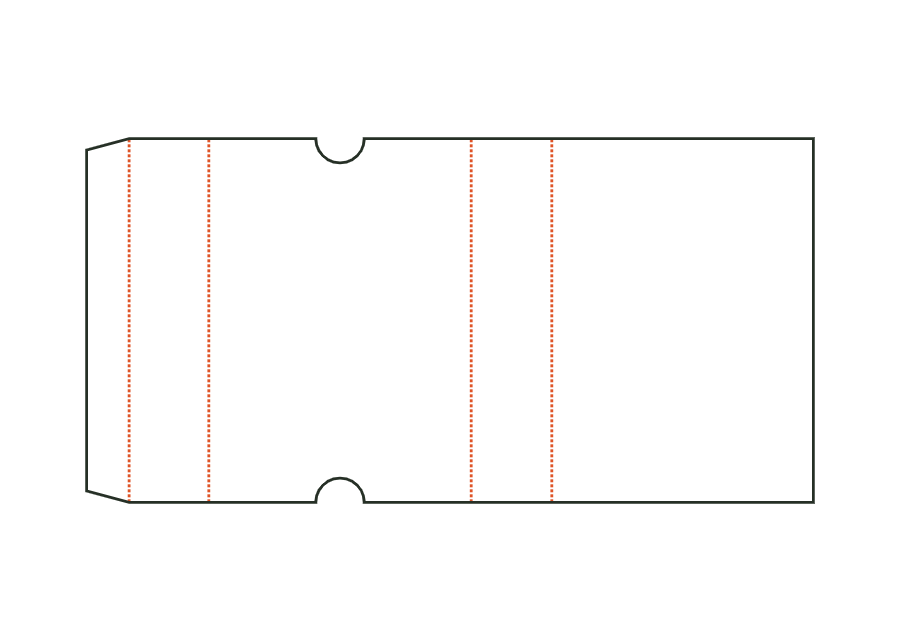
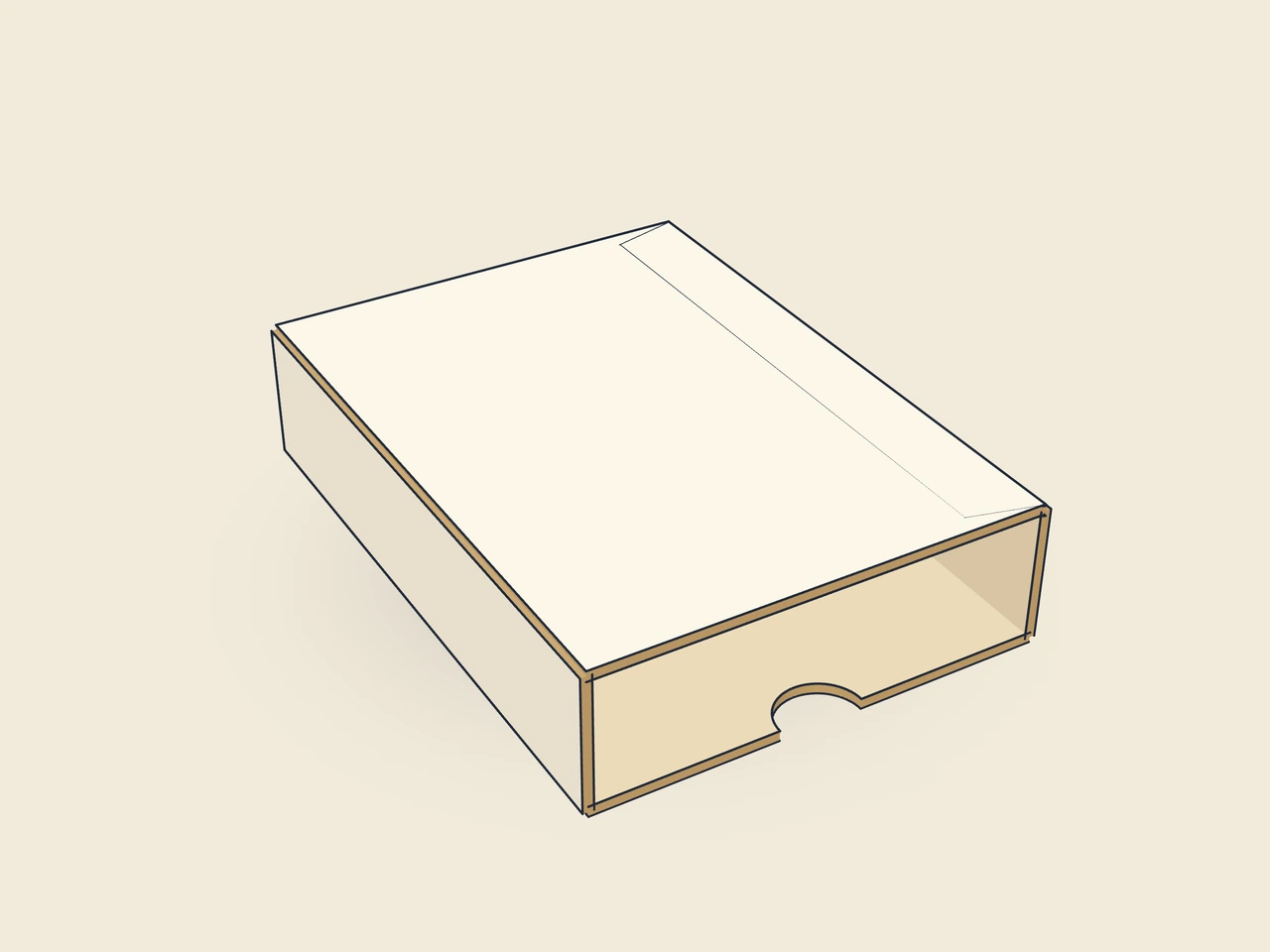
Corrugated sliding sleeve with glue flap and open ends. Thumb cut-outs at both ends of the top make sliding out an inner component easier. The template calculates only the sleeve.
Drag to rotate
03 / BOX
Simplified display model without material thickness, not to scale.
The 3D view is not available in this browser. The image shows the folded shape.
corrugated.slideCorrugated tube with glue flap, open at both ends, with thumb cut-outs on top; the inner component (e.g. a corrugated tray) slides in. Dimensions: inside cross-section × tube length.
Glue the glue flap to the underside and lay the sleeve flat. Erect for use and slide in the inner component; to open, push it out at the thumb cut-out.
Flute parallel to the tube: wall creases fold along the flute, the sleeve is stiff in the sliding direction (check with the test printer).
Test fit, folding and closure on a sample made from the intended material. Confirm material thickness, grain direction and production steps with your printer.
Inside dimension
These dimensions describe the preview, not a fixed packaging size. The app recalculates the dieline for your own dimensions.
Width of the glue flap used to glue the blank into a tube. The material requires a minimum width.
Angle at the ends of the glue flap; makes folding and erection easier.
Semicircular notch at the front edge for easy opening.
Radius (= depth) of the thumb notch.
The template places thumb cut-outs at both open ends of the top. thumbNotch switches them together; thumbNotchRadius controls their radius. The fitsFront constraint preserves material towards the wall creases and between cut-outs. Also check whether artwork or the inner component conceals the intended grip location.
The source code specifies no universally approved allowance for an arbitrary inner component. Measure its finished outside dimension including material layers and gluing. Determine the required sliding clearance with the target material in the complete sample. The sleeve’s inside dimension alone predicts neither insertion force nor behaviour after several sliding cycles.
No. It is a tube with a glue seam and two open ends. An inner component or product slides in. Closing an end or preventing contents from falling out requires a separate construction or securing measure. This V1 has neither bottom flaps nor an integrated end stop for this purpose.
Find the right packaging shape and fit it to your product
Design the artwork directly on the real dieline
Spot problems before you pass on files
Files your printer can trace
Corrugated shipping box with fully overlapping lid flaps, self-seal closure and tear strip. The bottom is closed with adhesive tape as on a slotted box; the upper closure has an adhesive strip and opening aid.
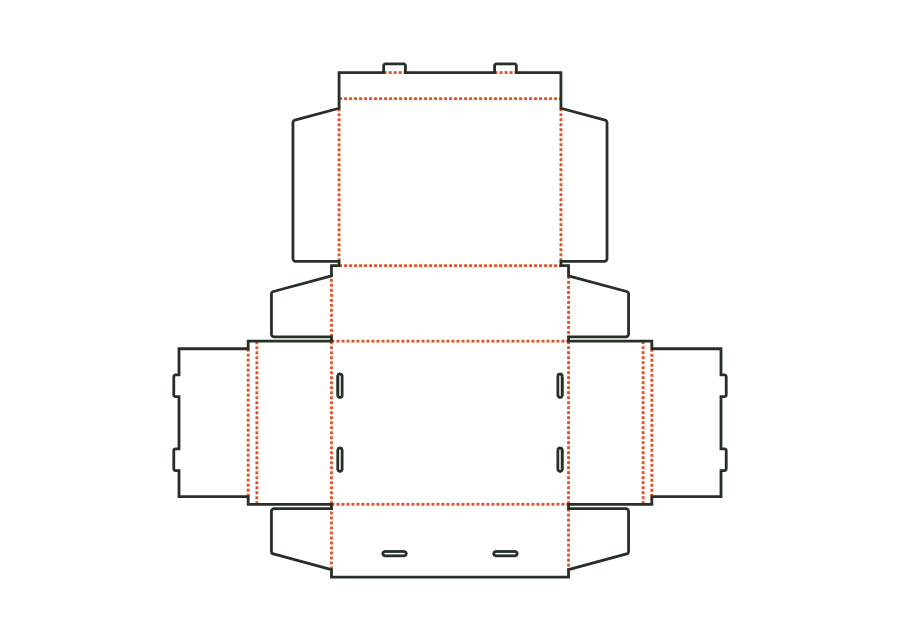
corrugated.shipper.selfsealView templateCorrugated mailer with double side walls and an external tuck closure. The lid locking tabs engage through oblong holes in the front wall; the construction is erected without gluing.
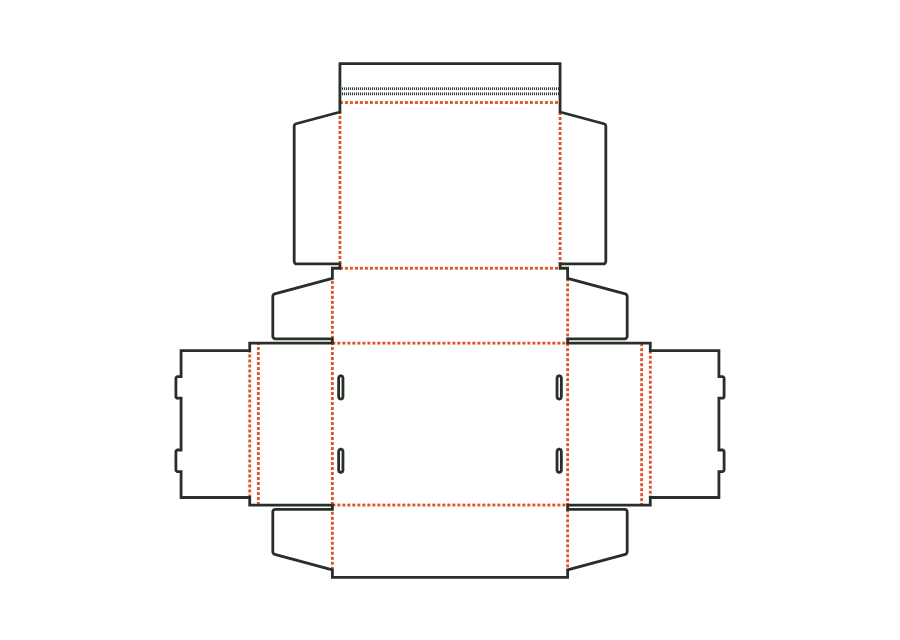
corrugated.mailer.lockView templateMailer with double side walls and an external closure flap. A self-adhesive strip connects the flap to the front wall; a tear strip opens it. The bottom tabs still hold the wall structure.
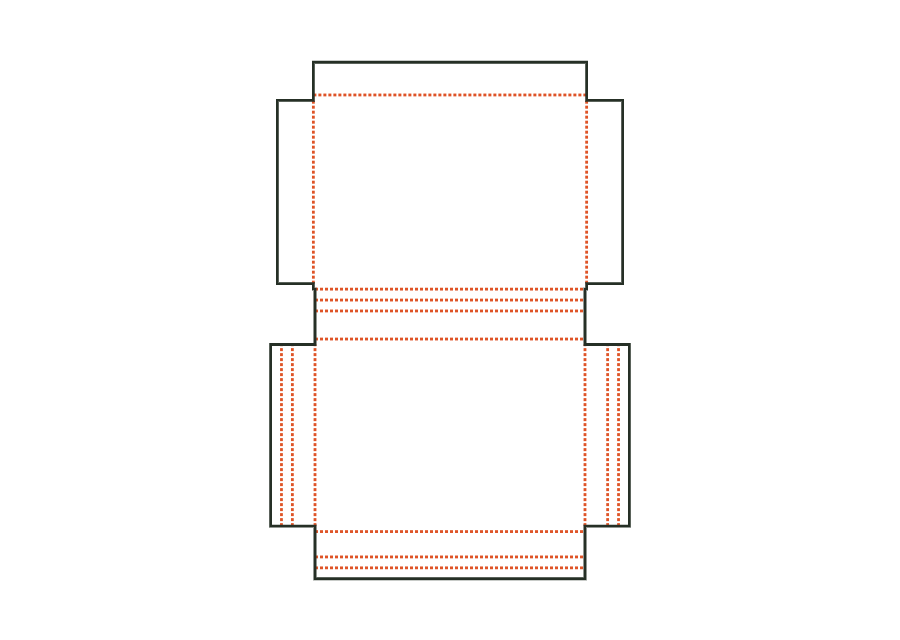
corrugated.mailer.flapView templateCross-shaped wrap-around packaging for books and flat goods. Additional crease lines allow folding for thinner contents; end walls and lid end flaps close the sides, an adhesive strip closes the front.
corrugated.wrapView templateWith JetDieline, choose a suitable template, adjust its size, and place text, logos, and images directly on your packaging.
Try your dimensions