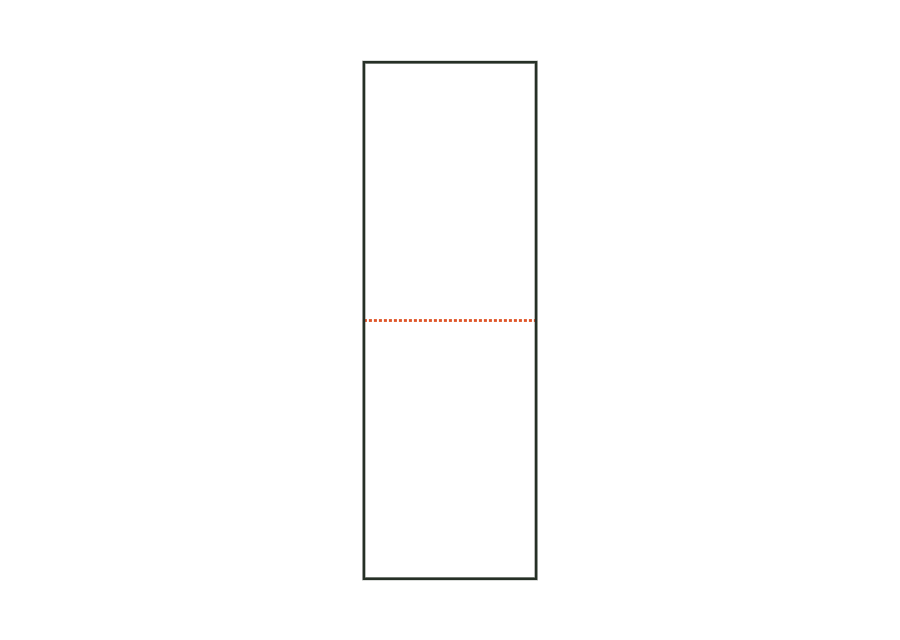
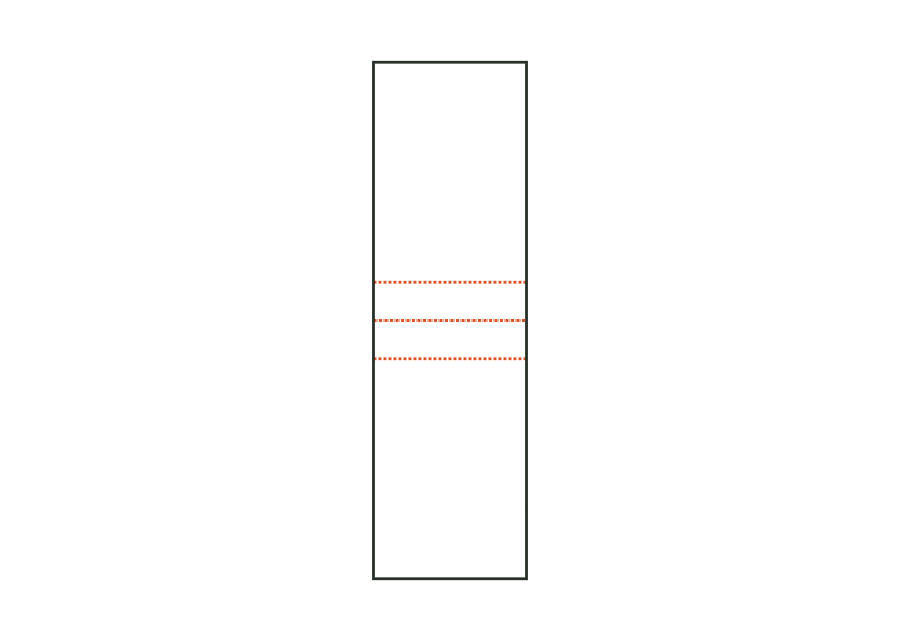
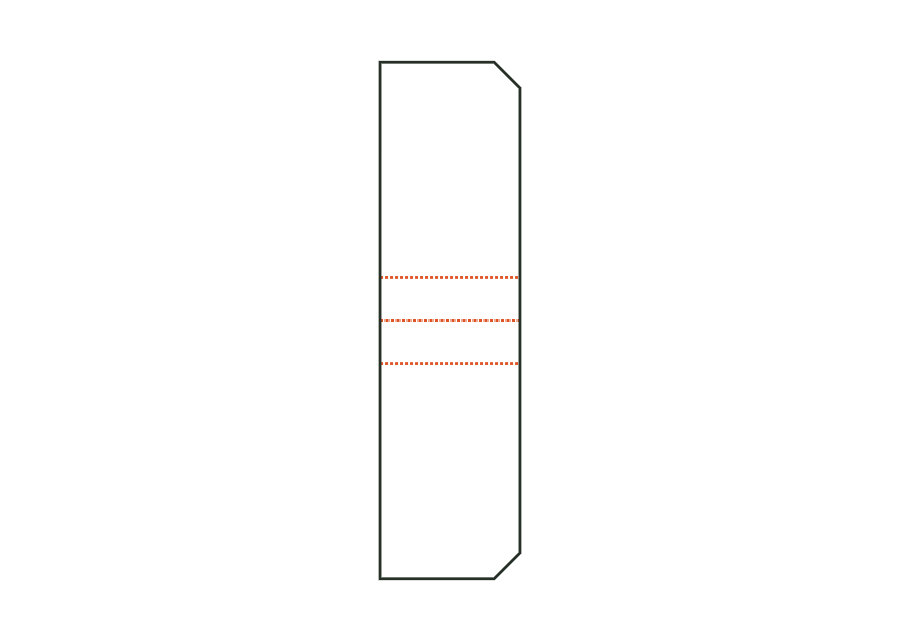
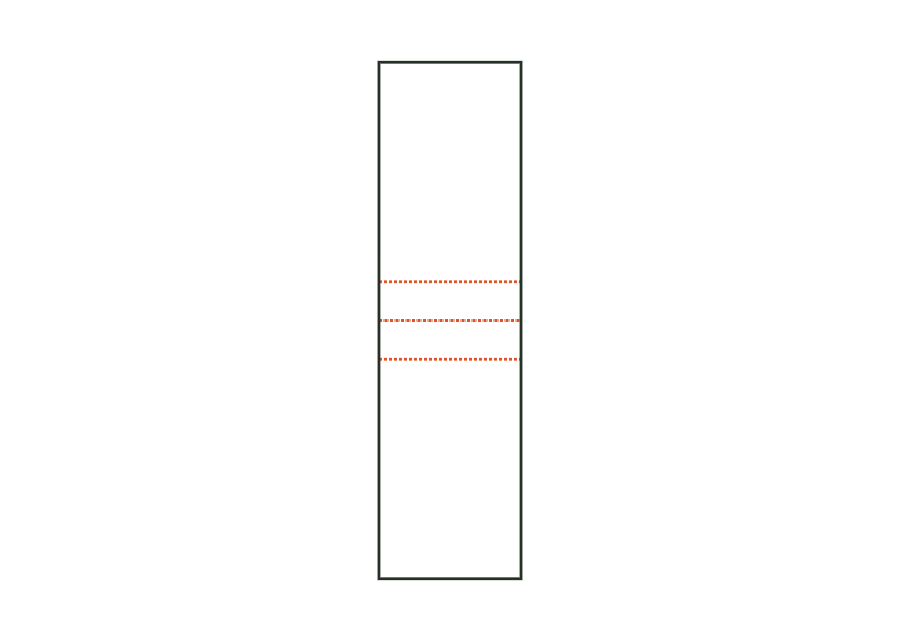
Flat, stand-up and spout pouches show the surfaces for your design. Keep important design elements clear of sealing margins and spout areas. Agree film structure, seams and leak resistance with the packaging manufacturer.
4Constructions, components and assemblies
Individual components are shown separately. Different sizes and stored template versions are not additional packaging shapes.
This template calculates the print mask for a flat pouch with a three-side seal. Front and back are on a shared print sheet with a bottom fold. Side and top seals are seal zones; zipper, tear notch and hanging hole are optional additions. The drawing is not an approved film die-cutting contour.
The stand-up pouch has a print mask comprising front, inserted W-shaped bottom gusset and back. Side seam, top seam, Doyen corners and zipper strip remain documented as seal zones. Pouch width and height are outside dimensions; the bottom gusset is a separate parameter. The calculated print sheet does not yet confirm standing stability.
The spouted pouch print mask adds a sealed-in spout to the stand-up pouch. Choose the top right corner or the centre of the top edge and enter the inside diameter. The spout fitment is part of the seal zones; the drawing documents its position, not confirmed component fit.
The beverage pouch template shows a stand-up print mask with a marked straw puncture point on the front. The top seal in the starting profile is wider than in the simple stand-up variant. Width, height, bottom gusset and puncture point are set separately; a calculated fill volume is not part of the model.
 JetDieline