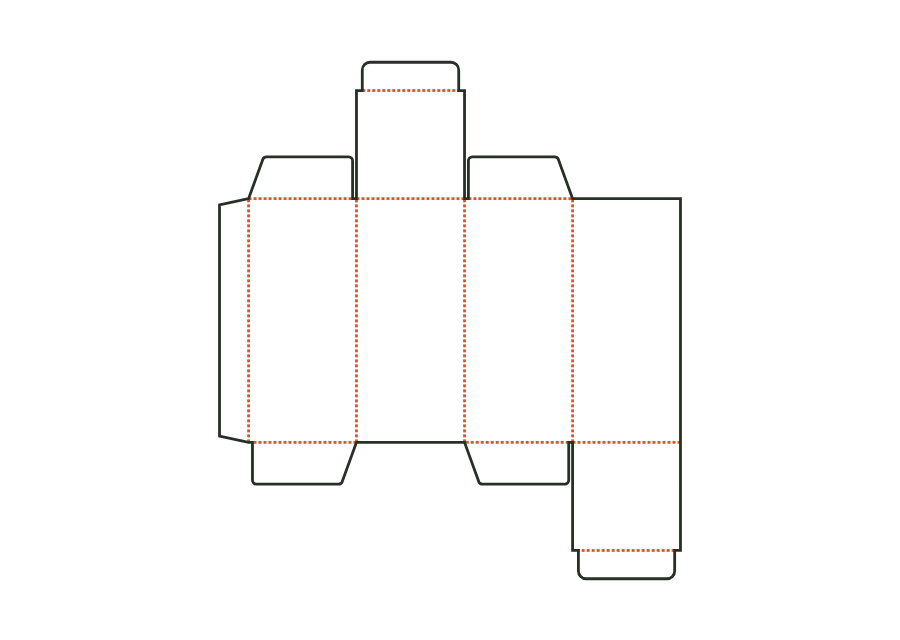
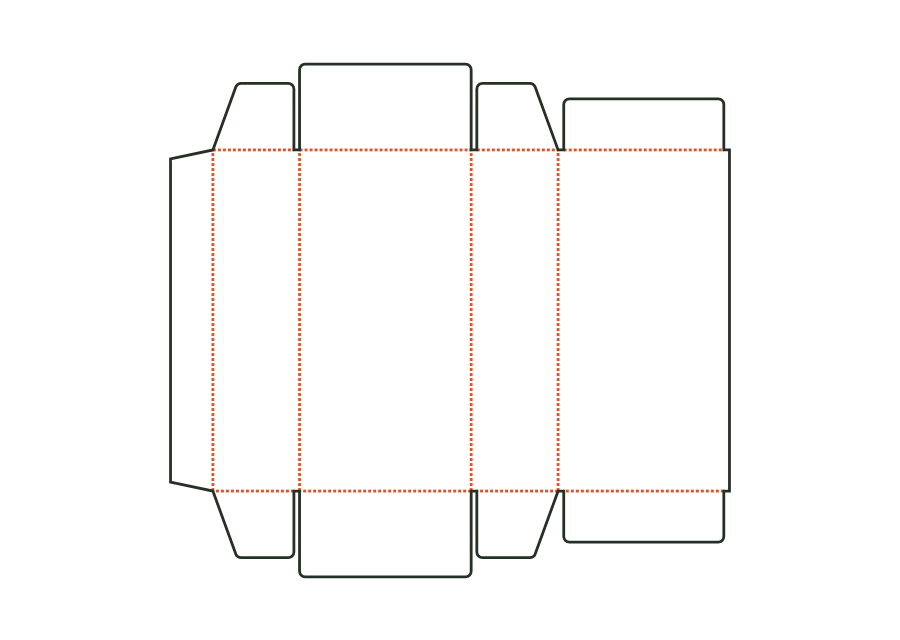
Straight tuck-end carton
Blank, creases and flaps are calculated from inside dimensions. The outputs are artwork PDF, production dieline and report for the printer.
carton.tuckend.straightView template JetDieline
JETDIELINE / Templates
Compare compact folding cartons and printable surfaces for the intended information. Check inside space and legibility with the actual product; required labelling and legal requirements are specified separately.
Individual components are shown separately. Different sizes and stored template versions are not additional packaging shapes.
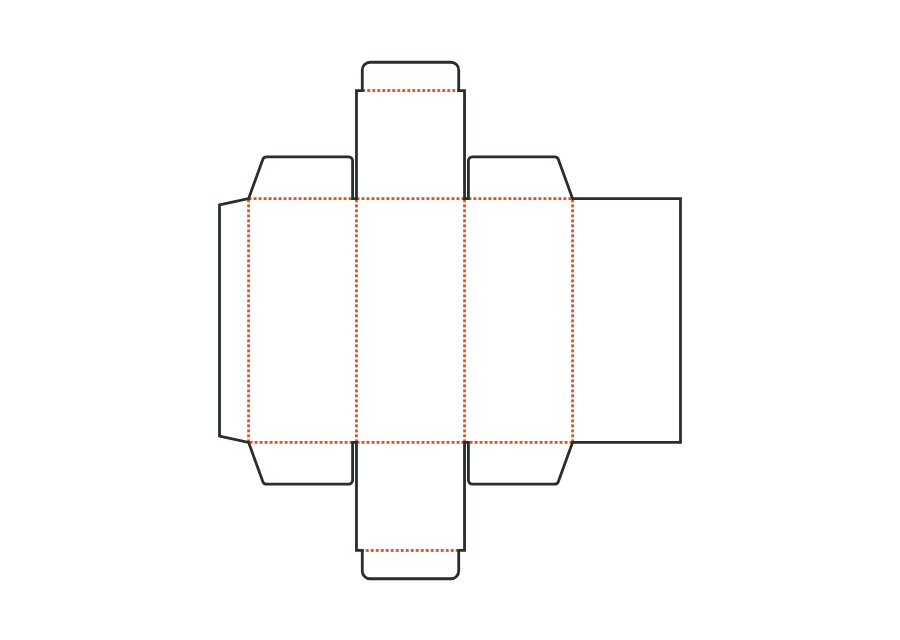 carton.tuckend.straight
Blank, creases and flaps are calculated from inside dimensions. The outputs are artwork PDF, production dieline and report for the printer.
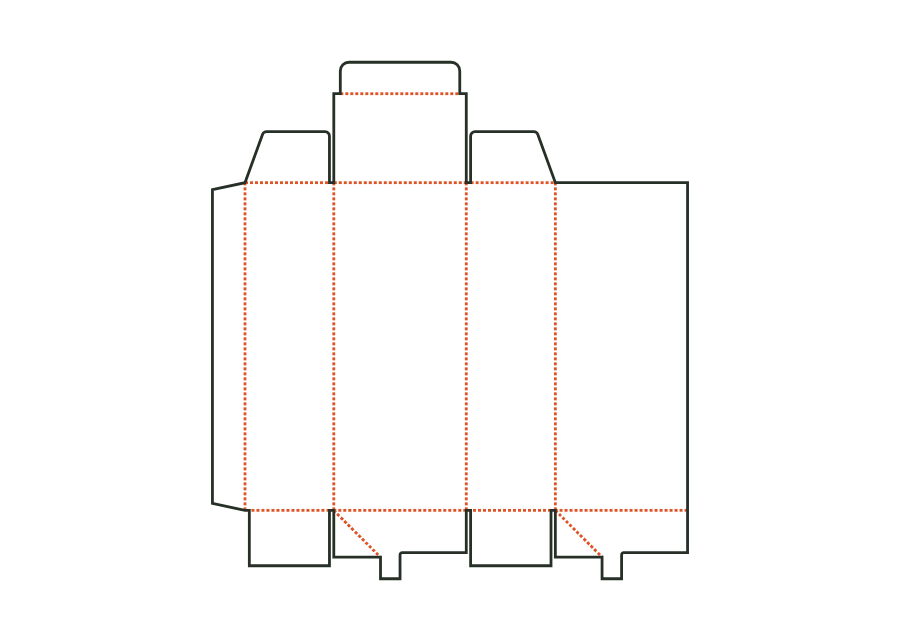
carton.tuckend.straightView templateThe top tuck flap sits on the front, the bottom one on the back. The reverse tuck-end carton calculates its walls, dust flaps and closures from the inside dimension. The dieline shown comes from version 3 with the hanging hole disabled; artwork, production dieline and report can be exported together in the technical core.
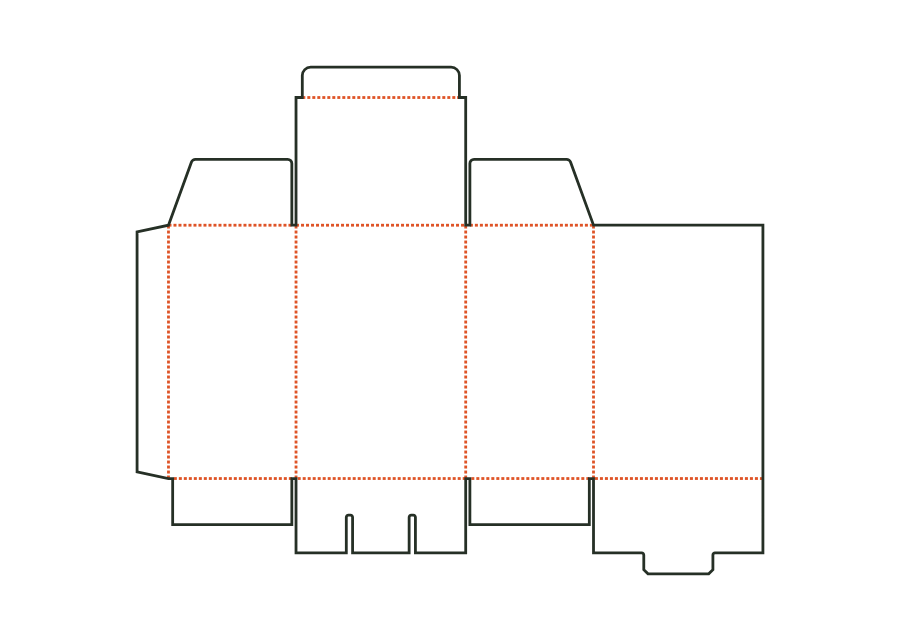
carton.tuckend.reverseView templateThe pre-glued crash-lock bottom closes as the body is erected. At the top, dust flaps and a tuck flap close the folding carton; gluing the bottom is part of the production workflow.
carton.crashlockView templateThe snap-lock bottom closes with four interlocking flaps. Two side flaps sit inside; a nose on the back tucks under the front flap's tongue. Version 1 combines this bottom with a tuck lid. The calculation example uses folding carton board 400 g/m² and shows the flat dieline with creases and bottom cuts.
carton.snaplockView templateRectangular label with selectable corner radius; dieline with bleed and safe zone from the production profile.
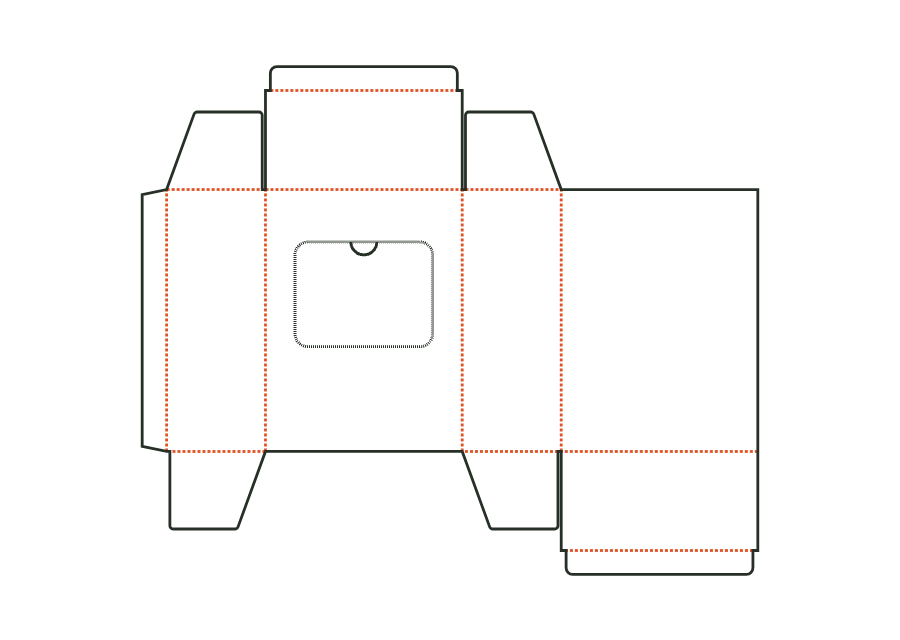
label.rectView templateReverse tuck-end carton with a perforated tear-out window on the front and a thumb notch as a tear tab; after opening, the contents are removed individually.
carton.dispenserView templateThis template calculates the print mask for a flat pouch with a three-side seal. Front and back are on a shared print sheet with a bottom fold. Side and top seals are seal zones; zipper, tear notch and hanging hole are optional additions. The drawing is not an approved film die-cutting contour.
pouch.flatView templateFolding carton with a side seam and glued closures at the top and bottom (Seal End) instead of tuck flaps: outer flap on the front, inner flap on the back, dust flaps on the sides. For pharmaceutical and food products; opened by tearing.
carton.sealendView templateNo matching template. Change the search or application.
With JetDieline, choose a suitable template, adjust its size, and place text, logos, and images directly on your packaging.
Try your dimensions