Glue flap
Width of the glued side or longitudinal seam. The material profile requires a minimum width.
 JetDieline
Cylinders and bags / JETDIELINE
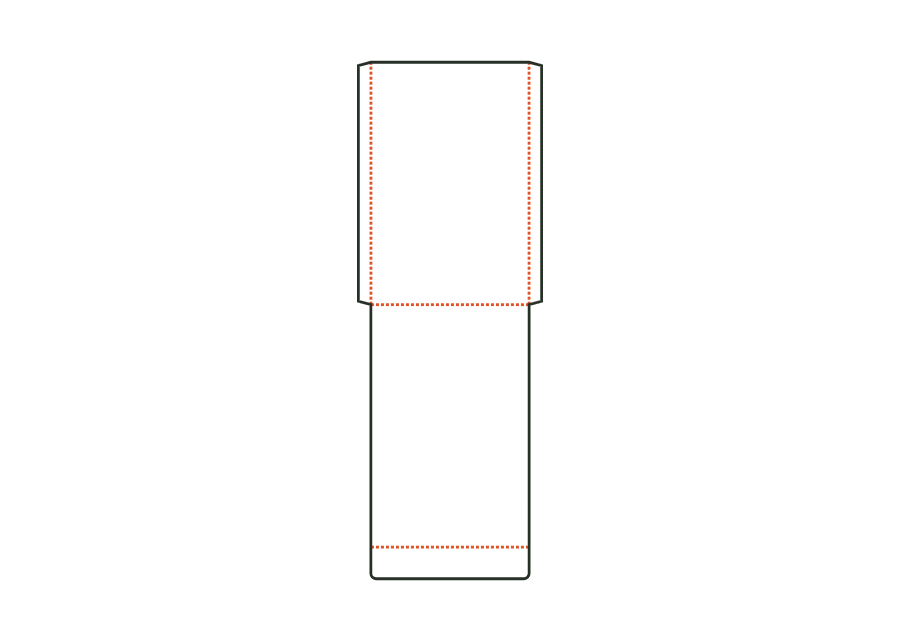
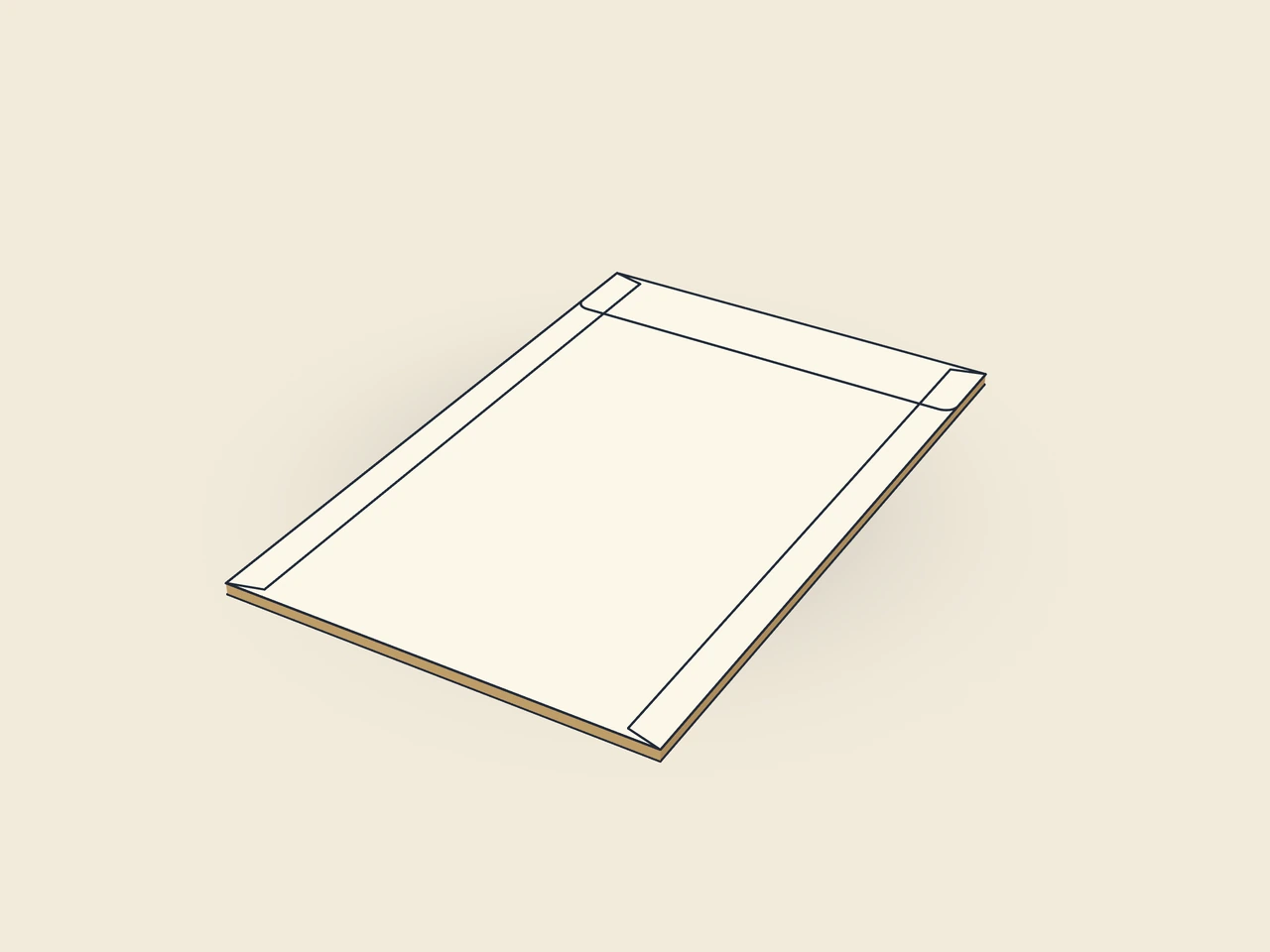
The flat bag is formed from front and back with two glued side seams and a bottom fold. Enter bag width and height as outside dimensions. An optional flap on the back closes the opening; the dieline shows its effect on the paper blank.
Drag to rotate
03 / BOX
Simplified display model without material thickness, not to scale.
The 3D view is not available in this browser. The image shows the folded shape.
bag.flatFront and back sit one above the other in the flat blank. The bottom fold connects both surfaces. Two side flaps form the glued seams; their slanted ends follow the glue flap angle. The optional closure flap sits on the back. Its depth extends the blank beyond twice the bag height.
Fold the side flaps inwards and apply adhesive to their outside, fold the back over at the bottom fold and press down. After filling, place the closure flap over the opening and glue or seal it.
Test fit, folding and closure on a sample made from the intended material. Confirm material thickness, grain direction and production steps with your printer.
Outside dimension
These dimensions describe the preview, not a fixed packaging size. The app recalculates the dieline for your own dimensions.
Width of the glued side or longitudinal seam. The material profile requires a minimum width.
Angled ends of the glue flap; make folding and erection easier.
Flap at the opening edge of the back, folded over the opening onto the front.
Closure flap depth; no more than half the bag height. Active when the closure flap switch is enabled.
No. They describe the width and height of the finished flat bag as outside dimensions. Front and back together need twice the height; side flaps widen the sheet and the closure flap lengthens it. The starting example produces a blank of 174 × 490 mm. Read the bounding rectangle separately from the input dimensions.
Front and back remain connected at the bottom by a fold. The back is folded over after the side glue flaps have been folded inwards and coated with adhesive. The bag therefore has two glued side seams. This distinguishes it from a film mask with side seal zones. Check the finished bottom with the intended contents.
Yes. The bagClosureFlap switch removes the flap on the back. Flap depth belongs to this switch and needs no additional area when the flap is disabled. With the flap enabled, bag height limits the permitted depth. Decide before adding artwork whether the opening should remain open or be closed.
Find the right packaging shape and fit it to your product
Design the artwork directly on the real dieline
Spot problems before you pass on files
Files your printer can trace
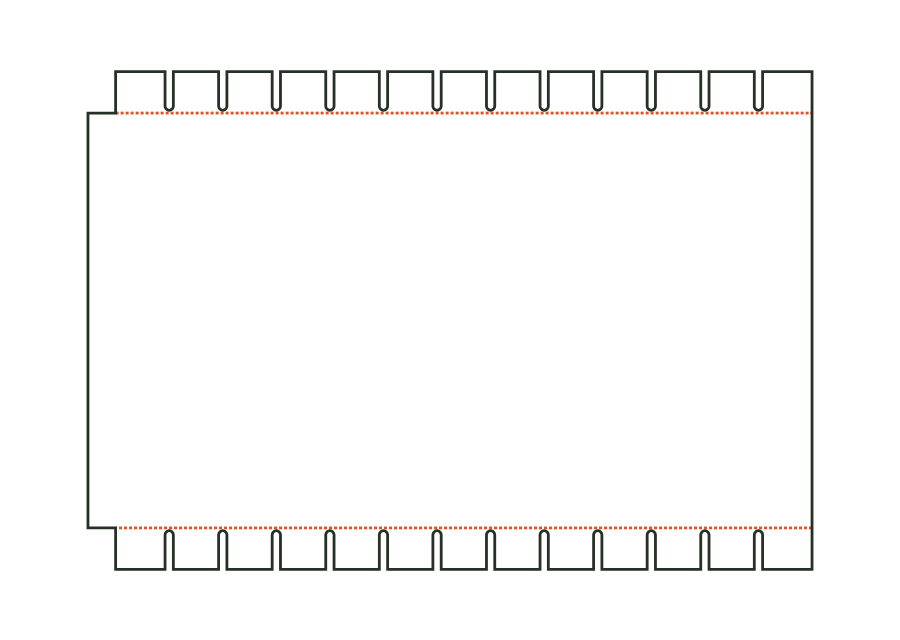
Calculate the wrap from diameter or circumference, height and overlap. For a cardboard tube, slit turn-ins are added; for a can, you can disable both. The drawing shows the blank with starting values, not a finished can or confirmed fit.
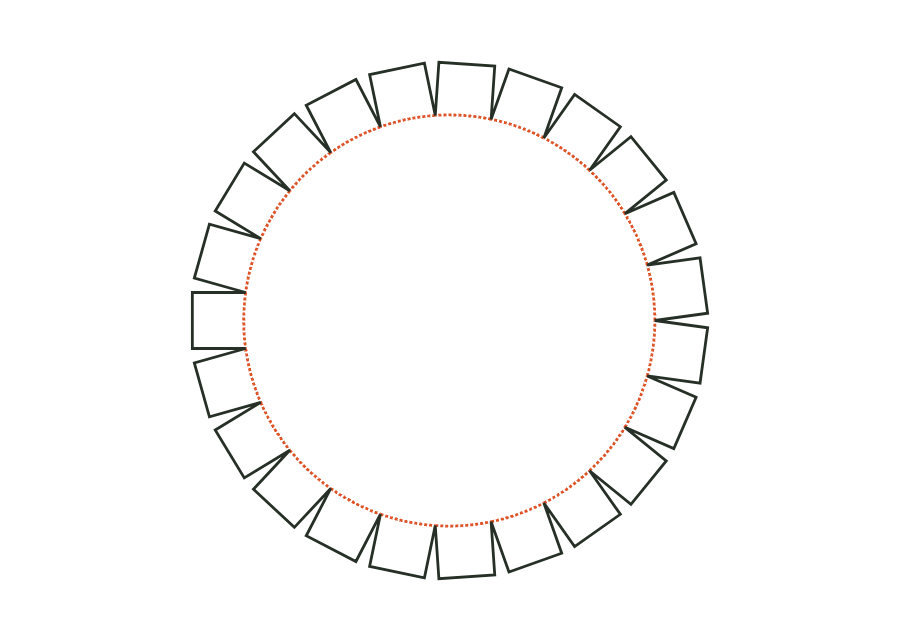
tube.wrapView templateThe lid or base disc has glue flaps around a circular crease line. The starting dimension is the cylindrical wall's inside diameter, together with its height. The parametric dieline shows the disc as an individual component; check a matching wall and assembly separately.
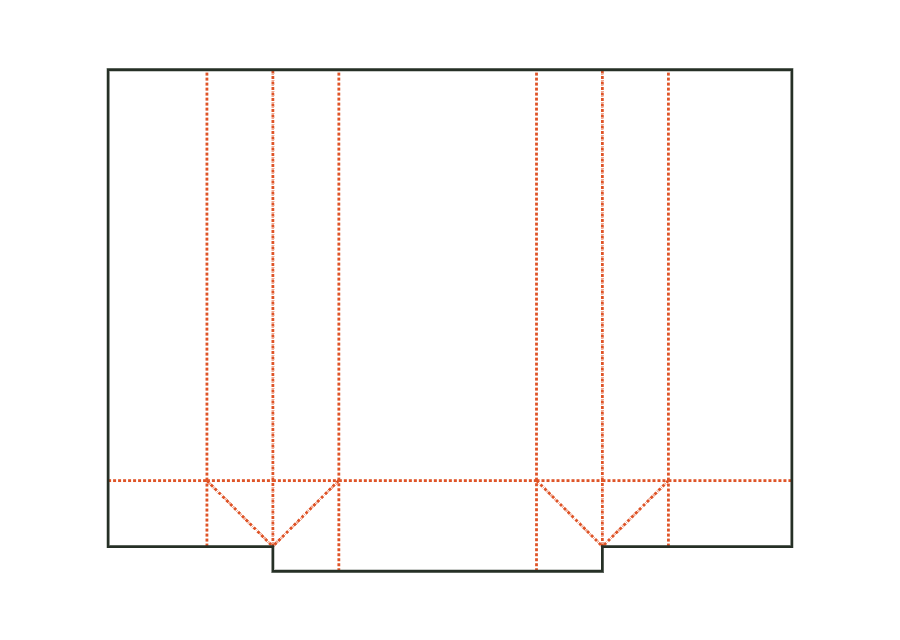
tube.discView templateThe side-gusset bag has a glued longitudinal seam and a block bottom formed by flaps, ears and triangles. You set bag width, gusset depth and height. The inside dimension shown is converted to crease-to-crease dimensions using the material profile; the flat dieline also includes the bottom overlap.
bag.gussetView templateWith JetDieline, choose a suitable template, adjust its size, and place text, logos, and images directly on your packaging.
Try your dimensions