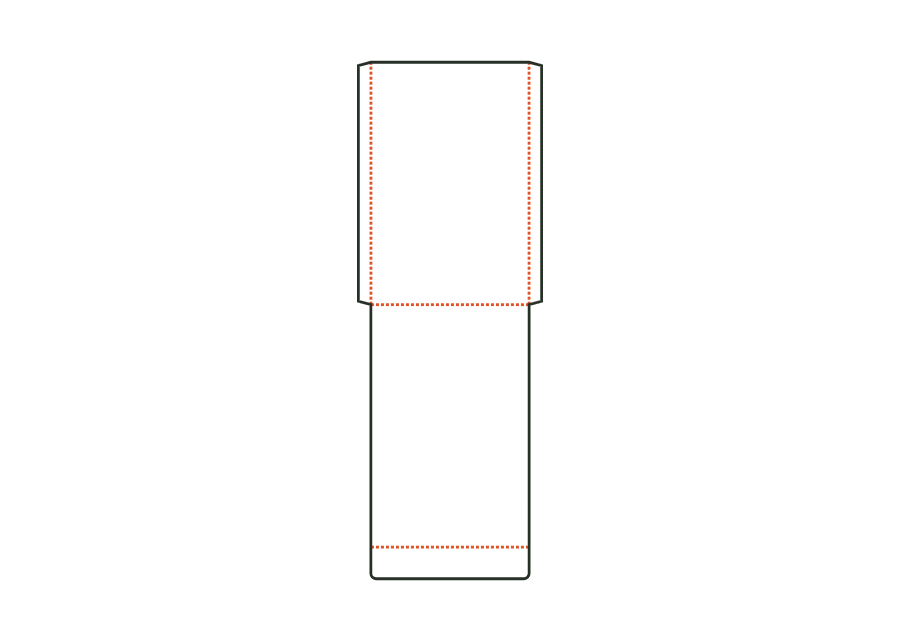
Top turn-in
Strip above the top edge folded into the tube; disable for cans.
 JetDieline
Cylinders and bags / JETDIELINE
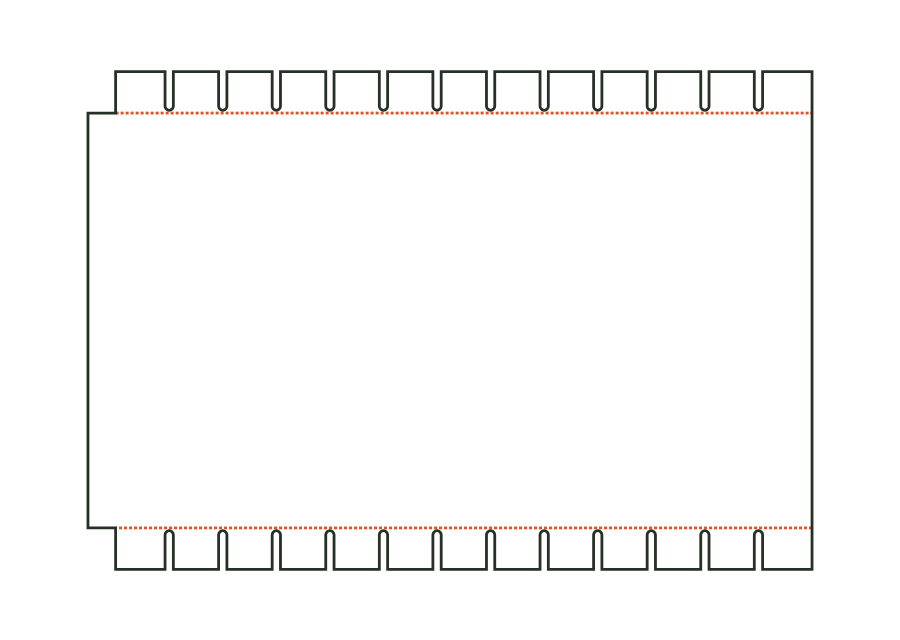
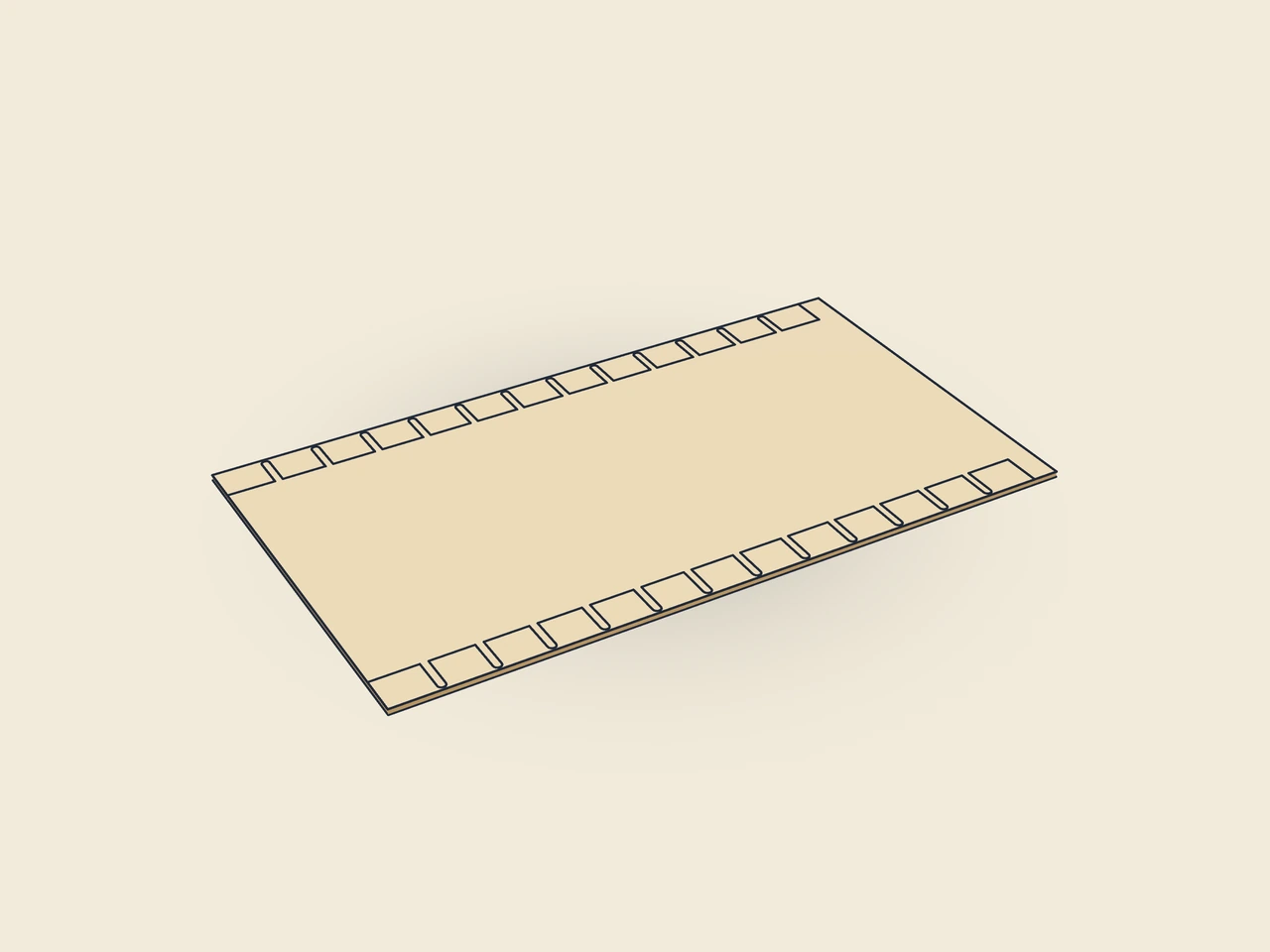
Calculate the wrap from diameter or circumference, height and overlap. For a cardboard tube, slit turn-ins are added; for a can, you can disable both. The drawing shows the blank with starting values, not a finished can or confirmed fit.
Drag to rotate
03 / BOX
Simplified display model without material thickness, not to scale.
The 3D view is not available in this browser. The image shows the folded shape.
tube.wrapCircumferential length accounts for the neutral axis: π × (diameter + material thickness). Overlap is added. Top and bottom turn-ins lie outside body height. Slits divide the strips into tabs; a continuous bridge remains before the crease. Nominal tab width determines the rounded tab count.
Apply glue to the starting glue area and the reverse, position the wrap’s starting edge along a generatrix, wrap tightly around the body and glue the end over the start. Pre-break the turn-ins along the creases and fold them into the tube.
Test fit, folding and closure on a sample made from the intended material. Confirm material thickness, grain direction and production steps with your printer.
Outside dimension
These dimensions describe the preview, not a fixed packaging size. The app recalculates the dieline for your own dimensions.
Strip above the top edge folded into the tube; disable for cans.
Strip below the bottom edge folded into the tube; disable for cans.
Turn-in width from the crease; it extends over the tube wall into its interior.
Spacing of slits in the turn-in; tab count is rounded to fit the circumference.
Besides body diameter, the blank accounts for material thickness at the neutral axis. Glue overlap is then added. A simple rectangle of length π × diameter would omit both contributions. Compare the calculated wrap with the actual body and check seam fit on the sample.
Disable the top and bottom turn-ins. The corresponding slit strips are then omitted from the blank. Body height and overlap remain input dimensions. For cardboard tubes, you can also turn in just one edge. Decide based on tube construction and check the remaining edge with the production partner.
The required tab width must be distributed around a closed circumference. The model therefore calculates a whole tab count and distributes the slits accordingly. Actual width may differ from the nominal value. The bridge before the crease holds the turn-in together; test whether the tabs sit inside without disruptive overlap.
Find the right packaging shape and fit it to your product
Design the artwork directly on the real dieline
Spot problems before you pass on files
Files your printer can trace
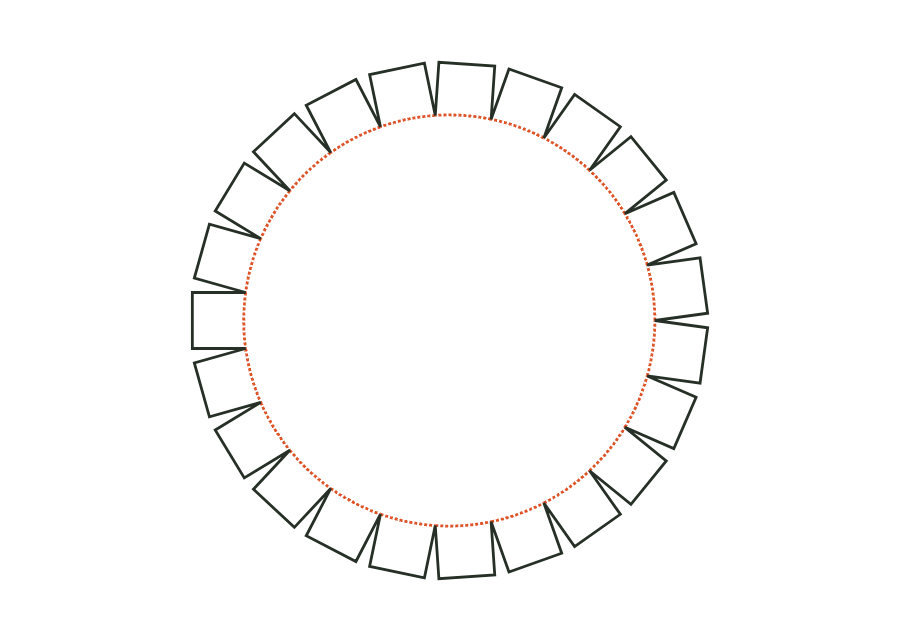
The lid or base disc has glue flaps around a circular crease line. The starting dimension is the cylindrical wall's inside diameter, together with its height. The parametric dieline shows the disc as an individual component; check a matching wall and assembly separately.
tube.discView templateThe flat bag is formed from front and back with two glued side seams and a bottom fold. Enter bag width and height as outside dimensions. An optional flap on the back closes the opening; the dieline shows its effect on the paper blank.
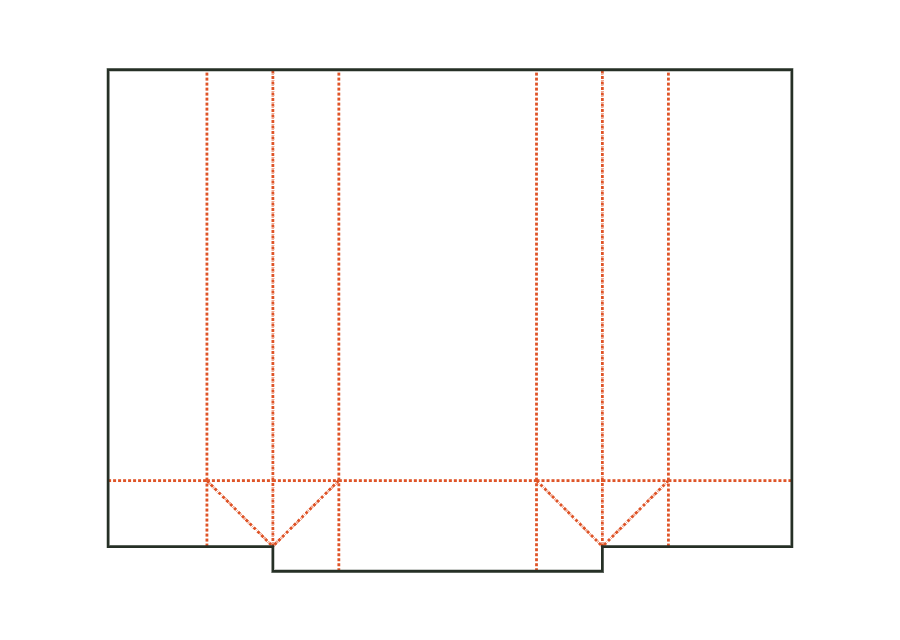
bag.flatView templateThe side-gusset bag has a glued longitudinal seam and a block bottom formed by flaps, ears and triangles. You set bag width, gusset depth and height. The inside dimension shown is converted to crease-to-crease dimensions using the material profile; the flat dieline also includes the bottom overlap.
bag.gussetView templateWith JetDieline, choose a suitable template, adjust its size, and place text, logos, and images directly on your packaging.
Try your dimensions