Circumference coverage
Proportion of the circumference covered by the neck label; 100 % is a closed ring. Overlap requires full coverage.
 JetDieline
Labels and bands / JETDIELINE
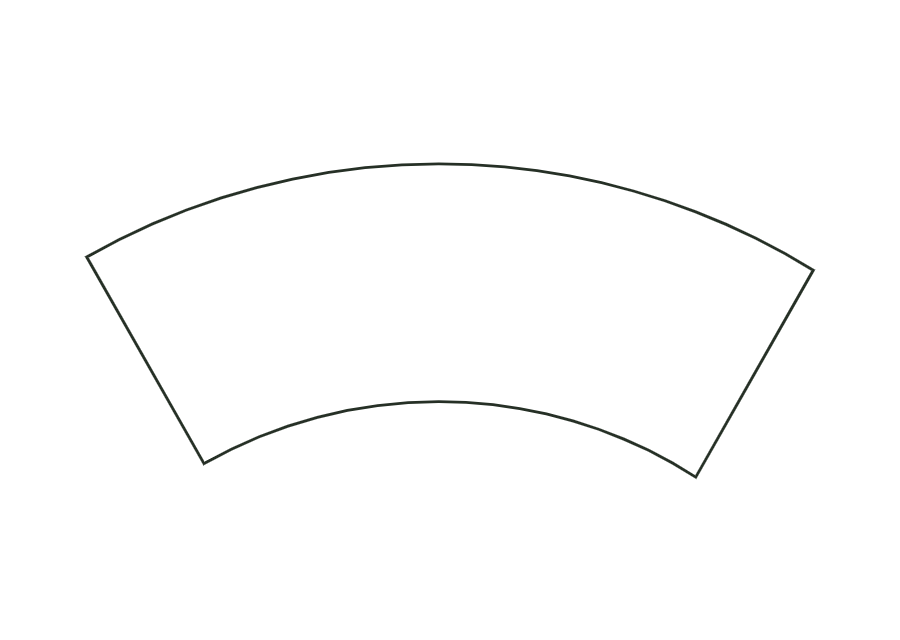
Neck label for a conical bottle neck as a cone development from top and bottom diameters and height; as a closed ring with overlap or a partial label.

label.neckAn annular sector represents the conical bottle neck. The smaller top diameter lies at the inner arc, the larger bottom diameter at the outer arc. Height is the vertical height on the body; slant height is calculated from it. A glue strip completes the closed ring. neckCoverage also allows a partial label to be constructed.
Place the label on the neck with the shorter arc edge facing upwards and wrap it around following the arcs; for a ring, glue the end over the glue strip at the start.
No fixed grain direction; check parallel to the body axis on curved bodies
Test fit, folding and closure on a sample made from the intended material. Confirm material thickness, grain direction and production steps with your printer.
Outside dimension
These dimensions describe the preview, not a fixed packaging size. The app recalculates the dieline for your own dimensions.
Proportion of the circumference covered by the neck label; 100 % is a closed ring. Overlap requires full coverage.
The dimension model expects the vertical height between the two diameter planes. Slant height is calculated from height and diameter difference. Measure both diameters at the boundaries of the intended label. A freely curved shoulder is not described by this cone model.
Set circumference coverage to 50 % and overlap to 0. Coverage has a parameter range of 20–100 %. A partial label has no closed joint. Positive overlap combined with partial coverage violates the corresponding constraint.
The circumference differs at the top and bottom. The annular sector represents this difference through two arcs. A rectangle maintains a constant length over its height. The template calculates the cone development from both diameters; confirm the actual fit on a neck sample.
Find the right packaging shape and fit it to your product
Design the artwork directly on the real dieline
Spot problems before you pass on files
Files your printer can trace
Wraparound label for tapered cups and cans as a cone blank (annular sector) with a glue strip of constant width.
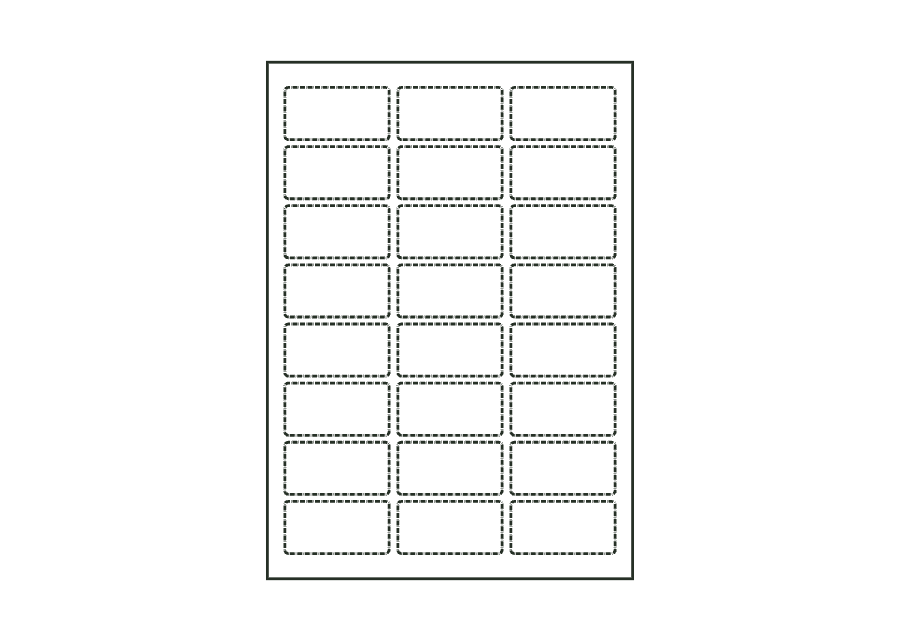
label.tapered.wrapView templateSheet with several identical labels in columns and rows; labels are kiss-cut, leaving the backing intact.
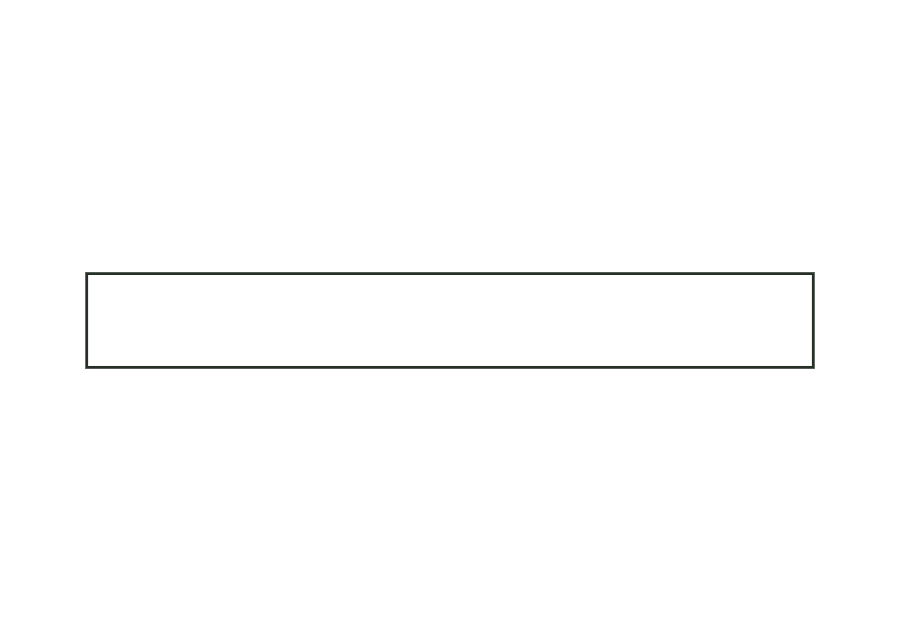
label.sheet.layoutView templatePaper wrap band around a round body or a stack: length from circumference plus ease allowance and overlap; the overlap at the beginning is the glue area.
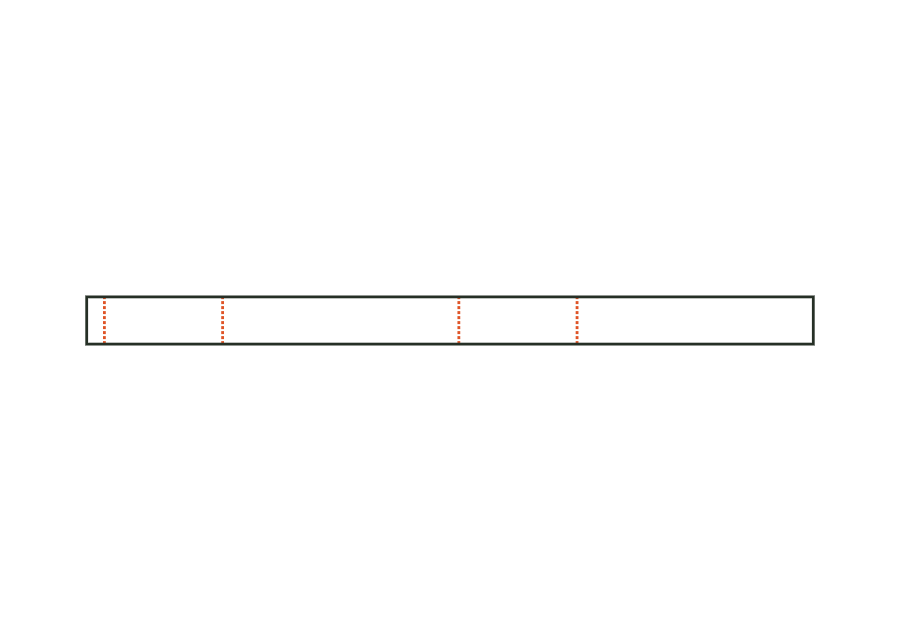
band.wrapView templatePaper belly band around the four walls of a box, with creases at the edges and a glue flap; crease-to-crease dimensions from the box's outside dimensions plus material thickness.
band.bellyView templateWith JetDieline, choose a suitable template, adjust its size, and place text, logos, and images directly on your packaging.
Try your dimensions