Glue flap
Width of the glue flap used to glue the blank into a tube. The material requires a minimum width. For the wedge, no more than 40 % of prism thickness.
 JetDieline
Food and hospitality / JETDIELINE
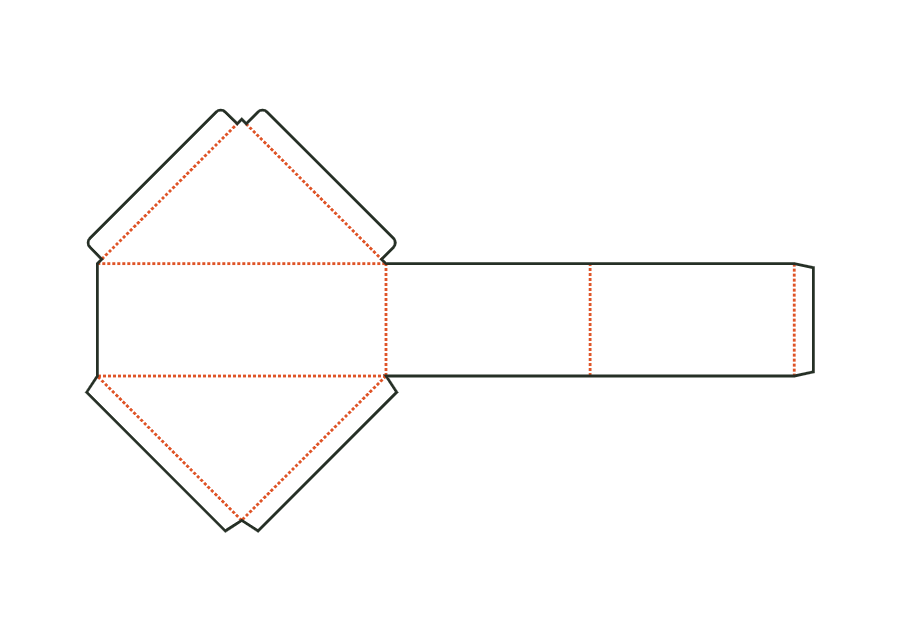
The sandwich wedge forms a triangular prism from a base and two sloping panels, a glued-in back and a hinged lid. Inside dimension describes baseline, prism thickness and triangle height.
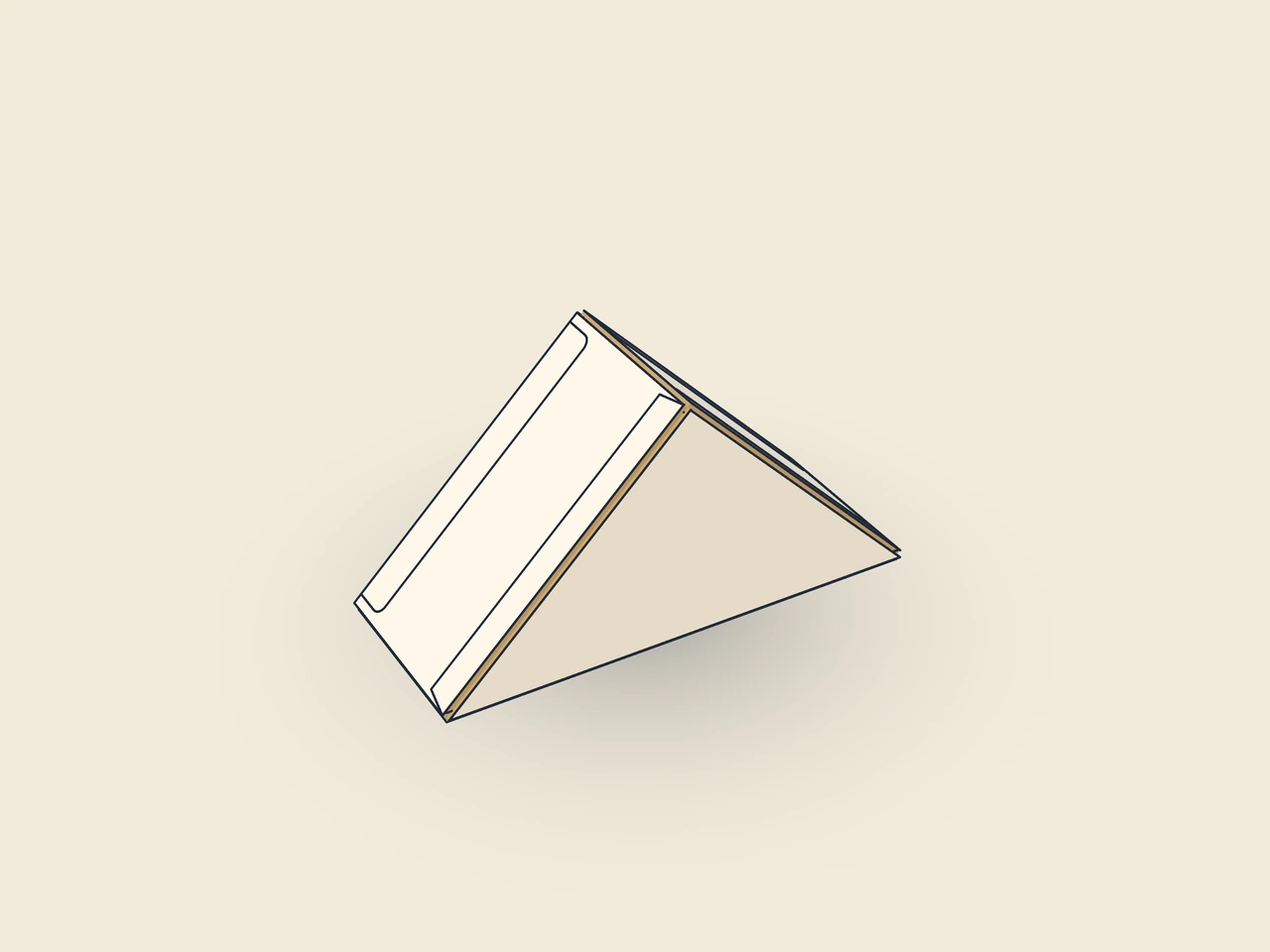
Drag to rotate
03 / BOX
Simplified display model without material thickness, not to scale.
The 3D view is not available in this browser. The image shows the folded shape.
carton.wedgeThe body consists of a base and two sloping panels with a longitudinal seam. A triangular back is glued in; the triangular hinged lid carries two tuck flaps. The crease triangle is created by offsetting the inside triangle. Thickness describes the distance between the two triangular faces.
Pre-break the blank along all creases and glue the longitudinal seam to the inside of the base. Apply adhesive to the back’s glue flaps, swing the back into position and press the flaps against the inside of the sloping panels. After filling, close the hinged lid and insert the tuck flaps inside at the sloping panels.
Grain direction parallel to the body creases (vertical on the blank): base and sloping panels fold neatly around the triangle corners (check with the test printer).
Test fit, folding and closure on a sample made from the intended material. Confirm material thickness, grain direction and production steps with your printer.
Compare openings and closures for your food product. Check direct-contact material, moisture and grease resistance with the manufacturer.
Inside dimension
These dimensions describe the preview, not a fixed packaging size. The app recalculates the dieline for your own dimensions.
Width of the glue flap used to glue the blank into a tube. The material requires a minimum width. For the wedge, no more than 40 % of prism thickness.
Angled ends of the glue flap; make folding and erection easier.
How far the tuck flap reaches into the box; no more than roughly half the width (height for the mailer). For the wedge, no more than half the prism thickness.
Corner radius of the tuck flap; limited by half the flap width or tuck depth.
Side inset of the tuck flap relative to the lid, to allow easy insertion.
Measure the baseline along the cut edge, thickness as the distance between the two triangular faces, and height perpendicular to the baseline. For an isosceles right triangle, height is half the baseline. Account for actual contents and required clearance.
This version offers only inside dimension. The model offsets the inside triangle outwards by the crease offset and calculates the body from it. An outside dimension parameter is not offered for this wedge. Use measured product dimensions with suitable clearance and check the resulting outside shape on the material sample; the simplified compensation still needs practical confirmation.
The template allows base angles from 25 to 70°. The ratio of baseline to height determines this angle. Very flat or very tall triangles may therefore be rejected despite valid individual dimensions. Adjust proportions together. The limit protects the intended dimension model and does not replace checking whether the actual sandwich with filling fits.
Find the right packaging shape and fit it to your product
Design the artwork directly on the real dieline
Spot problems before you pass on files
Files your printer can trace
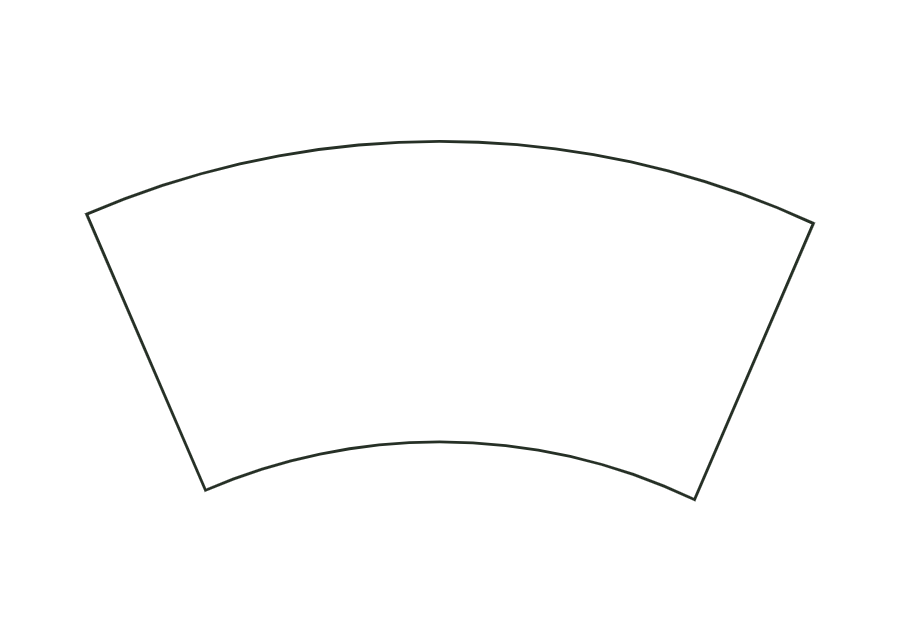
Calculate the conical wall of a paperboard cup from rim diameter, base diameter and finished height. The annular sector includes the glue seam and separate allowances for the bottom curl and top rolled rim.
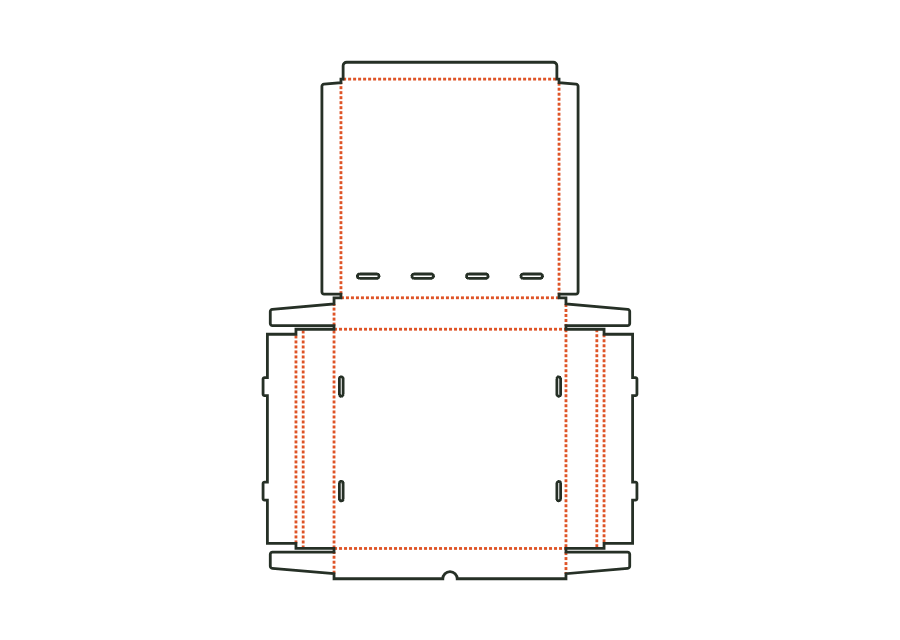
cone.cup.wrapView templateThe pizza box is made from one blank with double side walls, interlocking corners and a hinged lid. Inside dimensions determine the space for the pizza; ventilation slots and locking tabs are separate parameters.
carton.pizzaView templateThe clamshell tray combines a base with glued corners and a lid hinged to the back wall. You choose a tuck flap or tab-and-slot closure and calculate either from inside or outside dimensions.
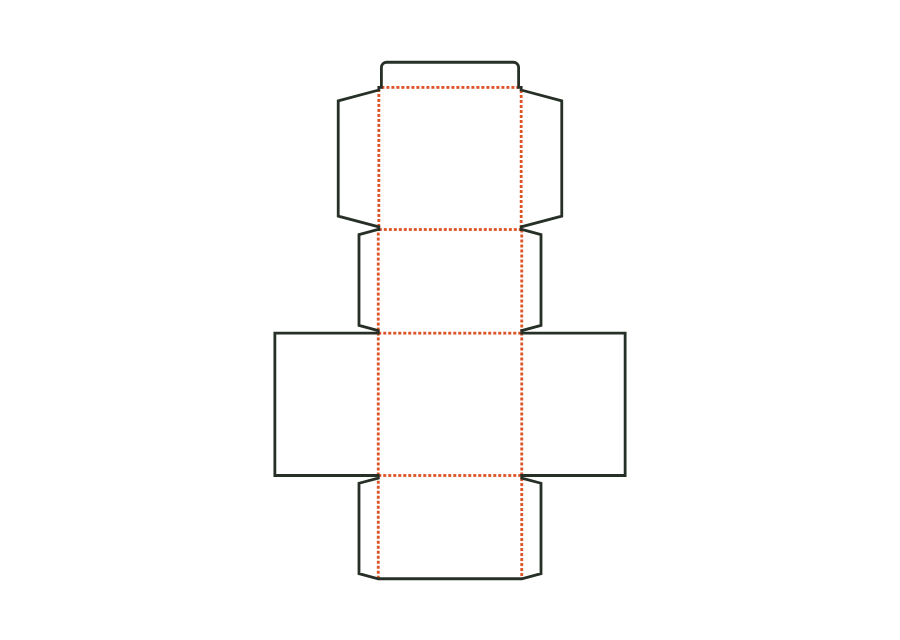
carton.tray.hingedView templateThe takeout box has outward-sloping front and back walls, glued corners and a folding lid with tuck flap. Inside width and outside width have different reference points.
carton.takeoutView templateWith JetDieline, choose a suitable template, adjust its size, and place text, logos, and images directly on your packaging.
Try your dimensions