Templates and dimensions
Find the right packaging shape and fit it to your product
 JetDieline
Reference / JETDIELINE
Decide by working method, handoff and presentation. The comparison contrasts the JetDieline Mac app with online generators in general and names no individual providers.
For handover to a printer, traceable files, profiles and approval status matter. For presentation, a browser editor, renderings and a broad mock-up catalogue may matter more. The comparison therefore follows your workflow.
An online generator runs in the browser and needs no installation. It also works on Windows and on devices without macOS. Many offerings come with large mock-up catalogs and let you share drafts by link. These advantages count if you mainly present or work with several people in the browser.
JetDieline shows the folded packaging in 3D and exports images, videos and 3D files. Real-time collaboration is not part of the app. Catalogue figures are not a quality measure here.
If you want to trace material profiles, variants and the approved file state, the local modules provide a concrete approach. Construction and artwork are kept in separate outputs. Report and manifest connect these files with profiles and findings. For real production, the files must still be tested with the printer.
Logos, customer data and constructions do not leave your device. The app is designed to work without network access.
Export conditions, platforms and scope may change. Check the current provider information before deciding. Undocumented line layers, approval workflows or calibration functions are not claimed to be missing.
The column on online generators describes typical features and not a specific service. It contains no prices and no user ratings.
| Feature | JetDieline (Mac app) | Online generators in general |
|---|---|---|
| Workflow | Native Mac app, works locally | Browser application |
| Platform | macOS 15 or later | Operating systems with a current browser |
| Account | No account required | Account often required |
| Data storage | Project files stay on your Mac | Drafts are usually held by the provider |
| Internet | No network access | Internet connection required |
| Export | Artwork PDF and die-cut contour separate; contour as PDF, SVG and DXF | Varies by provider and plan |
| Checks | Rules on three levels: geometry, manufacturability and print data | Varies by provider and plan |
| Material | Adjustable material profiles; starting values not calibrated | Varies by provider and plan |
| Series | Several sizes from one template | Varies by provider and plan |
| Presentation | 3D folding view, images, videos and 3D files | Often large mock-up catalogs |
| Collaboration | Sharing as a file | Often shared by link |
If you work in the browser or under Windows, want to share drafts by link, or need a large mock-up catalogue.
No. JetDieline is a native Mac app for macOS 15 or later.
Wherever you save them. There are no accounts and no cloud service.
No. It describes typical features of online generators. Scope and terms differ by provider.
Yes. There is a free trial for 7 days, available in all countries. Which purchase options apply afterwards has not yet been announced.
JetDieline is not affiliated with FEFCO or ECMA. The designations are for orientation only.
Find the right packaging shape and fit it to your product
Design the artwork directly on the real dieline
Spot problems before you pass on files
See and show the pack folded
Files your printer can trace
Create one pack in several sizes
Blank, creases and flaps are calculated from inside dimensions. The outputs are artwork PDF, production dieline and report for the printer.
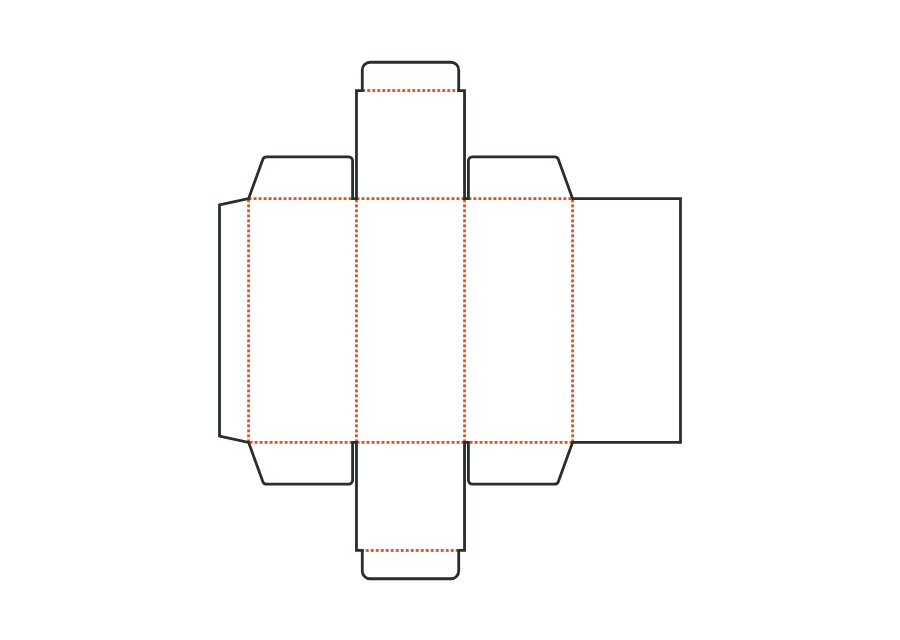
carton.tuckend.straightView templateThe slotted box combines four walls, a glue flap and four flaps each at the top and bottom. Its outer flaps meet in the middle; the reference is similar to FEFCO 0201.
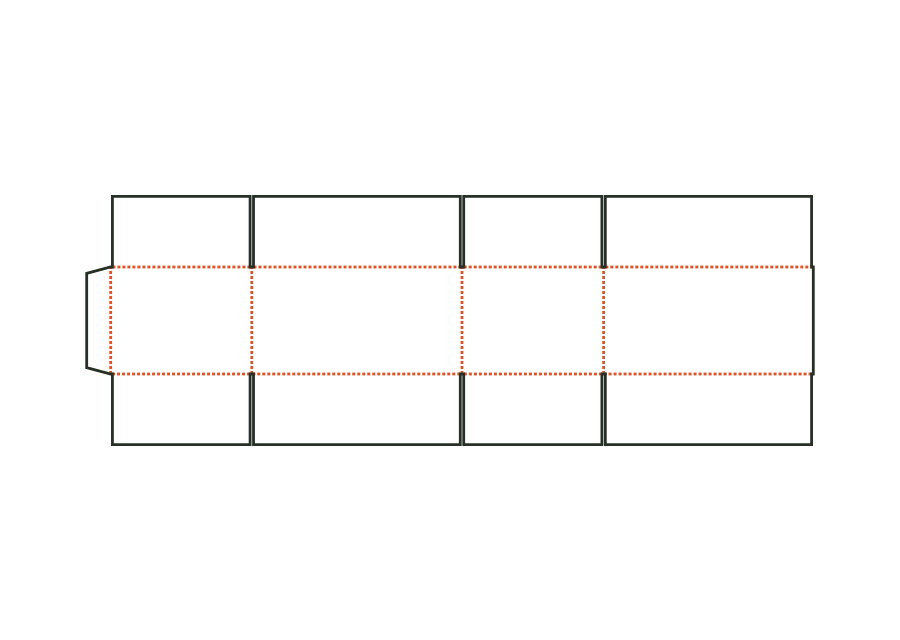
corrugated.rscView templateShipping box with tuck lid and dust flaps made from E flute or microflute. Inside printing, double walls and size series are part of the same construction.
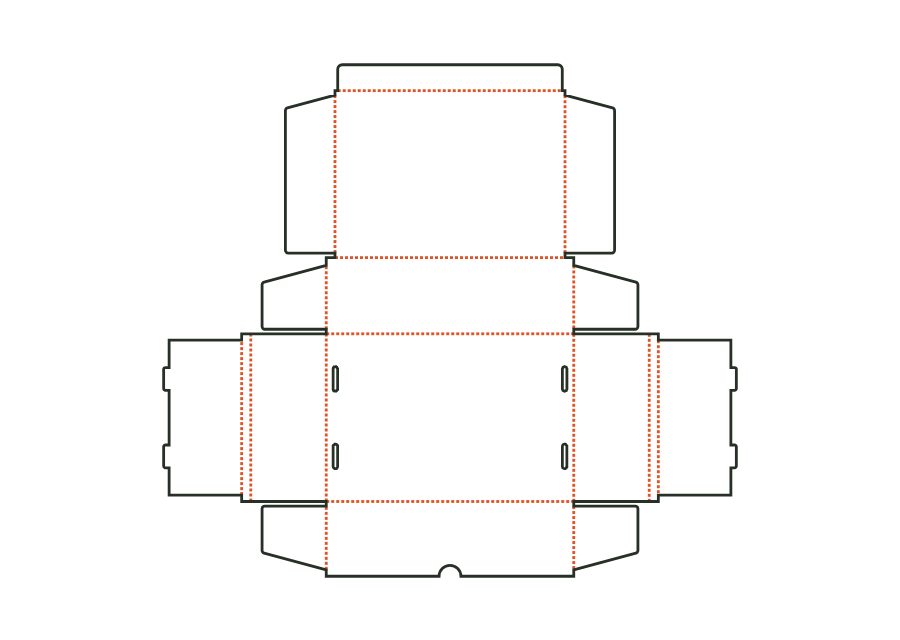
corrugated.mailerView templateWith JetDieline, choose a suitable template, adjust its size, and place text, logos, and images directly on your packaging.
Try your dimensions