Corner radius
Radius at all contour corners with at least a 5° change of direction; crease line ends remain sharp.
 JetDieline
Paper products and custom contours / JETDIELINE
Blank from your own closed contour (point list, e.g. from an SVG file) with a uniform corner radius and up to four crease lines between contour points; the panels are derived from the crease lines.
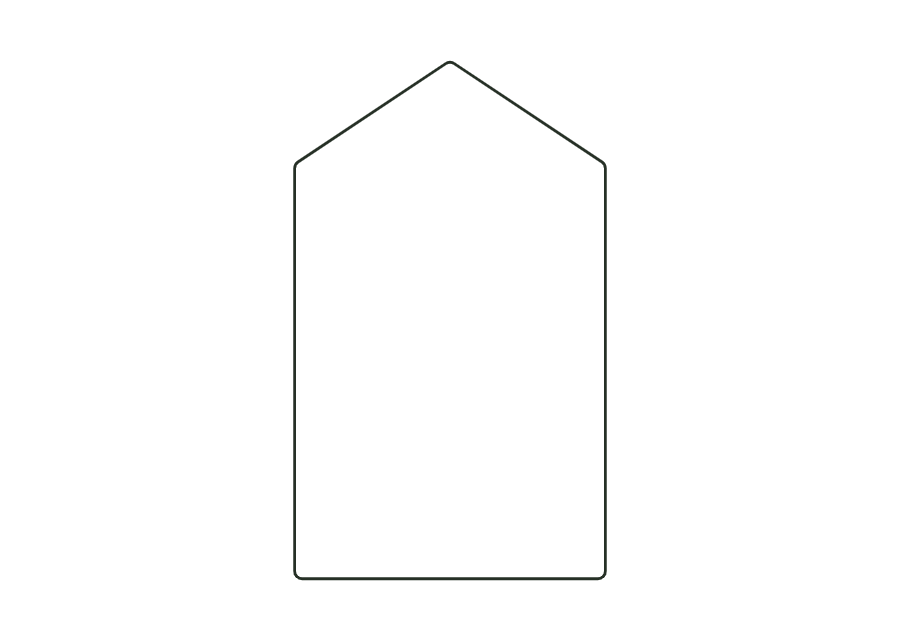
custom.polygonThe starting contour is a gable-shaped card made from five points. A uniform radius rounds the corners; no crease lines are active in the starting example. Up to four crease lines connect entered contour points. The resulting surfaces are constructed as panels with folding semantics.
Fold crease lines in numerical order: positive angles inwards, negative outwards.
no recommendation (check)
Test fit, folding and closure on a sample made from the intended material. Confirm material thickness, grain direction and production steps with your printer.
Outside dimension
These dimensions describe the preview, not a fixed packaging size. The app recalculates the dieline for your own dimensions.
Radius at all contour corners with at least a 5° change of direction; crease line ends remain sharp.
Number of the contour point where the crease line starts (1 = first contour point); 0 = no crease line.
Number of the contour point where the crease line ends; the line must lie inside the contour and must not cross another crease line.
Crease line fold angle: positive inwards, negative outwards; 0° remains flat.
Number of the contour point where the crease line starts (1 = first contour point); 0 = no crease line.
The point list is 0 0; 120 0; 120 160; 60 200; 0 160 in millimetres. It describes a gable-shaped card. The starting corner radius of 3 mm rounds the contour. The measured bounding rectangle is therefore slightly lower than the highest unrounded point coordinate of 200 mm.
Each line has a start point number, an end point number and a fold angle. The numbers refer to the entered contour order, starting at 1. Zero disables the line. Up to four crease lines are provided. The ends must connect suitable contour points; lines outside or along the outside edge are not permitted.
Positive angles fold inwards, negative outwards. Zero degrees remains flat. The sequence follows the crease numbers. These details belong to the folding semantics and do not replace a physical test. Especially with several creases, check that the entered sequence suits your intended assembly and target board.
Find the right packaging shape and fit it to your product
Design the artwork directly on the real dieline
Spot problems before you pass on files
Files your printer can trace
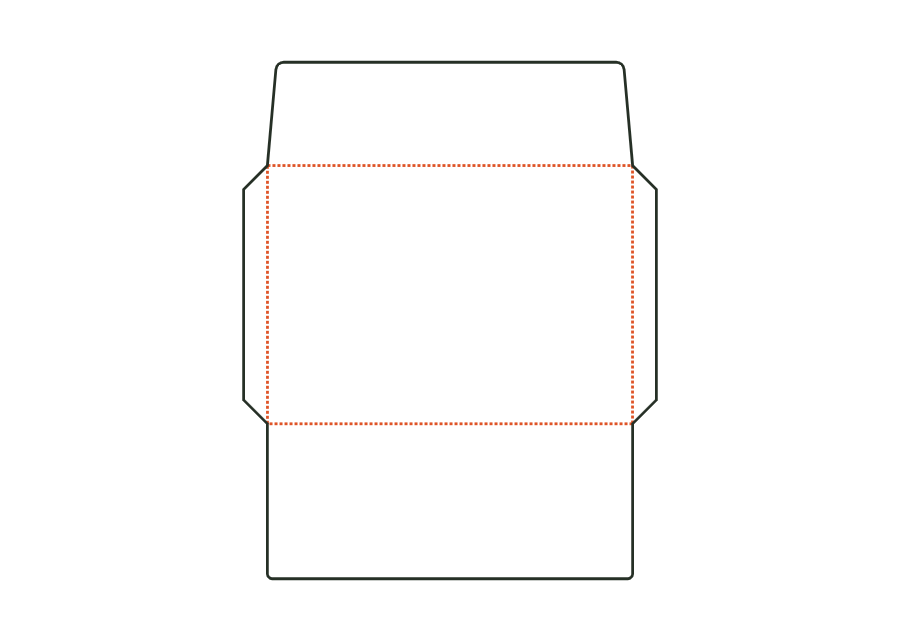
Envelope opening on the long side: address panel, two side flaps, bottom flap forming the back, and a straight or pointed closure flap. Dimensions refer to the finished format; starting sizes DL, C6, C5, C4 and US No. 10.
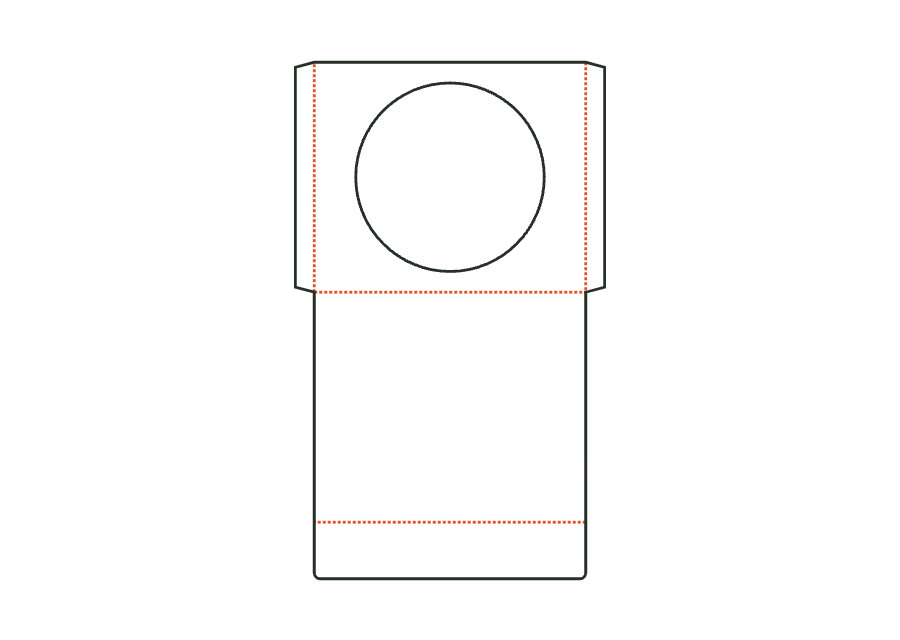
envelope.walletView templateFlat sleeve for a CD or DVD with a round window (optionally without), side seams formed by glue flaps, a closure flap on the back, and an optional thumb notch. Dimensions refer to the insert; clearance and flaps make the sleeve larger.
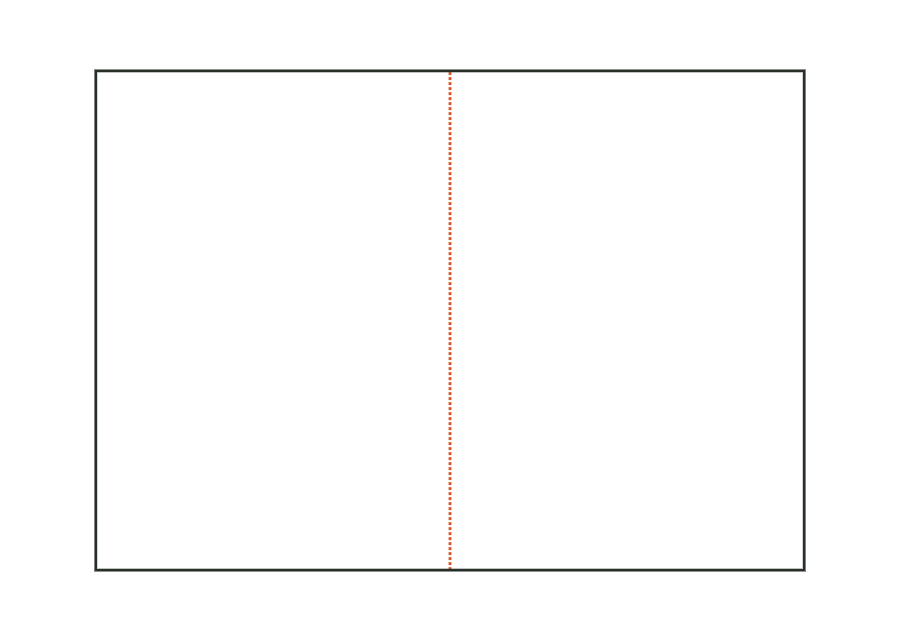
envelope.cdView templateFolded card with a single fold (two panels), roll fold (three panels, with a slightly narrower inner flap) or gate fold (centre with two wings). Dimensions refer to the folded finished format.
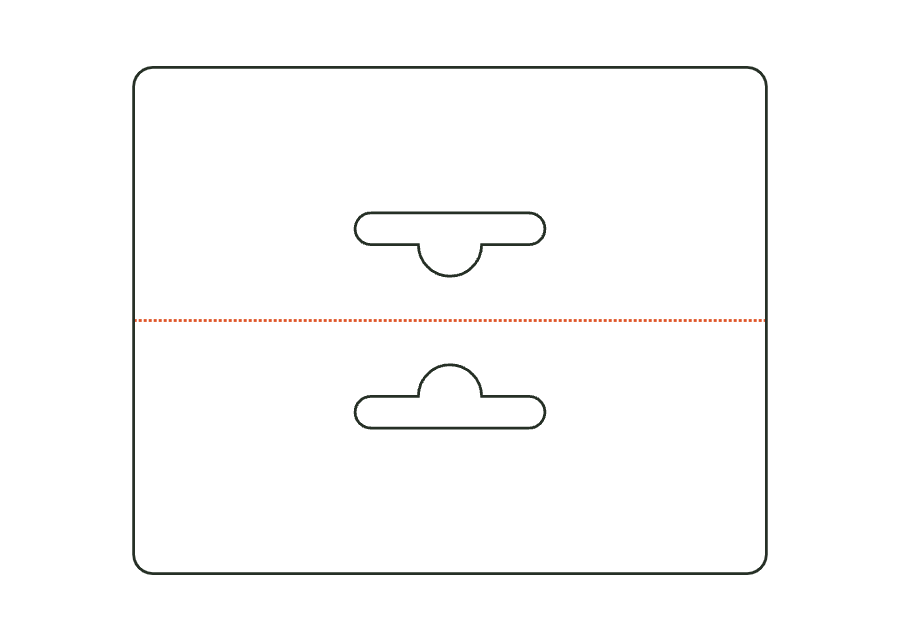
card.foldView templateHeader card folded over a bag edge and stapled or glued, with a hanging hole through both layers (Euro hole, round hole or slot). Dimensions are the folded finished format.
card.headerView templateWith JetDieline, choose a suitable template, adjust its size, and place text, logos, and images directly on your packaging.
Try your dimensions