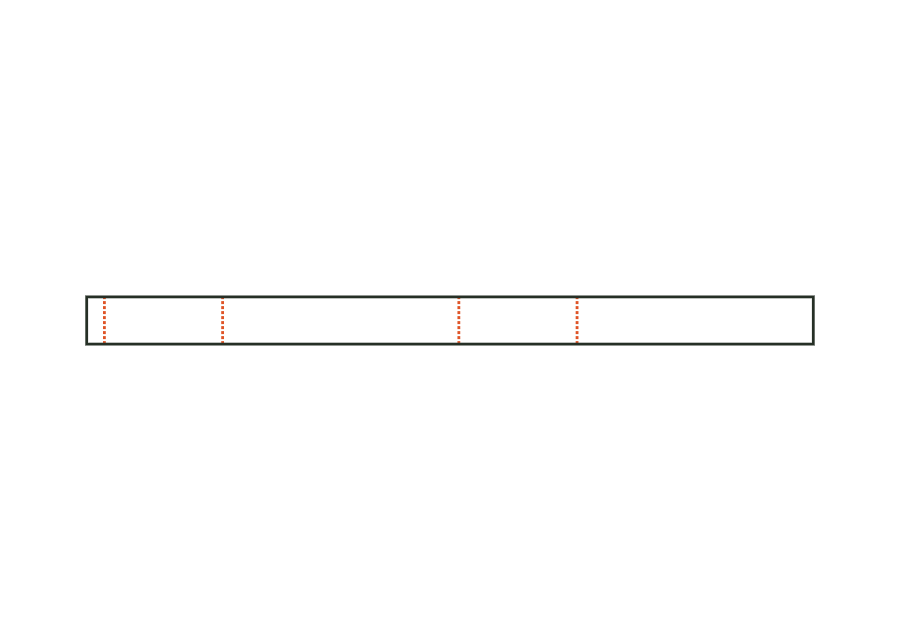
Circumference ease allowance
Additional length so the wrap band fits loosely or can be slipped off.
 JetDieline
Labels and bands / JETDIELINE
Paper wrap band around a round body or a stack: length from circumference plus ease allowance and overlap; the overlap at the beginning is the glue area.
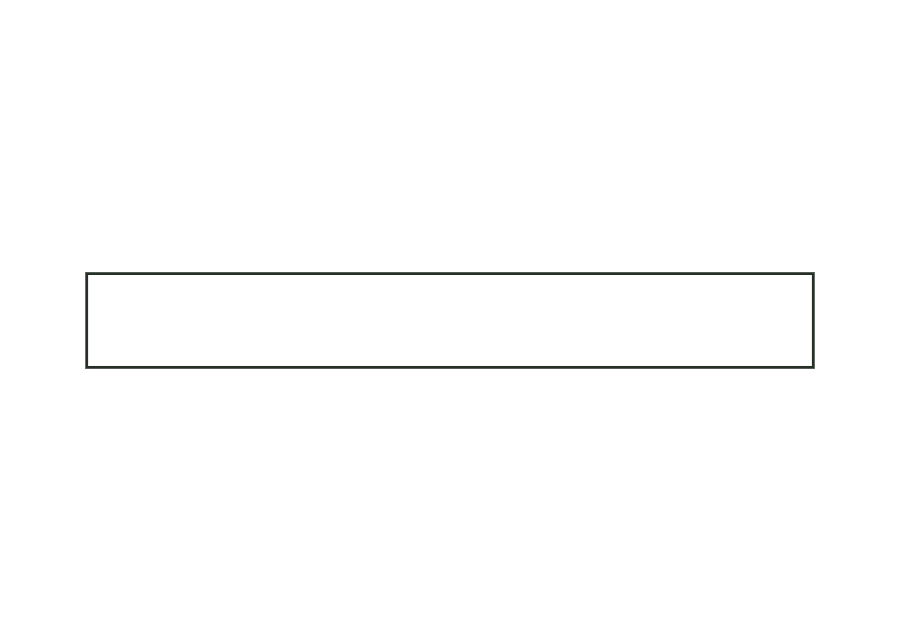
band.wrapThe wrap band is a rectangular paper strip without creases. Its length consists of circumference, additional ease allowance, and overlap. The starting strip is defined as a glue area. Unlike the wrap-around label, this construction has no visible-area markings; the starting circumference describes the enclosed body or stack.
Apply adhesive to the glue area at the beginning, wrap the band around the body, and glue the end over it.
Grain direction parallel to the band height, across the circumference (check)
Test fit, folding and closure on a sample made from the intended material. Confirm material thickness, grain direction and production steps with your printer.
Outside dimension
These dimensions describe the preview, not a fixed packaging size. The app recalculates the dieline for your own dimensions.
Additional length so the wrap band fits loosely or can be slipped off.
It adds length outside the glue overlap. Within the 0–10 mm range, it lets you plan a looser fit; the starting value of 0 fits the specified circumference. Whether the band can actually be slipped off depends on the body, material, and gluing and must be checked using a sample.
Length is circumference plus ease allowance plus overlap. The starting example gives 300 + 0 + 10 = 310 mm. Band width is 40 mm. Bleed and safety zone are additionally taken from the production profile and do not change this dimension reference.
No. band.wrap is an uncreased strip. The belly band is intended for the four walls of a box with defined creases and a glue flap. It accounts for the length and width of the box cross-section and material thickness.
Find the right packaging shape and fit it to your product
Design the artwork directly on the real dieline
Spot problems before you pass on files
Files your printer can trace
Paper belly band around the four walls of a box, with creases at the edges and a glue flap; crease-to-crease dimensions from the box's outside dimensions plus material thickness.
band.bellyView templateRectangular label with selectable corner radius; dieline with bleed and safe zone from the production profile.
label.rectView templateWith JetDieline, choose a suitable template, adjust its size, and place text, logos, and images directly on your packaging.
Try your dimensions