Spine width
Distance between the two spine creases and thus the folder’s filling depth; 0 produces a single fold.
 JetDieline
Paper products and custom contours / JETDIELINE
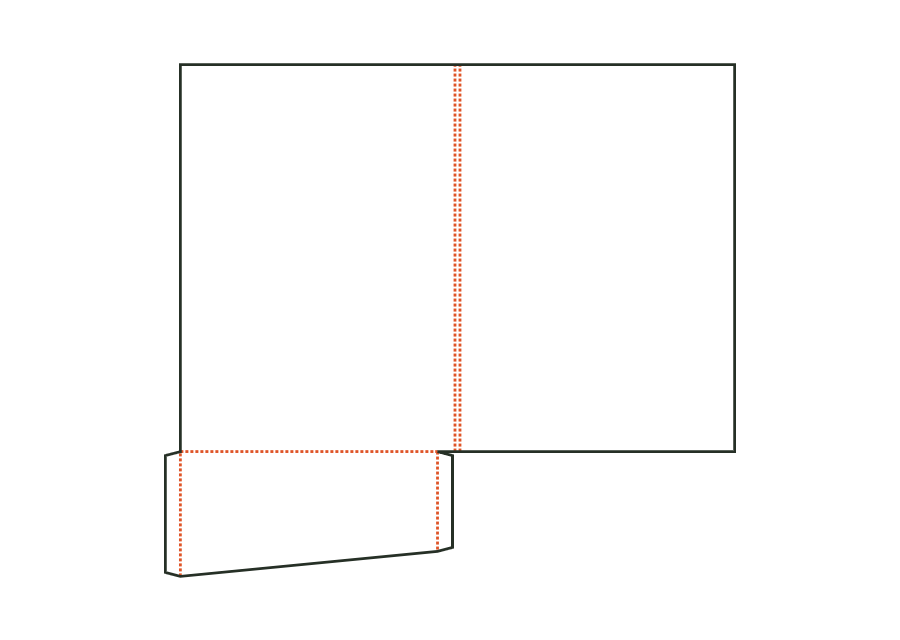
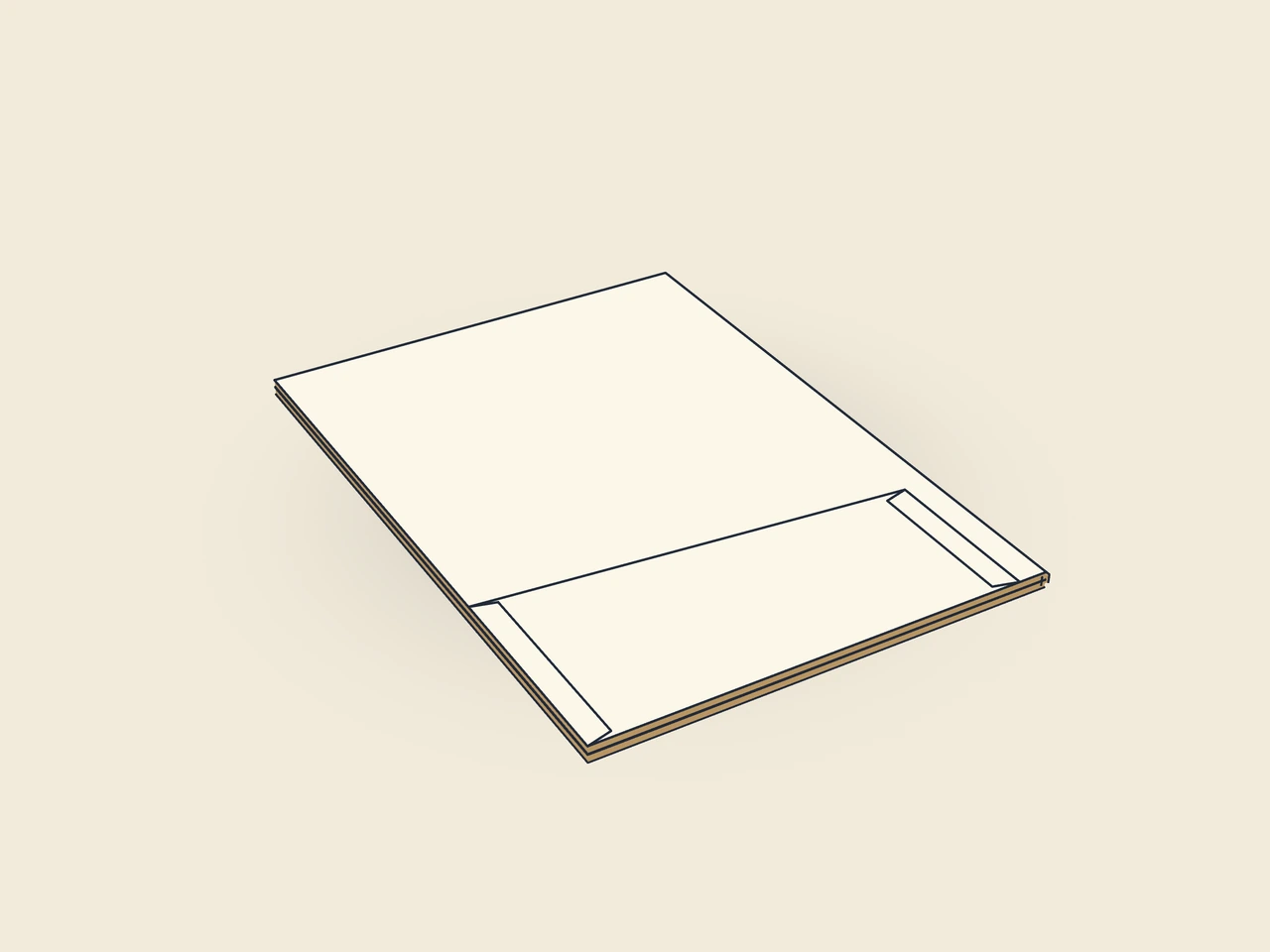
Folder with front and back covers, spine and pocket on the right, left or both sides; pockets have glue flaps on both sides and optional business card slots. Dimensions refer to the finished format of the closed folder.
Drag to rotate
03 / BOX
Simplified display model without material thickness, not to scale.
The 3D view is not available in this browser. The image shows the folded shape.
folder.pocketFront and back covers connect through the spine. In the starting example, a pocket sits on the right cover. Left or double-sided pockets are selectable. Each pocket has side glue flaps; its top edge can be lowered towards the spine.
Fold each pocket’s glue flaps inwards and apply glue to their outside, fold the pocket at its crease onto the inside of the cover and press down. Finally close the folder along the spine creases.
Grain direction vertical on the blank (check)
Test fit, folding and closure on a sample made from the intended material. Confirm material thickness, grain direction and production steps with your printer.
Outside dimension
These dimensions describe the preview, not a fixed packaging size. The app recalculates the dieline for your own dimensions.
Distance between the two spine creases and thus the folder’s filling depth; 0 produces a single fold.
Pocket position in the open folder: right (on the back cover), left (on the front cover) or both sides.
Pocket height at the outer edge from the pocket crease; no more than half the folder height.
Amount by which the pocket is lower on the spine side than at the outer edge (sloping pocket edge); no more than half the pocket height.
Width of the glue flap used to glue the blank into a tube. The material requires a minimum width.
No. It is the finished format of the closed folder. Front and back covers, spine and pocket together form a larger blank. In the starting example, it is 456 × 410 mm. Plan artwork using the individual cover and pocket panels rather than treating the closed format as the whole sheet.
Yes. folderPockets offers right, left and both. Right means on the back cover of the open folder, left on the front cover. Both pockets have their own glue flaps. The selection changes blank and assembly. After switching, also check print placement and room for the contents.
folderSpine set to 0 produces a single centre crease instead of a spine with two creases. This provides a different structure under the same folder ID. It does not establish whether your documents have enough space. Check the filled folder and choose a spine suited to the actual contents.
Find the right packaging shape and fit it to your product
Design the artwork directly on the real dieline
Spot problems before you pass on files
Files your printer can trace
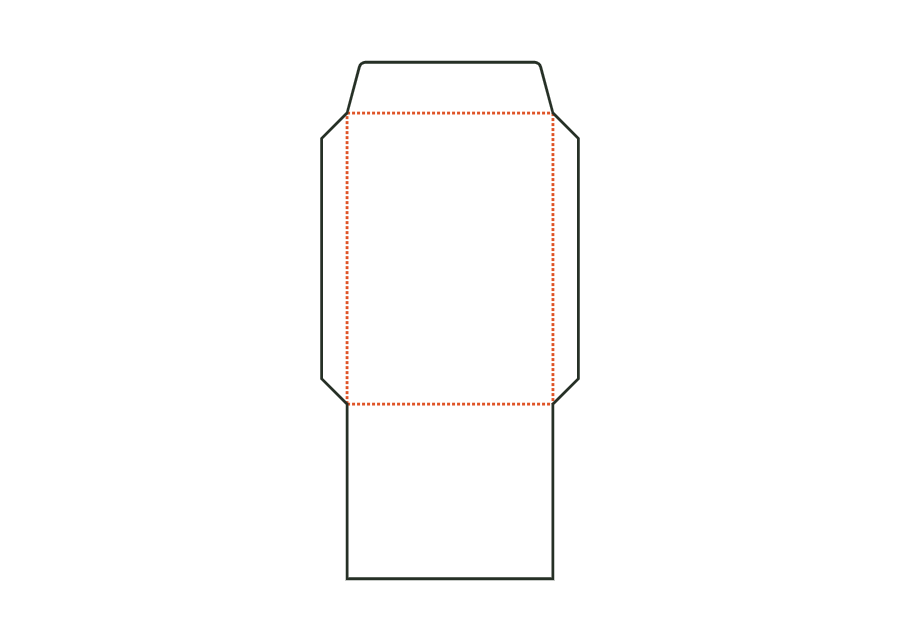
Envelope or pocket envelope comprising address panel, two side flaps, bottom flap as the back and closure flap. Dimensions are the finished format; the opening is at the top edge.
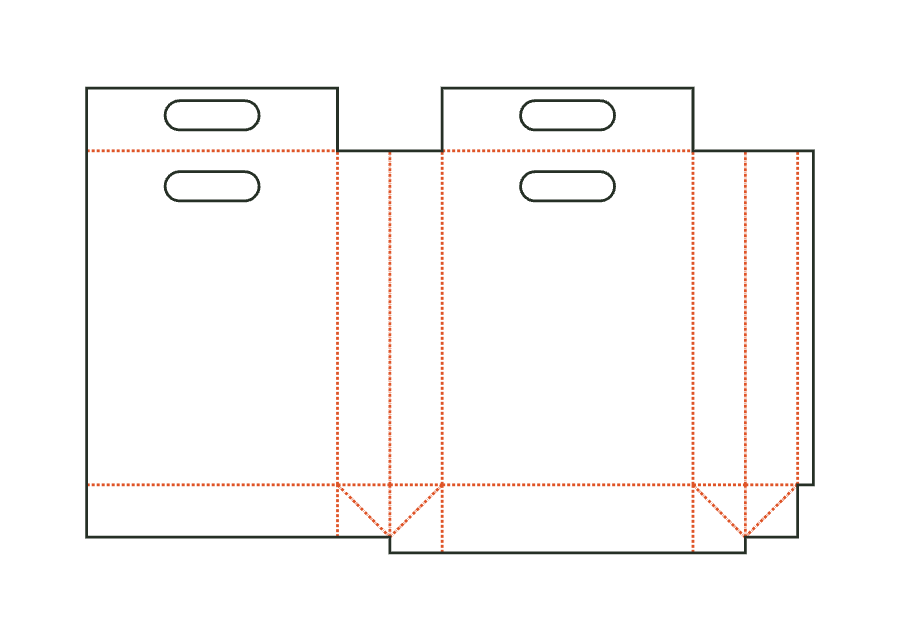
envelope.pocketView templatePaper carrier bag comprising front, back and two side gussets with longitudinal seam, block bottom, top turn-in as handle reinforcement and die-cut handle holes; dimensions bag width × gusset depth × height. Bottom insert and handles are separate parts.
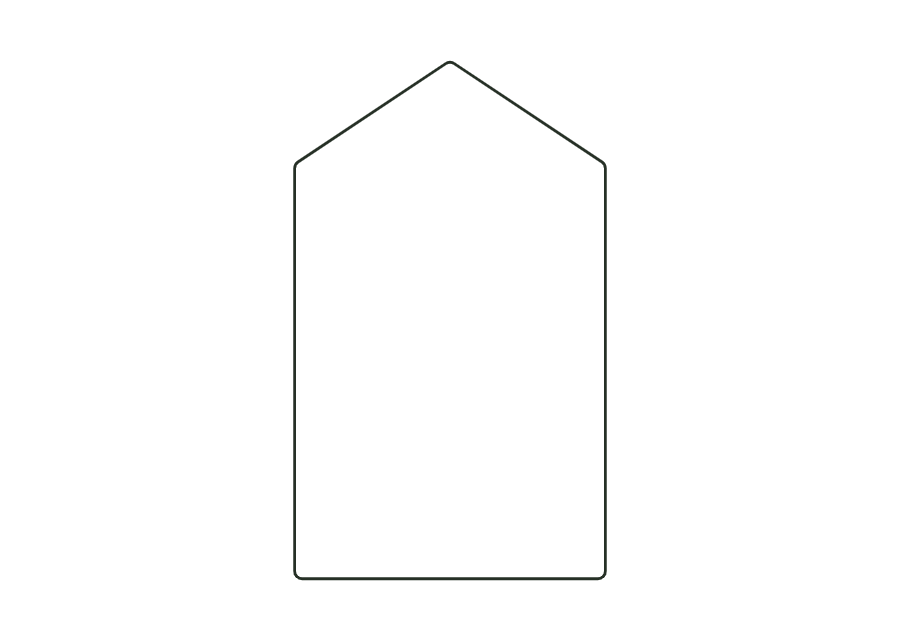
bag.carrierView templateBlank from your own closed contour (point list, e.g. from an SVG file) with a uniform corner radius and up to four crease lines between contour points; the panels are derived from the crease lines.
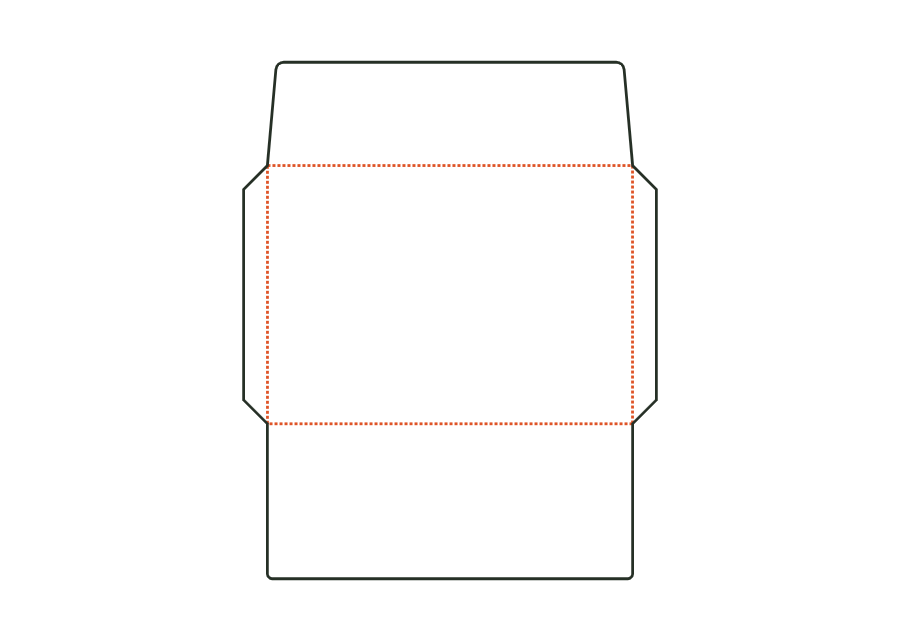
custom.polygonView templateEnvelope opening on the long side: address panel, two side flaps, bottom flap forming the back, and a straight or pointed closure flap. Dimensions refer to the finished format; starting sizes DL, C6, C5, C4 and US No. 10.
envelope.walletView templateWith JetDieline, choose a suitable template, adjust its size, and place text, logos, and images directly on your packaging.
Try your dimensions Download on the Mac App Store