Templates and dimensions
Find the right packaging shape and fit it to your product
 JetDieline
Labels and bands / JETDIELINE
Wraparound label for tapered cups and cans as a cone blank (annular sector) with a glue strip of constant width.
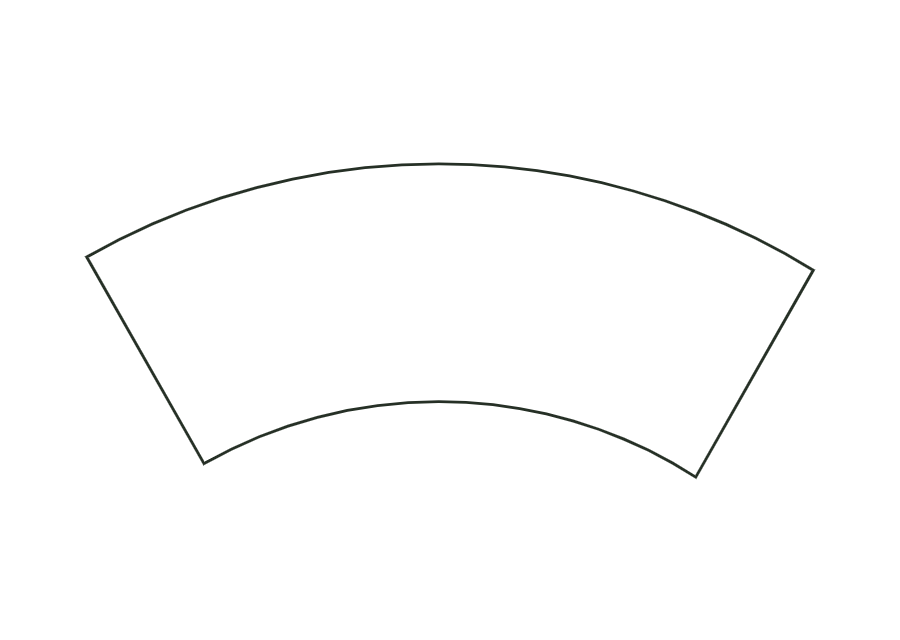
label.tapered.wrapThe blank is an annular sector with a glue strip of constant width. In the starting cup, the larger diameter is at the top; the construction therefore mirrors the arc arrangement relative to the neck label. A single panel carries the cut contour. Vertical body height is converted to the slant height of the blank.
Position the label’s starting edge along a generatrix, align the large arc with the wide opening, wrap around and glue the end over the start using the glue strip.
No fixed grain direction; check parallel to the body axis on curved bodies
Test fit, folding and closure on a sample made from the intended material. Confirm material thickness, grain direction and production steps with your printer.
Outside dimension
These dimensions describe the preview, not a fixed packaging size. The app recalculates the dieline for your own dimensions.
The larger diameter belongs to the annular sector’s outer arc. In the starting cup, this is the upper opening. The template accounts for taper direction and mirrors the blank accordingly. Align the large arc with the wide end when applying.
No. The expected input is the vertical height between the measured diameters. The construction calculates slant height from height and radius difference. Entering sloping length as height produces a different blank. Check dimensions in the intended label area.
The dimension range is 0–30 mm. Inner radius and total angle also limit permitted overlap. A value within the range is therefore not always geometrically possible. The starting example uses 10 mm; confirm gluing and fit with a sample in the target material.
Find the right packaging shape and fit it to your product
Design the artwork directly on the real dieline
Spot problems before you pass on files
Files your printer can trace
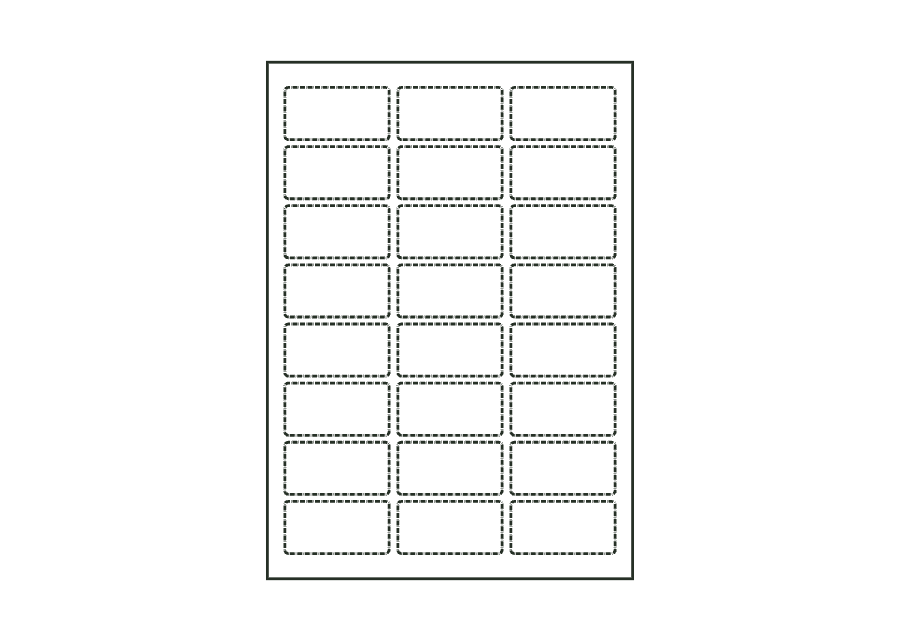
Sheet with several identical labels in columns and rows; labels are kiss-cut, leaving the backing intact.
label.sheet.layoutView templatePaper wrap band around a round body or a stack: length from circumference plus ease allowance and overlap; the overlap at the beginning is the glue area.
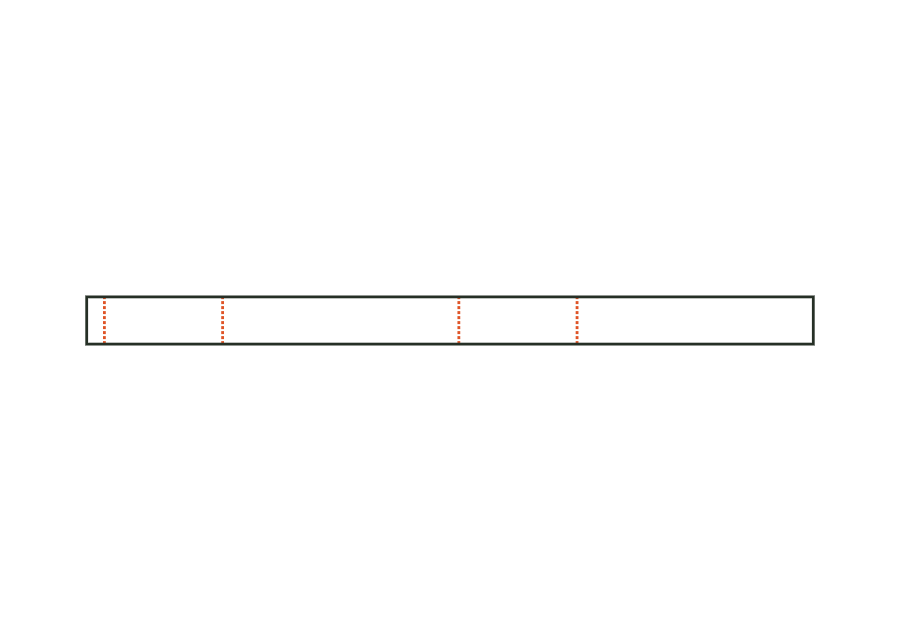
band.wrapView templatePaper belly band around the four walls of a box, with creases at the edges and a glue flap; crease-to-crease dimensions from the box's outside dimensions plus material thickness.
band.bellyView templateWith JetDieline, choose a suitable template, adjust its size, and place text, logos, and images directly on your packaging.
Try your dimensions