Greyboard thickness
Thickness of the greyboard around which the wrap is folded; the assembly sets it from the greyboard material.
 JetDieline
Rigid boxes / JETDIELINE
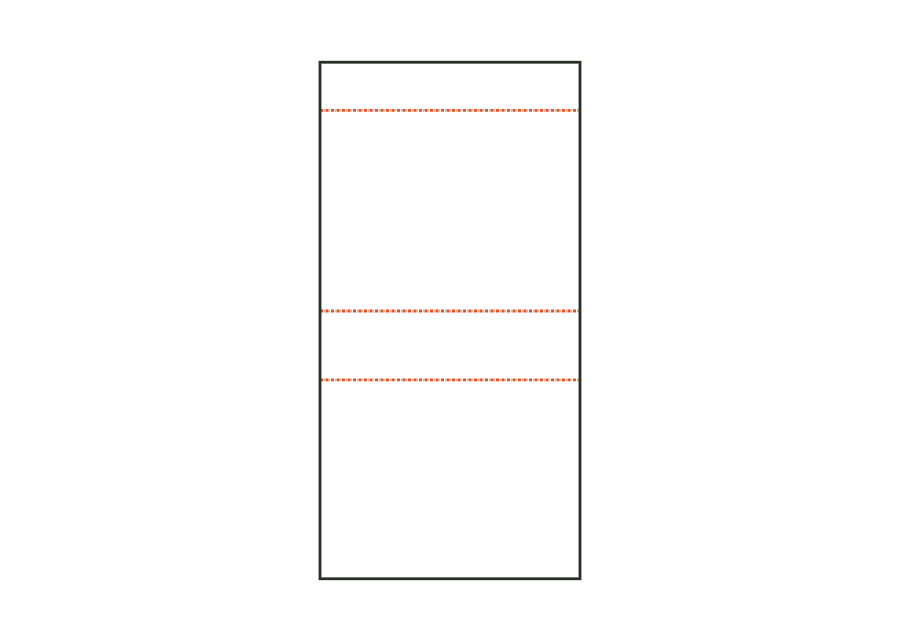
Lining paper for the inside of the case, smaller all round by the margin; covers the turn-ins and flap magnet.
Drag to rotate
03 / BOX
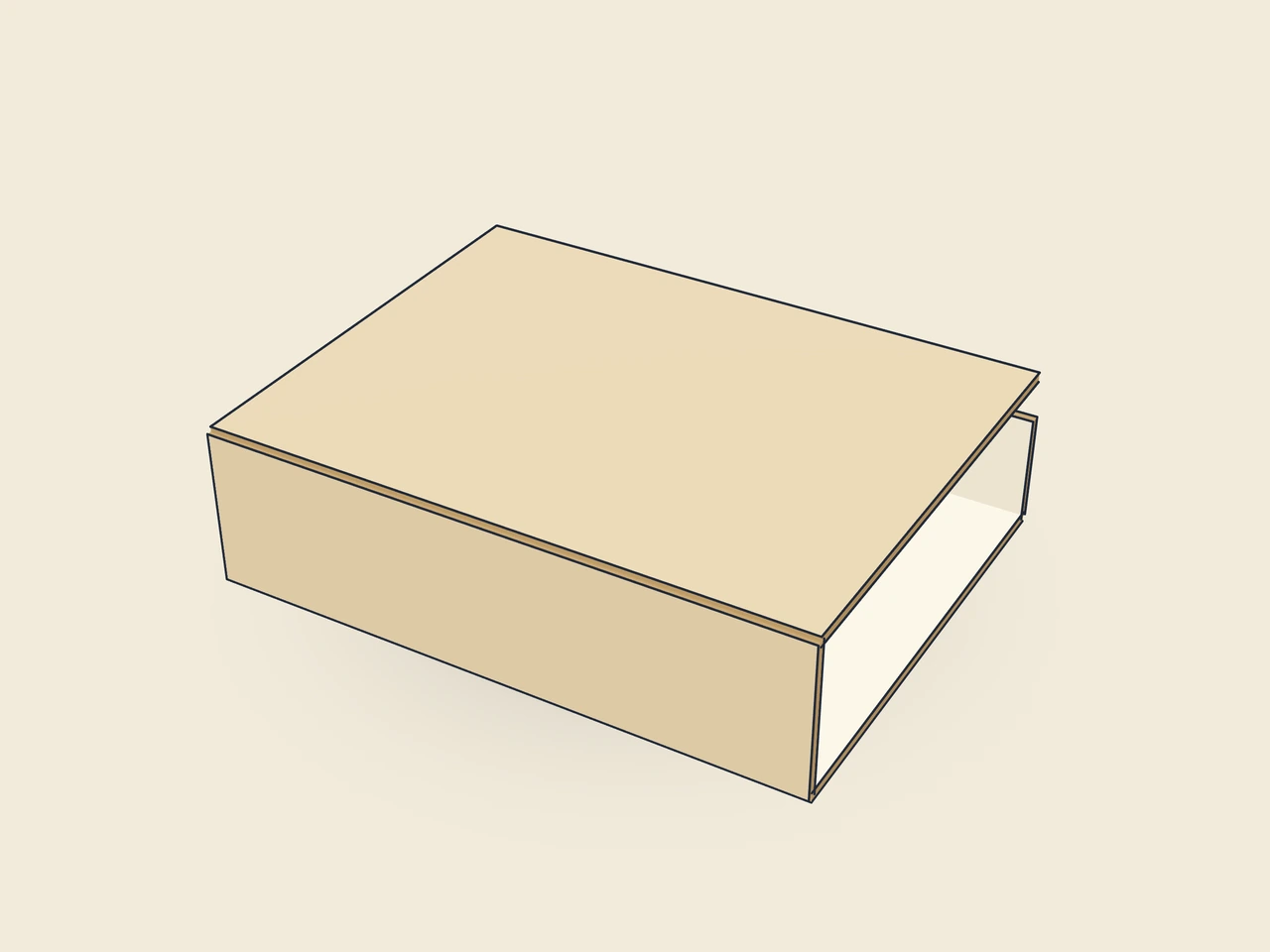
Simplified display model without material thickness, not to scale.
The 3D view is not available in this browser. The image shows the folded shape.
rigid.magnetic.cover.liningThis template is a component of a packaging assembly. Match its dimensions to the other parts; lids, bases, wraps and linings serve different purposes.
Apply glue across the whole lining and centre it on the inside of the flat, wrapped case, leaving the margin clear all round; press firmly into the joints.
Grain direction of greyboard and wrapping paper parallel to the blank's x-axis: the long grooves fold cleanly, and board and paper do not warp against each other during lamination (check with the box manufacturer).
Test fit, folding and closure on a sample made from the intended material. Confirm material thickness, grain direction and production steps with your printer.
Compare opening and presentation: pillow shapes, bands, drawers or lift-off lids. Plan the fit of contents and inserts and allow clearance between moving parts.
Inside dimension
These dimensions describe the preview, not a fixed packaging size. The app recalculates the dieline for your own dimensions.
Thickness of the greyboard around which the wrap is folded; the assembly sets it from the greyboard material.
Inside height of the front flap from the inside of the lid to the free edge.
The case spine is taller than the interior by this value; the lid closes with some clearance above the tray.
Case overhang beyond the wrapped tray on the left and right.
Distance between lining and case edge; the wrap remains visible as a border.
The inside lining covers the case wrap turn-ins and the magnet in the flap. It is smaller than the case all round; liningMargin starts at 3 mm. Its joint lines follow the case. Check glue application and movement on the sample so the lining neither stretches nor blocks the joints during closure.
The individual component starting value is a disc magnet with a 10 mm diameter. The model creates a 10.5 mm recess in the tray front wall and flap. Diameter and position are construction values. A matching opening determines neither magnet thickness in the material nor holding force or polarity. Confirm the magnet, flush installation and adhesive with the box manufacturer carrying out the work.
25 mm is the parameter default for the separately calculated tray template and belongs to the existing preview. The assembly overrides it to match the flap; the starting case uses 22.8 mm. This distinction is crucial for assembly. Do not transfer independently calculated magnet positions into a finished assembly without checking their alignment.
Find the right packaging shape and fit it to your product
Design the artwork directly on the real dieline
Spot problems before you pass on files
Files your printer can trace
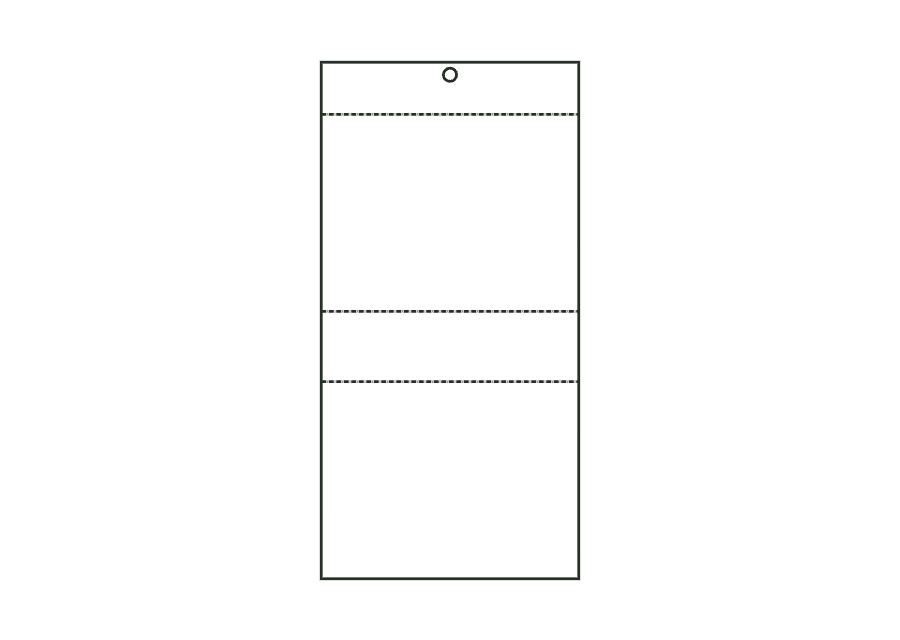
Greyboard hinged-lid case: base, spine with spine allowance, lid and front flap in one strip with V-grooves, round magnet recess in the flap.
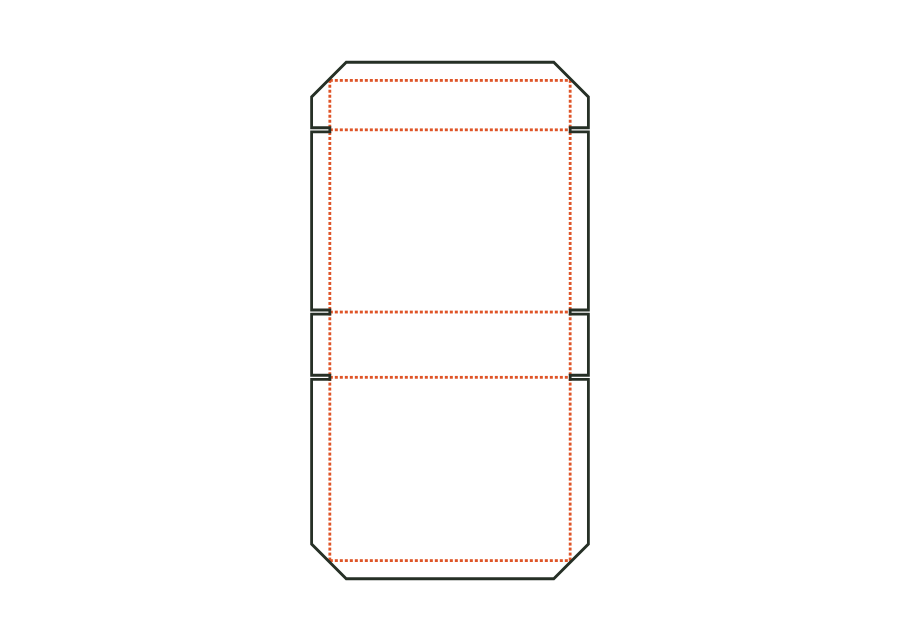
rigid.magnetic.coverView templateWrapping paper for the case: panel with turn-ins all round, corner cuts at 45° and creases at the joint positions.
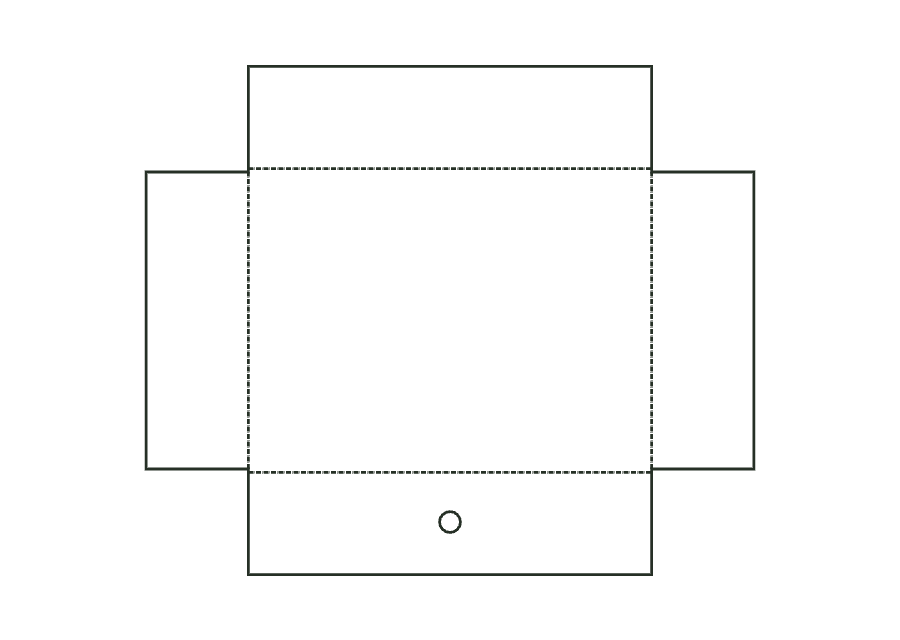
rigid.magnetic.cover.wrapView templateGreyboard tray with V-grooves and butt-jointed corners, with a round magnet recess centred in the front wall.
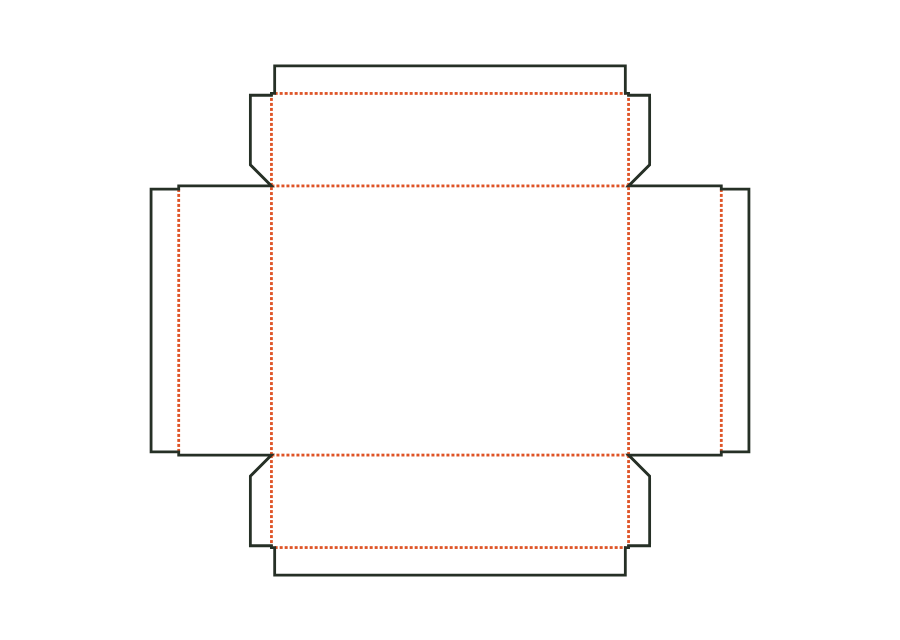
rigid.magnetic.trayView templateWrapping paper for the tray: cross shape with corner flaps and turn-ins; covers the magnet in the front wall.
rigid.magnetic.tray.wrapView templateWith JetDieline, choose a suitable template, adjust its size, and place text, logos, and images directly on your packaging.
Try your dimensions