Checks
See problems before you pass on files
 JetDieline
Features / JETDIELINE
You see your design where it will later sit. Text, images, and shapes lie on the panels of the packaging, and the app immediately shows when something is too close to an edge or crease.
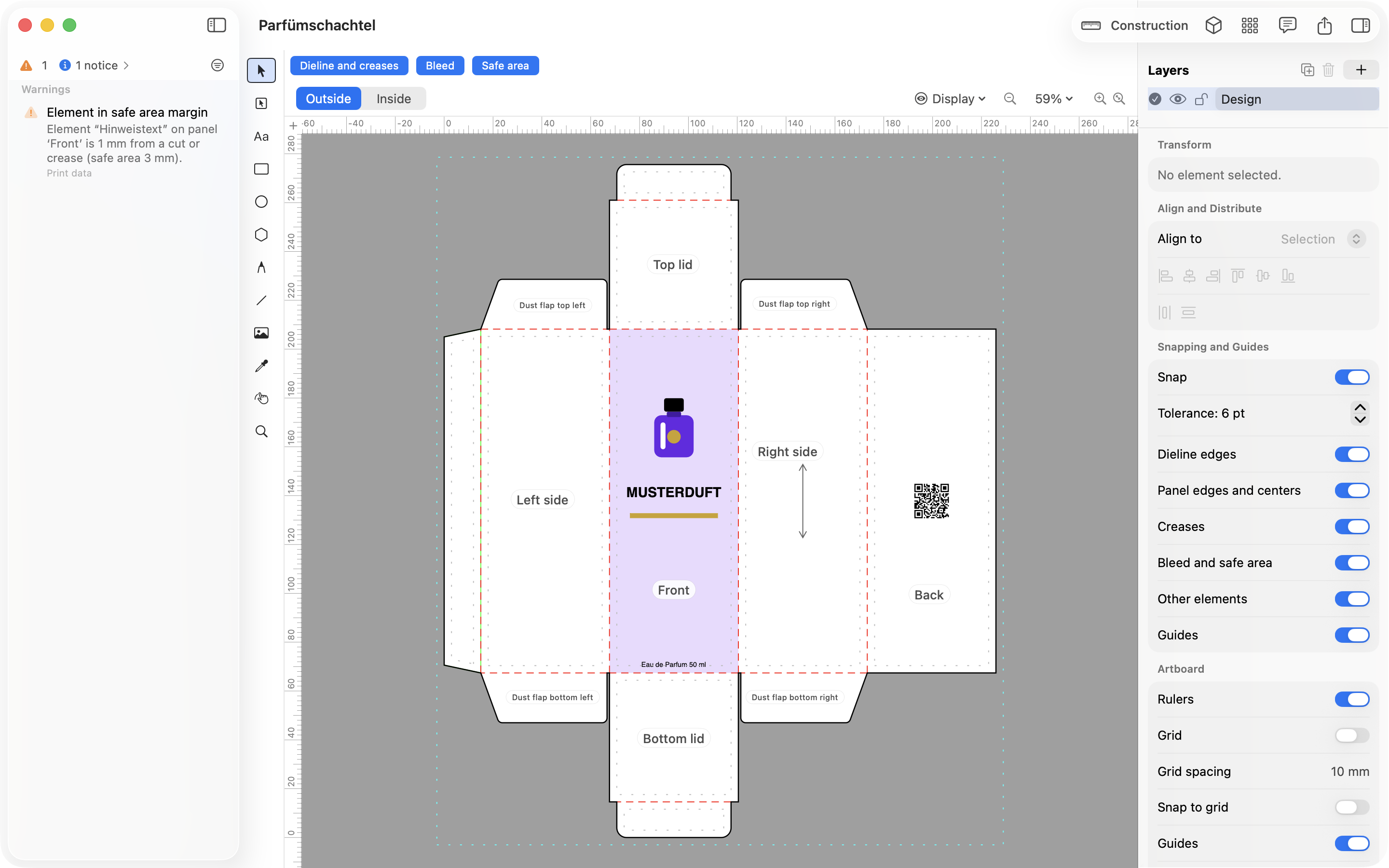
You work with layers, text, shapes, the pen tool, and the eyedropper. You link images or embed them in the project. Text works in several writing systems, including right-to-left scripts and Chinese, Japanese, and Korean.
You define colors as CMYK, spot, or brand colors, including gradients. Finishes such as spot varnish, hot foil, and embossing are kept as their own separations. This way the printer can tell which elements are color and which are finish.
The check runs along as you work, on the real dieline. It looks at the safety margin, bleed, glue flap, creases, image resolution, and color. Each note names the affected spot and explains what to do.
No. You can design the artwork in the app or export the dieline and continue working in Illustrator, Affinity, or Inkscape.
No. The on-screen display is not color-accurate. For color-accurate results you need a proof or a press proof from your printer.
JetDieline supports you with construction, design, and checking. It does not replace approval by your printer or a built sample. Screen and 3D displays are not color-accurate.
See problems before you pass on files
See and show the packaging folded
Files your printer can follow
With JetDieline, choose a suitable template, adjust its size, and place text, logos, and images directly on your packaging.
Try your dimensions