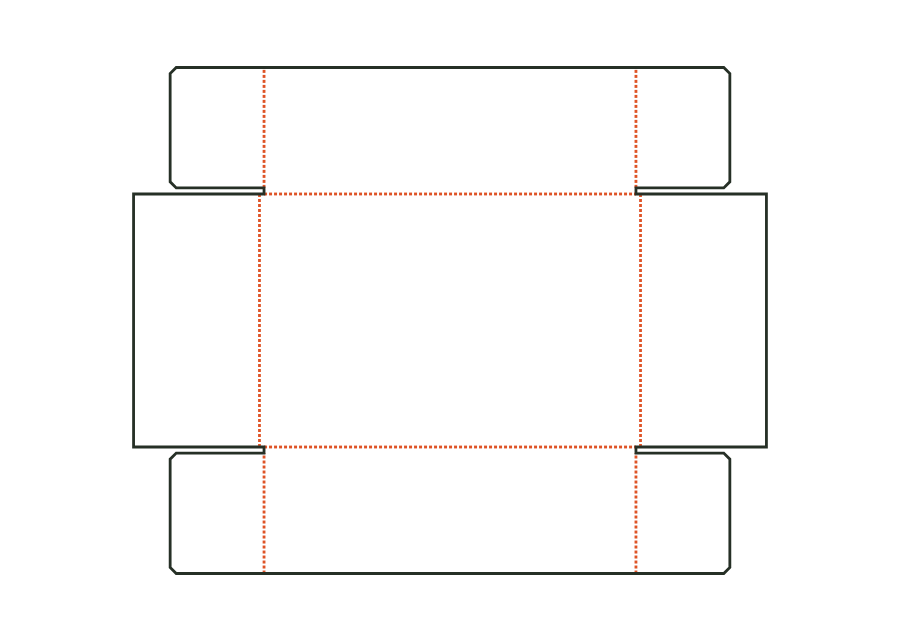
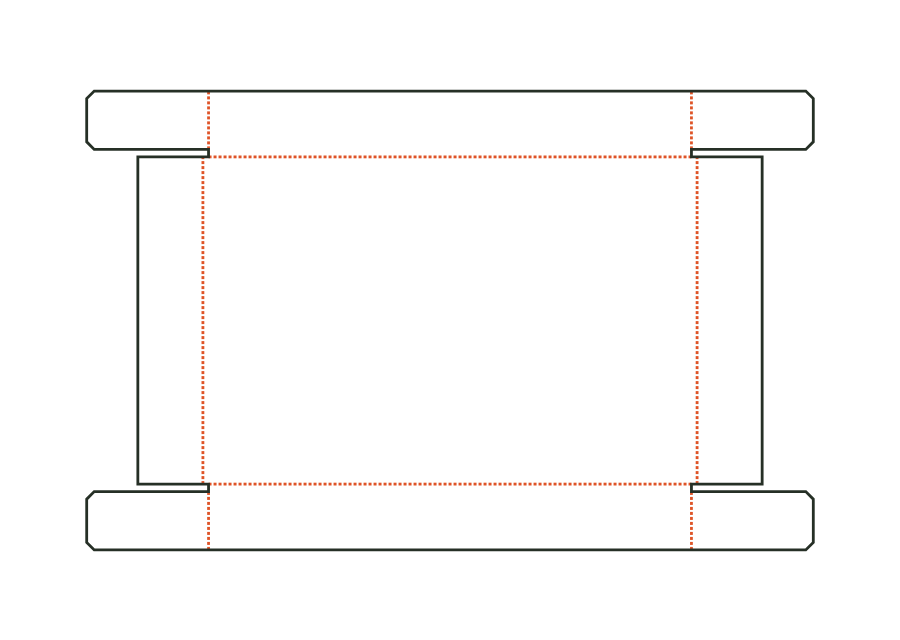
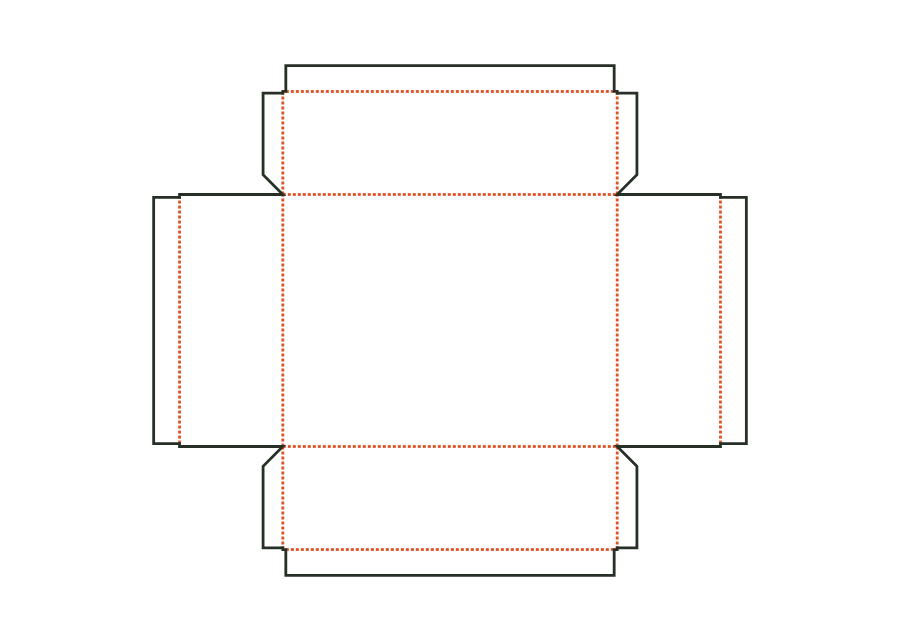
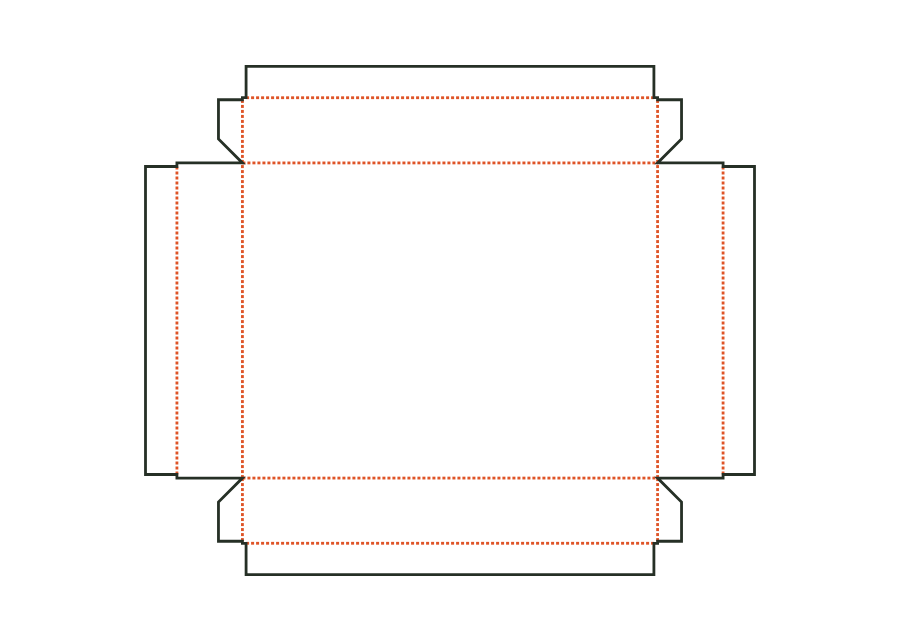
Plan packaging and inserts together: the product needs suitable retention, while cables and accessories need their own space. Compare shipping boxes and rigid cartons and test protection and fit separately.
27Constructions, components and assemblies
Individual components are shown separately. Different sizes and stored template versions are not additional packaging shapes.
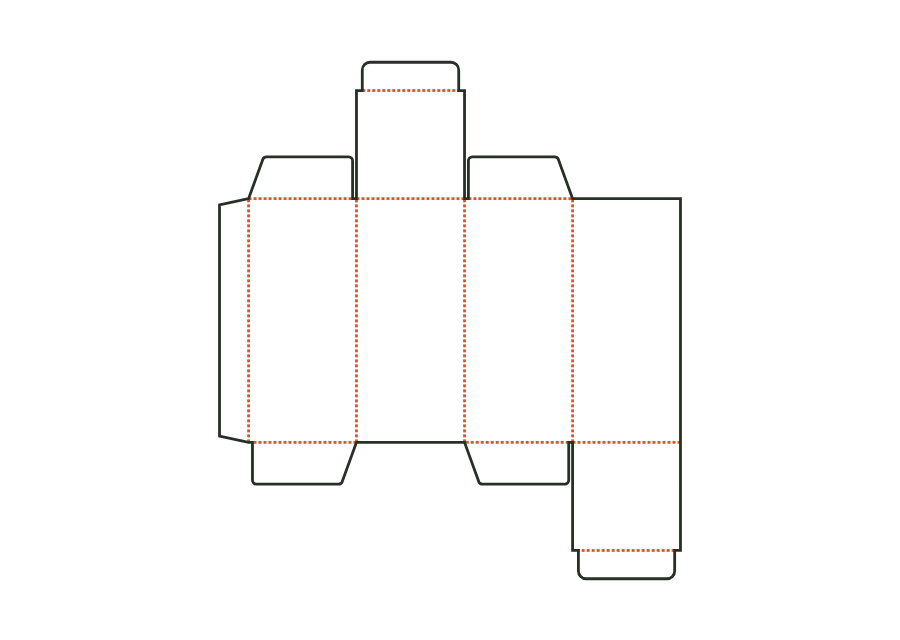
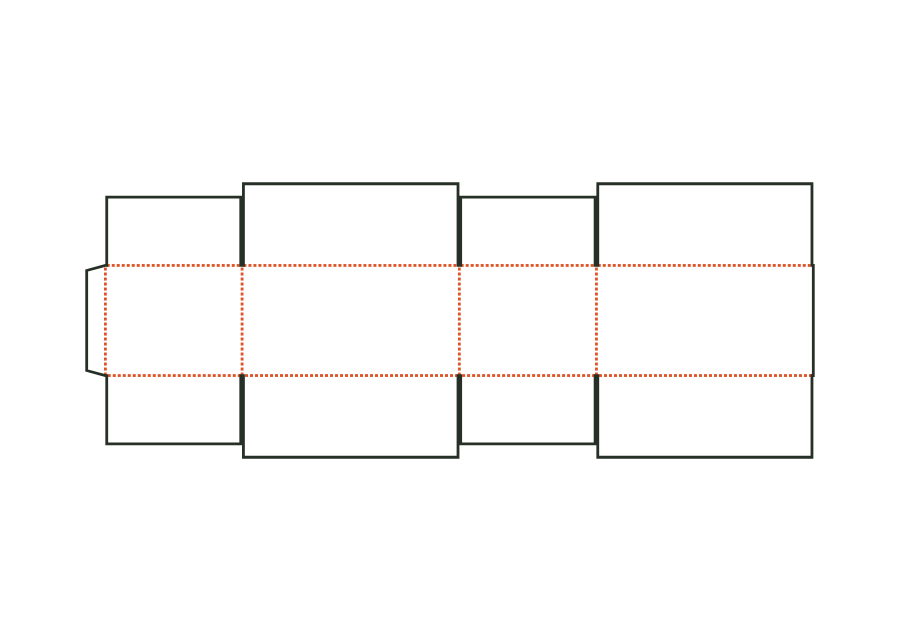
The top tuck flap is attached to the front, the bottom one to the back. The reverse tuck end carton calculates its walls, dust flaps, and closures from the inside dimension. The dieline shown comes from Version 3 with the hanging hole disabled; artwork, production dieline, and report can be exported together in the technical core.
Shipping box with tuck lid and dust flaps made from E flute or microflute. Inside printing, double walls, and size series are part of the same construction.
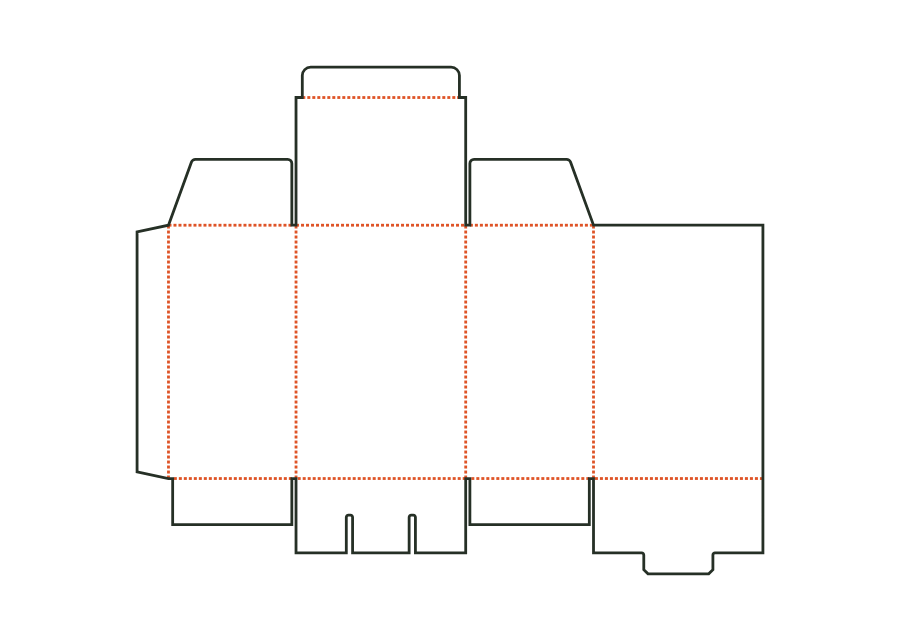
The pre-glued crash-lock bottom closes as the body is erected. Dust flaps and a tuck flap close the top of the folding carton; bottom gluing is part of the production workflow.
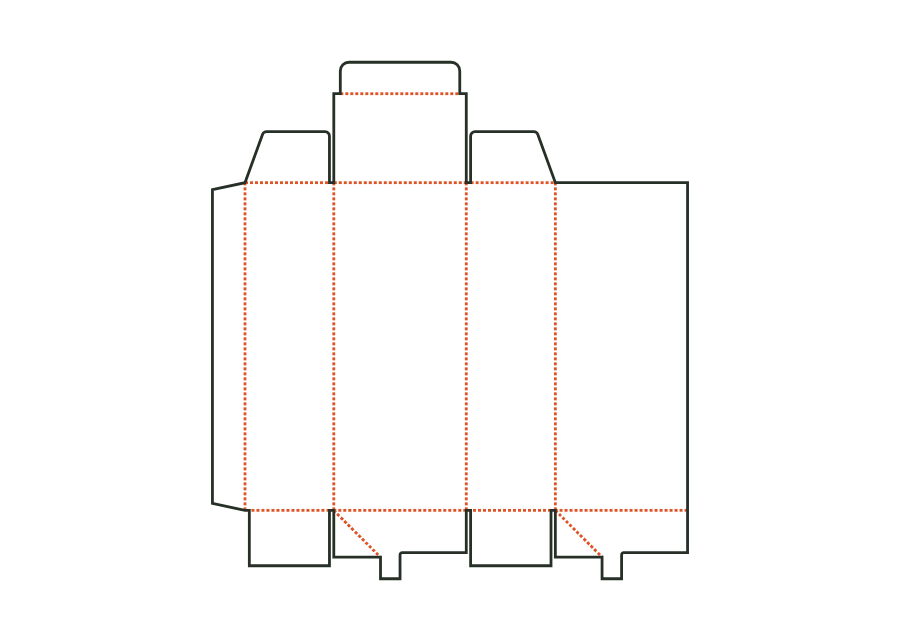
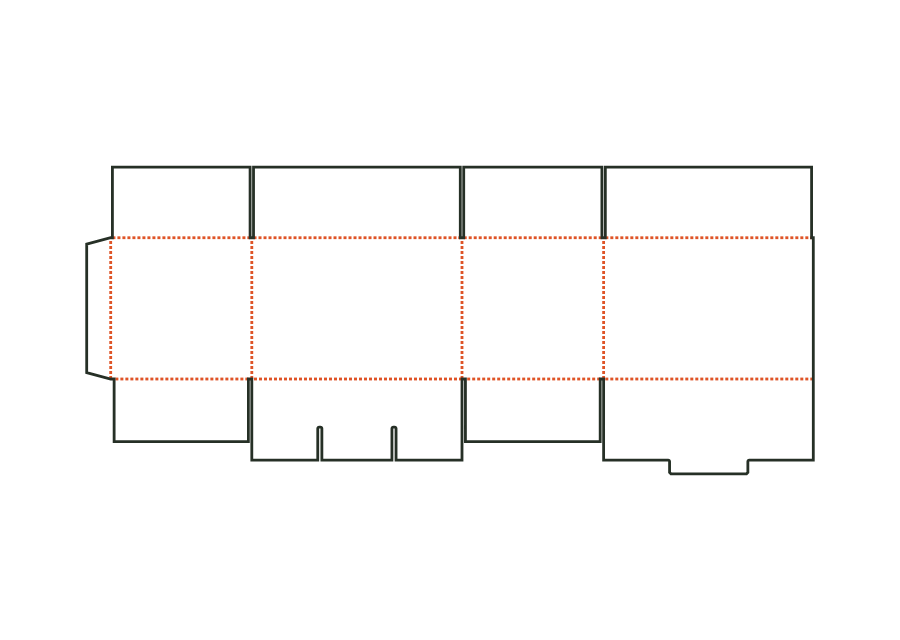
The snap-lock bottom closes with four interlocking flaps. Two side flaps lie inside; a tab at the back tucks under the tongue of the front flap. Version 1 combines this bottom with a tuck lid. The calculated example uses folding carton board 400 g/m² and shows the flat dieline with creases and bottom slits.
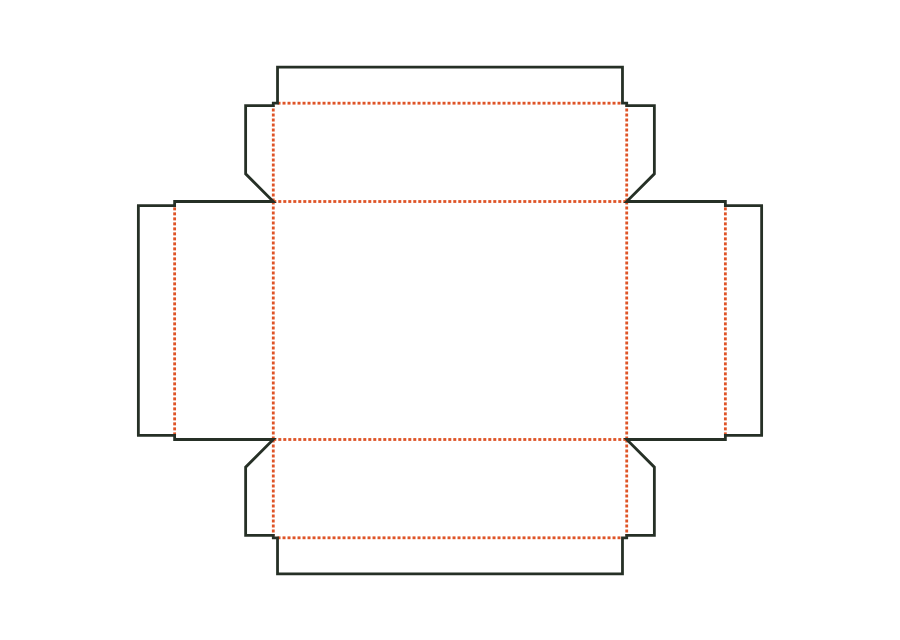
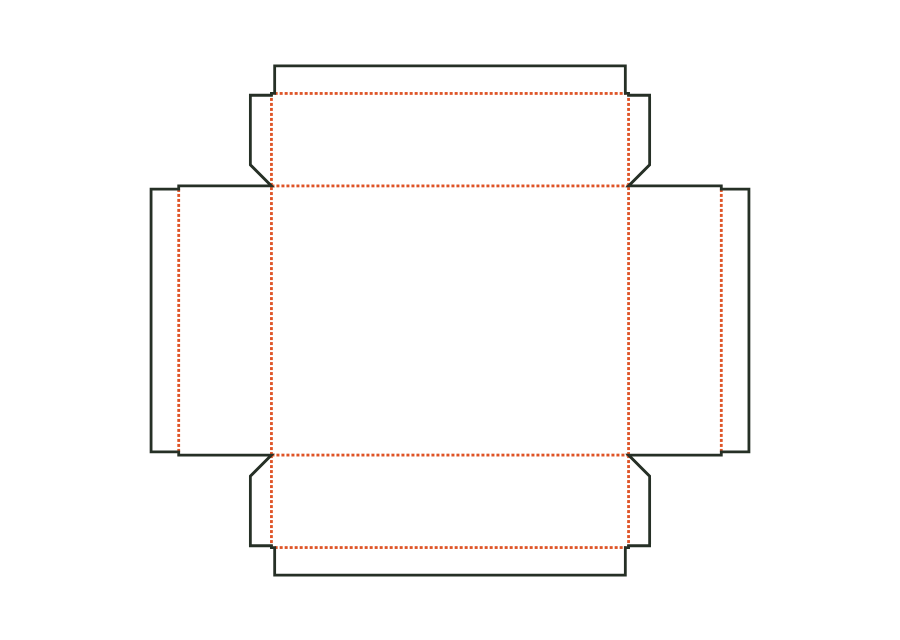
Base and lid form a two-part corrugated construction with glued corner flaps. Each component has its own dieline; the lid is derived from the base's outside dimension and clearance per side.
Greyboard shell for the lid, constructed in the same way as the base; dimensions derived from the outside dimensions of the base plus clearance and paper.
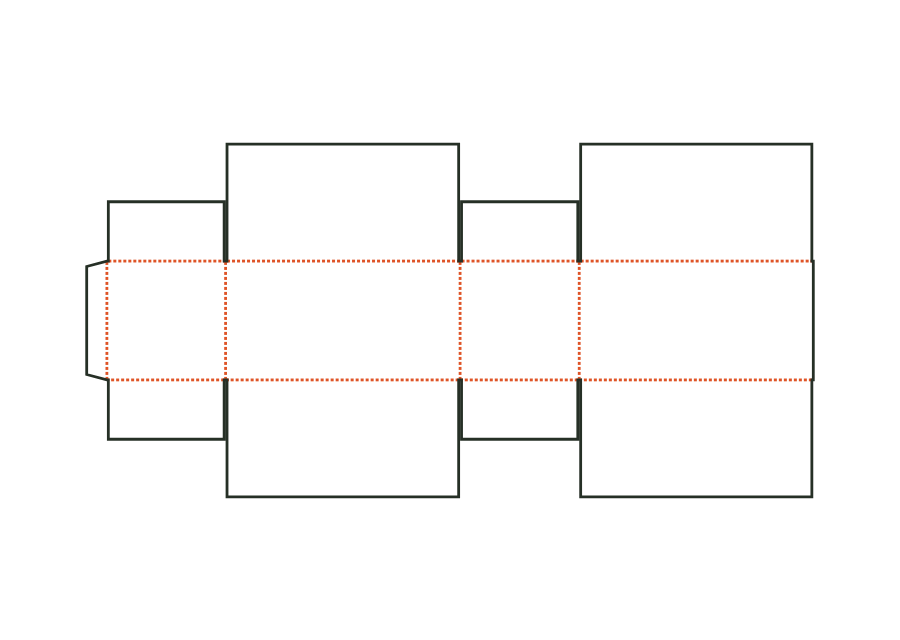
The outer flaps each cover the entire opening at the top and bottom and overlap. Our corrugated construction calculates full coverage rather than just a narrow overlap strip.
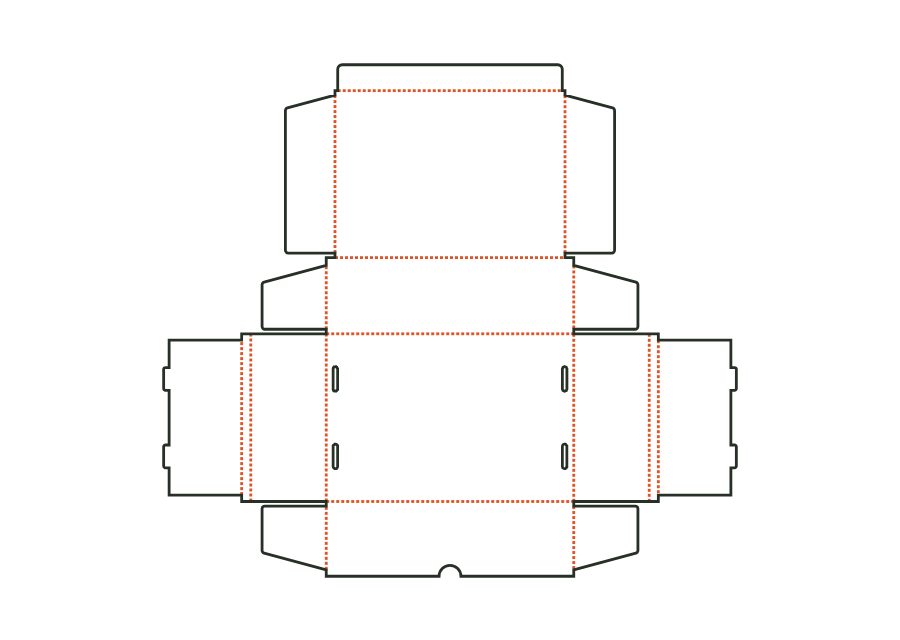
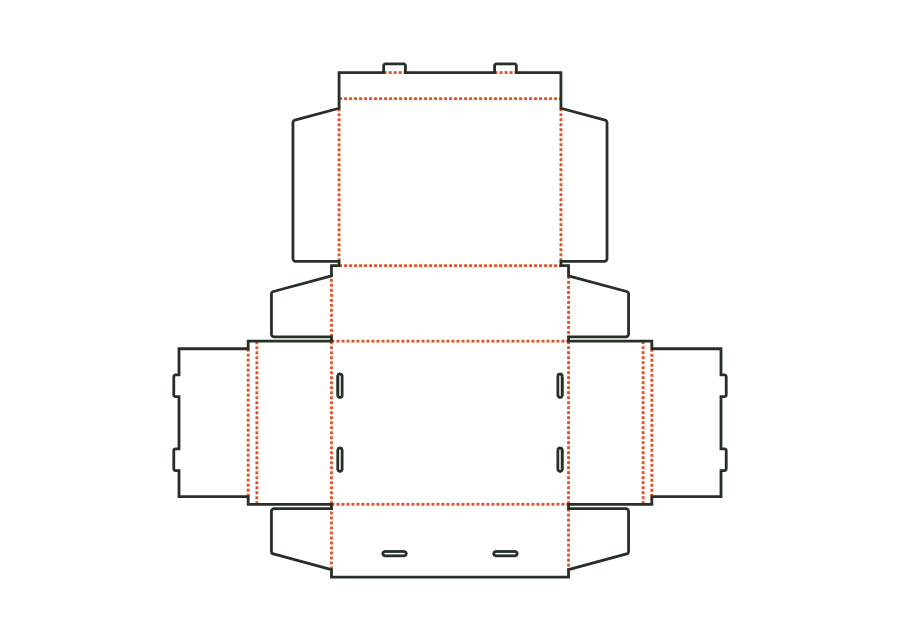
Corrugated mailer with double side walls and an external tuck closure. The lid's locking tabs engage through oblong slots in the front wall; the construction is erected without gluing.
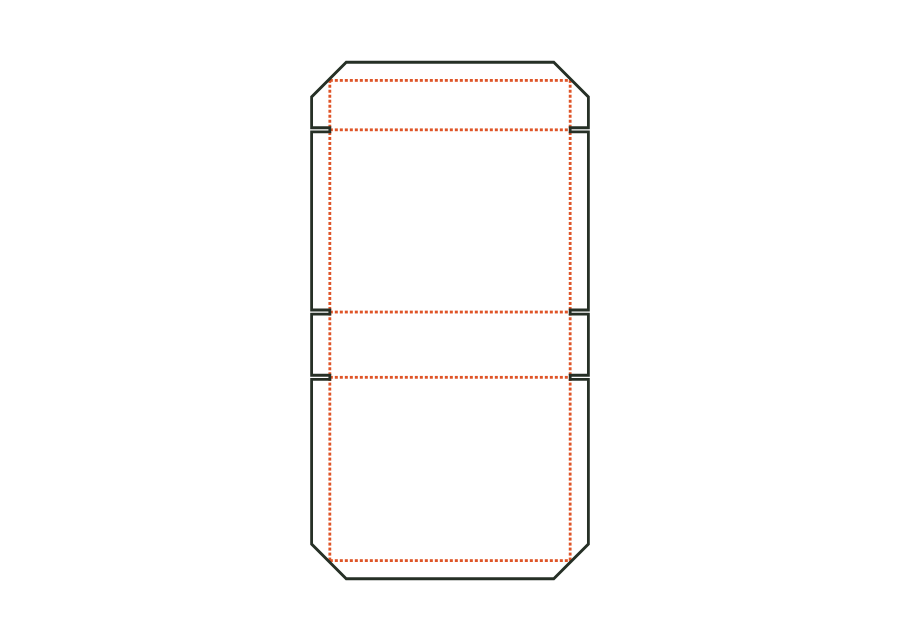
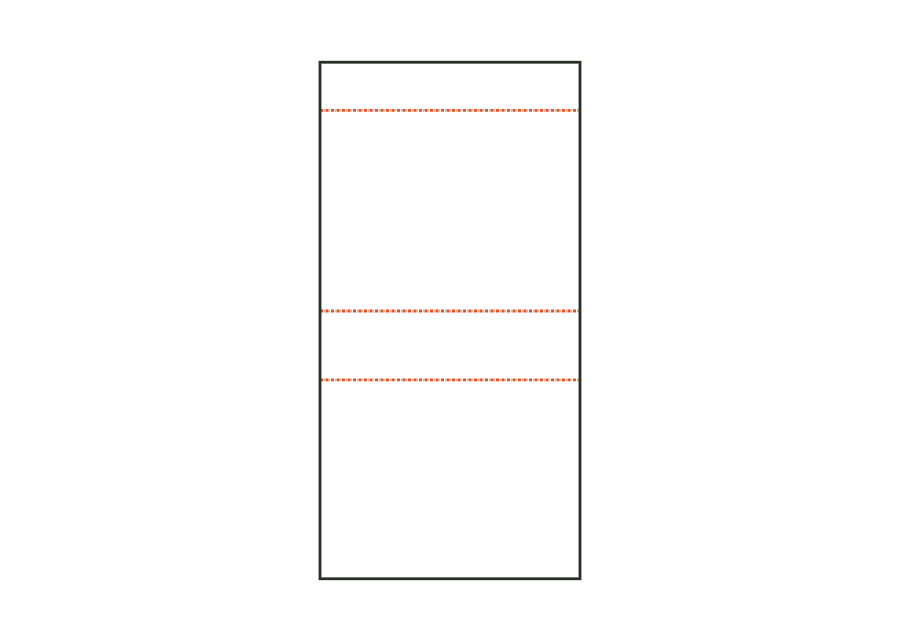
Flat insert pad used as a base, layer, or top pad in a box. The flat dimensions follow the box's inside space; side clearance makes the pad smaller. An optional grid creates identical rounded cut-outs.
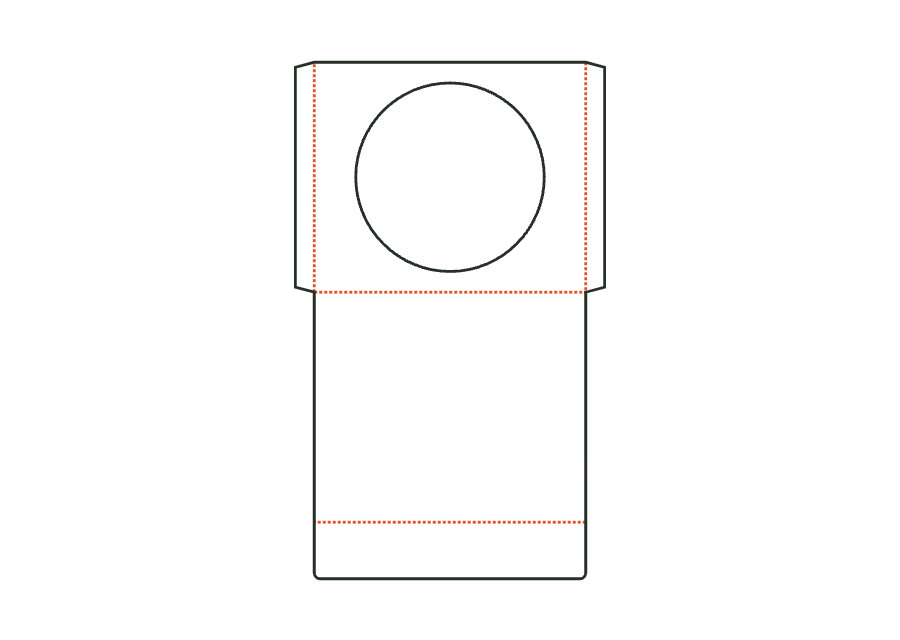
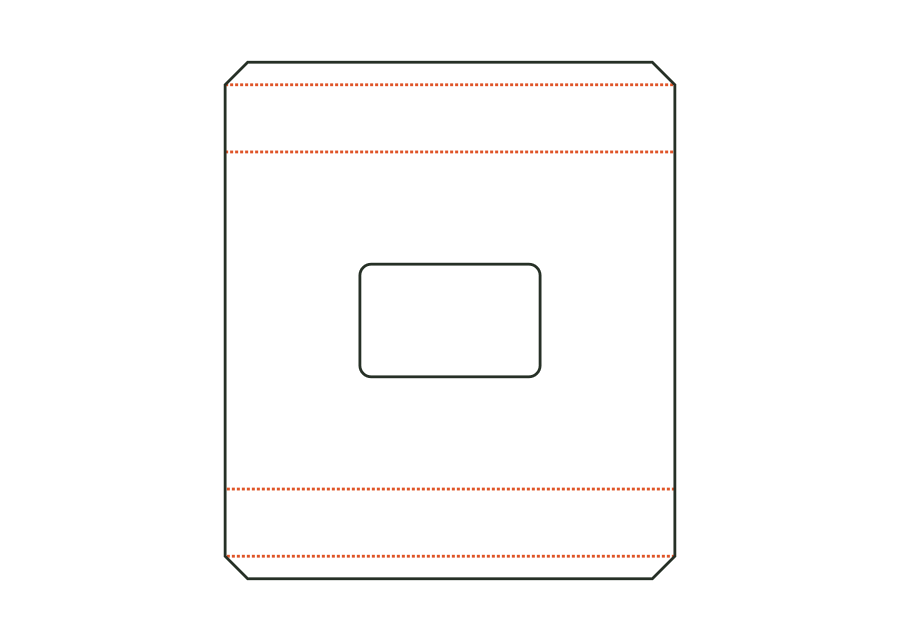
Flat sleeve for a CD or DVD with a round window (optionally without), side seams formed by glue flaps, a closure flap on the back, and an optional thumb notch. Dimensions refer to the insert; clearance and flaps make the sleeve larger.
An adjustable strip connects the outer flaps at the top and bottom. The template calculates flap lengths, material layers, and blank from box dimensions and the desired overlap.
A snap-lock bottom closes this corrugated box without tape at the bottom. The top is selected separately: meeting flaps, fully overlapping flaps, or open.
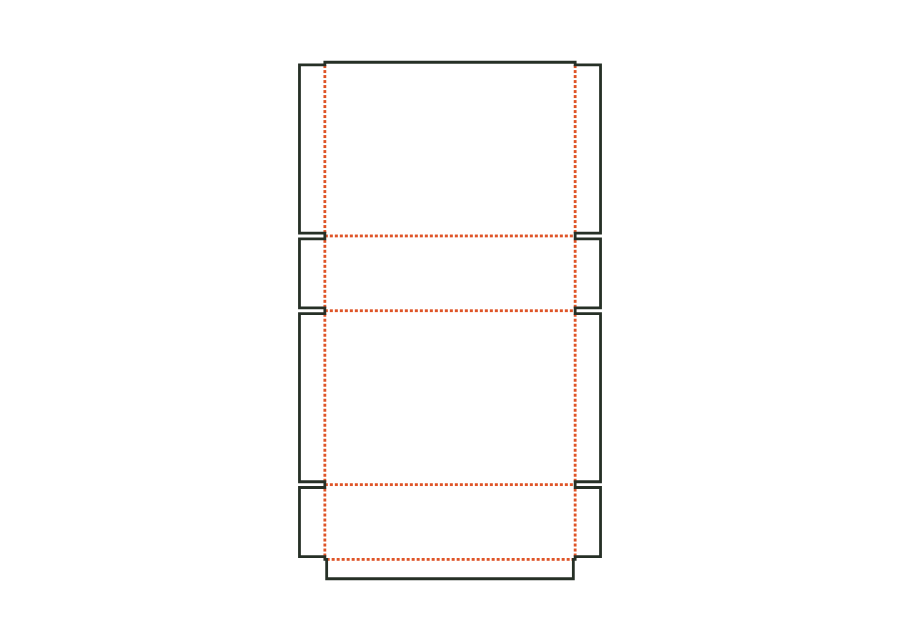
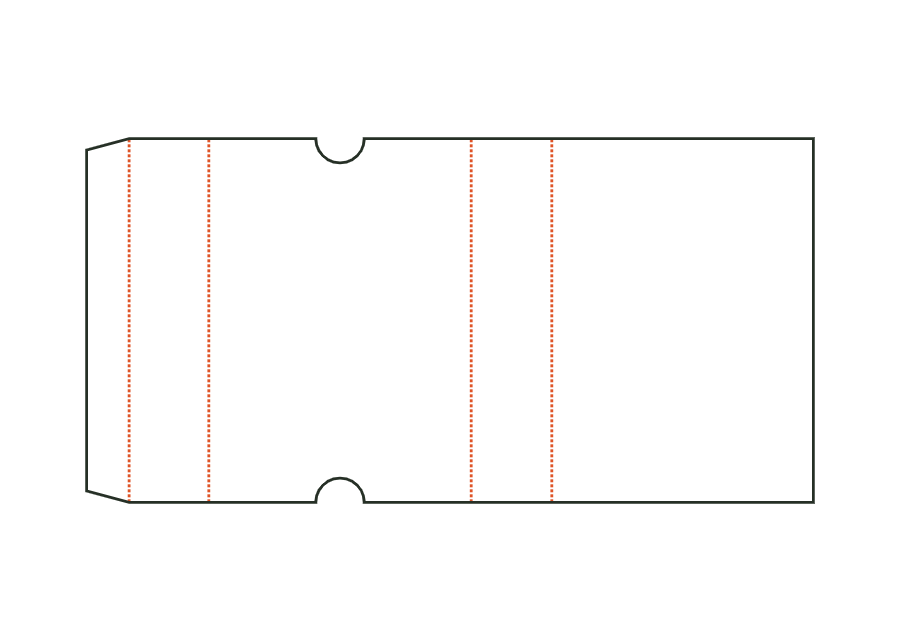
Corrugated sliding sleeve with glue flap and open ends. Thumb notches at both ends of the top make it easier to push out an inner part. The template calculates the sleeve only.
Paperboard insert for a box: a platform with a product cut-out (rectangle, circle, or oval, freely positioned) on folded legs at two or four edges, optionally with inward-folded leg flaps. Dimensions: outside dimensions of the insert (inside dimensions of the box) × platform height.
 JetDieline