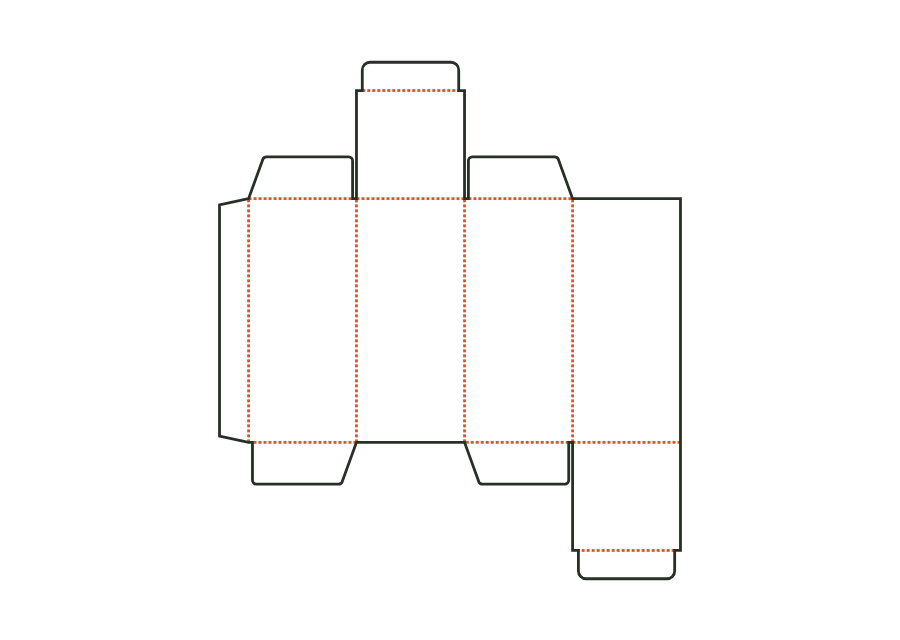
Straight tuck-end carton
Blank, creases, and flaps are calculated from inside dimensions. The result is an artwork PDF, production dieline, and production sheet for the print shop.
carton.tuckend.straightView template JetDieline
JETDIELINE / Templates
Choose shapes for product size and presentation. Windows reveal contents; shapes with several sides change usable space. Test the fit with the full product and its accessories.
Individual components are shown separately. Different sizes and stored template versions are not additional packaging shapes.
 carton.tuckend.straight
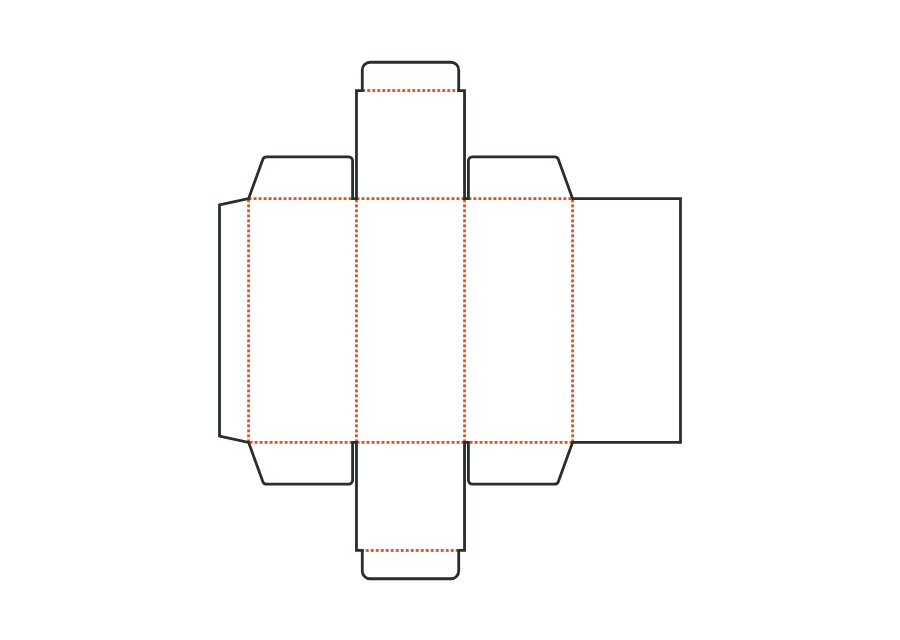
Blank, creases, and flaps are calculated from inside dimensions. The result is an artwork PDF, production dieline, and production sheet for the print shop.
carton.tuckend.straightView templateThe top tuck flap is attached to the front, the bottom one to the back. The reverse tuck end carton calculates its walls, dust flaps, and closures from the inside dimension. The dieline shown comes from Version 3 with the hanging hole disabled; artwork, production dieline, and report can be exported together in the technical core.
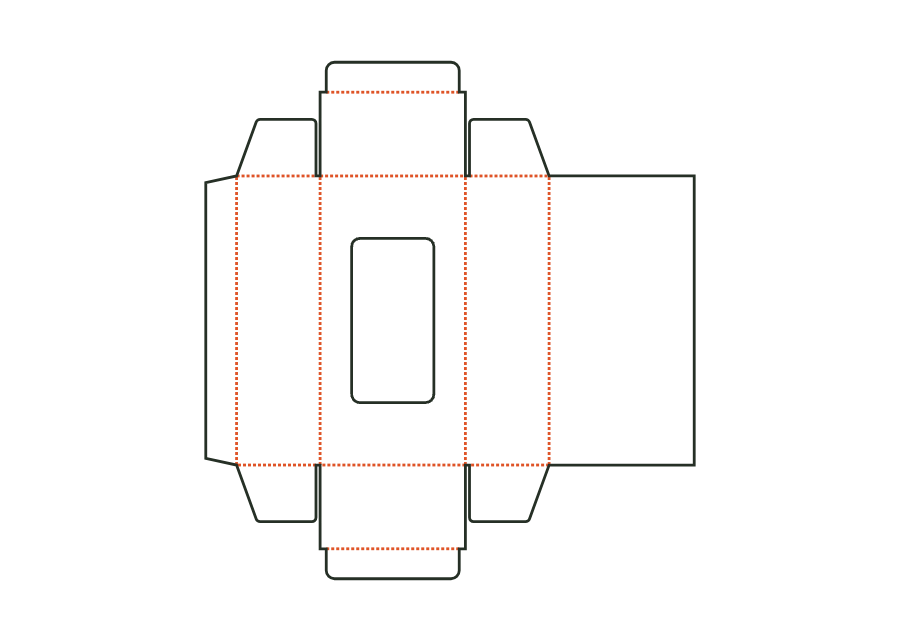
carton.tuckend.reverseView templateThe window carton combines straight tuck closures with a front cutout. Choose a rectangle with corner radius or an oval and leave room for the film margin and bridges. The shown version 2 starts with a rectangular window and no hanging hole. The dieline provides the construction; window film is patched separately on the inside.
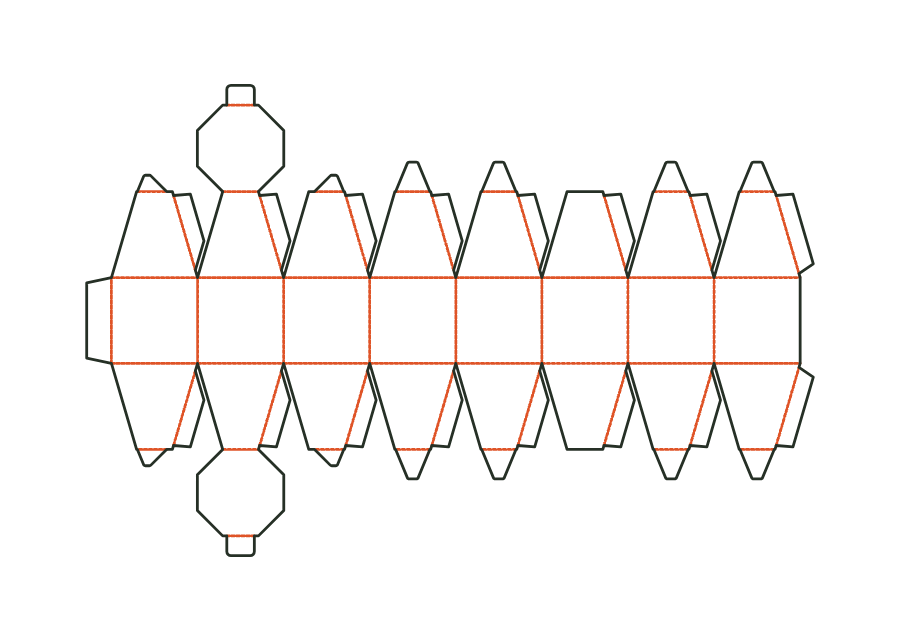
carton.windowView templateSphere or ball box as a polyhedron of meridian strips: equator walls, zone faces with glue flaps above and below, a lid at the top and a bottom with tuck flap, dust flaps on the other strips. Dimensions: diameter at the equator (length = width) and height.
carton.sphereView templateNo matching template. Change your search or application.
With JetDieline, choose a suitable template, adjust its size, and place text, logos, and images directly on your packaging.
Try your dimensions