Templates and dimensions
Find the right packaging shape and fit it to your product
 JetDieline
Corrugated components and inserts / JETDIELINE
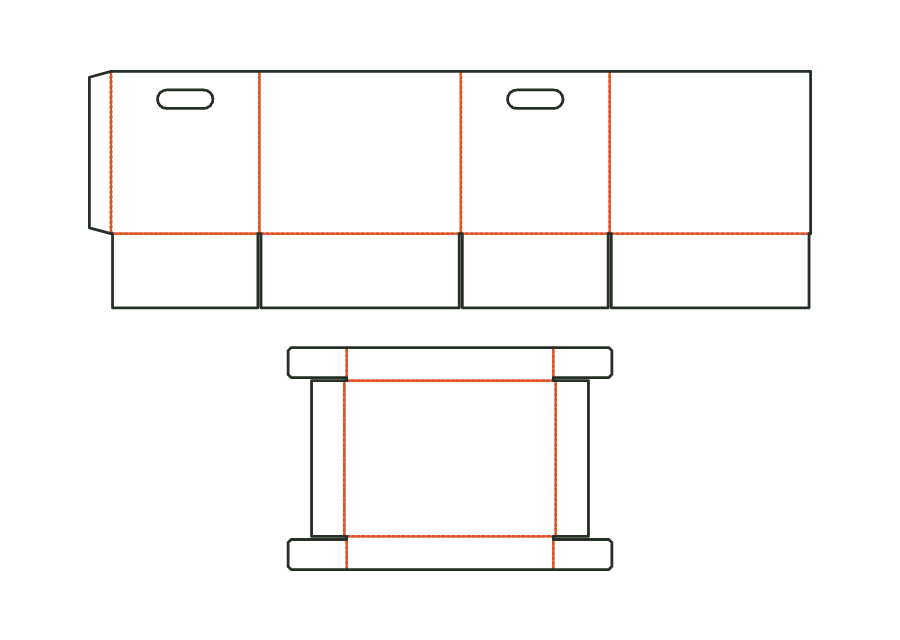
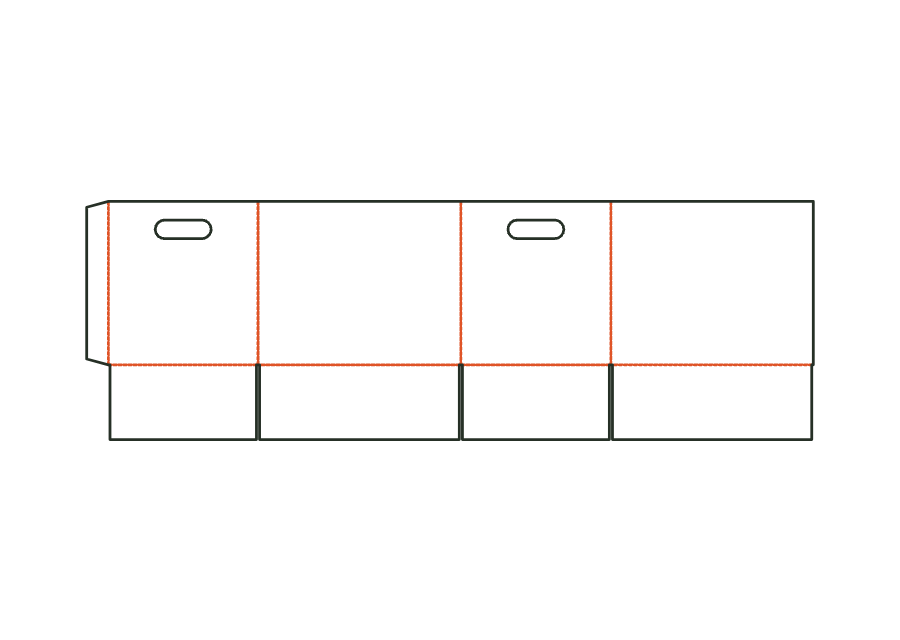
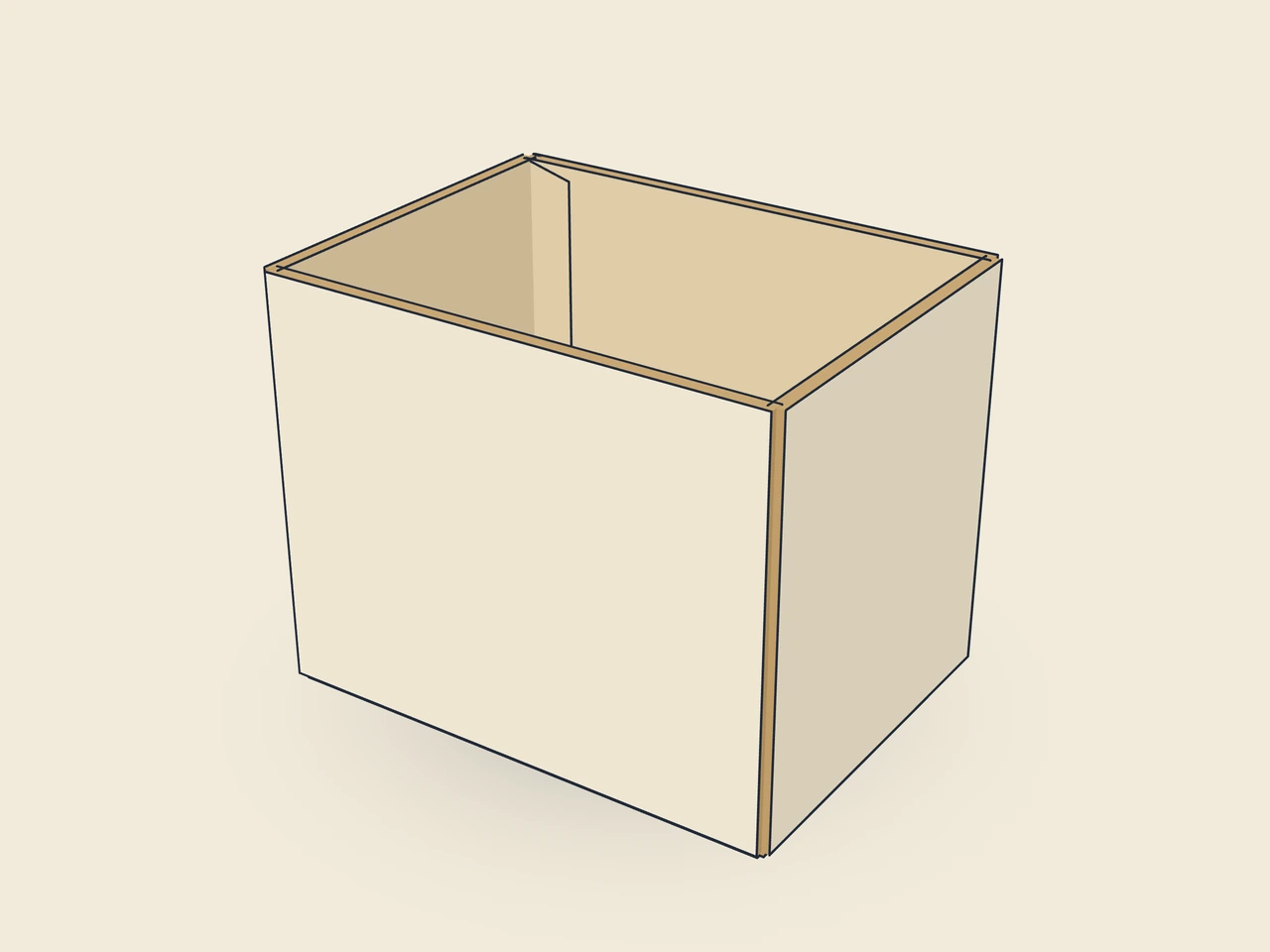
Base of the archive box: corrugated half slotted container, open at the top, four bottom flaps like the slotted box, a handle hole (slot) in both end walls.
Drag to rotate
03 / BOX
Simplified display model without material thickness, not to scale.
The 3D view is not available in this browser. The image shows the folded shape.
corrugated.archive.baseThis template is a component of a packaging assembly. Match its dimensions to the other parts; lids, bases, wraps and linings serve different purposes.
Glue the manufacturer's joint, erect the box, fold in the short bottom flaps, lay the long bottom flaps over them and close with tape or glue. Break out the handle holes before filling.
Test fit, folding and closure on a sample made from the intended material. Confirm material thickness, grain direction and production steps with your printer.
Sleeves, folders, cards and archive boxes hold paper and other flat contents. Account for the thickness of the full stack and check openings, handle areas and lid clearance.
Inside dimension
These dimensions describe the preview, not a fixed packaging size. The app recalculates the dieline for your own dimensions.
Find the right packaging shape and fit it to your product
Design the artwork directly on the real dieline
See problems before you pass on files
Files your printer can follow
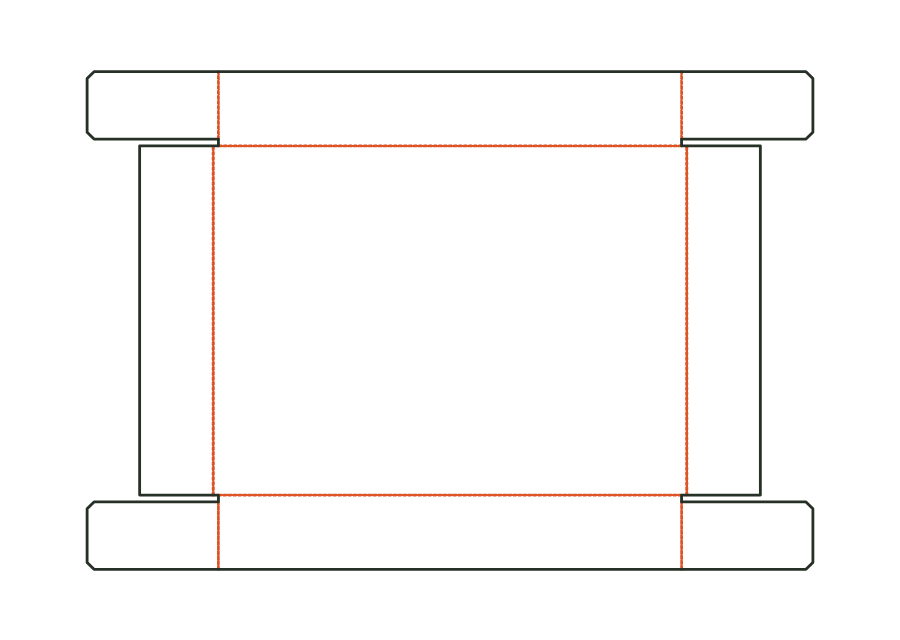
Archive and storage box in corrugated board with matching base and telescope lid. The base is open at the top and has hand holes in both end walls. Clearance per side and lid height determine the fit; the starting dimensions suit A4 documents.
corrugated.archiveView templateTelescope lid of the archive box: shallow tray of bottom and four walls with glued corner flaps; in the assembly sized from the outside dimensions of the base plus clearance per side.
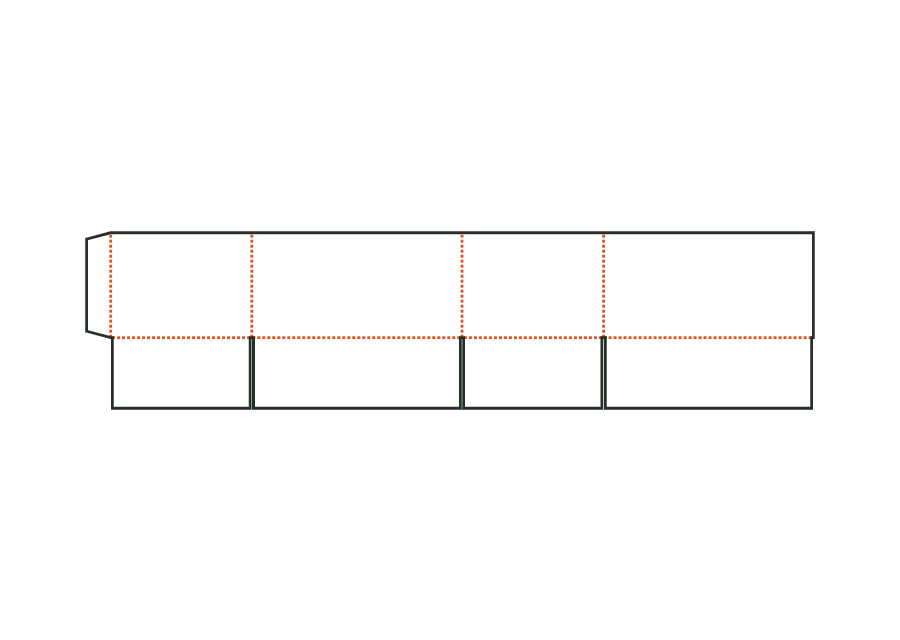
corrugated.archive.lidView templateFour walls with a glue flap and bottom flaps, open at the top: the half slotted container can serve as a shelf box or base. The own parametric construction calculates only this open box body.
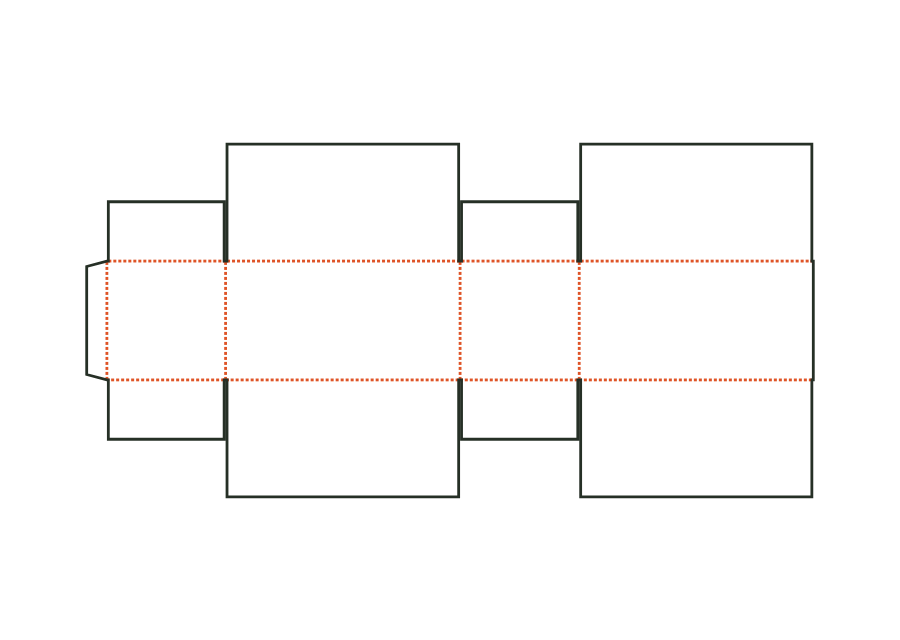
corrugated.halfslottedView templateThe outer flaps each cover the entire opening at the top and bottom and overlap. Our corrugated construction calculates full coverage rather than just a narrow overlap strip.
corrugated.rsc.fulloverlapView templateWith JetDieline, choose a suitable template, adjust its size, and place text, logos, and images directly on your packaging.
Try your dimensions