Cells along the length
Number of cells along box length; there is one fewer cross strip.
 JetDieline
Corrugated shipping boxes / JETDIELINE
Divider insert made of longitudinal and cross strips with interlocking slots to half their height. All strips lie on a shared sheet and remain connected by nicks until stripping.
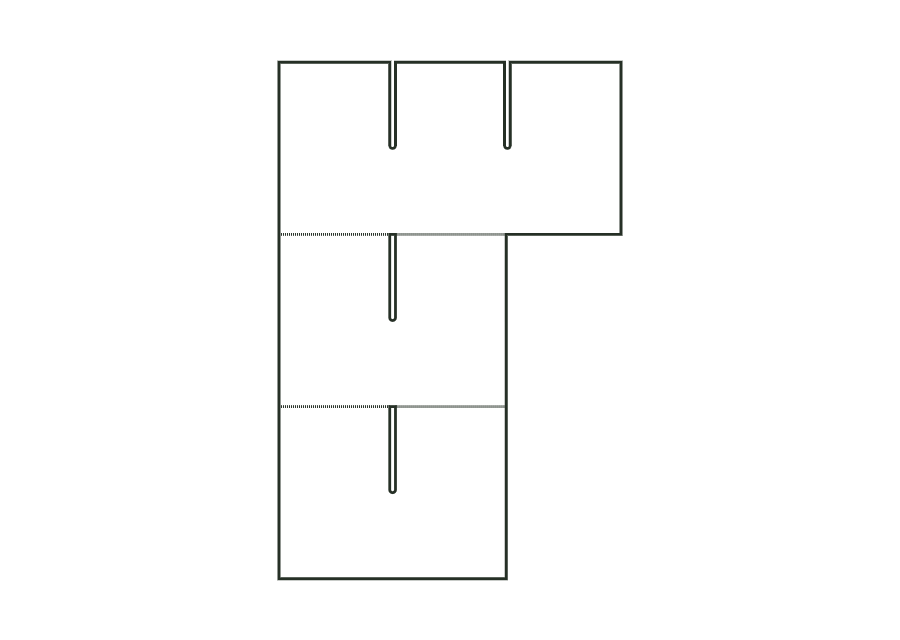
corrugated.dividerPartition made of longitudinal and cross strips with interlocking slots to half their height, arranged without waste on a sheet and connected by separation lines with nicks; divides a box into length × width cells.
Strip the strips at the separation lines. Turn cross strips upside down (slots downward) and insert them over the longitudinal strips until the slot bottoms meet; place the partition in the box.
Flutes vertical in the strips (parallel to strip height): the strips carry loads upright without buckling (check with the test print shop).
Test fit, folding and closure on a sample made from the intended material. Confirm material thickness, grain direction and production steps with your printer.
Inside dimension
These dimensions describe the preview, not a fixed packaging size. The app recalculates the dieline for your own dimensions.
Number of cells along box length; there is one fewer cross strip.
Number of cells along box width; there is one fewer longitudinal strip.
Height of the strips as a proportion of box height.
Clearance between each strip end and the box wall.
Width of the interlocking slots; at least material thickness, and at the die cutter at least the machine's minimum slot width.
cellsLength = 3 divides the box length into three cells; cellsWidth = 2 divides the width into two. This requires two cross strips and one longitudinal strip. The parameters count cells, not strips. Check the clear cell size with the product and actual material thickness.
The dieline shows all strips stacked on a shared sheet. Strip height belongs to each individual strip; sheet height adds them together. After stripping, the strips are slotted together. The sheet's bounding dimensions therefore do not describe the assembled partition and must not be used as box inside dimensions.
The interlocking slots extend to half the height. With their slots facing down, cross strips are inserted over the longitudinal strips until the slot bottoms meet. The two directions thus interlock. Check fit at the chosen slot width and fully strip the strips before assembly.
Find the right packaging shape and fit it to your product
Design the artwork directly on the real dieline
See problems before you pass on files
Files your printer can follow
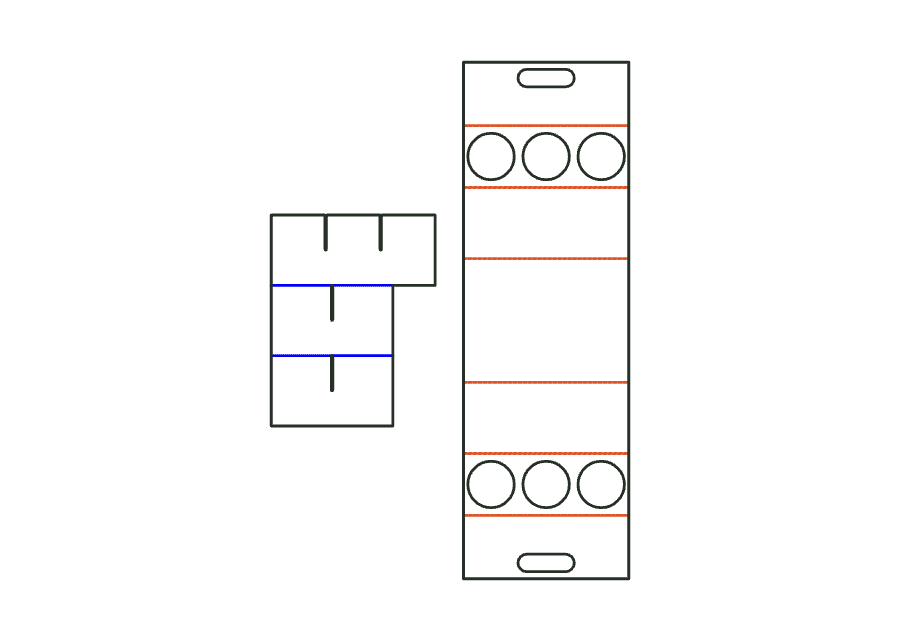
Bottle carrier for 4 or 6 bottles with a matching slotted divider. Two hole decks and the carrying handle hold the bottles in the carrier; additional strips also separate them below. The divider is derived from the internal space and selected bottle count.
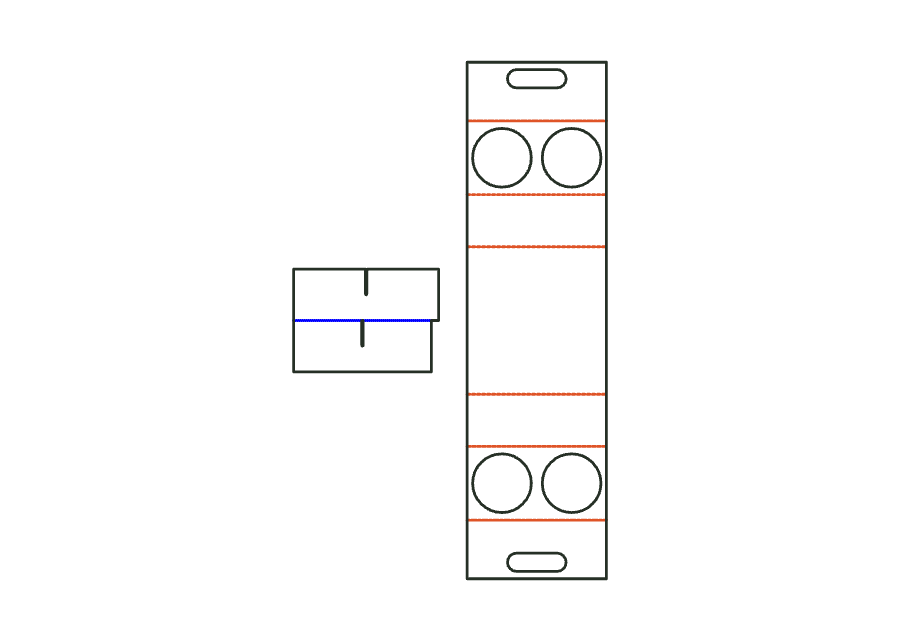
carrier.bottle.dividerView templateCup carrier and slotted divider form one assembly. The carrier has two hole decks and a carrying handle; the crossed strips also separate cups below the decks. The divider follows the internal space and cell count of the carrier.
carrier.cup.dividerView templateFlat insert pad used as a base, layer, or top pad in a box. The flat dimensions follow the box's inside space; side clearance makes the pad smaller. An optional grid creates identical rounded cut-outs.
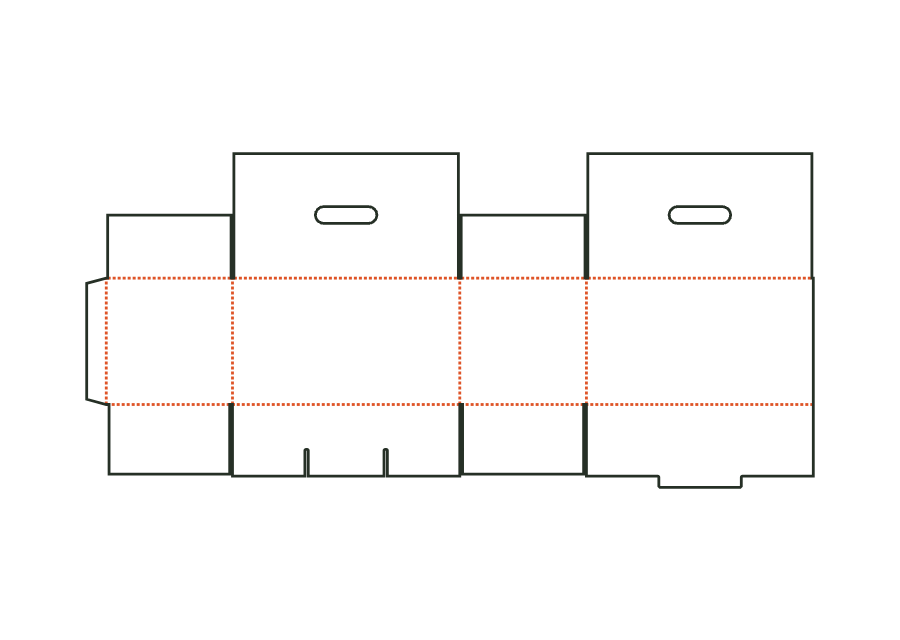
corrugated.insert.padView templateCorrugated carry-handle box with a snap-lock bottom. Two fully overlapping lid flaps have aligned handle cutouts and are glued over their full area; an additional handle is not part of the construction.
corrugated.handleView templateWith JetDieline, choose a suitable template, adjust its size, and place text, logos, and images directly on your packaging.
Try your dimensions