Glue flap
Width of the glue flap used to glue the blank into a tube. The material requires a minimum width.
 JetDieline
Trays and displays / JETDIELINE
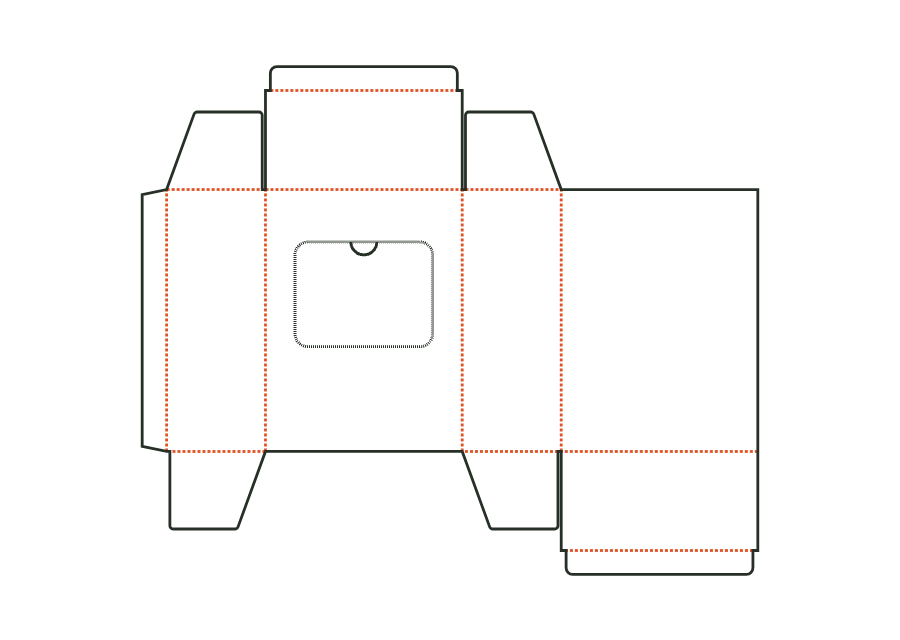
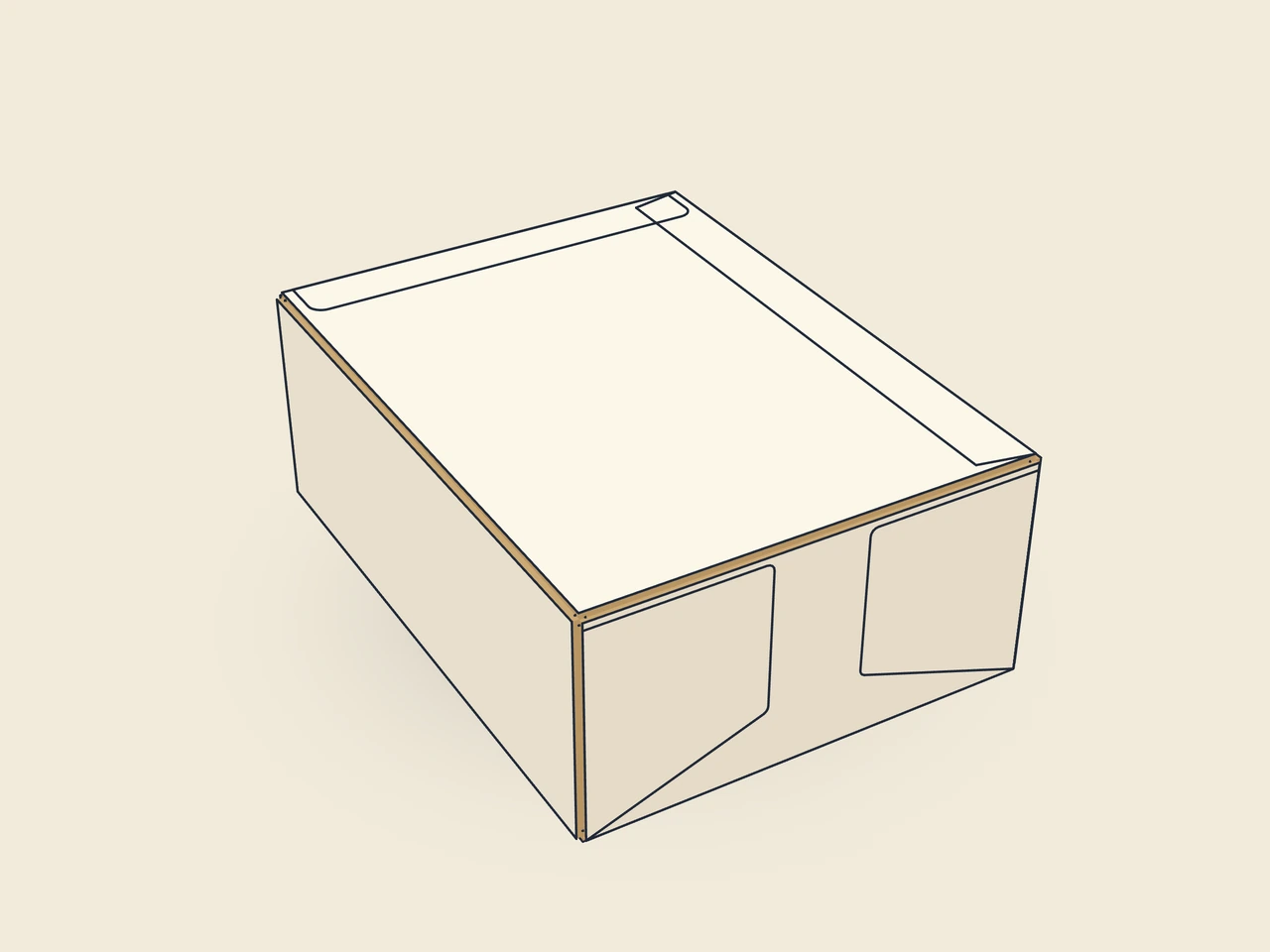
Reverse tuck end carton with a perforated tear-open window in the front and a thumb notch as an opening tab; after opening, contents are removed individually.
Drag to rotate
03 / BOX
Simplified display model without material thickness, not to scale.
The 3D view is not available in this browser. The image shows the folded shape.
carton.dispenserThe body uses the reverse tuck end carton construction. The front contains the tear-open window with perforation and thumb notch. V2 adds an optional hanging hole; it is disabled in the starting example.
As for the tuck end carton: glue the glue flap to the back, erect the carton, close the bottom, fill, and close the lid. To open, press in the thumb notch and tear out the window along the perforation.
Test fit, folding and closure on a sample made from the intended material. Confirm material thickness, grain direction and production steps with your printer.
Inside dimension
These dimensions describe the preview, not a fixed packaging size. The app recalculates the dieline for your own dimensions.
Width of the glue flap used to glue the blank into a tube. The material requires a minimum width.
Bevel at the ends of the glue flap; facilitates folding and erection.
How far the tuck flap reaches into the box; at most approximately half the width (the height for the mailer).
Corner radius of the tuck flap; limited by half the flap width or tuck depth.
Side inset of the tuck flap relative to the lid, allowing easy insertion.
The front has a perforated tear-open window with an optional thumb notch. After pressing in the notch, the window is removed along the perforation. Width, height, and position are set as proportions of the front. The construction starts as a closed reverse tuck end carton; contents are removed through the new opening only after tearing it open.
Window and opening tab must fit in the front. The construction maintains a 5 mm web. Window height and position depend on each other: a tall window shifted upward may be invalid. dispenserWindowHeight.fitsFront checks this relationship. Also test whether the product stays securely in the carton after opening.
V2 adds the hanging hole option. The starting value is none, meaning no hole and no additional header. When enabled, hole shape and header dimensions are part of the parameter set; MFG-009 checks the remaining web at the hole. This does not approve the load capacity of a filled dispenser, which requires load testing on the target material.
Find the right packaging shape and fit it to your product
Design the artwork directly on the real dieline
See problems before you pass on files
Files your printer can follow
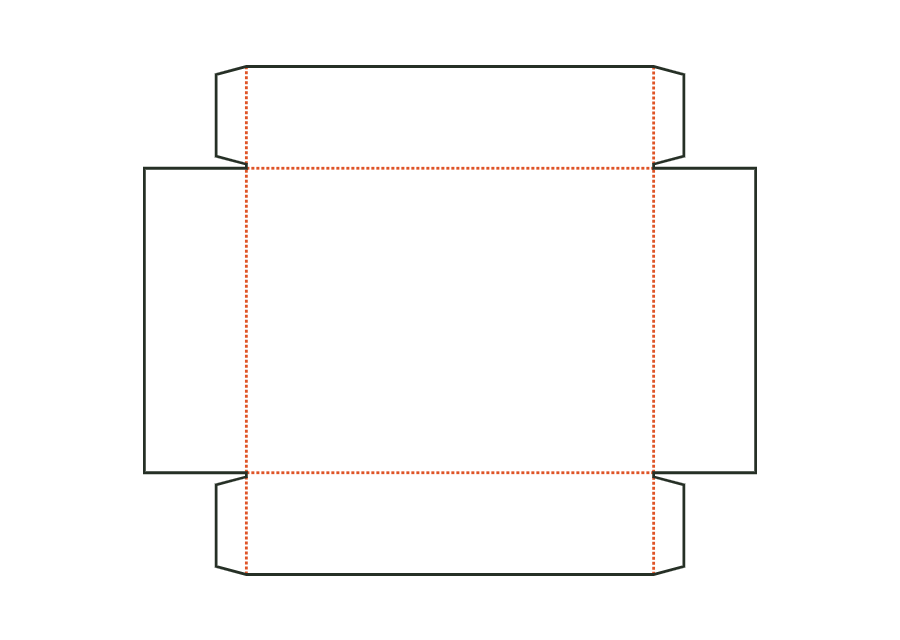
A base, four walls, and glued corners form the open folding tray. This page shows V2 with an optional window; the window remains disabled in the starting example.
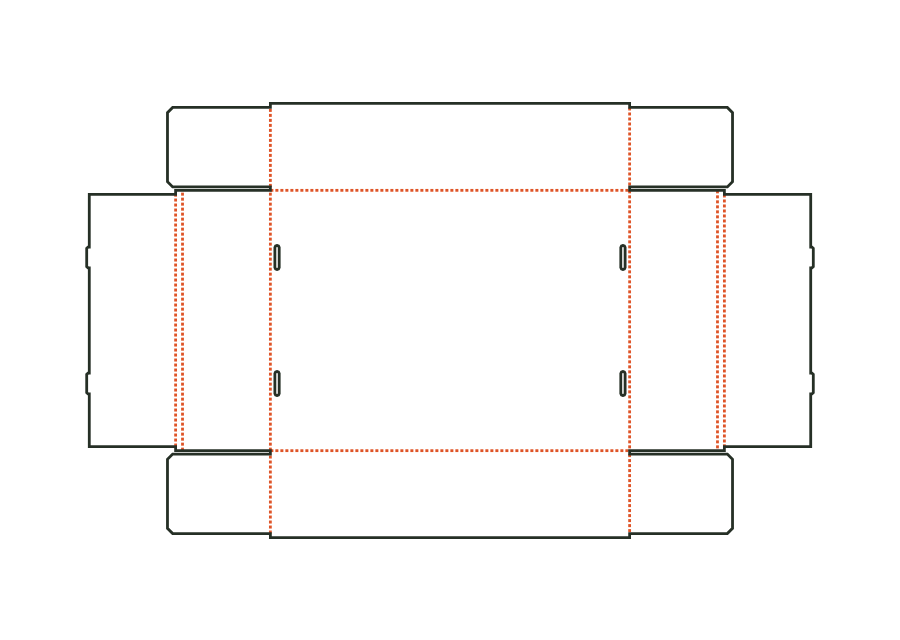
carton.tray.gluedView templateUnglued folding carton board tray: front and back walls with corner flaps, double end walls with a rollover; tabs on the inner wall tuck into slots in the bottom.
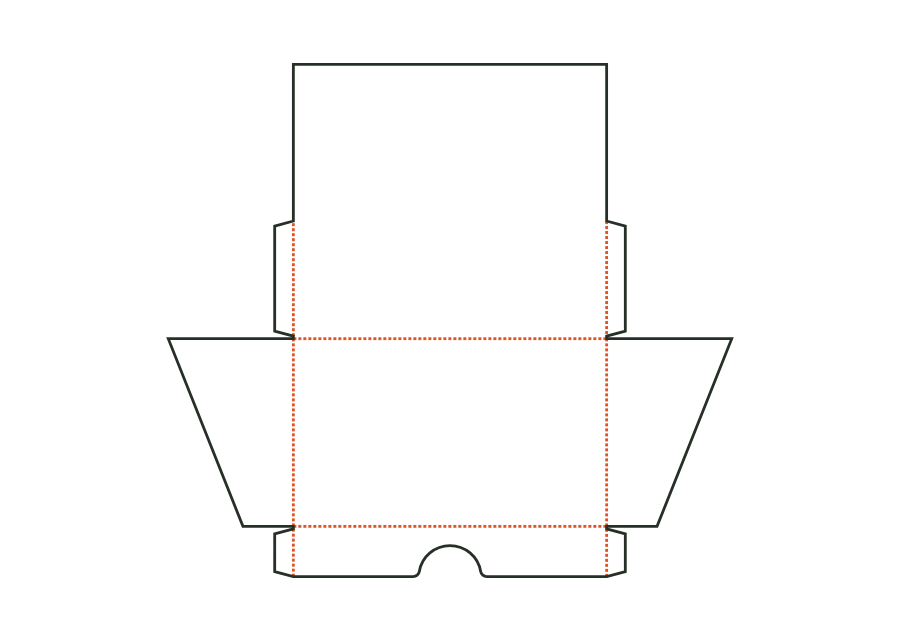
carton.tray.lockedView templateOpen countertop display: low front wall with a finger recess, tall back wall with an advertising area, and sloping side walls; corners are glued inside with corner glue flaps as on the tray.
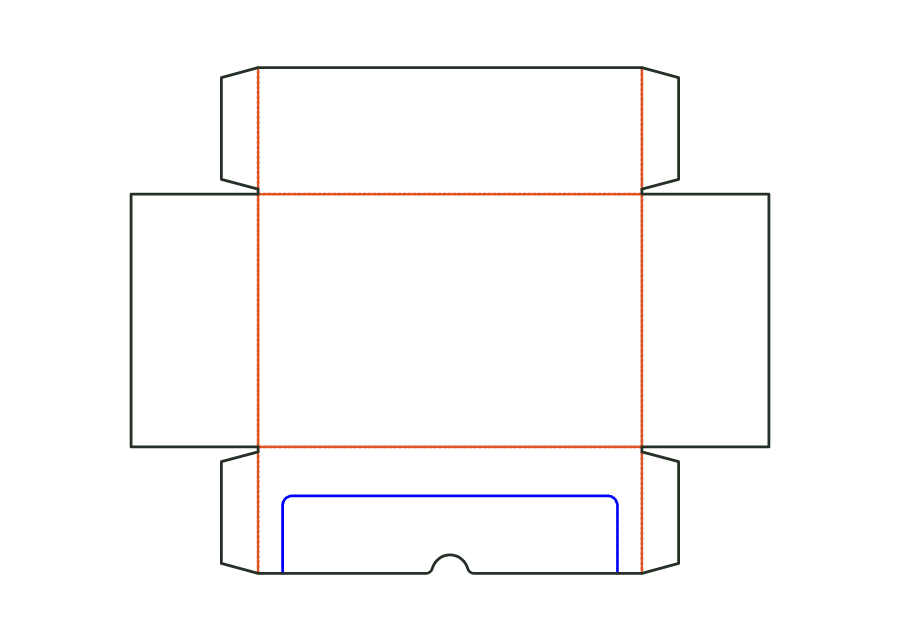
carton.display.counterView templateShipping and shelf packaging in one: tray with four walls of equal height and glued corners, a U-shaped tear-off perforation with a thumb notch in the front wall. After tearing off, a low front and side lands remain; optional header on the back wall (straight, rounded or arched). Starting material B-flute.
carton.display.shelfView templateWith JetDieline, choose a suitable template, adjust its size, and place text, logos, and images directly on your packaging.
Try your dimensions Download on the Mac App Store