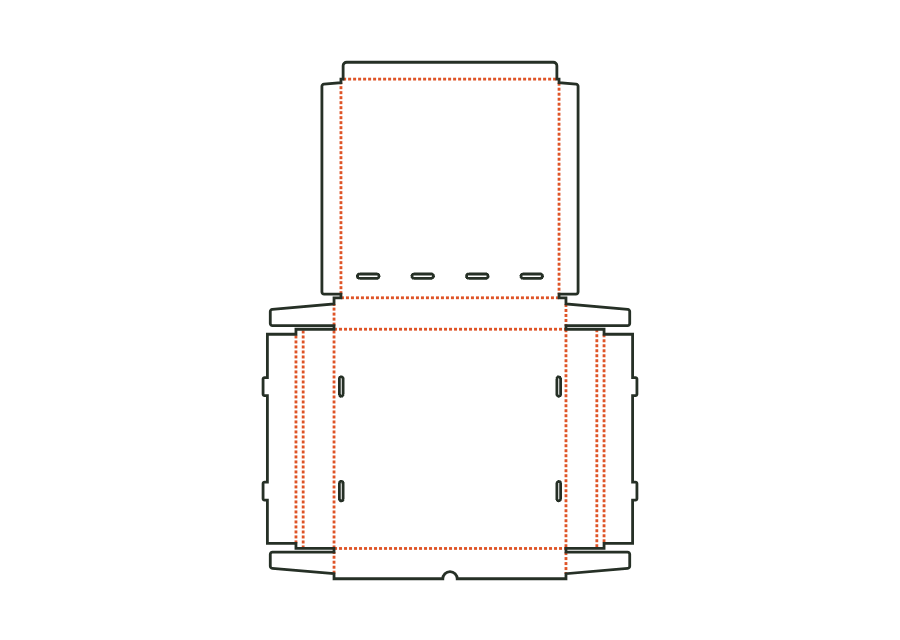
Corner glue flap
Width of the glue flaps at the ends of the front and back walls, glued to the inside of the end walls. The material requires a minimum width; the flaps from both sides must not meet on the end wall.
 JetDieline
Food and hospitality / JETDIELINE
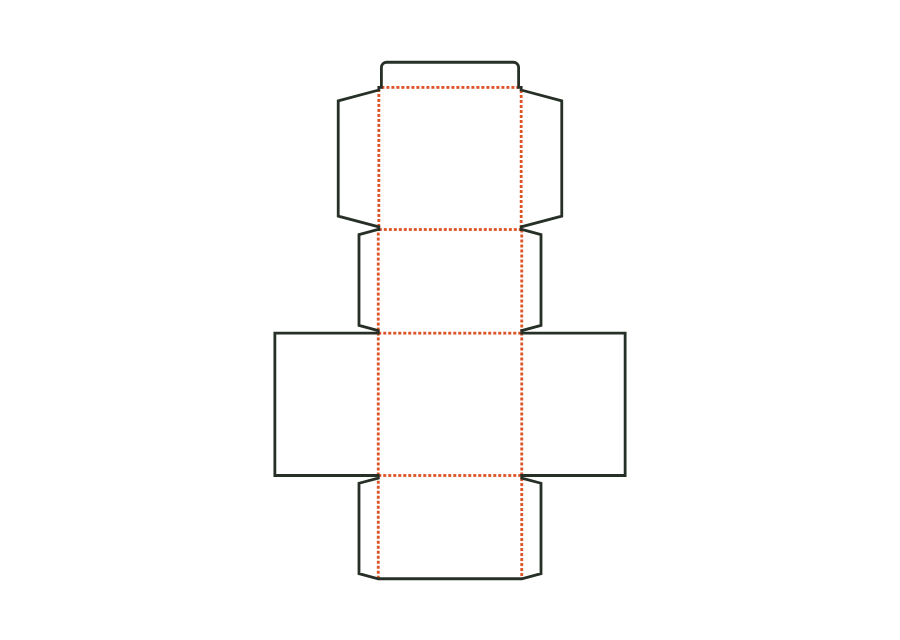
The clamshell tray combines a base with glued corners and a lid hinged to the back wall. You choose a tuck flap or tab-and-slot closure and calculate either from inside or outside dimensions.
Drag to rotate
03 / BOX
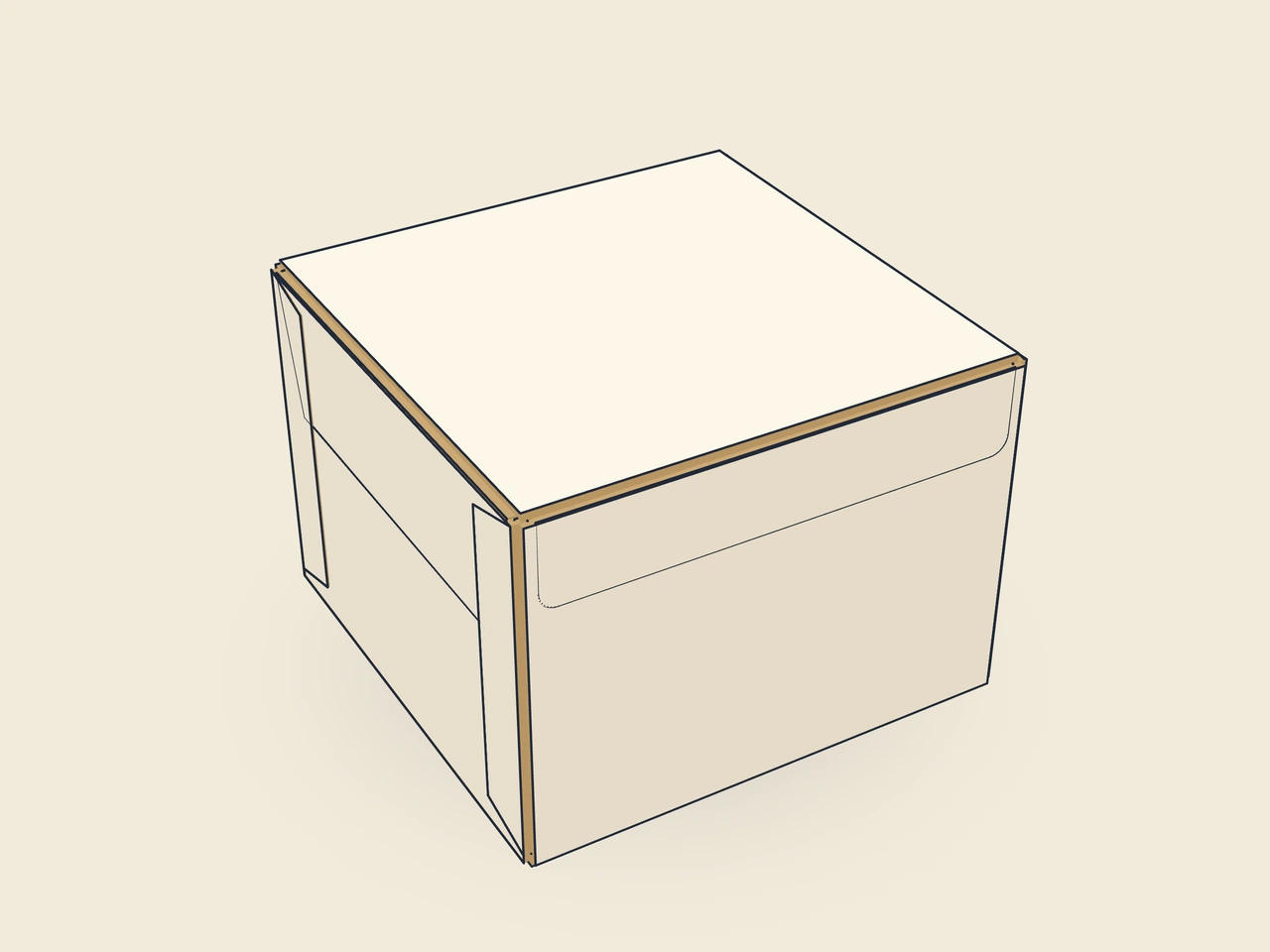
Simplified display model without material thickness, not to scale.
The 3D view is not available in this browser. The image shows the folded shape.
carton.tray.hingedBase, front and back walls, end walls, and four corner glue flaps form the tray. The lid has two dust flaps. The closure is either an inward tuck flap or an outer lid front wall with a tab and slot.
Erect the front and back walls, fold the corner glue flaps inward and apply adhesive to their outside faces, then erect and press the end walls into place. Fill the tray, fold in the lid dust flaps, and close the lid: insert the tuck flap behind the front wall, or place the lid front wall over the front wall and push the tab through the slot.
Grain direction parallel to the length, as for the tray: base, hinge, and flap creases lengthwise; end-wall and dust-flap creases crosswise. The lid springs open less at the hinge (check with a test print shop).
Test fit, folding and closure on a sample made from the intended material. Confirm material thickness, grain direction and production steps with your printer.
Compare openings and closures for your food product. Check direct-contact material, moisture and grease resistance with the manufacturer.
Inside dimension
These dimensions describe the preview, not a fixed packaging size. The app recalculates the dieline for your own dimensions.
Width of the glue flaps at the ends of the front and back walls, glued to the inside of the end walls. The material requires a minimum width; the flaps from both sides must not meet on the end wall.
Bevel at both ends of the corner glue flaps; the flap does not catch on the base or upper edge during erection.
Gap between neighboring flaps or walls; at least approximately the material thickness.
Length of the lid's dust flaps as a ratio of the inside height.
Bevel of the dust flaps (also the ears on the mailer); larger angles prevent collisions during folding.
The tuck flap engages inside behind the front wall. The tab-and-slot closure guides a tab through a slot while the lid front wall lies outside over the front wall. lidLock selects the construction type. The two solutions need different parameters and change the lid contour. Test opening, closing, and artwork position for the selected version.
The height describes the tray wall height. The lid is flat and sits over the opening; it does not form a second raised tray. Inside and outside dimensions refer to the closed construction. For a product that extends above the tray, determine the required inside space and check the lid closure on the filled sample.
Yes, this construction uses four corner glue flaps on the front and back walls. They fold inward, receive adhesive on the outside, and are pressed against the end walls. They do not replace interlocking corners. Their width depends on the material minimum and available space. A valid blank does not establish the strength of the actual glue joint.
Find the right packaging shape and fit it to your product
Design the artwork directly on the real dieline
See problems before you pass on files
Files your printer can follow
Calculate the conical sidewall blank of a paperboard cup from rim diameter, bottom diameter, and finished height. The annular sector includes the glue seam and separate allowances for the bottom curl and top rolled rim.
cone.cup.wrapView templateThe pizza box is formed from one blank with double side walls, locking corners, and a hinged lid. Inside dimensions determine the space for the pizza; ventilation slots and locking tabs are separate parameters.
carton.pizzaView templateThe takeout box has outward-sloping front and back walls, glued corners, and a folding lid with a tuck flap. Inside width and outside width have different reference points.
carton.takeoutView templateThe cup sleeve is an annular sector with a glue flap for an existing tapered cup. You measure the diameters at the top and bottom edges of the sleeve and its vertical height.
sleeve.cupView templateWith JetDieline, choose a suitable template, adjust its size, and place text, logos, and images directly on your packaging.
Try your dimensions Download on the Mac App Store