Templates and dimensions
Find the right packaging shape and fit it to your product
 JetDieline
Special carton shapes / JETDIELINE
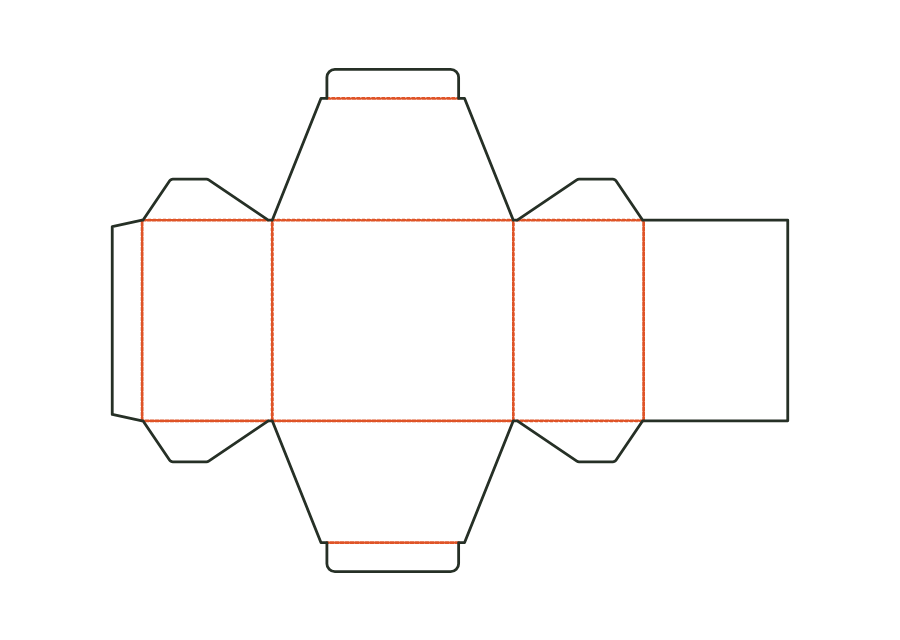
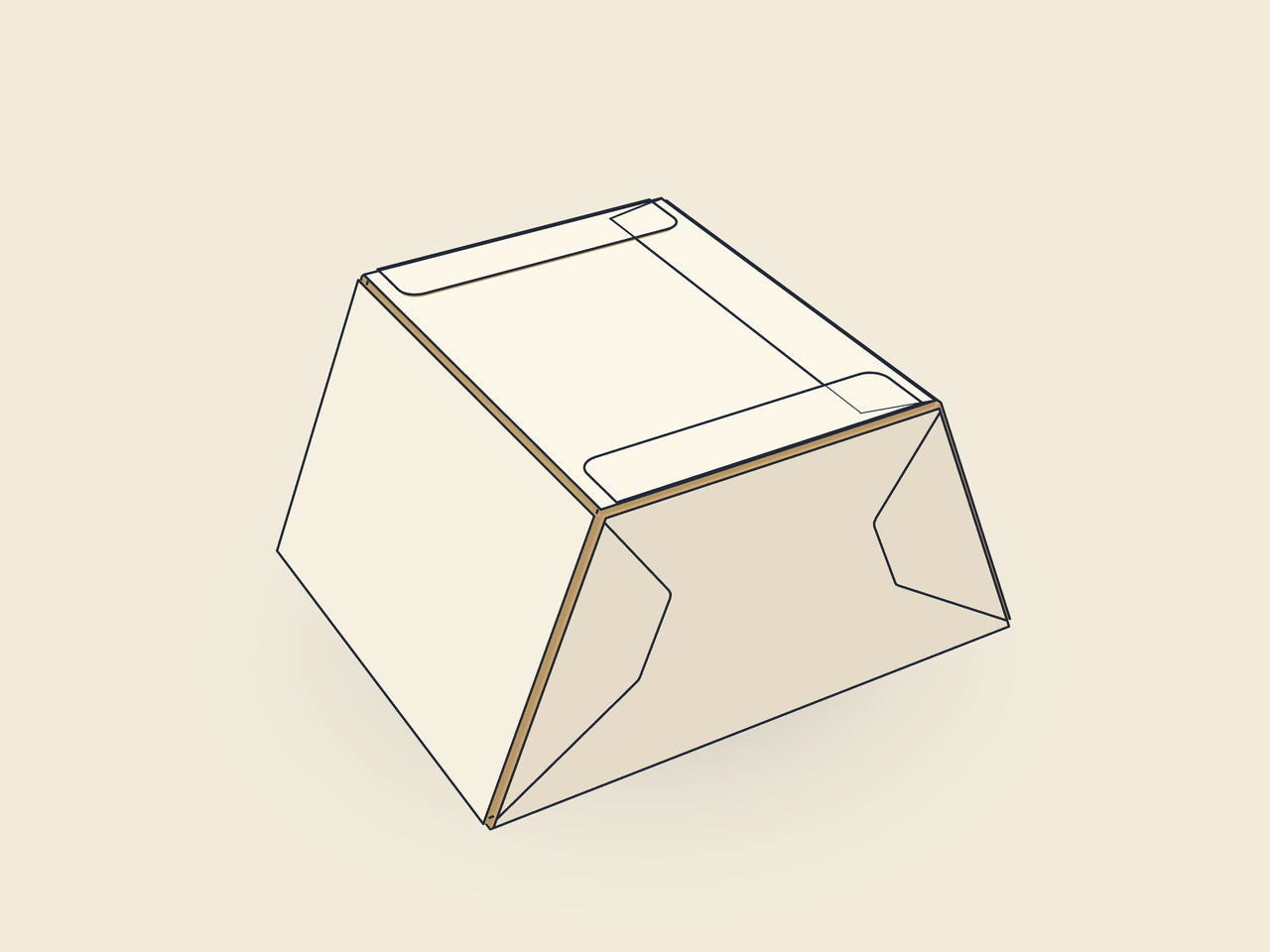
Folding carton with an isosceles trapezoid plan: wide front, narrower back, slanted sides; tuck lid at the front with the tuck flap at the back, straight or reverse bottom. Dimensions: front × depth × height.
Drag to rotate
03 / BOX
Simplified display model without material thickness, not to scale.
The 3D view is not available in this browser. The image shows the folded shape.
carton.trapezoidPre-break all creases, glue the glue flap to the inside of the side and lay the box flat. To fill, erect it, fold in the dust flaps and close the bottom and lid with the tuck flaps at the back.
Grain parallel to the height: the wall creases run along the grain (to be verified with a test printer).
Test fit, folding and closure on a sample made from the intended material. Confirm material thickness, grain direction and production steps with your printer.
Compare opening and presentation: pillow shapes, bands, drawers or lift-off lids. Plan the fit of contents and inserts and allow clearance between moving parts.
Inside dimension
These dimensions describe the preview, not a fixed packaging size. The app recalculates the dieline for your own dimensions.
Find the right packaging shape and fit it to your product
Design the artwork directly on the real dieline
See problems before you pass on files
Files your printer can follow
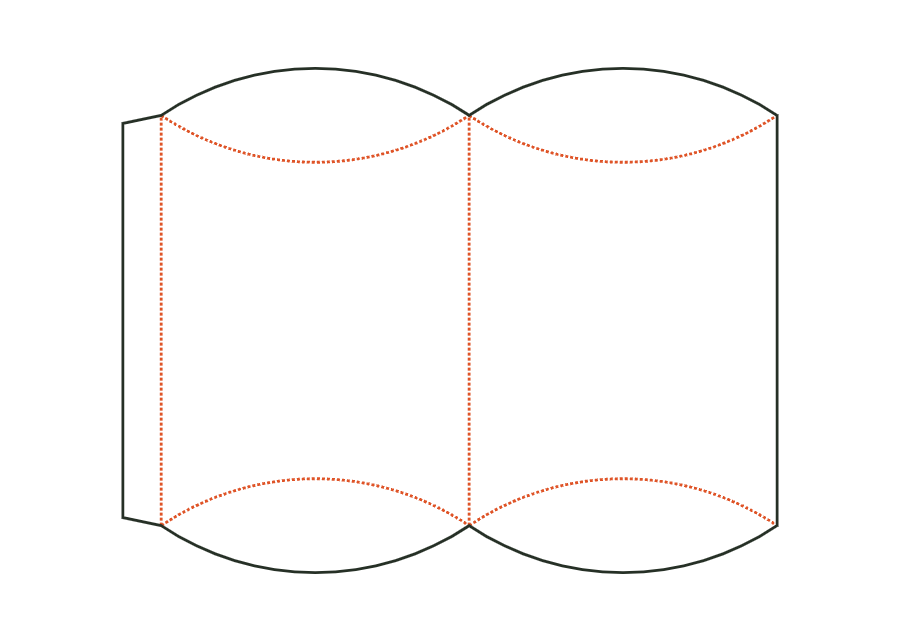
The pillow box curves two wall surfaces between lens-shaped end flaps. Curved creases create the closure instead of straight lid creases. In version 1, the inputs mean the package's width × thickness × length. The shown dieline accounts for these proportions and the starting material; it does not define a rectangular box interior.
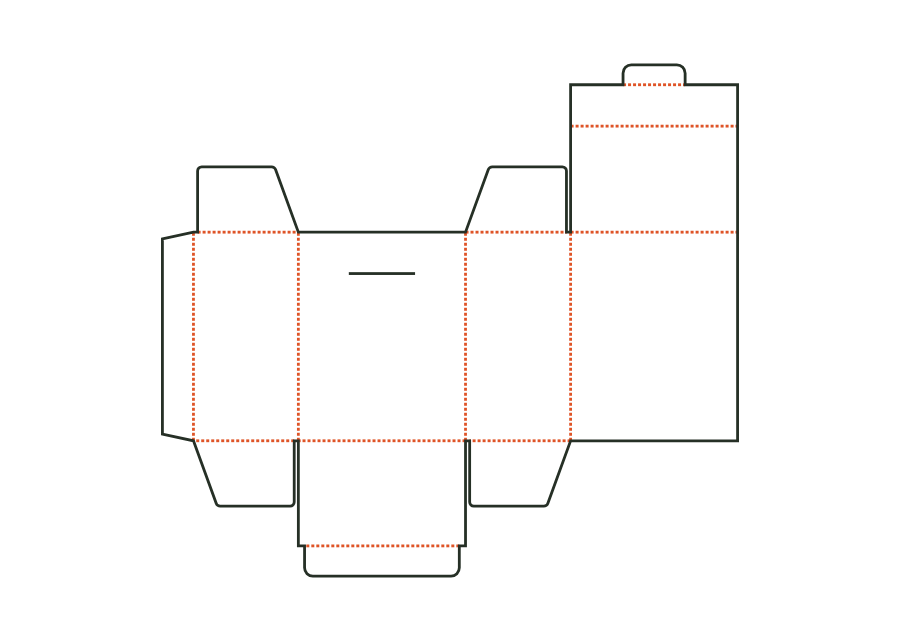
carton.pillowView templateThe hinged lid sits on the back wall and lays its front wall over the outside of the front. A lid flap inserts through a slot in the front; a tuck bottom closes the base. The page shows version 2 with the hanging hole disabled. The technical core calculates lid overhang, flaps, and creases from the chosen dimensions and material profile.
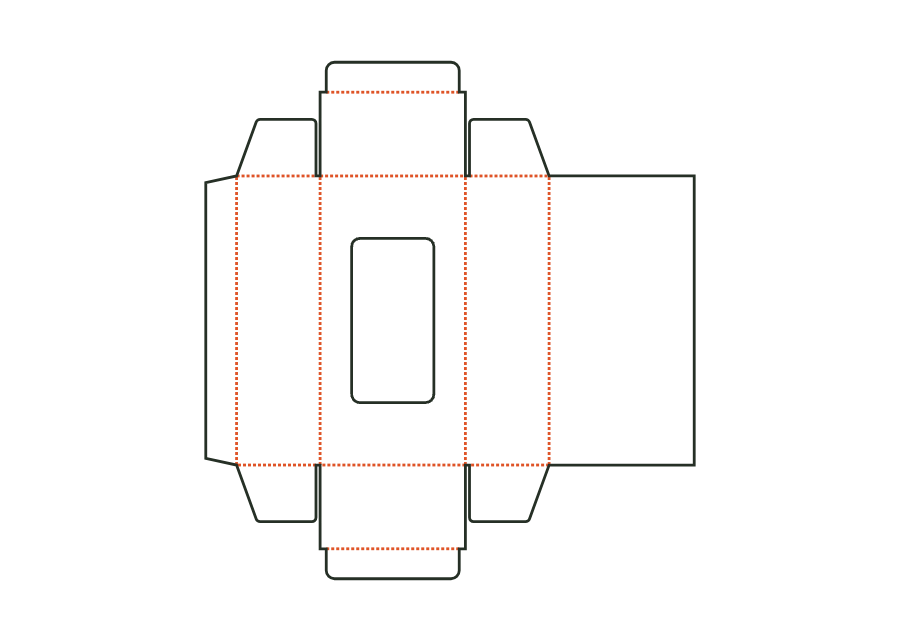
carton.hinged.lidView templateThe window carton combines straight tuck closures with a front cutout. Choose a rectangle with corner radius or an oval and leave room for the film margin and bridges. The shown version 2 starts with a rectangular window and no hanging hole. The dieline provides the construction; window film is patched separately on the inside.
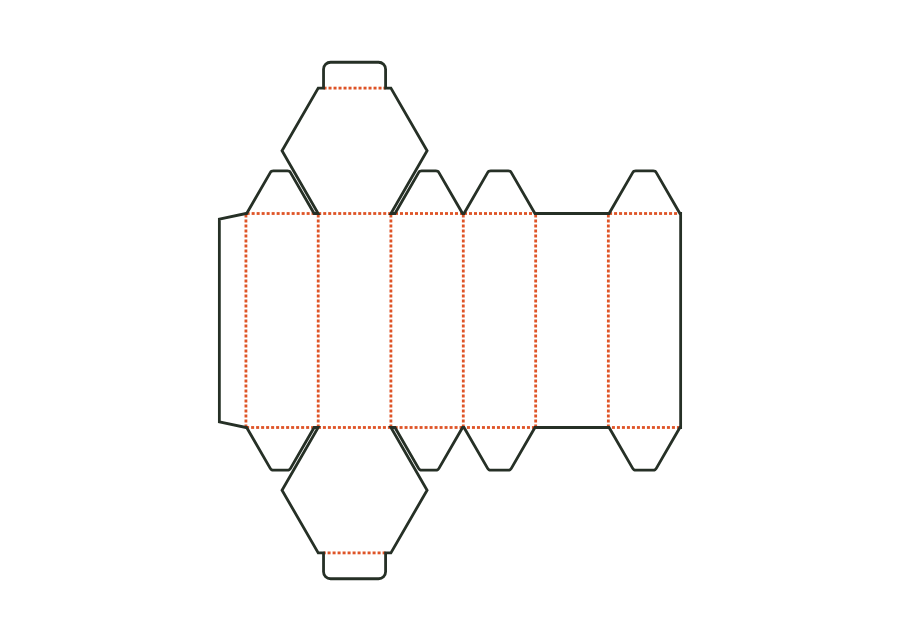
carton.windowView templateSix walls form a hexagonal footprint with a tuck lid and bottom. Inputs mean across corners × across flats × height, rather than the length and width of a rectangle. Version 1 calculates the angled walls, miters, and creases from these dimensions. The example shows the straight lid style; alternatively, the bottom can be attached to the back.
carton.hexagonView templateWith JetDieline, choose a suitable template, adjust its size, and place text, logos, and images directly on your packaging.
Try your dimensions