Lid style
Position of the bottom: at the front like the lid (straight) or at the back (reverse).
 JetDieline
Special carton shapes / JETDIELINE
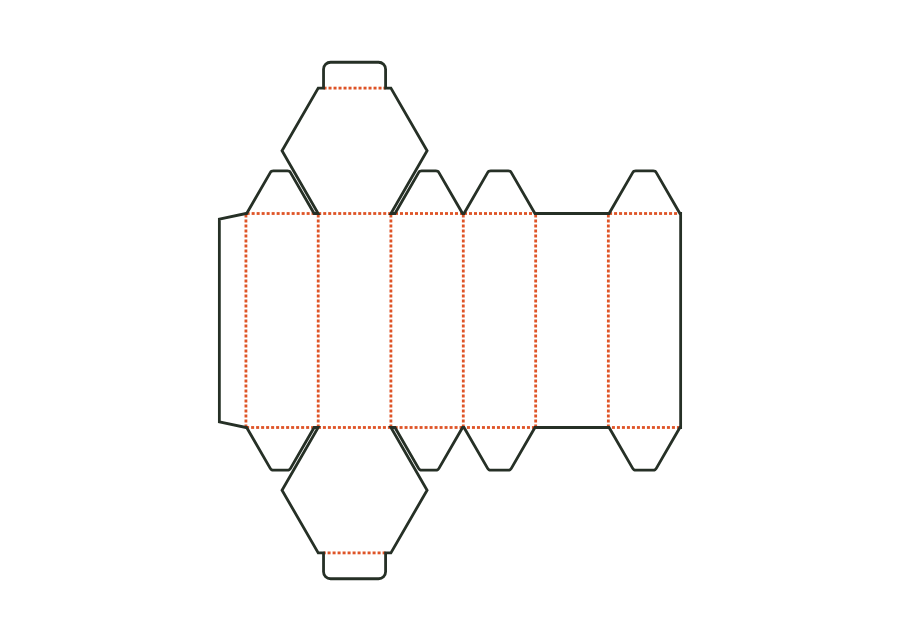
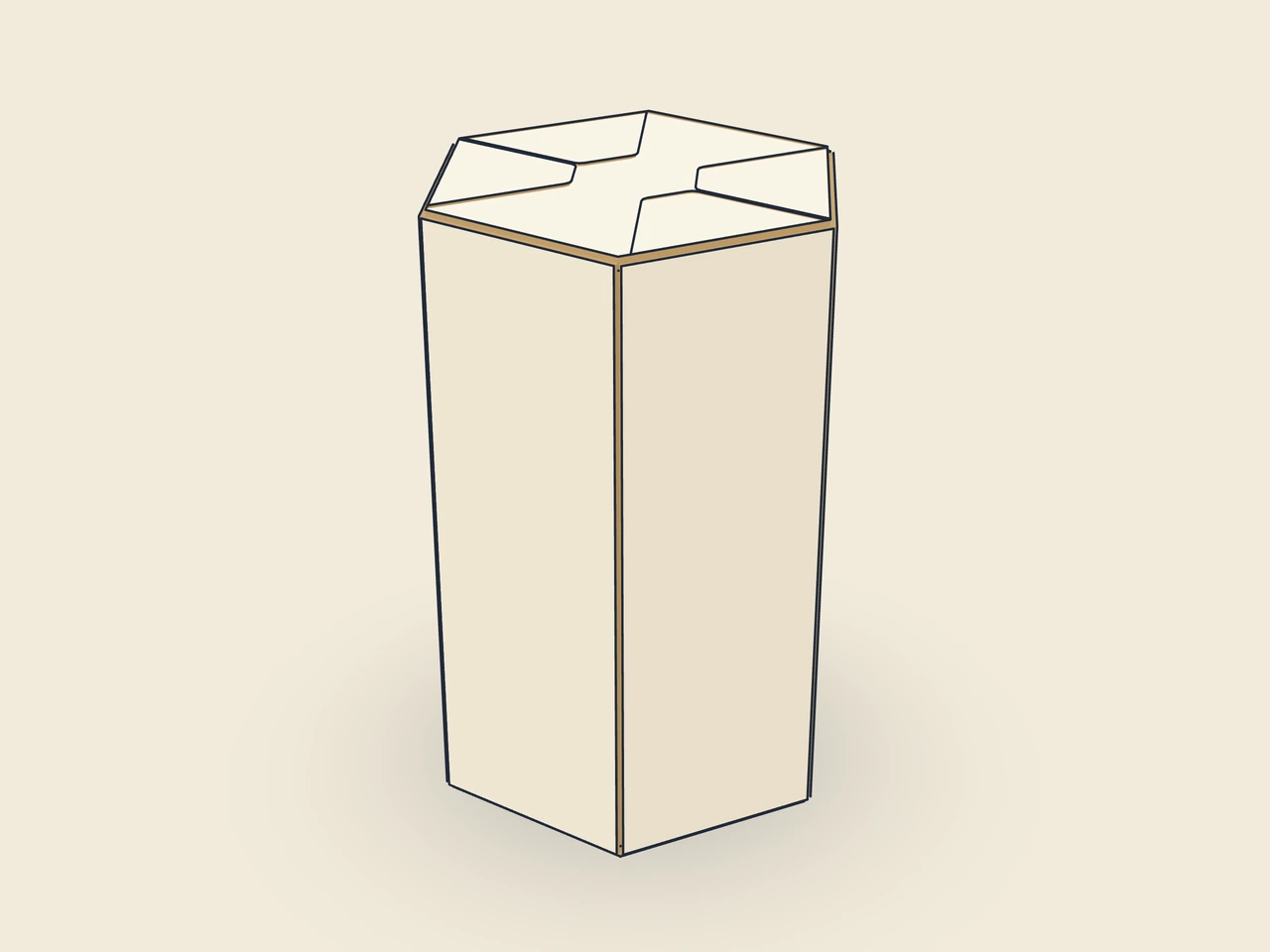
Six walls form a hexagonal footprint with a tuck lid and bottom. Inputs mean across corners × across flats × height, rather than the length and width of a rectangle. Version 1 calculates the angled walls, miters, and creases from these dimensions. The example shows the straight lid style; alternatively, the bottom can be attached to the back.
Drag to rotate
03 / BOX
Simplified display model with indicative material thickness, not to scale.
The 3D view is not available in this browser. The image shows the folded shape.
carton.hexagonFour angled walls connect the front and back to form six wall panels. The wall creases fold through 60°. The hexagonal lid and bottom have tuck flaps; dust flaps cut at a 30° miter sit on the angled walls. The glue flap joins the free edge of the last angled wall to the body.
Pre-break the blank along all creases, glue the glue flap to the inside of the free edge of the last angled wall, and flatten the carton. Erect for filling, fold in the lower dust flaps, and close the bottom with the tuck flap. Close the top the same way after filling.
Grain direction parallel to the height: the six wall creases run lengthwise and fold cleanly through 60°, while lid and flap creases run crosswise (check with the test print shop).
Test fit, folding and closure on a sample made from the intended material. Confirm material thickness, grain direction and production steps with your printer.
Inside dimension
These dimensions describe the preview, not a fixed packaging size. The app recalculates the dieline for your own dimensions.
Position of the bottom: at the front like the lid (straight) or at the back (reverse).
Width of the glue flap used to glue the blank into a tube. The material requires a minimum width.
Bevel at the ends of the glue flap; facilitates folding and erection.
How far the tuck flap reaches into the box; at most approximately half the width (the height for the mailer).
Corner radius of the tuck flap; limited by half the flap width or tuck depth.
Across corners measures over opposing corners; across flats measures between opposing parallel sides. These dimensions jointly describe the hexagonal cross section. Technical length corresponds to across corners, width to across flats. Do not use rectangular product dimensions without checking the hexagonal space and the required clearance.
The model accepts across corners and across flats separately and derives the angled walls from them. The wall creases have 60°; the front length must remain at least 20 mm. Not every combination within the table ranges is valid. Check the generated footprint against the product rather than assuming equal side lengths from the name.
lidStyle=reverse places the bottom at the back while the lid remains at the front. With straight, the bottom is also at the front. The six wall panels remain. The change affects the closure sequence and reading orientation of the bottom; check both on the fully erected sample with the intended artwork.
Find the right packaging shape and fit it to your product
Design the artwork directly on the real dieline
See problems before you pass on files
Files your printer can follow
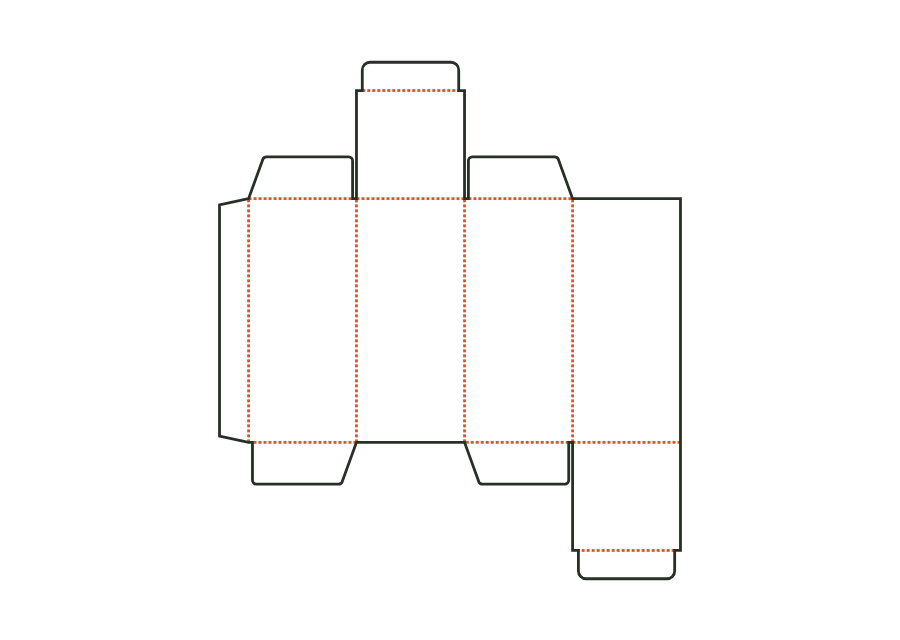
The top tuck flap is attached to the front, the bottom one to the back. The reverse tuck end carton calculates its walls, dust flaps, and closures from the inside dimension. The dieline shown comes from Version 3 with the hanging hole disabled; artwork, production dieline, and report can be exported together in the technical core.
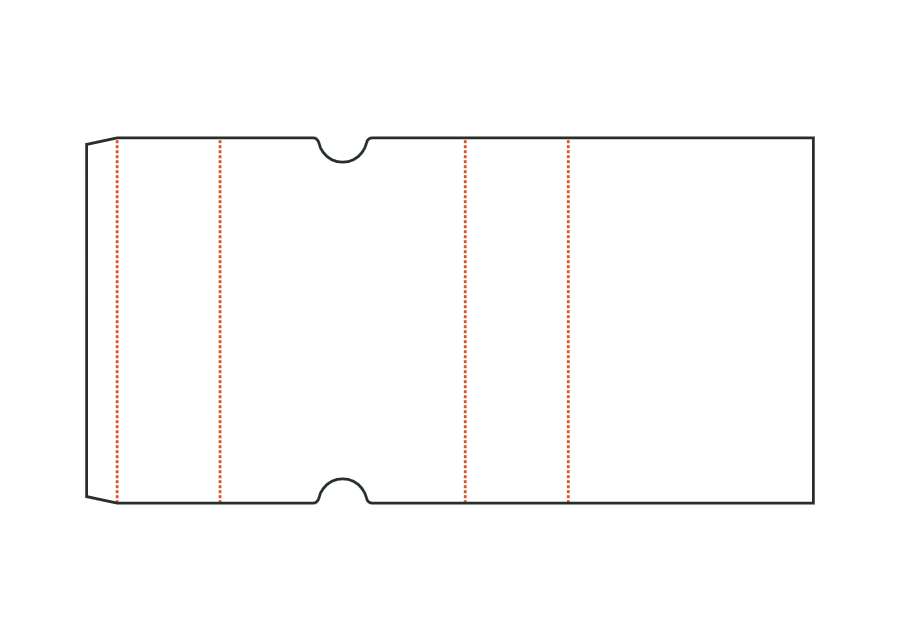
carton.tuckend.reverseView templateThe sleeve surrounds a product with four walls and remains open at both ends. Length and width describe the cross section; height denotes sleeve length. The dieline shows version 1 with finger notches on the front. Material thickness, glue flap, and notch position remain part of the calculation rather than simple scaling.
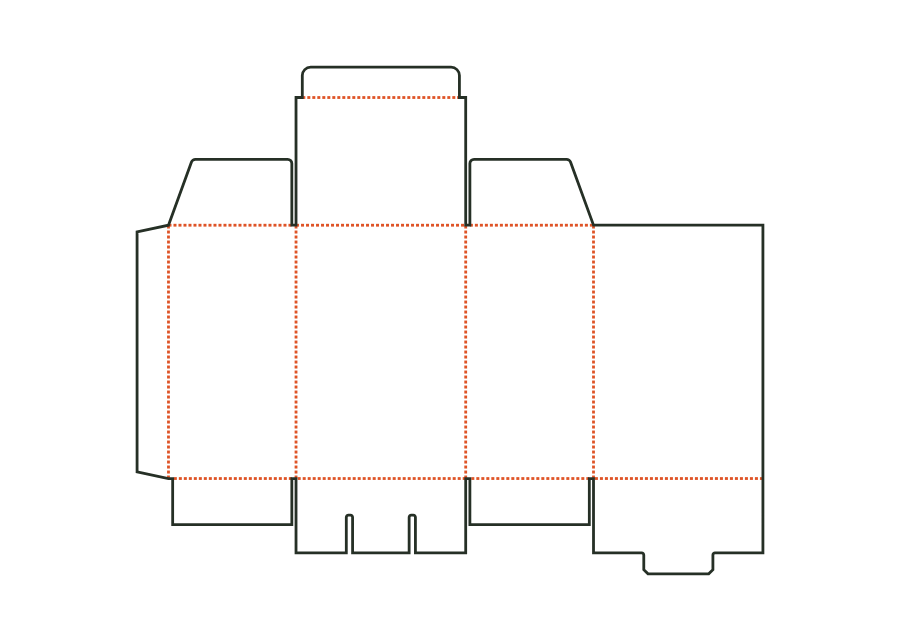
carton.sleeveView templateThe snap-lock bottom closes with four interlocking flaps. Two side flaps lie inside; a tab at the back tucks under the tongue of the front flap. Version 1 combines this bottom with a tuck lid. The calculated example uses folding carton board 400 g/m² and shows the flat dieline with creases and bottom slits.
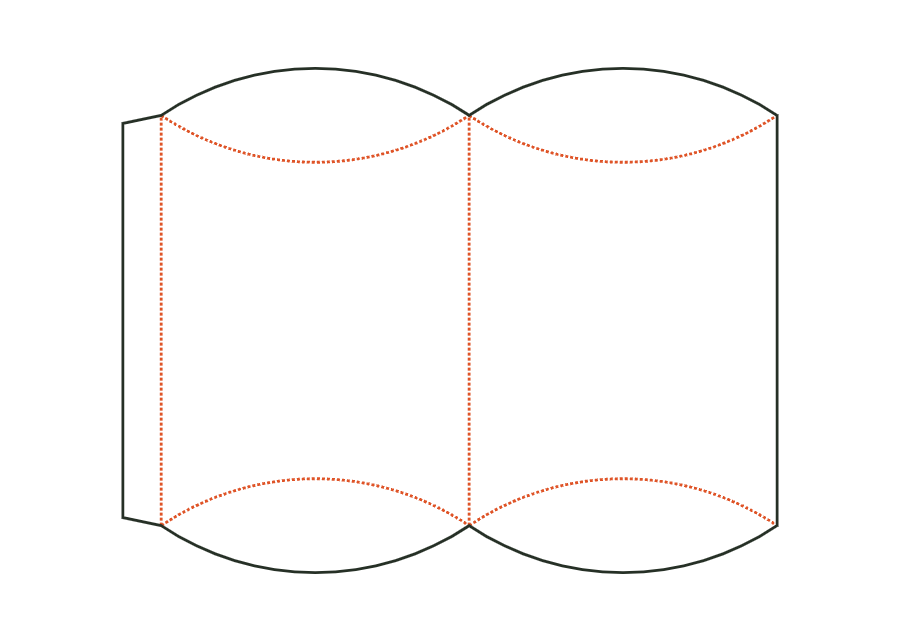
carton.snaplockView templateThe pillow box curves two wall surfaces between lens-shaped end flaps. Curved creases create the closure instead of straight lid creases. In version 1, the inputs mean the package's width × thickness × length. The shown dieline accounts for these proportions and the starting material; it does not define a rectangular box interior.
carton.pillowView templateWith JetDieline, choose a suitable template, adjust its size, and place text, logos, and images directly on your packaging.
Try your dimensions