Corner glue flap
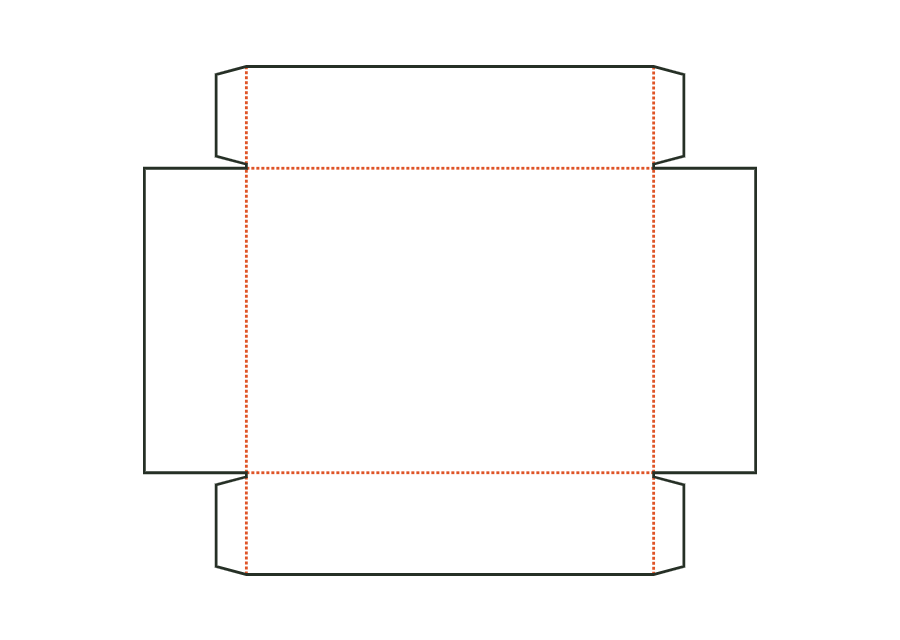
Width of the glue flaps at the ends of the front and back walls, glued to the inside of the end walls. The material requires a minimum width; the flaps from both sides must not meet on the end wall.
 JetDieline
Trays and displays / JETDIELINE
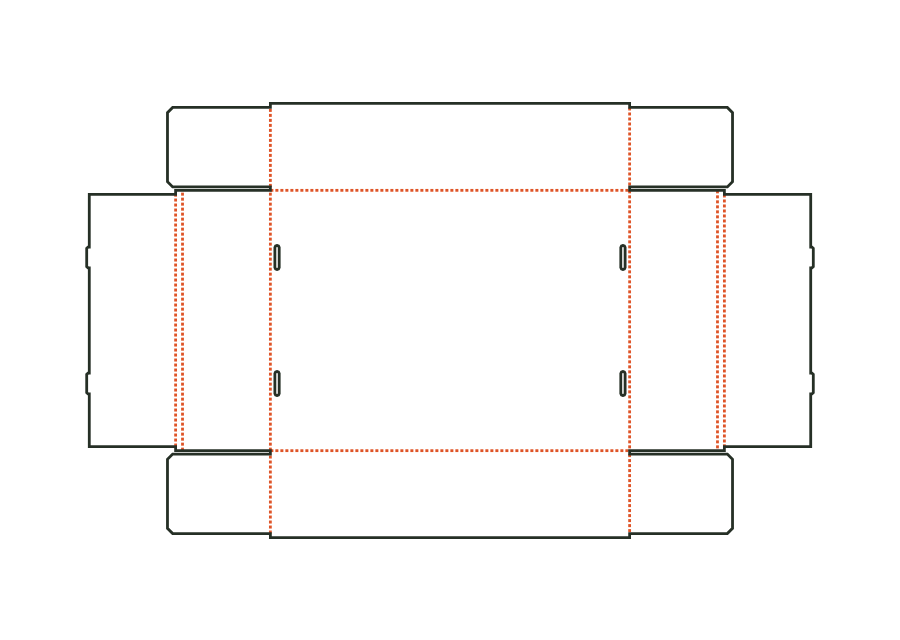
A base, four walls, and glued corners form the open folding tray. This page shows V2 with an optional window; the window remains disabled in the starting example.
Drag to rotate
03 / BOX
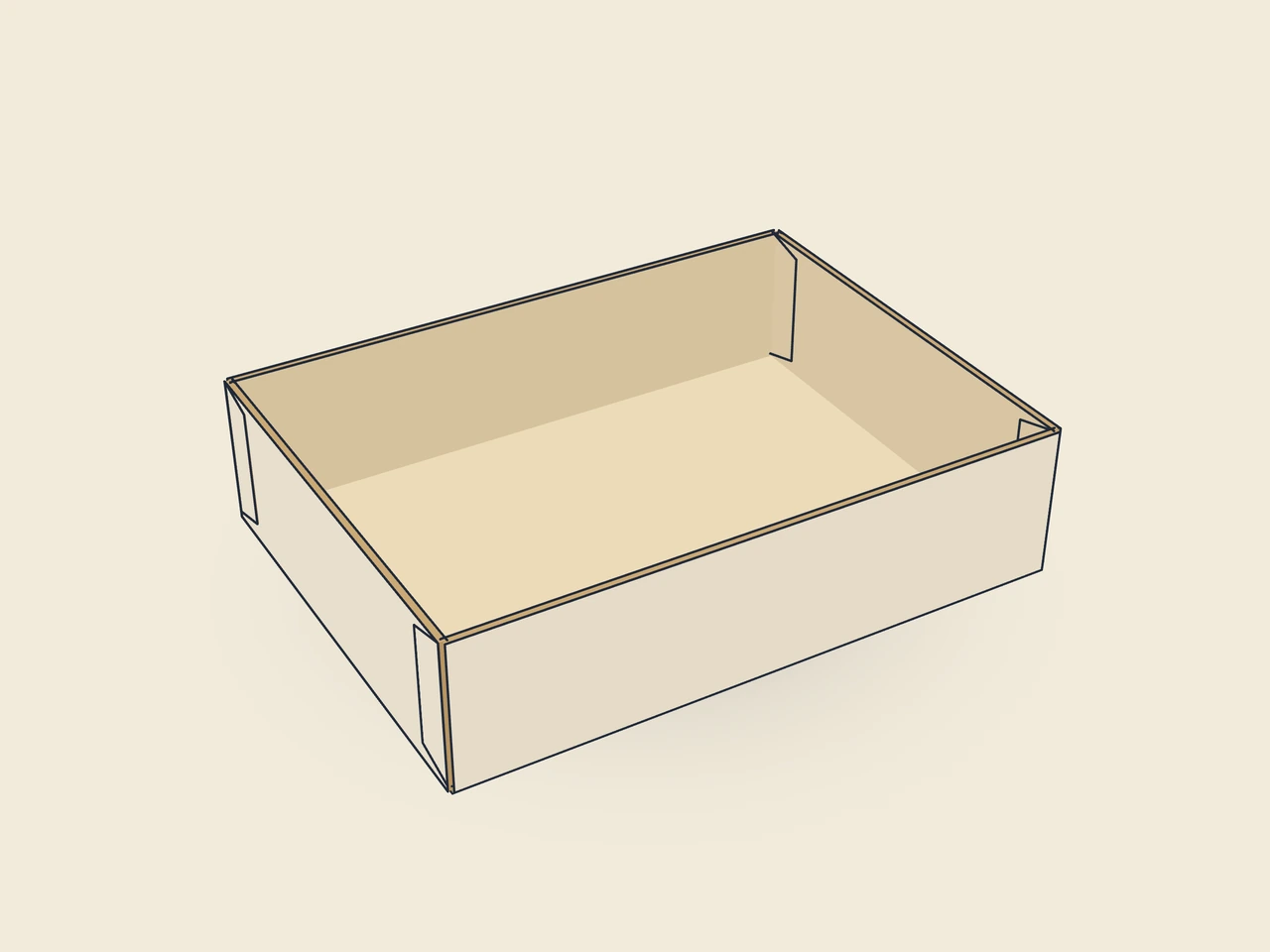
Simplified display model without material thickness, not to scale.
The 3D view is not available in this browser. The image shows the folded shape.
carton.tray.gluedThe base lies centrally between the front and back walls and the end walls. Four corner glue flaps fold inward and receive adhesive. The end walls press against the flaps and close the open corners.
Erect the front and back walls, fold the corner glue flaps inward, and apply adhesive to their outside. Erect the end walls and press firmly against the flaps (by hand or in a tray erector).
Grain direction horizontal on the blank (check)
Test fit, folding and closure on a sample made from the intended material. Confirm material thickness, grain direction and production steps with your printer.
Inside dimension
These dimensions describe the preview, not a fixed packaging size. The app recalculates the dieline for your own dimensions.
Width of the glue flaps at the ends of the front and back walls, glued to the inside of the end walls. The material requires a minimum width; the flaps from both sides must not meet on the end wall.
Bevel at both ends of the corner glue flaps; the flap does not catch on the base or upper edge during erection.
Gap between neighboring flaps or walls; at least approximately the material thickness.
Enable a viewing window with film margin (initially: disabled). It sits in the lid (mailer, hinged lid), in the front wall (trays), or in the front panel (gable, pillow); window, film margin, and 3 mm web must fit within the panel.
Shape of the window opening in the front panel.
Four corner glue flaps on the front and back walls fold inward and receive adhesive on the outside. The end walls are then erected and pressed against the flaps. The parametric construction describes this structure. Adhesive selection, pressing time, and actual strength depend on material and processing and must be checked on the sample.
This ID describes glued corners. A separate catalog type is available for assembly with locking corners. Its foldovers, tabs, and slots change the blank. You therefore cannot simply omit gluing. Choose the appropriate construction and check its assembly using the actual material.
The page shows V2 of the glued carton tray. This version adds an optional window in the front wall. The starting example uses the construction without a window. Template ID, version, and selected parameters remain visible in the data. This allows the preview to be associated with the correct construction state.
Find the right packaging shape and fit it to your product
Design the artwork directly on the real dieline
See problems before you pass on files
Files your printer can follow
Unglued folding carton board tray: front and back walls with corner flaps, double end walls with a rollover; tabs on the inner wall tuck into slots in the bottom.
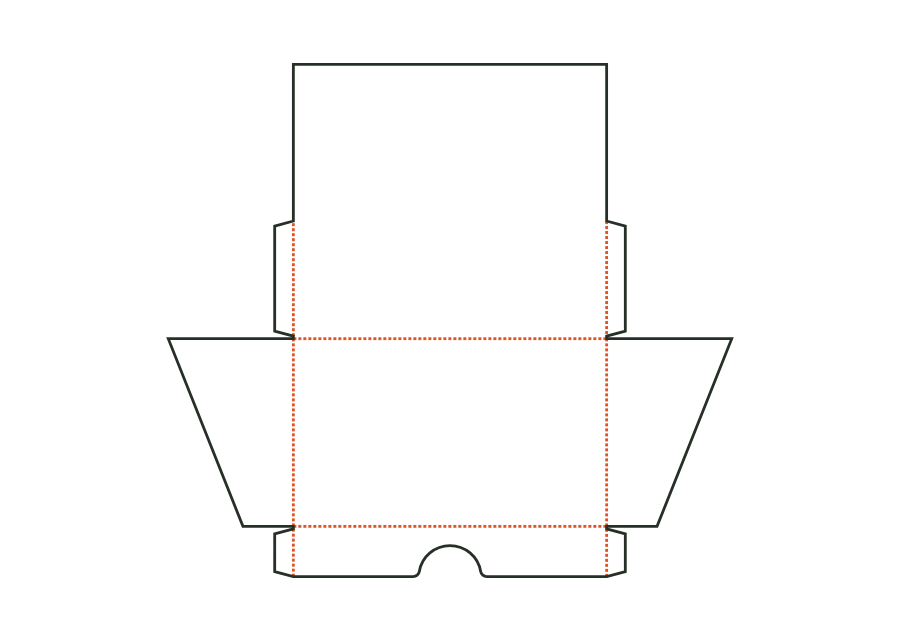
carton.tray.lockedView templateOpen countertop display: low front wall with a finger recess, tall back wall with an advertising area, and sloping side walls; corners are glued inside with corner glue flaps as on the tray.
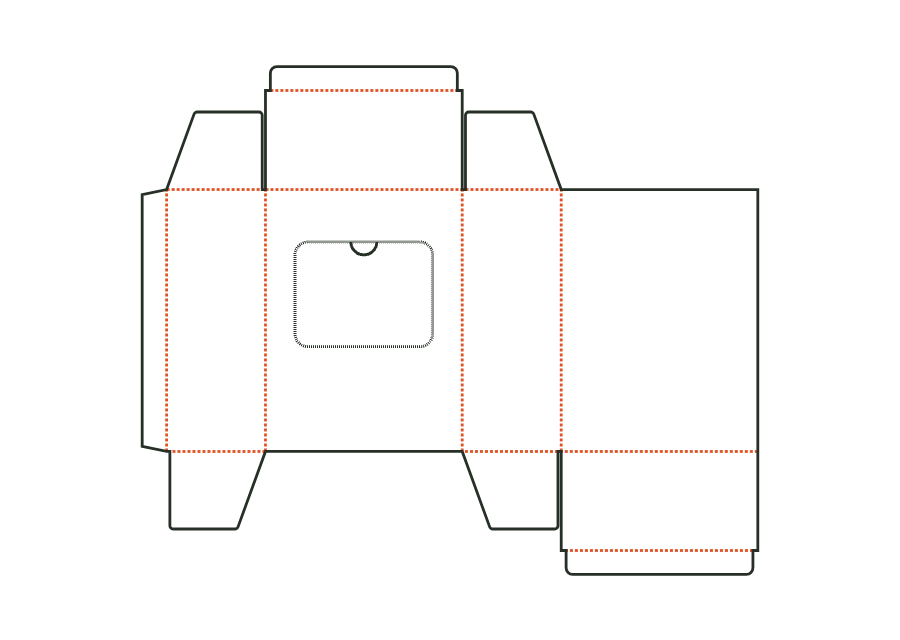
carton.display.counterView templateReverse tuck end carton with a perforated tear-open window in the front and a thumb notch as an opening tab; after opening, contents are removed individually.
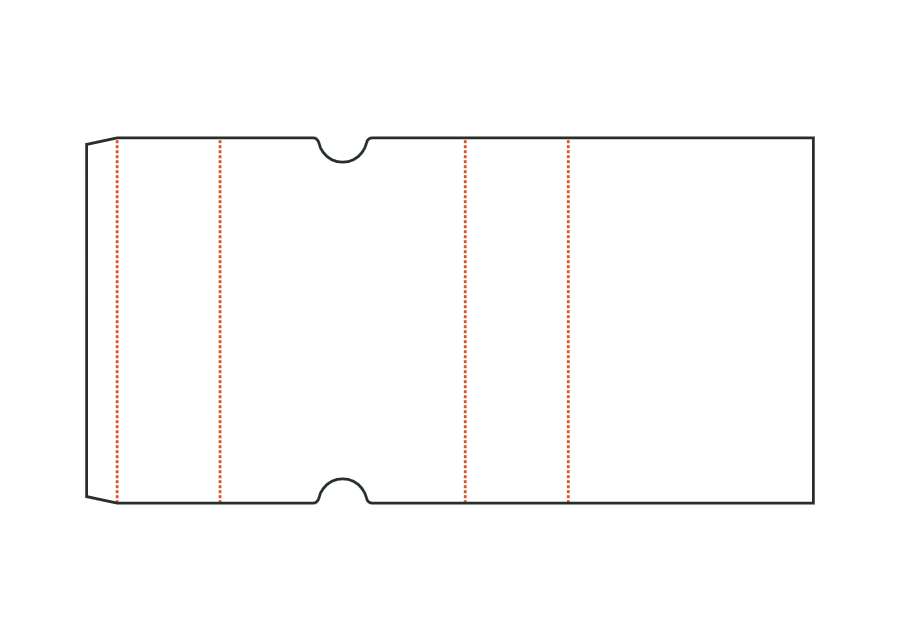
carton.dispenserView templateThe sleeve surrounds a product with four walls and remains open at both ends. Length and width describe the cross section; height denotes sleeve length. The dieline shows version 1 with finger notches on the front. Material thickness, glue flap, and notch position remain part of the calculation rather than simple scaling.
carton.sleeveView templateWith JetDieline, choose a suitable template, adjust its size, and place text, logos, and images directly on your packaging.
Try your dimensions