Front viewing area
Angle of the area visible from the front, measured around the body axis; marked as annotation lines opposite the seam.
 JetDieline
Labels and bands / JETDIELINE
Wrap label for cylindrical bottles and cans: length from circumference (or diameter) plus overlap; the front viewing area and overlap are marked as annotation lines.
label.wrapPosition the label's start (overlap strip) vertically, pull it taut around the body, and glue the end over the start. The front lies opposite the seam.
Grain direction parallel to the band height, across the circumference (check)
Test fit, folding and closure on a sample made from the intended material. Confirm material thickness, grain direction and production steps with your printer.
Compare labels, cup carriers and bottle packaging. Circumference and openings must fit the container. Print mockups of beverage cartons do not demonstrate liquid-tightness.
Outside dimension
These dimensions describe the preview, not a fixed packaging size. The app recalculates the dieline for your own dimensions.
Angle of the area visible from the front, measured around the body axis; marked as annotation lines opposite the seam.
Yes. The dimension model accepts a circumference or diameter. If both are given, entered circumference and π times diameter must differ by no more than 0.1 mm. Measure at the area of the container that the label will actually wrap around.
The circumference calculated from Ø 70 mm is 219.911 mm. With 8 mm overlap, the length is 227.911 mm. Height remains 90 mm. Overlap is already included in the blank and is not added again as bleed.
No. Seam and viewing area are annotation lines for design. The label wraps around a cylindrical body and has no crease. The front viewing area parameter changes this marking, not the diameter or outline length.
Find the right packaging shape and fit it to your product
Design the artwork directly on the real dieline
See problems before you pass on files
Files your printer can follow
Neck label for a conical bottle neck as a conical blank from top and bottom diameter and height; as a closed ring with overlap or a partial label.
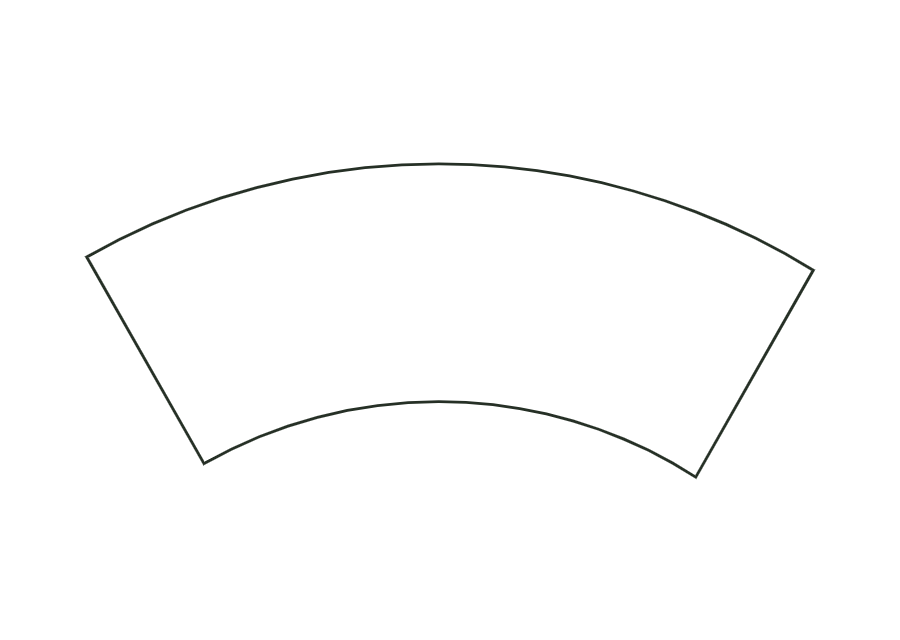
label.neckView templateWrap label for tapered cups and cans as a cone blank (annular sector) with a constant-width glue strip.
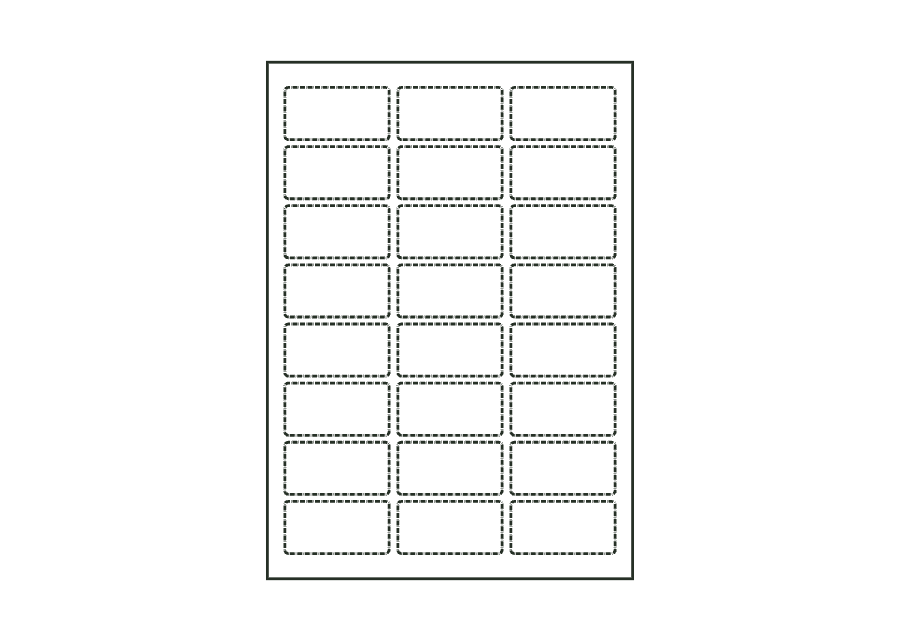
label.tapered.wrapView templateSheet with multiple identical labels in columns and rows; the labels are kiss-cut, and the liner remains intact.
label.sheet.layoutView templatePaper wrap band around a round body or a stack: length from circumference plus ease allowance and overlap; the overlap at the beginning is the glue area.
band.wrapView templateWith JetDieline, choose a suitable template, adjust its size, and place text, logos, and images directly on your packaging.
Try your dimensions