Label shape
Shape of the labels on the sheet: rectangle with corner radius, round, or oval.
 JetDieline
Labels and bands / JETDIELINE
Sheet with multiple identical labels in columns and rows; the labels are kiss-cut, and the liner remains intact.
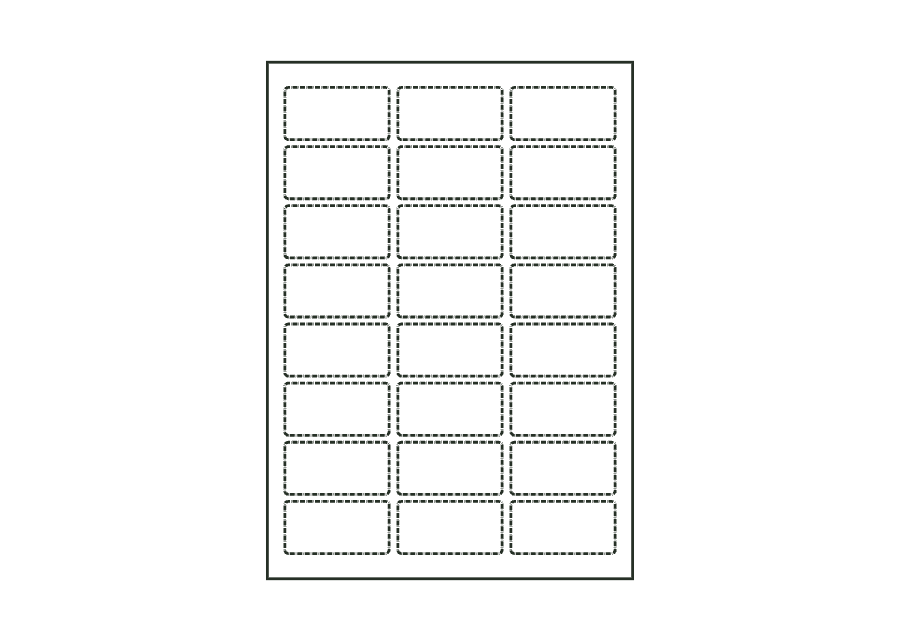
label.sheet.layoutThe outside outline is the liner sheet. Each of the 24 cells has its own label panel and a closed kiss-cut line marked as score. These lines represent kiss-cutting: only the face stock is cut, and the liner remains intact. Top and left margins determine the first cell; right and bottom margins are minimum clearances.
Have the sheet printed and kiss-cut; remove the matrix around the labels and peel each label off the liner.
No fixed grain direction; check parallel to the body axis on curved bodies
Test fit, folding and closure on a sample made from the intended material. Confirm material thickness, grain direction and production steps with your printer.
Shape of the labels on the sheet: rectangle with corner radius, round, or oval.
Width of one label (diameter for round labels); all columns, gaps, and margins must fit on the sheet.
Height of one label; equal to the width for round labels. All rows, gaps, and margins must fit on the sheet.
Corner radius of rectangular labels; at most half the shorter side.
The sheet's outside edge is a cut outline; the individual labels are kiss-cuts. The export marks these closed lines as score; manufacturing validation recognizes them as kiss-cuts. The manufacturer must coordinate cutting depth and the material combination so that the face stock is cut and the liner is preserved.
No. You set rows and columns, gaps, and margins. The construction checks whether the selected labels fit on the sheet. It does not seek an economically optimal arrangement or change the grid automatically. The default example contains 3 × 8, or 24 labels.
The labels may fit on the sheet while leaving too little space between them for printing to the edge. ART-007 checks the gap against twice the bleed of the production profile. Change gaps, label dimensions, or the grid, then check construction and artwork again.
Find the right packaging shape and fit it to your product
Design the artwork directly on the real dieline
See problems before you pass on files
Files your printer can follow
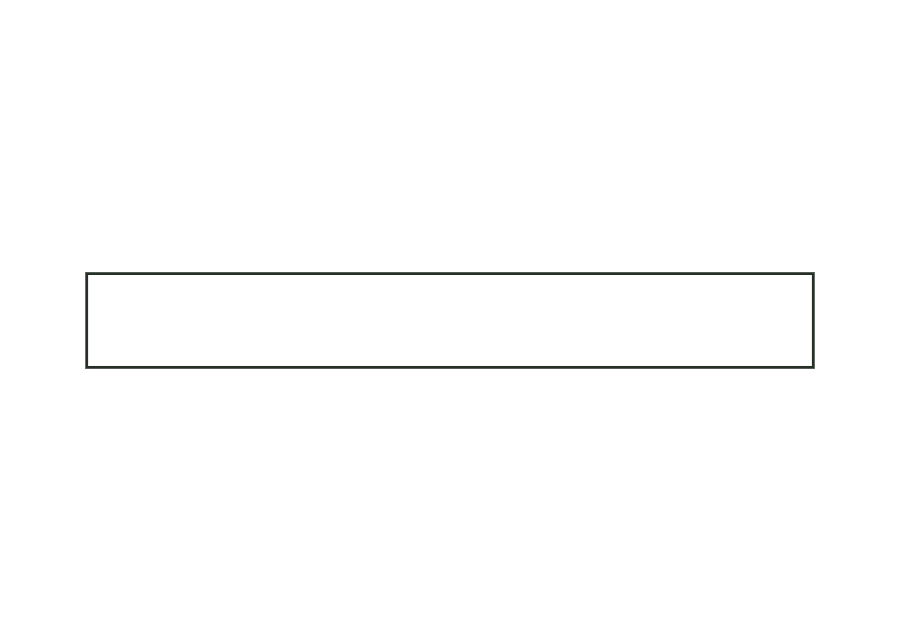
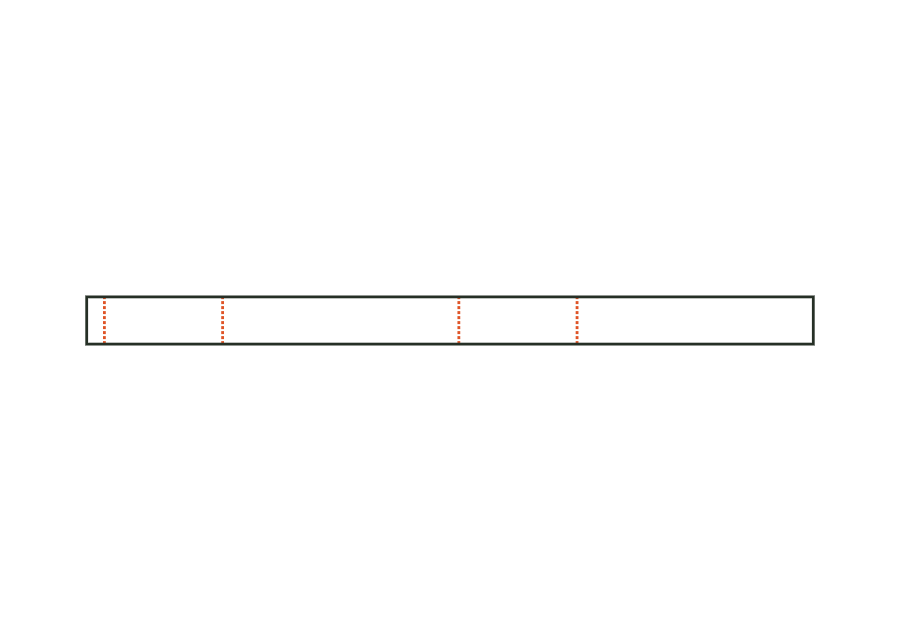
Paper wrap band around a round body or a stack: length from circumference plus ease allowance and overlap; the overlap at the beginning is the glue area.
band.wrapView templatePaper belly band around the four walls of a box, with creases at the edges and a glue flap; crease-to-crease dimensions from the box's outside dimensions plus material thickness.
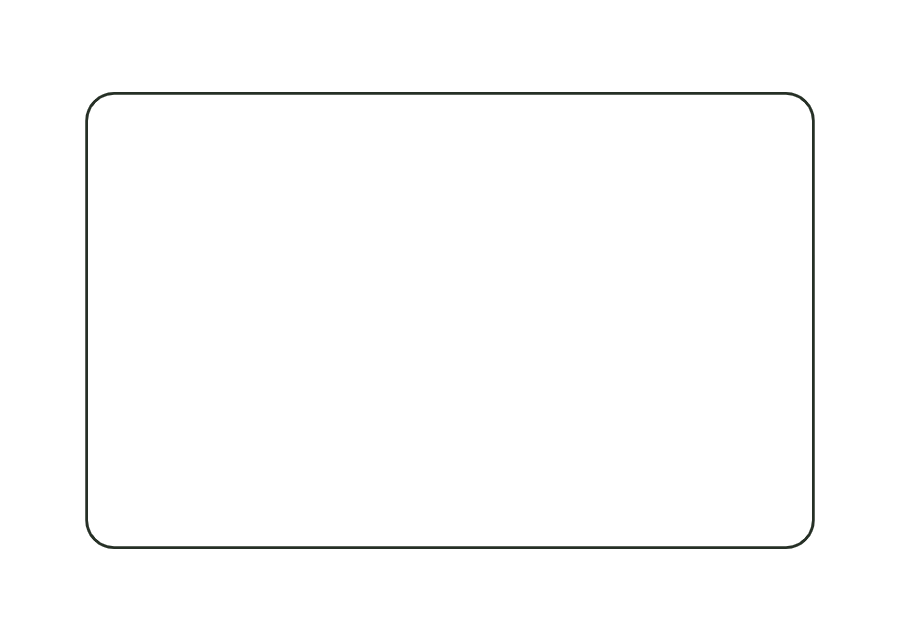
band.bellyView templateRectangular label with selectable corner radius; dieline with bleed and safety zone from the production profile.
label.rectView templateWith JetDieline, choose a suitable template, adjust its size, and place text, logos, and images directly on your packaging.
Try your dimensions