Glue flap
Width of the glue flap used to glue the blank into a tube. The material requires a minimum width.
 JetDieline
Special carton shapes / JETDIELINE
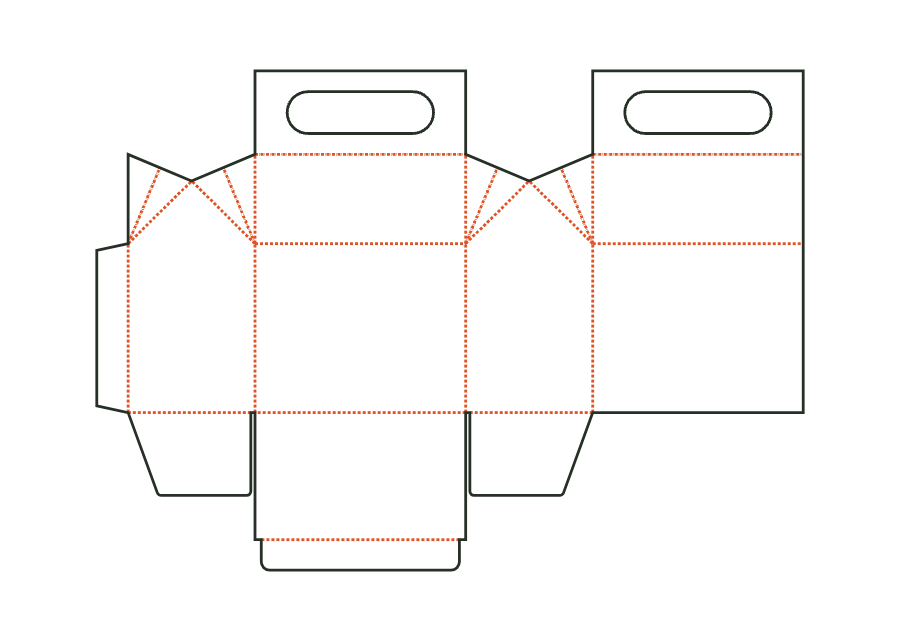
The gable carton combines a tuck bottom with a gable roof and glued handle flaps. The page explicitly shows version 1 with handle hole, roof panels, and gussets. The entered height describes the body; gable and handle are added using separate parameters. The calculated dieline is a basis for the folding sample, not proof of load capacity.
Drag to rotate
03 / BOX
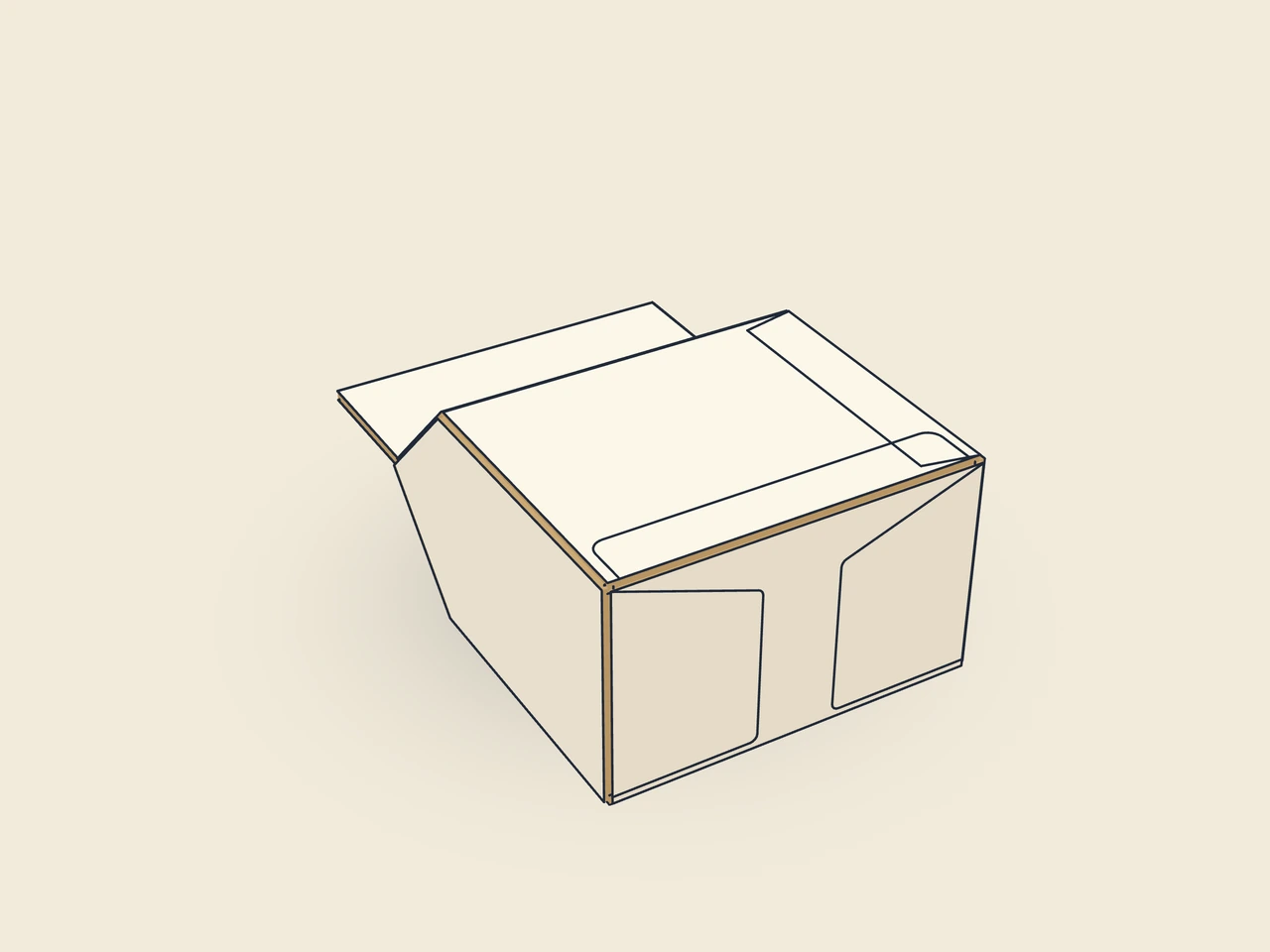
Simplified display model without material thickness, not to scale.
The 3D view is not available in this browser. The image shows the folded shape.
carton.gableFront and back carry roof panels with handle flaps. Side gable triangles and gussets fold inward during closure. One gusset is attached to the back roof at its glue edge; the two handle flaps are glued together. The bottom remains a tuck closure with dust flaps.
Prebreak the blank along all creases, glue the glue flap to the inside of the back wall, and flatten the carton. Erect for filling and close the bottom with dust flaps and a tuck flap. After filling, fold the gussets together along their center line and inward, close the roof panels, glue the gusset's glue edge to the inside of the back roof, and glue the handle flaps together.
Grain direction parallel to the height: wall creases along the grain, eave, ridge, and handle flaps across it, so carrying loads the handle across the fibers (check with the test print shop).
Test fit, folding and closure on a sample made from the intended material. Confirm material thickness, grain direction and production steps with your printer.
Inside dimension
These dimensions describe the preview, not a fixed packaging size. The app recalculates the dieline for your own dimensions.
Width of the glue flap used to glue the blank into a tube. The material requires a minimum width.
Bevel at the ends of the glue flap; facilitates folding and erection.
How far the tuck flap reaches into the box; at most approximately half the width (the height for the mailer).
Corner radius of the tuck flap; limited by half the flap width or tuck depth.
Side inset of the tuck flap relative to the lid, allowing easy insertion.
No. The dimensions describe the body; gable height and handle flap height are added using separate parameters. The flat blank's bounding box also includes the bottom closure. Do not directly compare body height with flat blank height, and check the assembled package's total height on the sample.
Version 1 calls for handle flaps glued together. A gusset is also glued at its glue edge to the inside of the back roof. The geometry creates these surfaces but does not perform the gluing. Agree on adhesive, contact areas, and production sequence with the print shop and check full curing before loading.
Parameter ranges apply together with bridge conditions. At least 10 mm remains at the sides; at least 5 mm at the top and bottom of the handle flap. A wide or short handle flap may therefore require smaller hole dimensions than the table maximum allows. In particular, check the remaining bridges with the intended board and actual contents.
Find the right packaging shape and fit it to your product
Design the artwork directly on the real dieline
See problems before you pass on files
Files your printer can follow
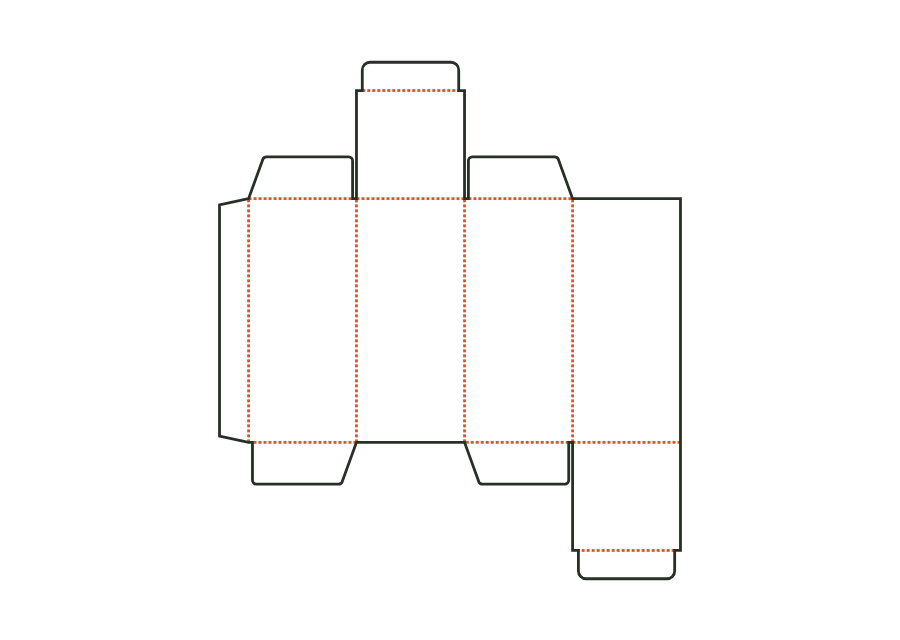
The top tuck flap is attached to the front, the bottom one to the back. The reverse tuck end carton calculates its walls, dust flaps, and closures from the inside dimension. The dieline shown comes from Version 3 with the hanging hole disabled; artwork, production dieline, and report can be exported together in the technical core.
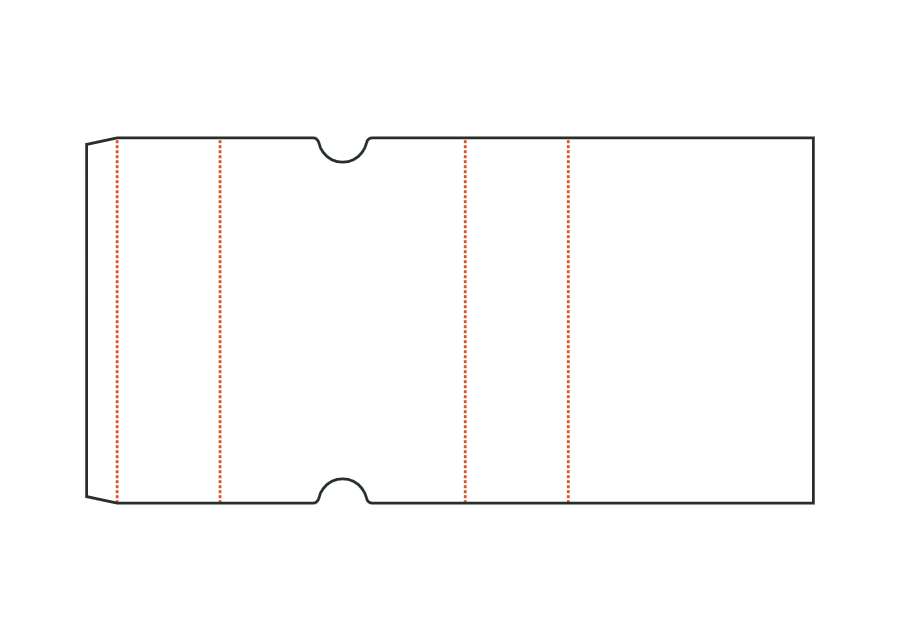
carton.tuckend.reverseView templateThe sleeve surrounds a product with four walls and remains open at both ends. Length and width describe the cross section; height denotes sleeve length. The dieline shows version 1 with finger notches on the front. Material thickness, glue flap, and notch position remain part of the calculation rather than simple scaling.
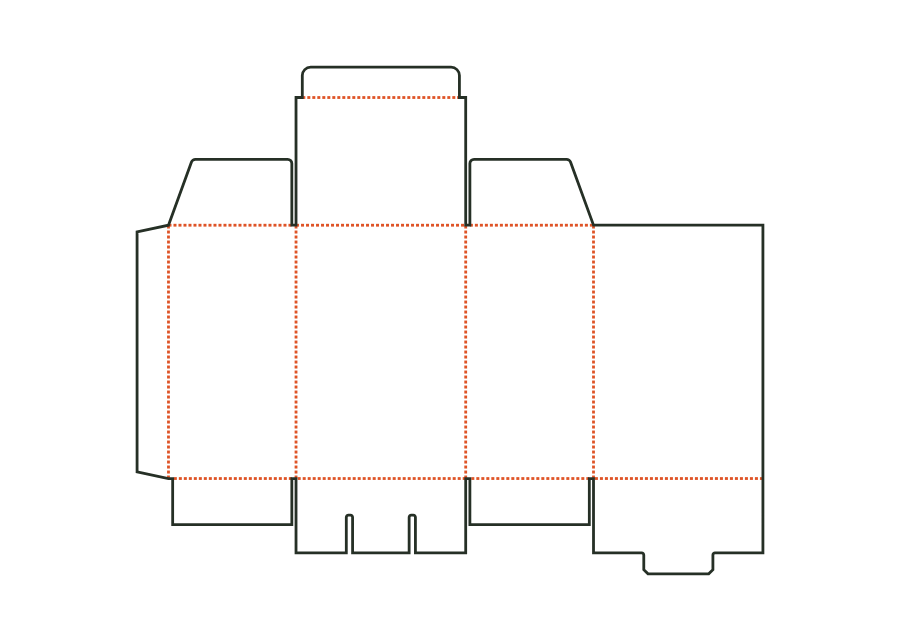
carton.sleeveView templateThe snap-lock bottom closes with four interlocking flaps. Two side flaps lie inside; a tab at the back tucks under the tongue of the front flap. Version 1 combines this bottom with a tuck lid. The calculated example uses folding carton board 400 g/m² and shows the flat dieline with creases and bottom slits.
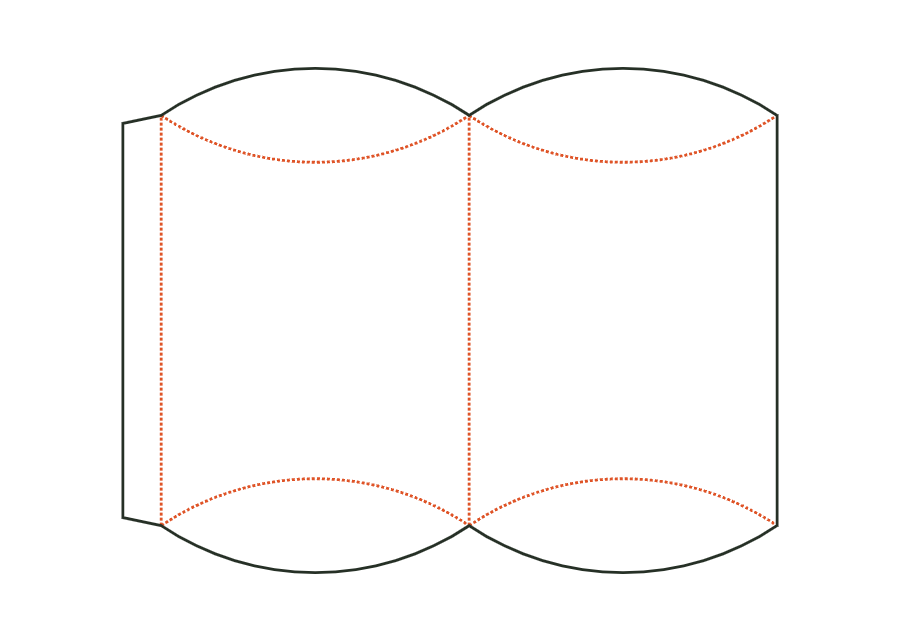
carton.snaplockView templateThe pillow box curves two wall surfaces between lens-shaped end flaps. Curved creases create the closure instead of straight lid creases. In version 1, the inputs mean the package's width × thickness × length. The shown dieline accounts for these proportions and the starting material; it does not define a rectangular box interior.
carton.pillowView templateWith JetDieline, choose a suitable template, adjust its size, and place text, logos, and images directly on your packaging.
Try your dimensions