Card width
Width of the inserted card (credit card 85.6 mm).
 JetDieline
Envelopes and cards / JETDIELINE
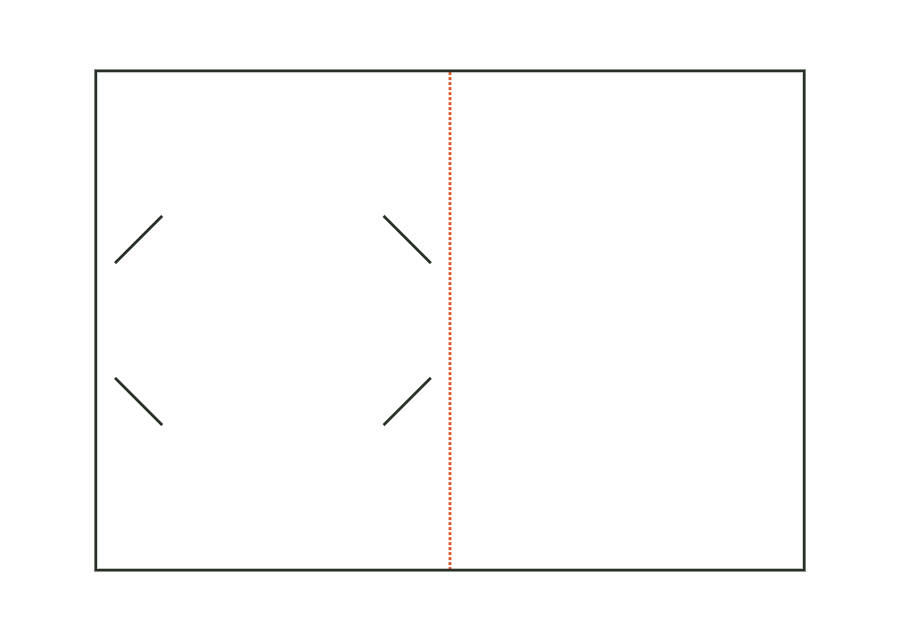
Folded card or single card with four corner slots (corner pockets) or two side slots for a credit-card-size gift card of 85.6 × 54 mm; optional header with hanging hole.
Drag to rotate
03 / BOX
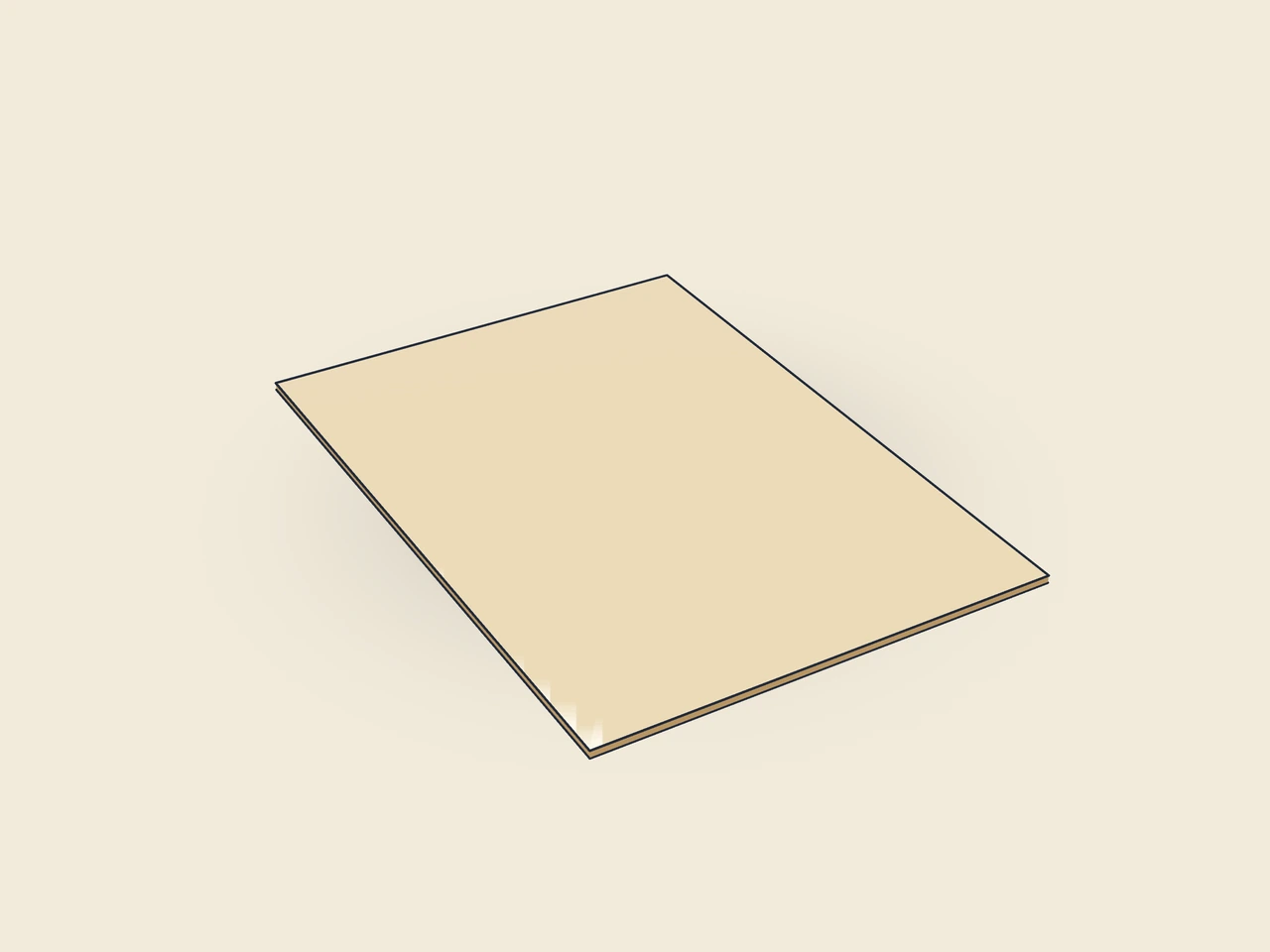
Simplified display model without material thickness, not to scale.
The 3D view is not available in this browser. The image shows the folded shape.
card.giftholderThe holder starts as a folded card with a gift card on the inside of the back panel. Four corner slots hold its corners. Two side slots are available as an alternative. The holder can remain standalone or receive an additional header with a hanging hole.
Slide the gift card corners into the corner slots or its sides into the side slots. Close the folded card at the fold.
Grain direction vertical on the blank (check)
Test fit, folding and closure on a sample made from the intended material. Confirm material thickness, grain direction and production steps with your printer.
Outside dimension
These dimensions describe the preview, not a fixed packaging size. The app recalculates the dieline for your own dimensions.
Width of the inserted card (credit card 85.6 mm).
Height of the inserted card (credit card 54 mm).
Allowance per side between card and slots.
Four angled corner slots engaging the card corners, or two vertical slots at the card's side edges.
Card center as a proportion of height, measured from the bottom.
The size 105 × 148 mm describes the holder's final format. giftCardWidth and giftCardHeight describe the inserted card; their starting values are 85.6 × 54 mm. Do not swap these two dimension sets. Also check the selected clearance and position on the holder's back panel.
No. The corners option creates four corner slots in the card holder. The card corners slide into them. No separate glued-on pockets are calculated. Check insertion direction on the sample and whether the card corners are held securely without the board tearing at the slot ends.
Yes. giftCardMount offers corners and slits. slits uses two side slots for mounting. Slot positions follow the entered card dimensions and clearance. After a change, recheck assembly and artwork; identical holder outside dimensions do not mean both mounting types behave the same way.
Find the right packaging shape and fit it to your product
Design the artwork directly on the real dieline
See problems before you pass on files
Files your printer can follow
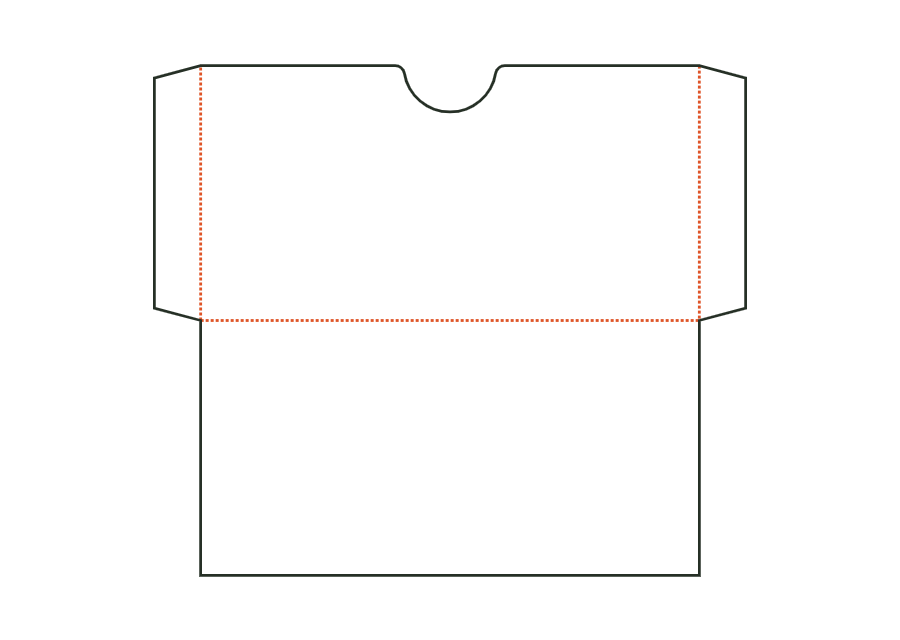
Flat sleeve for gift, loyalty, or greeting cards: front with a thumb cutout at the opening, back at the bottom crease, side seams formed by glue flaps, and an optional closure flap. Dimensions are the card's insertion dimensions; the sleeve grows with clearance and flaps.
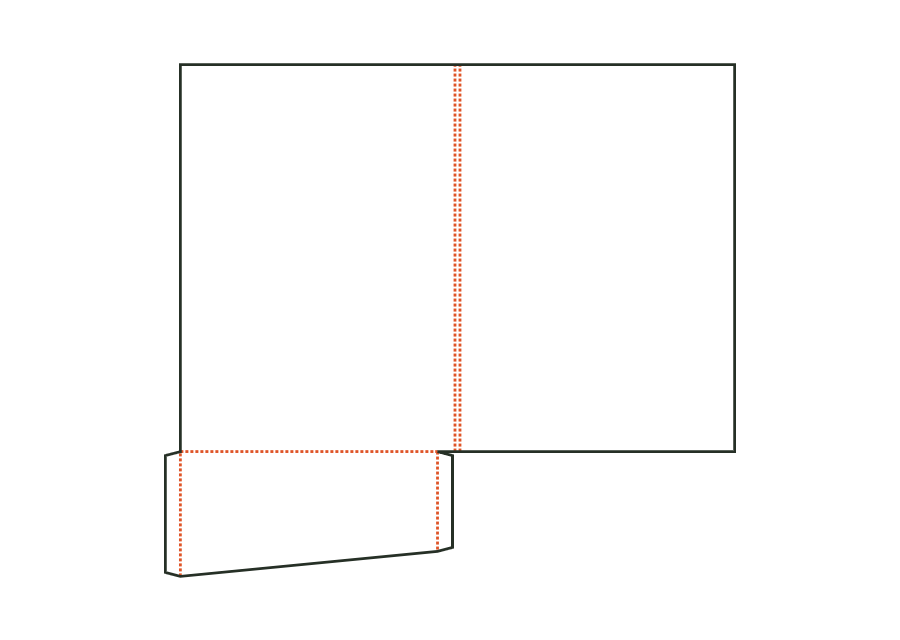
card.sleeveView templateFolder made from front and back covers with a spine and a pocket on the right, left, or both sides; pockets carry glue flaps on both sides, with optional business card slots. Dimensions refer to the finished size of the closed folder.
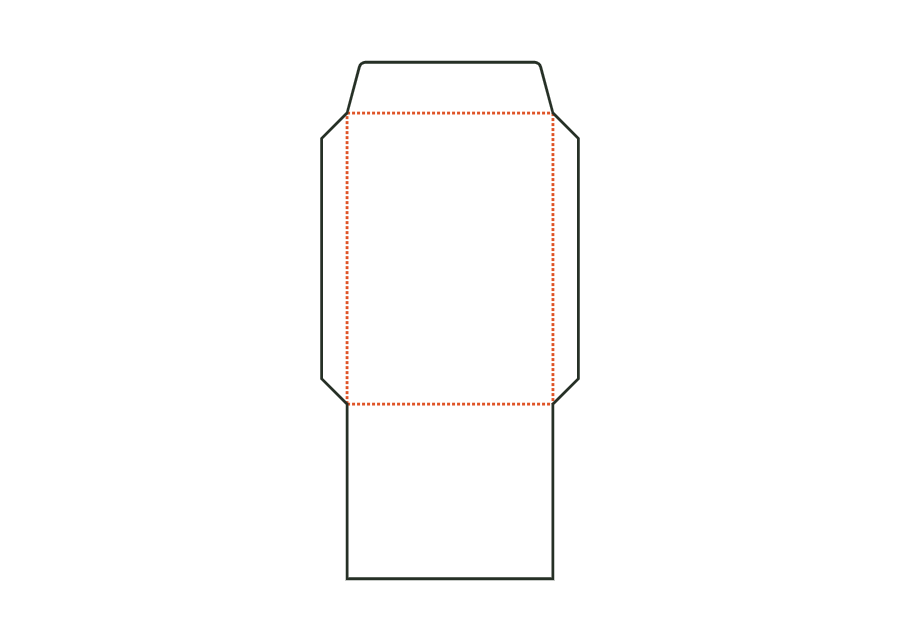
folder.pocketView templateEnvelope or pocket envelope comprising address panel, two side flaps, bottom flap as the back, and closure flap. Dimensions are the finished size; the opening is at the top edge.
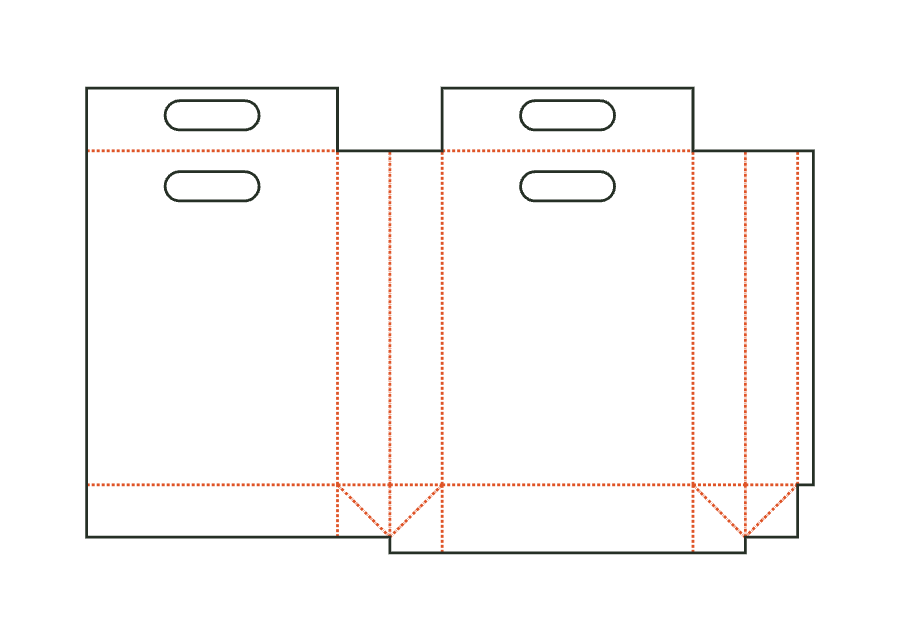
envelope.pocketView templatePaper carrier bag comprising front, back, and two side gussets with a longitudinal seam, block bottom, top turn-in as handle reinforcement, and die-cut handle holes; dimensions: bag width × gusset depth × height. Bottom insert and handles are separate parts.
bag.carrierView templateWith JetDieline, choose a suitable template, adjust its size, and place text, logos, and images directly on your packaging.
Try your dimensions Download on the Mac App Store