Clearance to box wall
Clearance between the pad edge and box wall on each side; the pad is smaller than the flat dimensions by twice the clearance.
 JetDieline
Corrugated shipping boxes / JETDIELINE
Flat insert pad used as a base, layer, or top pad in a box. The flat dimensions follow the box's inside space; side clearance makes the pad smaller. An optional grid creates identical rounded cut-outs.

corrugated.insert.padFlat corrugated board pad used as a base, layer, or top pad in a box, optionally with a grid of identical rounded cut-outs; dimensions = inside length × inside width of the box.
Separate the pad from the sheet, remove the cut-outs, and place it flat in the box – as a base, between two layers, or on top under the lid.
Flute direction parallel to the longer side of the pad: greater bending stiffness across the longer span (check with a test print shop).
Test fit, folding and closure on a sample made from the intended material. Confirm material thickness, grain direction and production steps with your printer.
Inside dimension
These dimensions describe the preview, not a fixed packaging size. The app recalculates the dieline for your own dimensions.
Clearance between the pad edge and box wall on each side; the pad is smaller than the flat dimensions by twice the clearance.
Turn the grid of identical cut-outs in the pad on or off.
Number of cut-outs along the pad width, evenly spaced.
Number of cut-outs along the pad height, evenly spaced.
Width of each cut-out; at least 10 mm of web remains between cut-outs and at least 5 mm to the edge.
padClearance is subtracted on both sides in each direction. The default value of 1 mm produces a 298 × 198 mm pad from 300 × 200 mm. Here, the flat dimensions refer to the intended inside space of the box. Actual clearance can only be confirmed with the box and intended material.
Yes. cutouts is enabled; the starter profile contains two cut-outs side by side in one row. Each cut-out measures 100 × 60 mm with a 5 mm radius. Turn off the grid if you need a solid layer pad. The area metric and cut length then change accordingly.
The template creates a grid of identical cut-outs with a shared width, height, and radius. Different individual outlines are not a parameter of this V1. Columns and rows control the distribution. For a product-specific outline, you need another suitable construction or a separately validated reference dieline.
Find the right packaging shape and fit it to your product
Design the artwork directly on the real dieline
See problems before you pass on files
Files your printer can follow
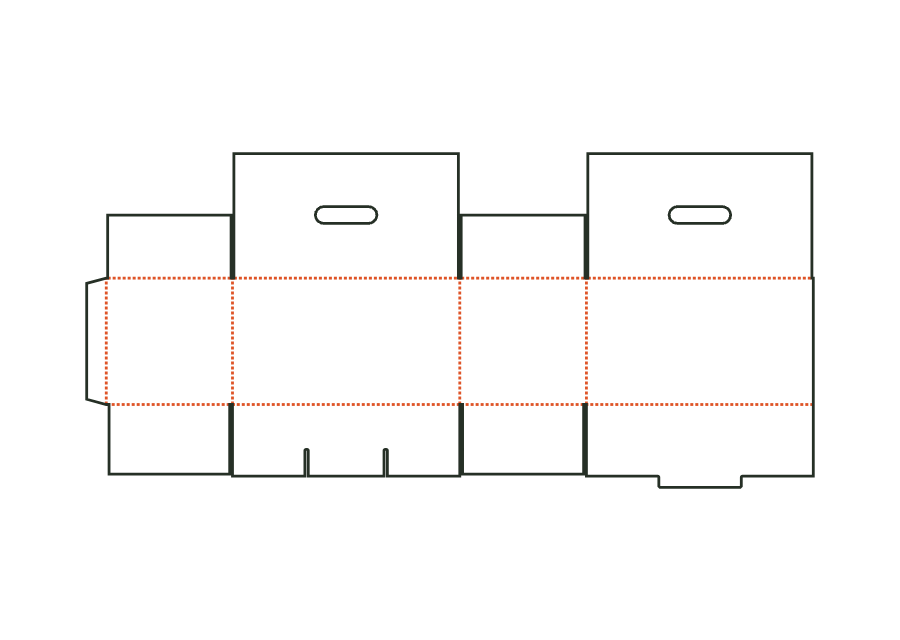
Corrugated carry-handle box with a snap-lock bottom. Two fully overlapping lid flaps have aligned handle cutouts and are glued over their full area; an additional handle is not part of the construction.
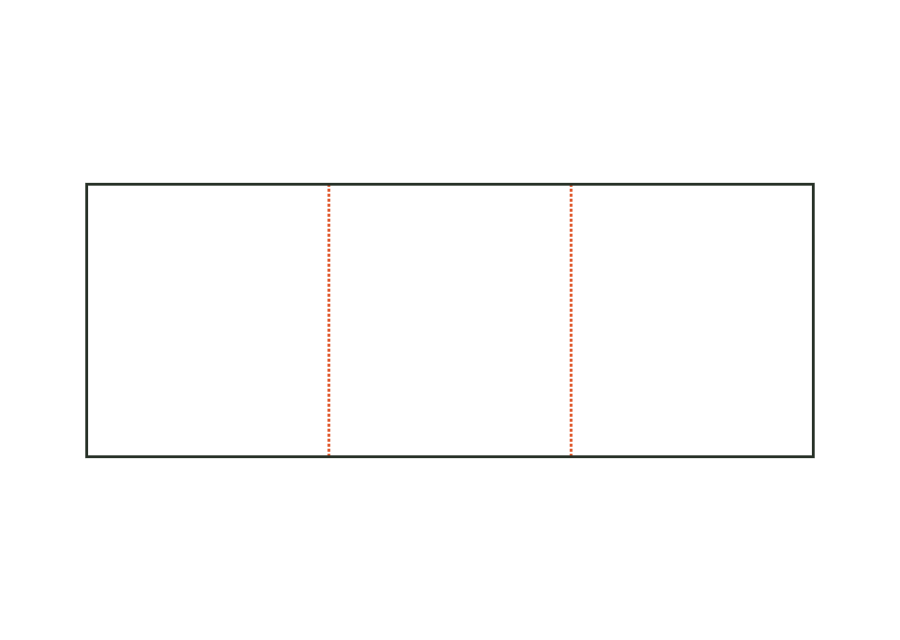
corrugated.handleView templateRectangular corrugated sheet with zero to three evenly spaced creases. Without creases, it serves as a flat layer pad; folded, it forms an angle, U-profile, or wrap around a product.
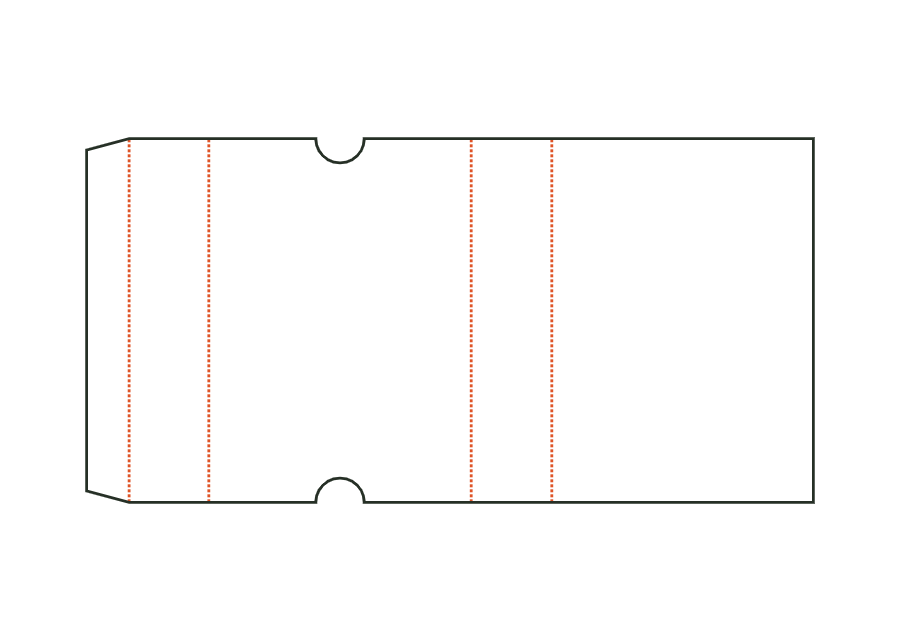
corrugated.sheetView templateCorrugated sliding sleeve with glue flap and open ends. Thumb notches at both ends of the top make it easier to push out an inner part. The template calculates the sleeve only.
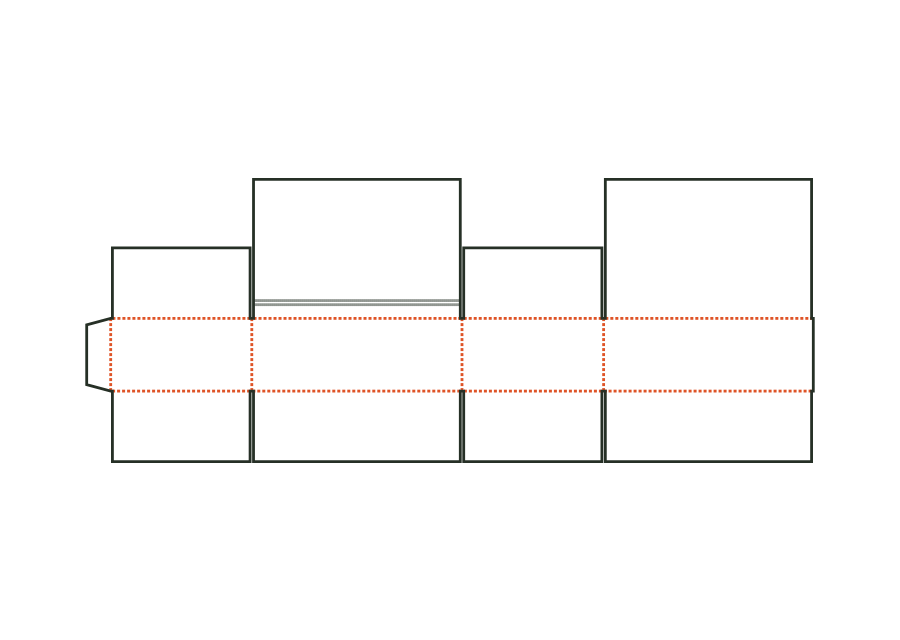
corrugated.slideView templateCorrugated shipping box with fully overlapping lid flaps, self-seal closure, and tear strip. The bottom is closed with tape as on a regular slotted box; the upper closure has adhesive strips and an opening aid.
corrugated.shipper.selfsealView templateWith JetDieline, choose a suitable template, adjust its size, and place text, logos, and images directly on your packaging.
Try your dimensions