Hole diameter
Diameter of the hanging hole; the hole maintains a minimum bridge to the edge.
 JetDieline
Labels and bands / JETDIELINE
Hang tag with corner radius and a round hanging hole as an internal cut.
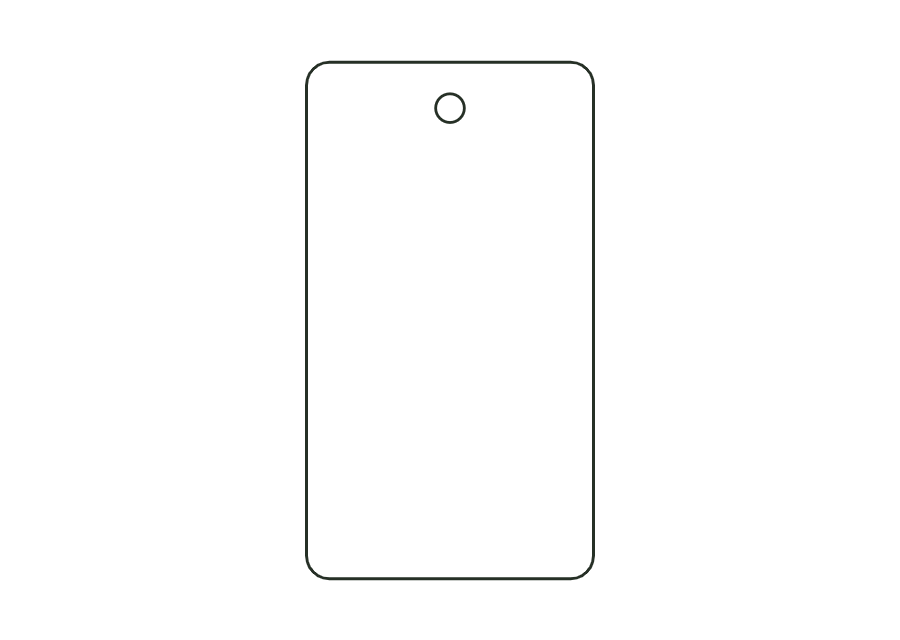
hangtagThe outer contour is a rounded rectangle. A round internal cut creates the hanging hole. In the starting example, its center lies 8 mm below the top edge and at 50 % of the width. The hole and outer corner radii are checked together for a minimum bridge. The construction has a single panel without creases.
Remove the hang tag from the sheet and thread string, ribbon, or a loop through the hole.
No fixed grain direction; check parallel to the body axis on curved bodies
Test fit, folding and closure on a sample made from the intended material. Confirm material thickness, grain direction and production steps with your printer.
Outside dimension
These dimensions describe the preview, not a fixed packaging size. The app recalculates the dieline for your own dimensions.
Diameter of the hanging hole; the hole maintains a minimum bridge to the edge.
Distance from the top edge to the hole center; no more than half the height.
Position of the hole center as a proportion of the width, measured from the left (50 % = centered).
holeDistance is the distance of the hole center below the top edge. The starting value is 8 mm. With a 5 mm hole diameter, the upper hole edge is 5.5 mm below the straight top edge. The lateral position is set separately as a proportion of the width.
Yes. holePosition ranges from 10–90 % of the width, measured from the left. The starting value of 50 % is centered. The geometric constraint also checks the minimum bridge to the contour. A position within the parameter range is therefore not automatically permissible near a rounded corner.
The model requires at least 2 mm between the hole edge and outer contour. At rounded corners, the distance is checked against the actual contour. This geometric starting value does not confirm tensile strength. Test the thread, loop, and load with the intended board.
Find the right packaging shape and fit it to your product
Design the artwork directly on the real dieline
See problems before you pass on files
Files your printer can follow
Rectangular label with selectable corner radius; dieline with bleed and safety zone from the production profile.
label.rectView templateWrap label for cylindrical bottles and cans: length from circumference (or diameter) plus overlap; the front viewing area and overlap are marked as annotation lines.
label.wrapView templateWith JetDieline, choose a suitable template, adjust its size, and place text, logos, and images directly on your packaging.
Try your dimensions