Templates and dimensions
Find the right packaging shape and fit it to your product
 JetDieline
Labels and bands / JETDIELINE
Rectangular label with selectable corner radius; dieline with bleed and safety zone from the production profile.
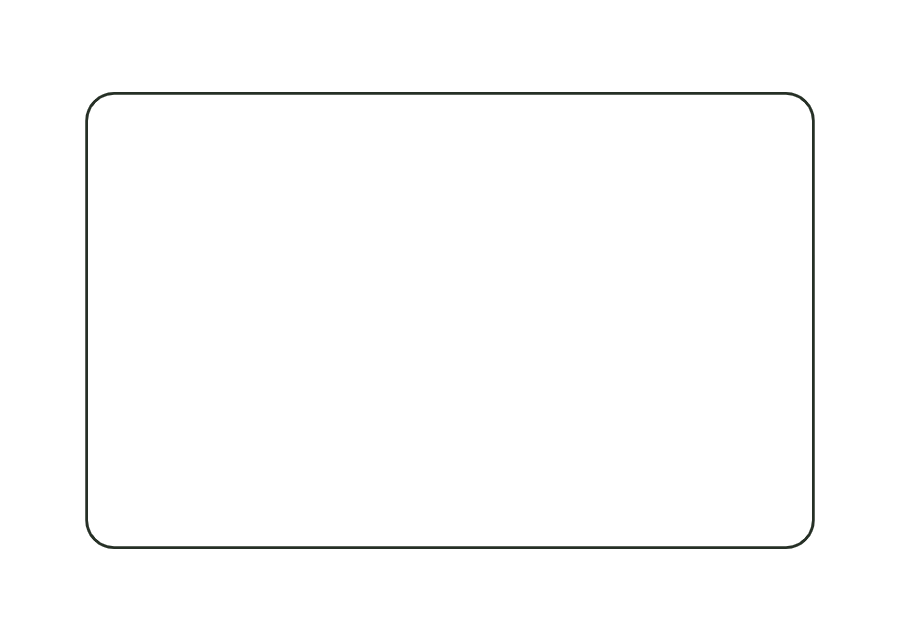
label.rectOne panel has a rectangular cut outline with four rounded corners. Width and height are the finished size at the cut edge; corner radius is a label dimension, not an additional template parameter. There is neither a glue flap nor a crease. The production profile adds bleed and safety zone in the render model.
Peel the label from the backing material and apply it from the center outward without bubbles.
No fixed grain direction; check parallel to the body axis on curved bodies
Test fit, folding and closure on a sample made from the intended material. Confirm material thickness, grain direction and production steps with your printer.
Outside dimension
These dimensions describe the preview, not a fixed packaging size. The app recalculates the dieline for your own dimensions.
No. Width and height describe the finished size at the cut edge. Bleed and safety margin come from the production profile. Extend backgrounds to the bleed and keep important content within the safety zone; confirm both allowances with the manufacturer carrying out the work.
Yes, a corner radius of 0 creates a rectangular outline without rounding. Outside dimensions remain unchanged. The corner choice affects the outline and its cut length. Check the production partner's tooling capabilities before approving the finished size.
The dimension model allows no more than half the shorter side. With larger radii, the four arcs no longer fit geometrically inside the chosen rectangle. Construction stops; the template does not silently reduce the radius. Deliberately change the radius or finished size.
Find the right packaging shape and fit it to your product
Design the artwork directly on the real dieline
See problems before you pass on files
Files your printer can follow
Wrap label for cylindrical bottles and cans: length from circumference (or diameter) plus overlap; the front viewing area and overlap are marked as annotation lines.
label.wrapView templateNeck label for a conical bottle neck as a conical blank from top and bottom diameter and height; as a closed ring with overlap or a partial label.
label.neckView templateWith JetDieline, choose a suitable template, adjust its size, and place text, logos, and images directly on your packaging.
Try your dimensions