Rectangular label
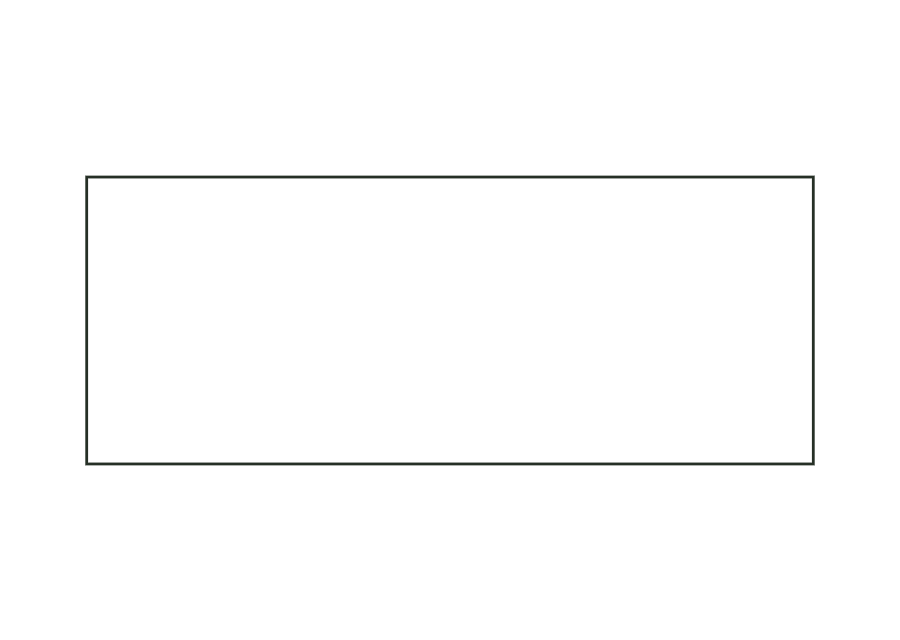
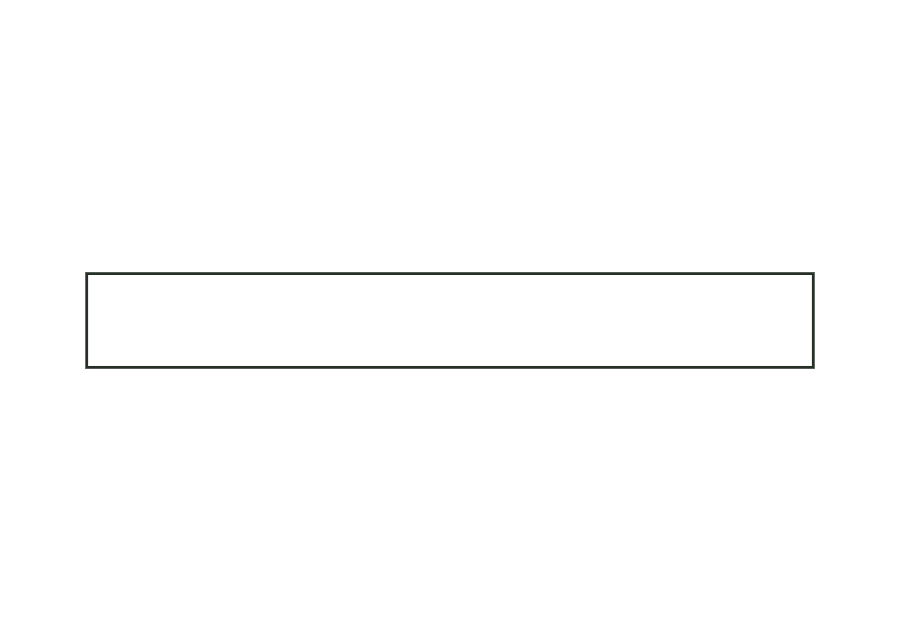
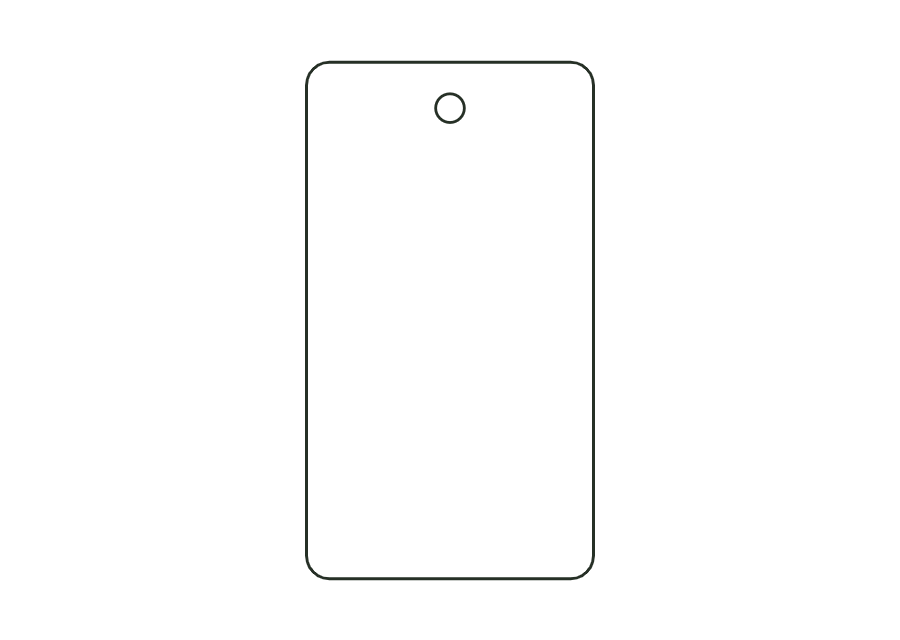
Rectangular label with selectable corner radius; dieline with bleed and safety zone from the production profile.
label.rectView template JetDieline
JETDIELINE / Templates
Design contours for existing products and containers. Circumference, overlap and taper determine the flat layout. Compare flat labels, wraparound shapes and bands against the actual product surface.
Individual components are shown separately. Different sizes and stored template versions are not additional packaging shapes.
 label.rect
Rectangular label with selectable corner radius; dieline with bleed and safety zone from the production profile.
label.rectView templateWrap label for cylindrical bottles and cans: length from circumference (or diameter) plus overlap; the front viewing area and overlap are marked as annotation lines.
label.wrapView templateNeck label for a conical bottle neck as a conical blank from top and bottom diameter and height; as a closed ring with overlap or a partial label.
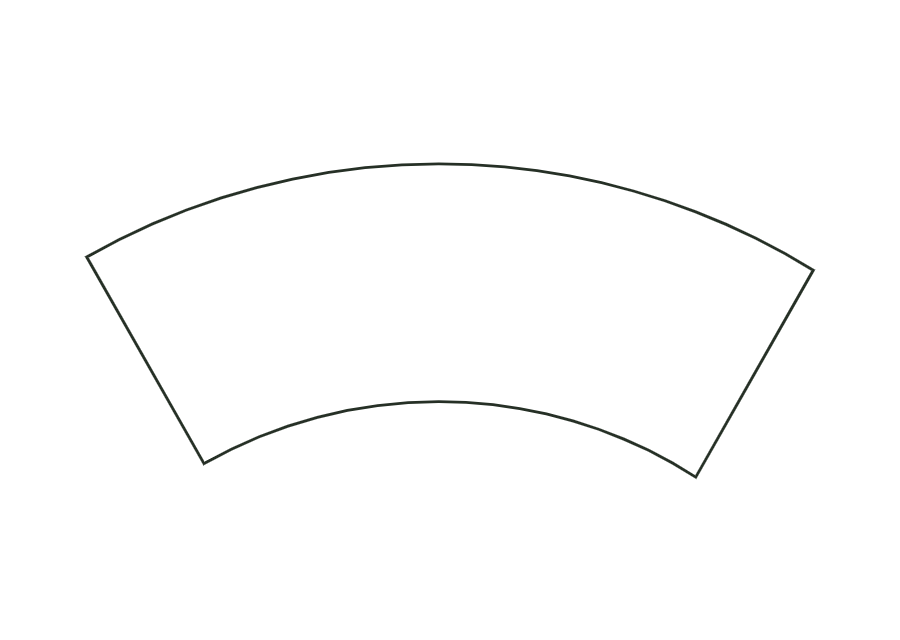
label.neckView templateWrap label for tapered cups and cans as a cone blank (annular sector) with a constant-width glue strip.
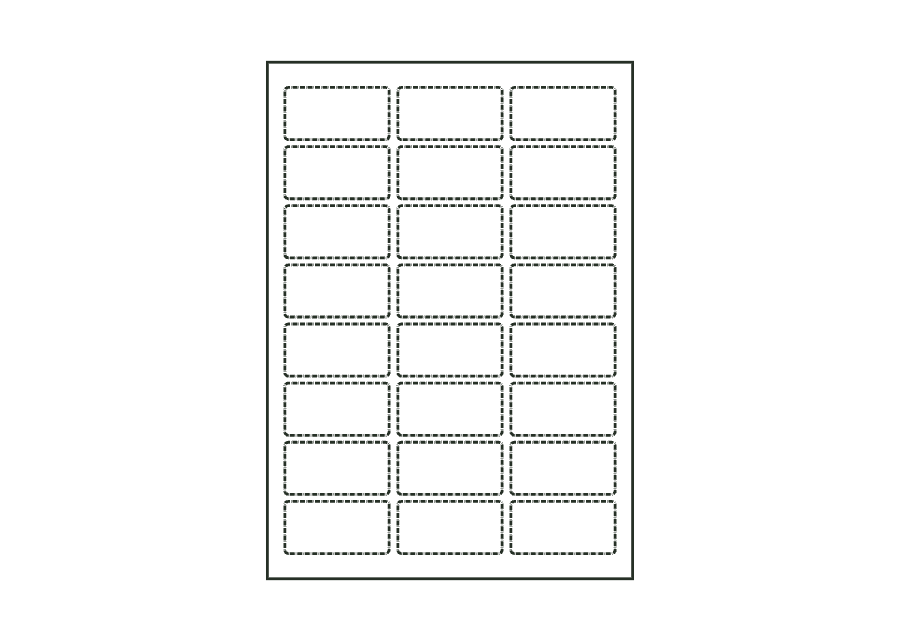
label.tapered.wrapView templateSheet with multiple identical labels in columns and rows; the labels are kiss-cut, and the liner remains intact.
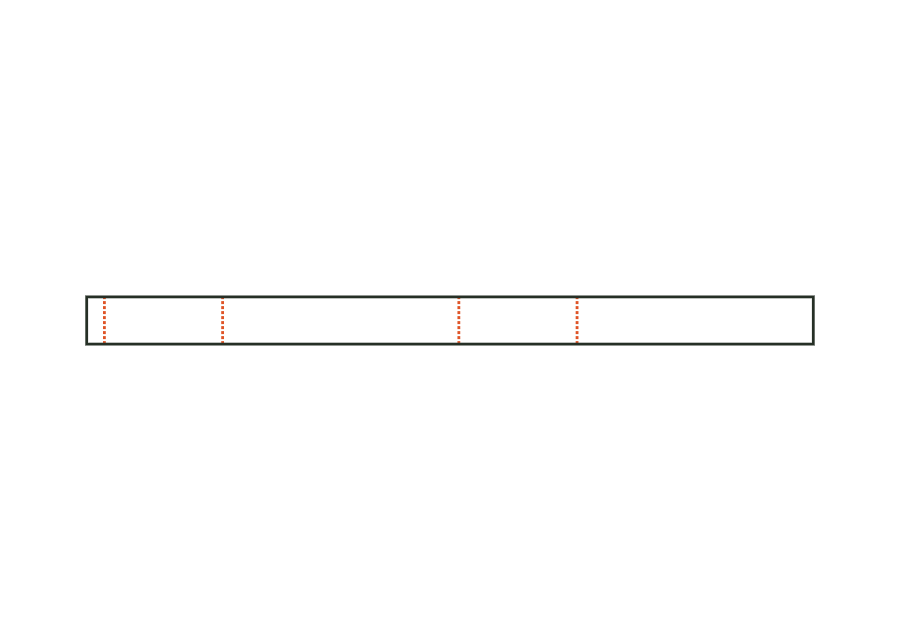
label.sheet.layoutView templatePaper wrap band around a round body or a stack: length from circumference plus ease allowance and overlap; the overlap at the beginning is the glue area.
band.wrapView templatePaper belly band around the four walls of a box, with creases at the edges and a glue flap; crease-to-crease dimensions from the box's outside dimensions plus material thickness.
band.bellyView templateNo matching template. Change your search or application.
With JetDieline, choose a suitable template, adjust its size, and place text, logos, and images directly on your packaging.
Try your dimensions Download on the Mac App Store